1. State of the art, project management and documentation
Research & Ideation

Hi! I am Emma Yanez. I’m an electronics engineer, painter, and fashion designer — a mix that pretty much sums up how much I love creating and building things that make life a little easier and a lot happier. I’m passionate about bringing ideas to life, whether it’s through technology, art, or style. I love traveling, sightseeing, and meeting new people — there’s something special about building connections and sharing stories. I’m also a big fan of going to the movies (yes, actually going, not just watching from the couch! LOL) and I believe music and dancing are the best fuel to stay inspired and motivated every day.
It all began many years ago in a library in Gothenburg, where I stumbled upon a book about smart clothing and became instantly fascinated by the topic. At the time, however, I was not enrolled in any related courses. It wasn’t until 2018, in Barcelona, that I discovered Fabricademy, and I immediately knew it was the right place to develop my passions for wearables, smart textiles, affective computing, and textiles in general.
Previous work
My previous related work has focused mainly on painting and Mexican art crafts. In parallel, during the Art & Technology master’s program, I worked with evolutionary algorithms. For my final project, I developed a choreography generated by an evolutionary algorithm using video fragments of dance movements. The program randomly selects and combines these video segments, producing a different choreography each time.

*Authors: Emma Yanez Dancer:Sonny Korochev


References & Inspiration
My inspiration from Remedios Varo comes from her ability to transform inner worlds into poetic, symbolic narratives. As a painter, I am drawn to the way she blends mysticism, science, and imagination, creating dreamlike spaces where the emotional and the intellectual coexist. Her use of surreal architecture, introspective figures, and subtle humor encourages me to explore painting as a tool for self-reflection and storytelling, where personal experience becomes a visual language of curiosity, transformation, and wonder.


Tapis Magique resonates with my evolutionary choreography developed in 2005 in the way it visualizes transformation as a continuous, almost ritualistic journey. The sense of movement across a symbolic surface, guided by inner forces rather than linear time, mirrors how my choreography explored evolution through gradual shifts of the body, repetition, and metamorphosis. Both works evoke a passage between states—physical, emotional, and spiritual—where motion becomes a language of becoming, suggesting that evolution is not a destination but an unfolding process shaped by intuition and memory.

Documentation
Using Markdown and GitLab to Upload and Reference Media
GitLab supports Markdown for writing documentation, READMEs, and issues, and it allows you to upload and reference images and videos directly within your repository.
Uploading Images and Videos to GitLab
There are two common ways to upload media files:
Upload via the GitLab Web Interface Navigate to your repository in GitLab. Open the folder where you want to store media (e.g., /images or /media). Click “+” → “Upload file” or “New file” → “Upload file”. Select your image (.png, .jpg, .gif) or video (.mp4, .webm). Add a commit message and click Commit changes.
Referencing Images in Markdown
Use the following Markdown syntax to embed images:
{ width=300 }
Referencing Media Stored in the Repository
To reference files stored in your repository, always use relative paths:

Example

Best Practices
Organize media into folders like /images, /videos, or /assets. Use descriptive file names (e.g., user-flow-diagram.png). Keep file sizes reasonable to improve loading times. Always add alt text for images for accessibility. Prefer .mp4 for videos for maximum compatibility.
The following are examples of using descriptive names for your images and videos and reference them.
{ width=300 }
Example
{ width=300 }
Add a reference to an image in the center
<figure markdown>

<figcaption>Image reference or description</figcaption>
</figure>
Example
<figure markdown>
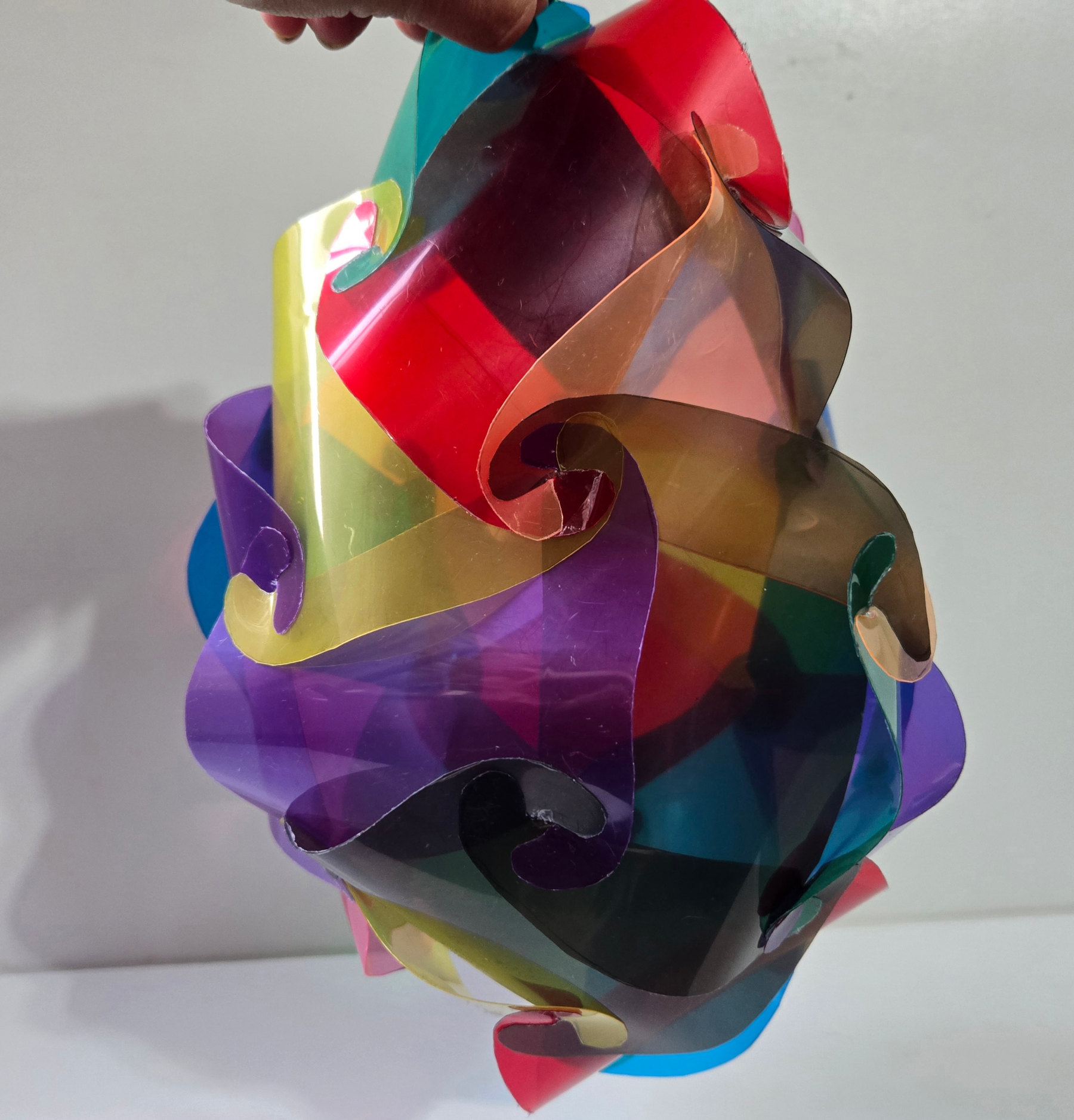
<figcaption>24 pieces polyhedron</figcaption>
</figure>
Additionally, I use GIMP to scale the images and export them before uploading them to GitLab. This helps avoid unnecessarily large file sizes. For large video files, we can use FreeConvert to compress them before uploading. Steps: - Open the file in GIMP - Select the new size - Image - Scale image - File - Export - Select name, file extension - Choose the quality and export

Customizations
Customizations I have used:
- Change the text to blue: I use the following syntaxis to get a blue text.

- Change the text to bold: Writing the text between two asterisks from each side, converts the text to bold like in the example, in which Applications and Implications appears in bold.
