0.1 Documentation#
- technic (markdown/generate and archive for images)
- making off (crach…)
- tutorial HTML + GitLab
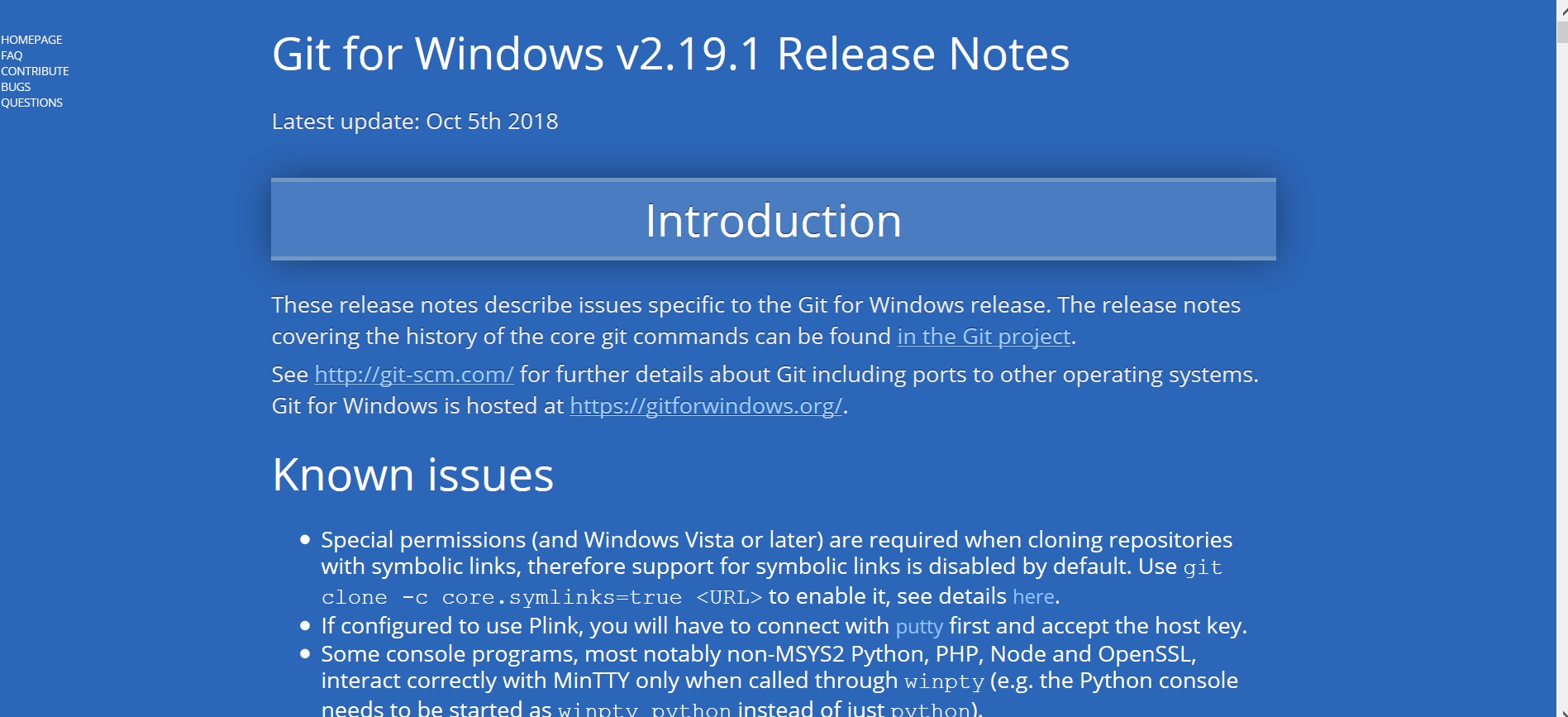
- software GIT + ATOM + Prompt (WINGW64)
- research tools
For a website#
- Jekyll
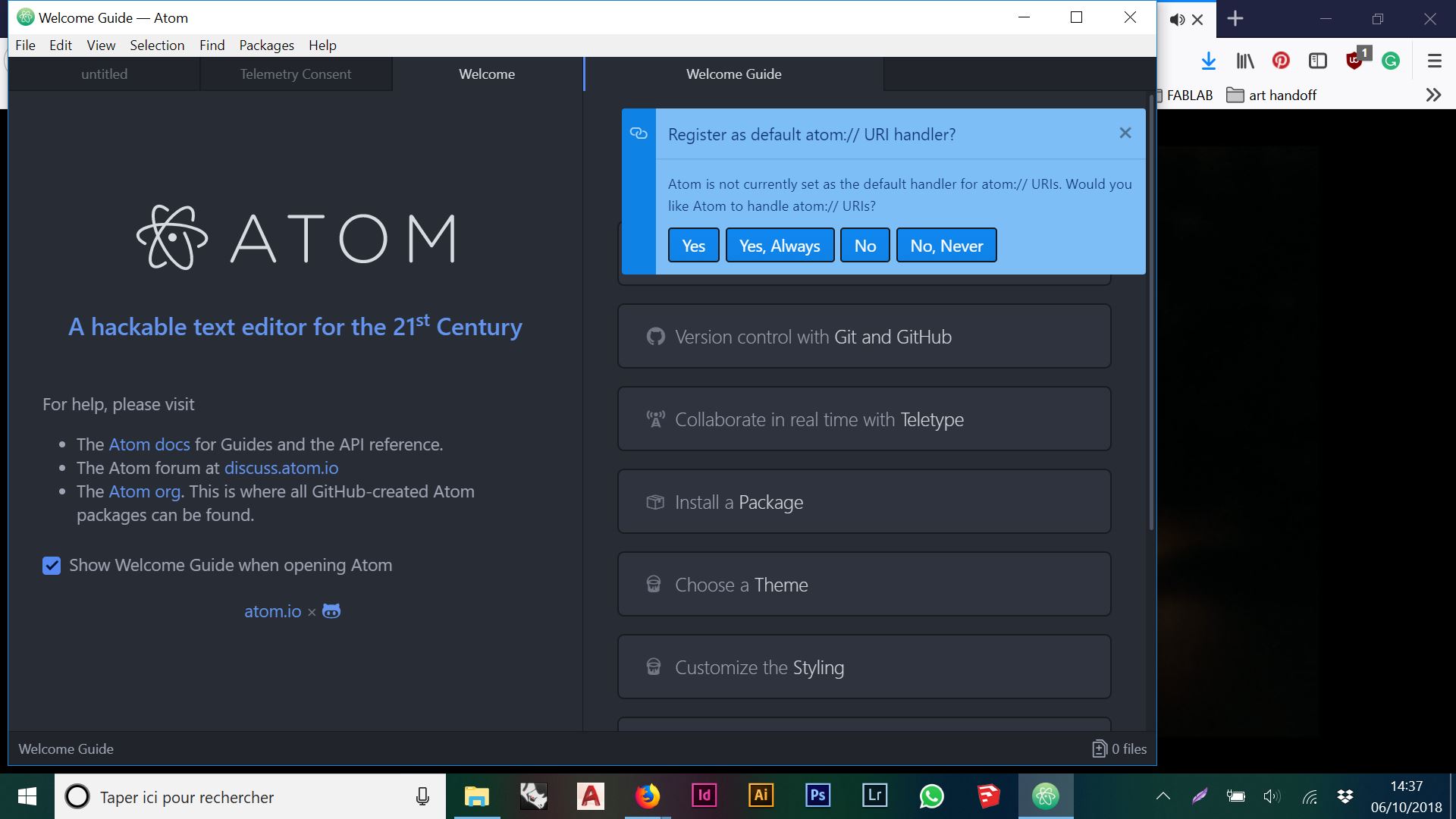
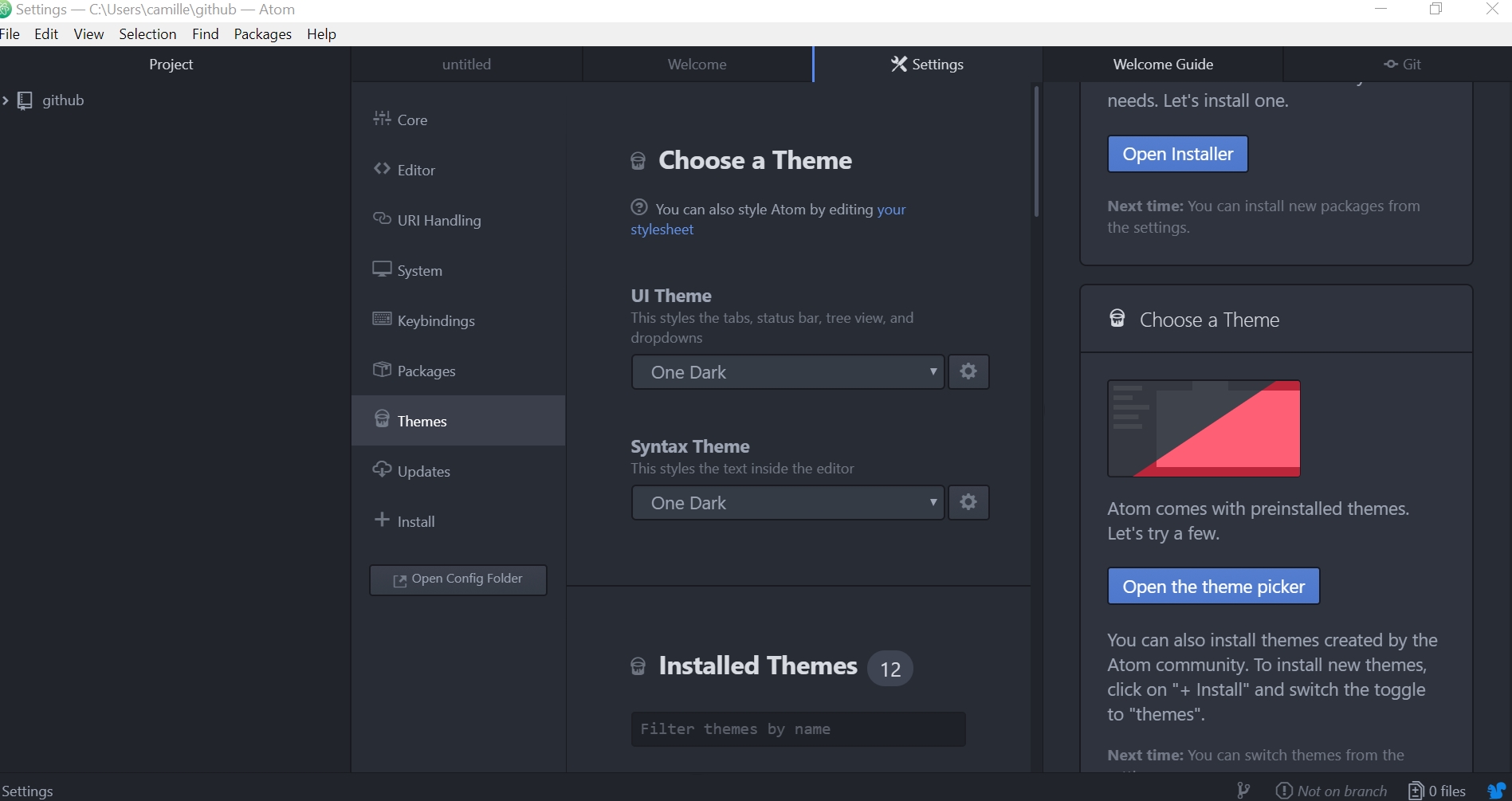
- Atom
- Wiki Markdown
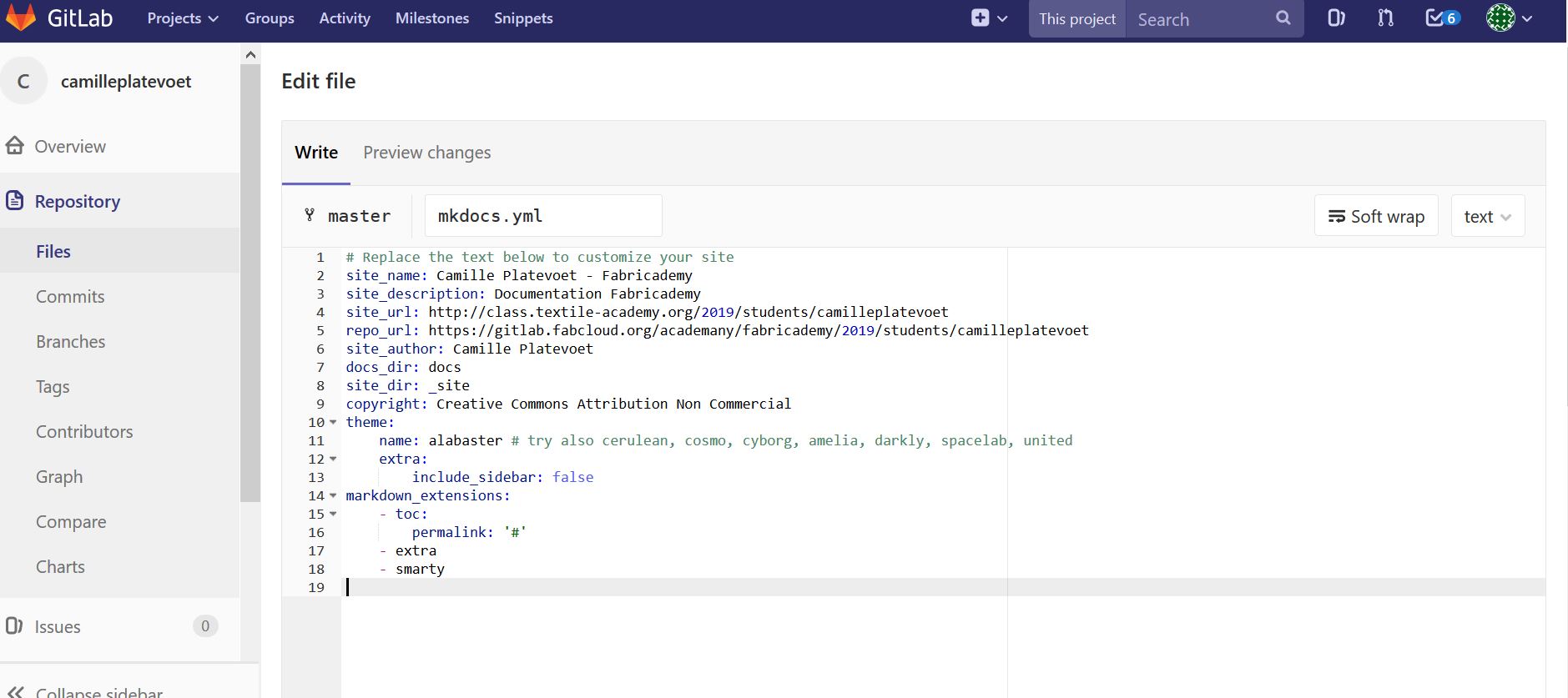
- Mkdocs
- MArkdown Basics
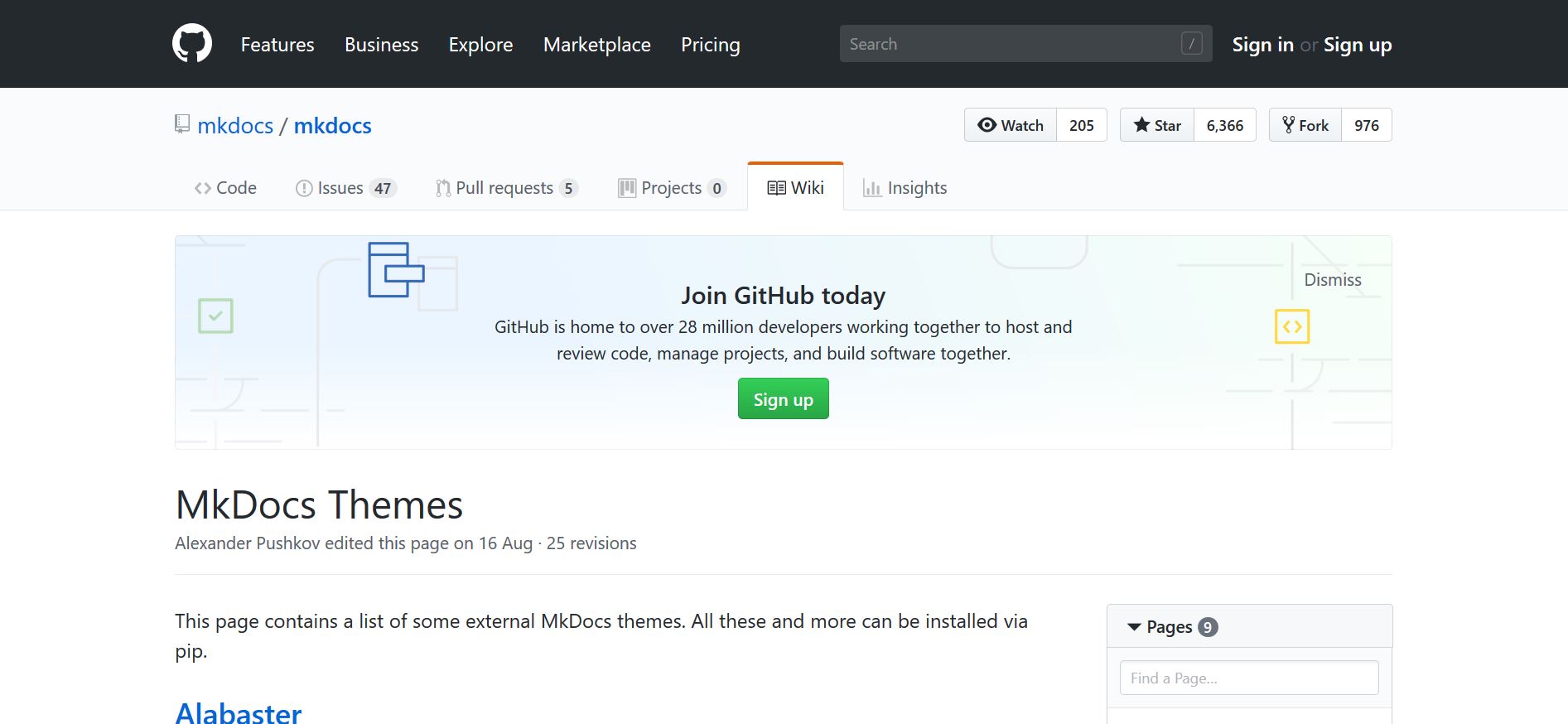
- Markdown Theme
- Gitlab Theme bootstrap386
- javascript
Question Code Example#
- [-] background
How to change the background off the whole page ? -
- with javascript
<body style="background-image:url('clouds.jpg')"><h2>Background Image</h2></body>
- with javascript
- [x] Atom
How to install Atom and make my website on my own computeur ? - [x] new theme
How to add a new theme in gitlab like bootstraps386 ? - [x] images
How to make a gallery and change images? -
- with javascript
-
- size
<img src="img_girl.jpg" alt="Girl in a jacket" style="width:500px;height:600px;">
- size
-
- images as a link
<a href="default.asp"><img src="smiley.gif" alt="HTML tutorial" style="width:42px;height:42px;border:0;"></a>
- images as a link
- [x] folder in gitlab
How to organize the images in the folder for images? - [x] integrated a .pdf files
<embed src=http://monsite.fr/monfichier.pdf width=800 height=500 type='application/pdf'/>
Gallery#
ATOM#
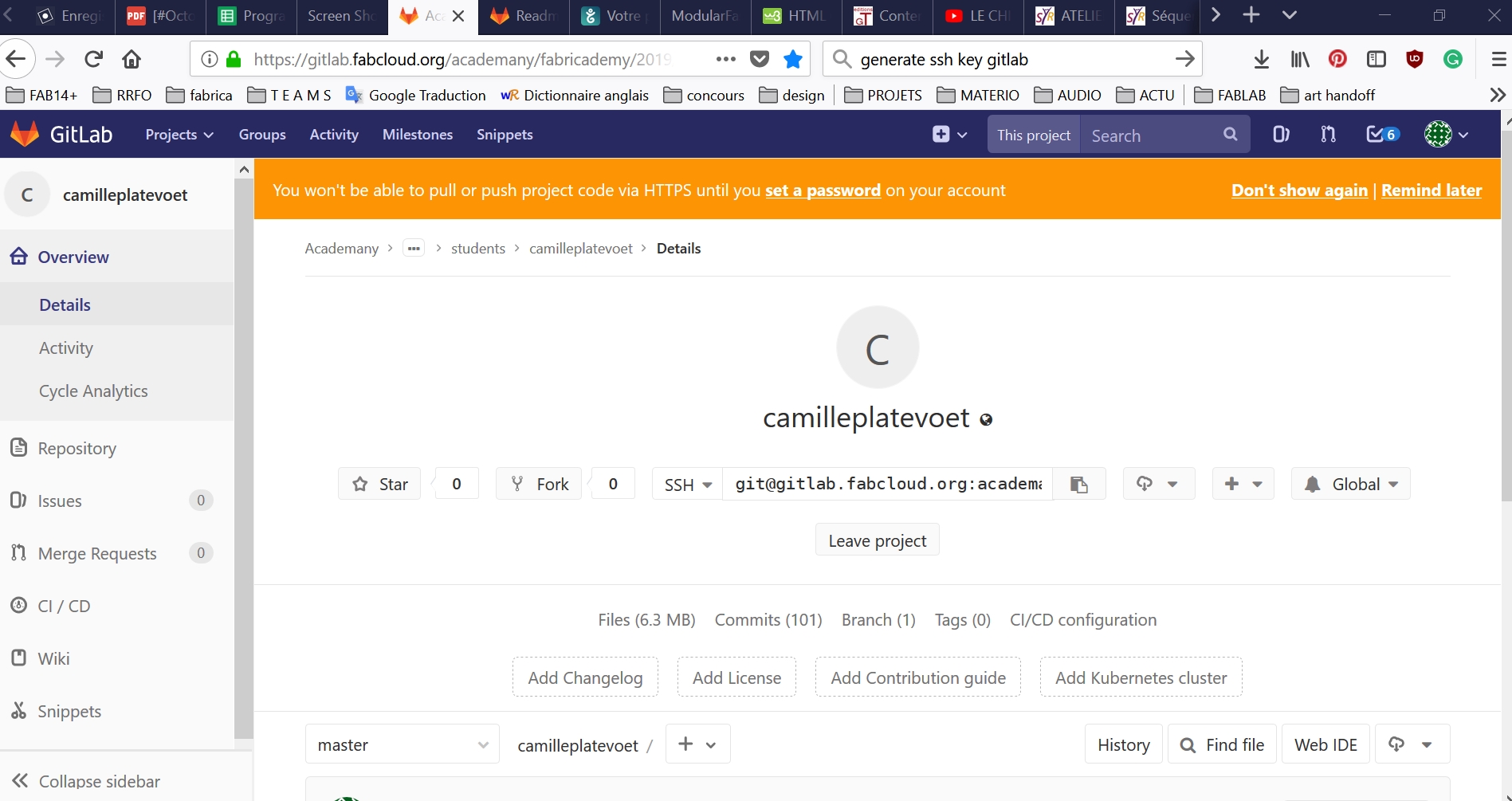
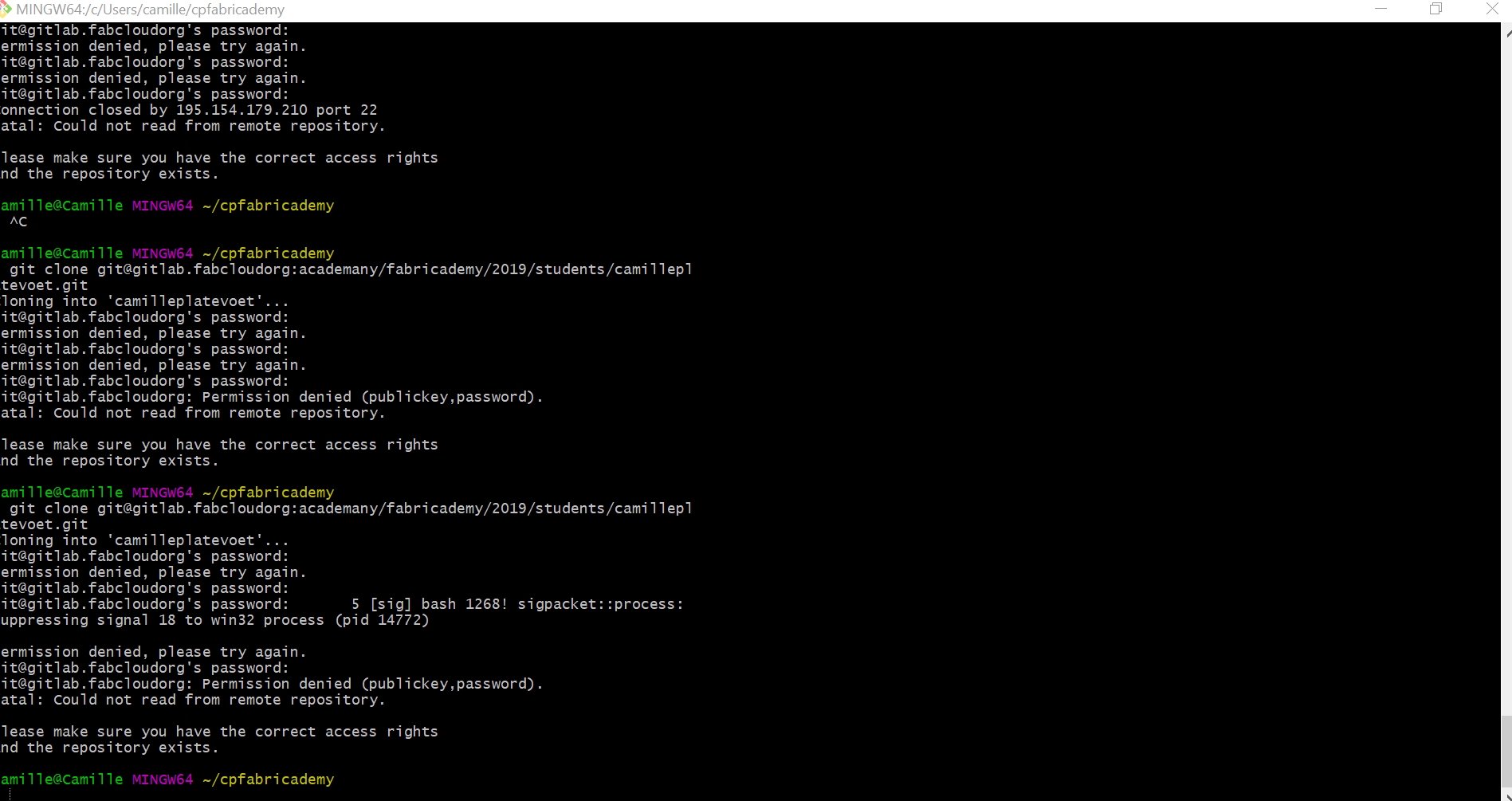
Create a clown of the repository GitLab on my own computer with GIT for Windows#
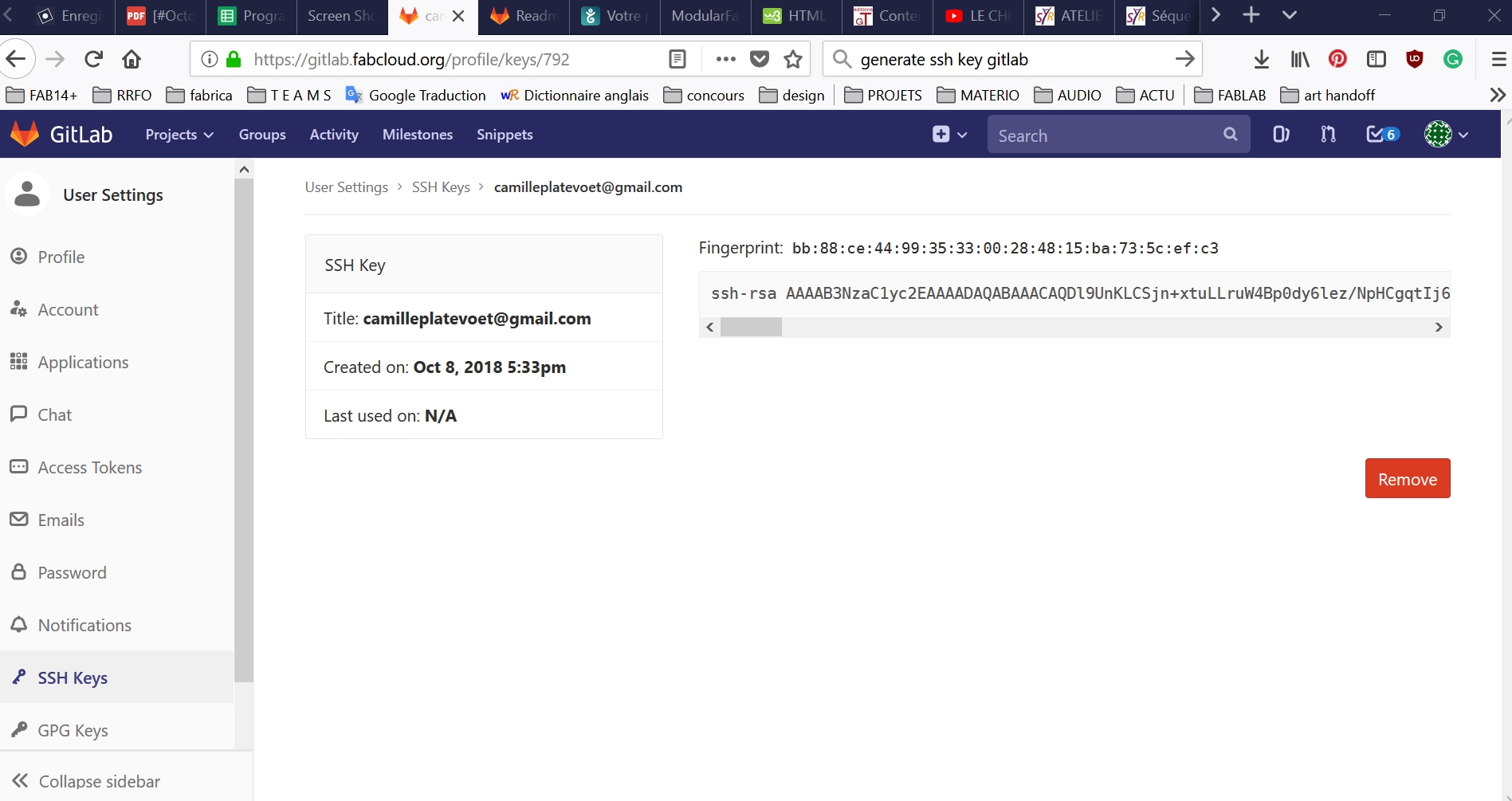
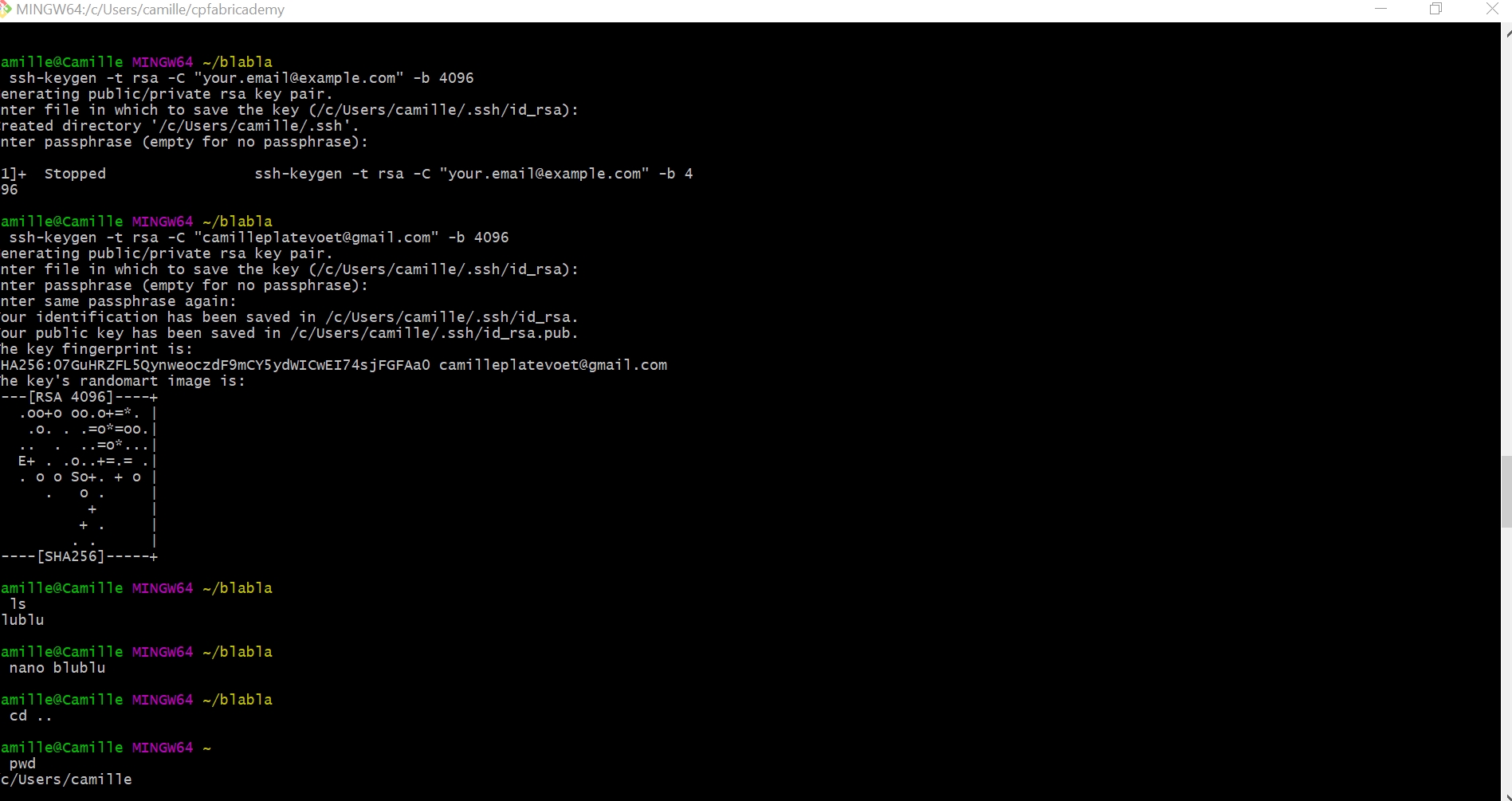
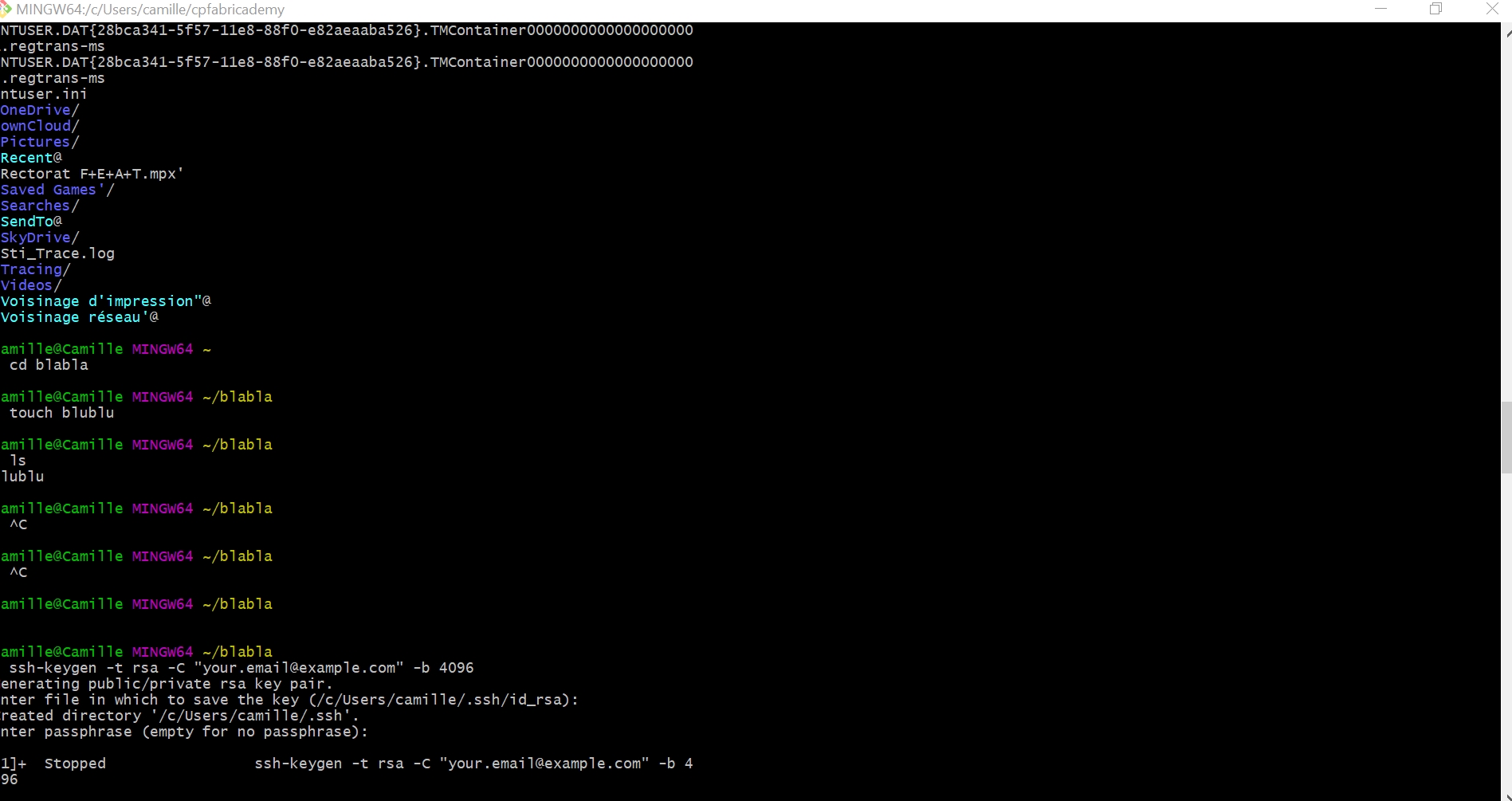
Generate a SHH KEY#
Making off / Try to add an external theme who was not in the list#
Second part#


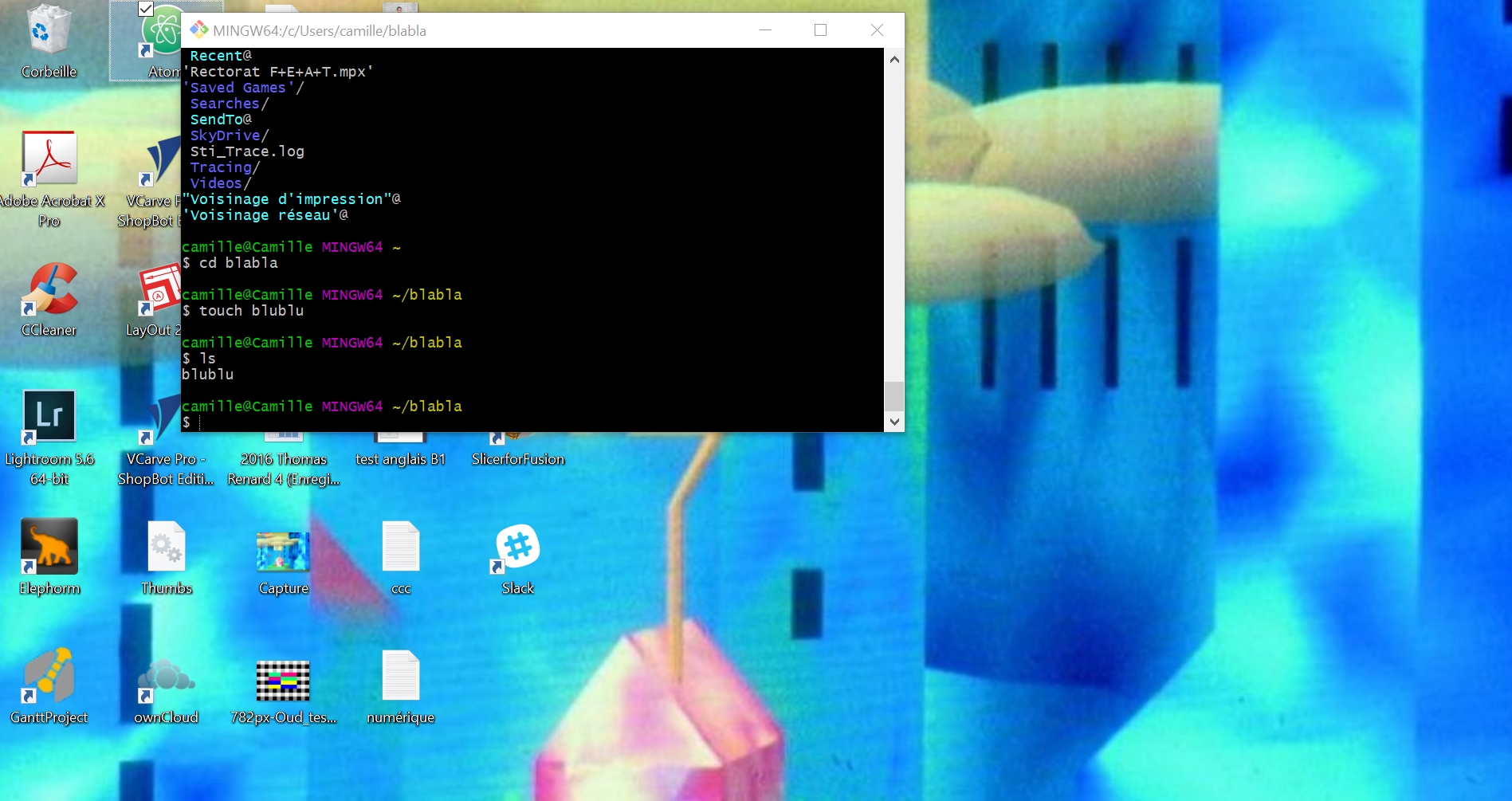
Code to discuss with GIT for Windows users :#
-
pwd(to know in which repository you are, inside your computer’s tree) -
dir(ls for mac / dir for windows : to list the files currently inside the repository you are in) -
mkdir cp(to create a new repository named cp) -
git init(to initialise the git repository named cp)
(-git ls -la)
-
cd cp(to go inside the repository named cp) -
git clone+ add the link on gitlab repository (to clone gitlab repository inside my local repository on my computer) -
cd..(to go back)
To add your documentation online :#
-
git add -A(to) -
git commit -m "comment"(to add the whole files to my repo cp and add a comment because when you have a crash with your repo like mine, it could help to know what and when in the whole debug process !) -
git push(to push online)
What about images#
I made many images for my projects, like when I’m in a worskhop space, I love take pictures about what I see, what I’m created, What Filed, what is happened, how and when.... Materials, tools, products, objects, machines, workers… So I’m have a deeply consciusness for the weight of a file…
- make good archives
- take pictures of tools
- colors
- materials
- spaces
- time
- protocol of process making
My protocol for the storage of any images is :
- have a files with the whole initiale collection
- have a files with the wholes copy images what I whant to published with the good corrections (if they needed it !)
For Fabricademy world and time I can add also some of new rules for my own obsessional process : 1. don’t take two time a same picture 2. make short video for 10 sec for a machine process (like miling machine…) 3. take the picture where I am, and do not make a different set up because this day it’s raining and I don’t have a good light like I would like to have. 4. make a selection the same day what I have take the picture because, I don’t have time to make it latter,
Tools for editing and publication :#
In the past I was used photoshop for my “artistical student work” I have learned the whole process to take a good picture and the whole post production for a picture until the print process. I would like to thank you again MR. SEGUY (RIP) for his images/light/computer theoreticals lessons on my first years in the art school.
Actually for the fabricademy work and my work as a designer in general, I have learned lightroom, to make quickly some of adjustment.
1. Lightroom Adobe
2. Git command : sips -Z 900 *.jpg(when you are in the good files you can use this command to change the whole size of pictures with one command !!!! Yes, I know…)
| Lightroom process | comment |
|---|---|
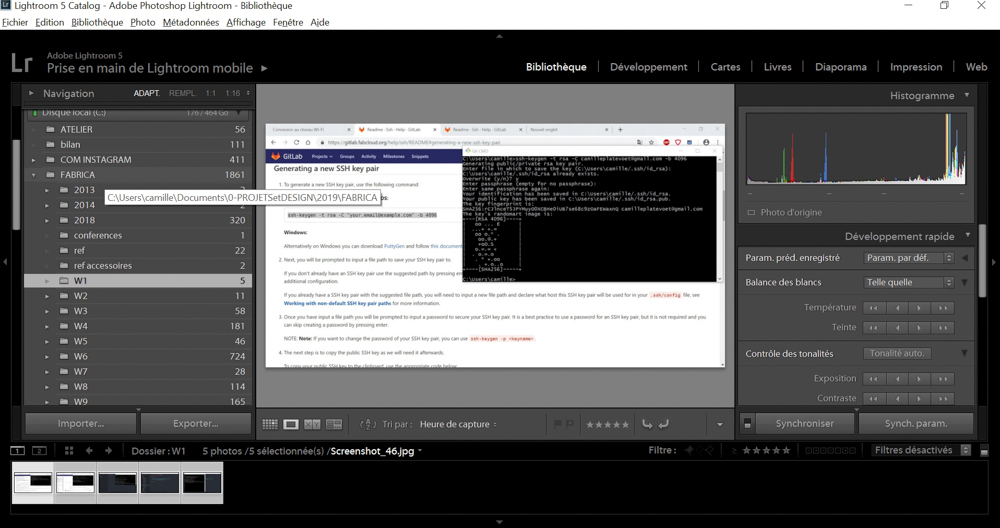 |
select the file |
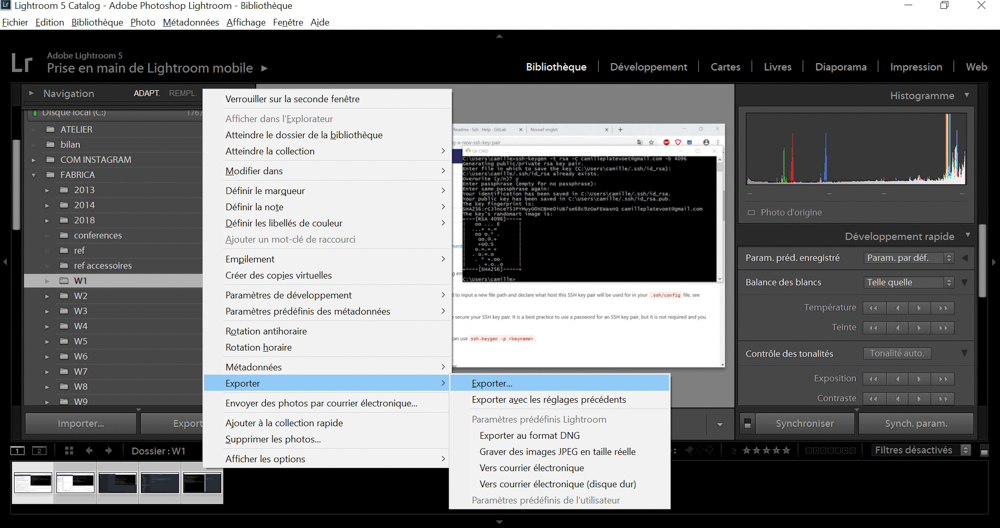 |
select your pictures or screenshot you wouldlike to export |
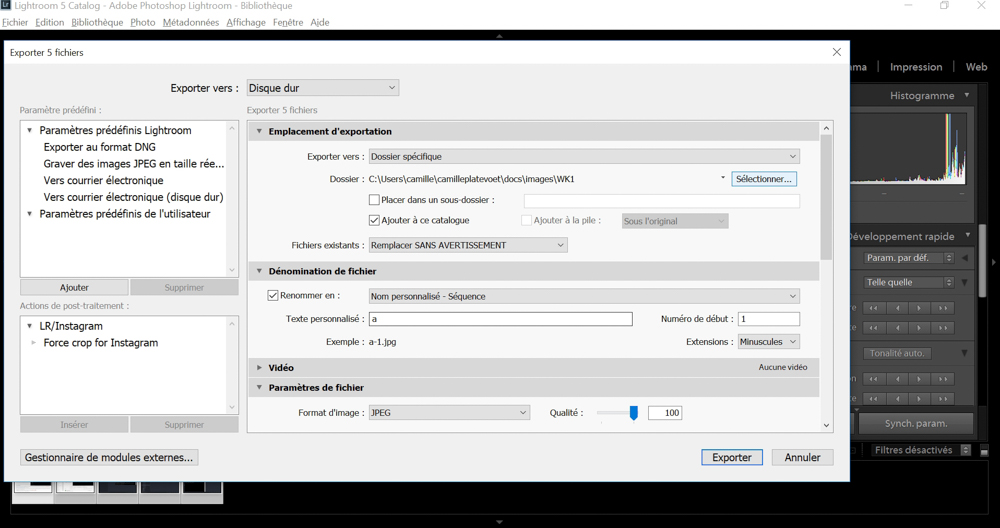 |
select where your repo is |
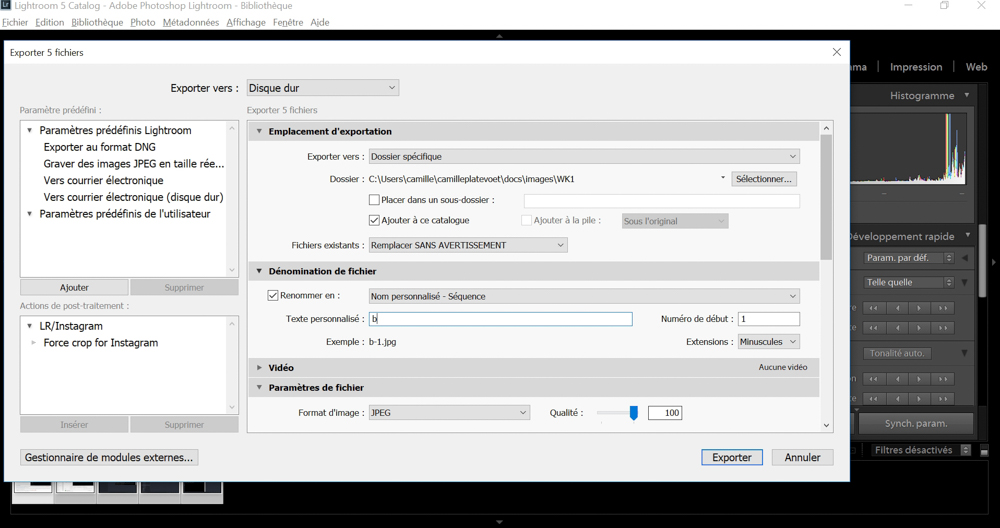 |
change the name of the serial pictures |
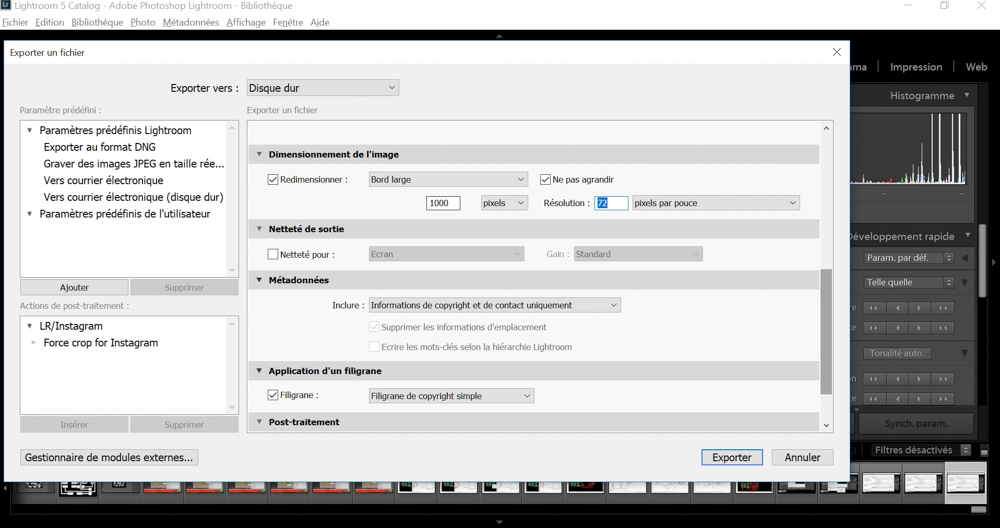 |
change the size for a landscape size take 1000 px for 72 dpi |
At my final project page, I will add the process to export pictures directly from lightroom to instagram, it could help our community too.
To hack an issue .pdf#
To make research on a project :#
- use data sheet key word
- use pinterest browser
- use MIT student work
- use wwww.fabacademy.org research
- use google book and .pdf research
- use a brain map like Asana to organize your pin
Video Making#
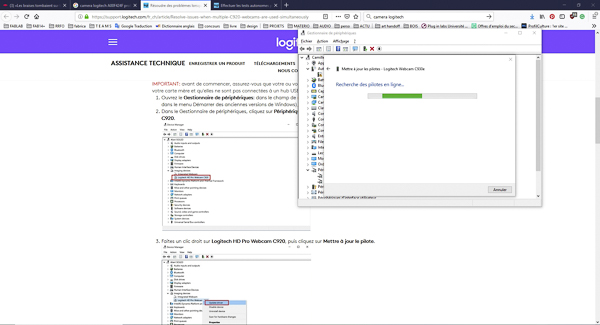
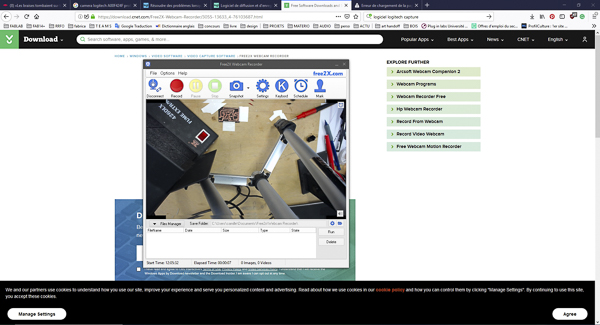
The Lab haven’t the tools so I need to instal a protocol for make my own video * see the online recorder
| Video Making process | Free web cam for the electronic bench |
|---|---|
 |
 |