State of the art, project management and documentation
Design and understand how to document the course work and process of each week using markdown and Gitlab.
Inspo

This is a Pinteres board with some of the inspo I had for the vibe I want to mantain a long this webpage and the next weeks.
I also got inspired in Raúl Babines website and it helped me better to understand how the website construction works.
References, research & inspiration
Here is a cheat list with some of the syntax elements to add titles, links and some other things to the website
Tools
Process and workflow
I started looking some of the webpages from the last fabricademi students and using the guiding tools like the quick how-tos in the Markdown helped to understand how I could edit my website, how to insert images or files and some other basic functions.
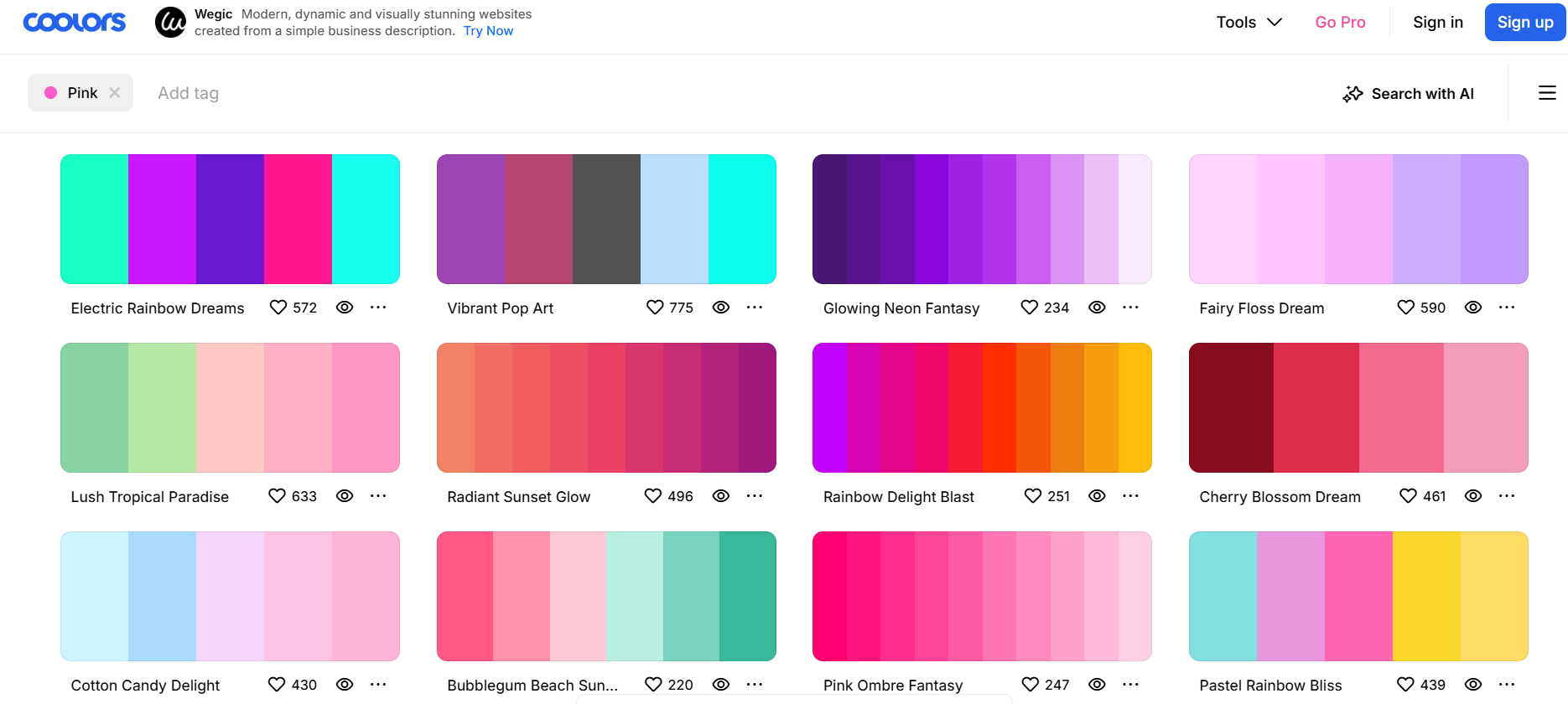
I decided to work with a palette of pink, red, orange and yellow tones and I selected them with Coolors where you can see many palette colors. Once I had the principal palette with the one that I want to work I started to add and experiment changing the colors of the background and adding pictures.
Changing the background
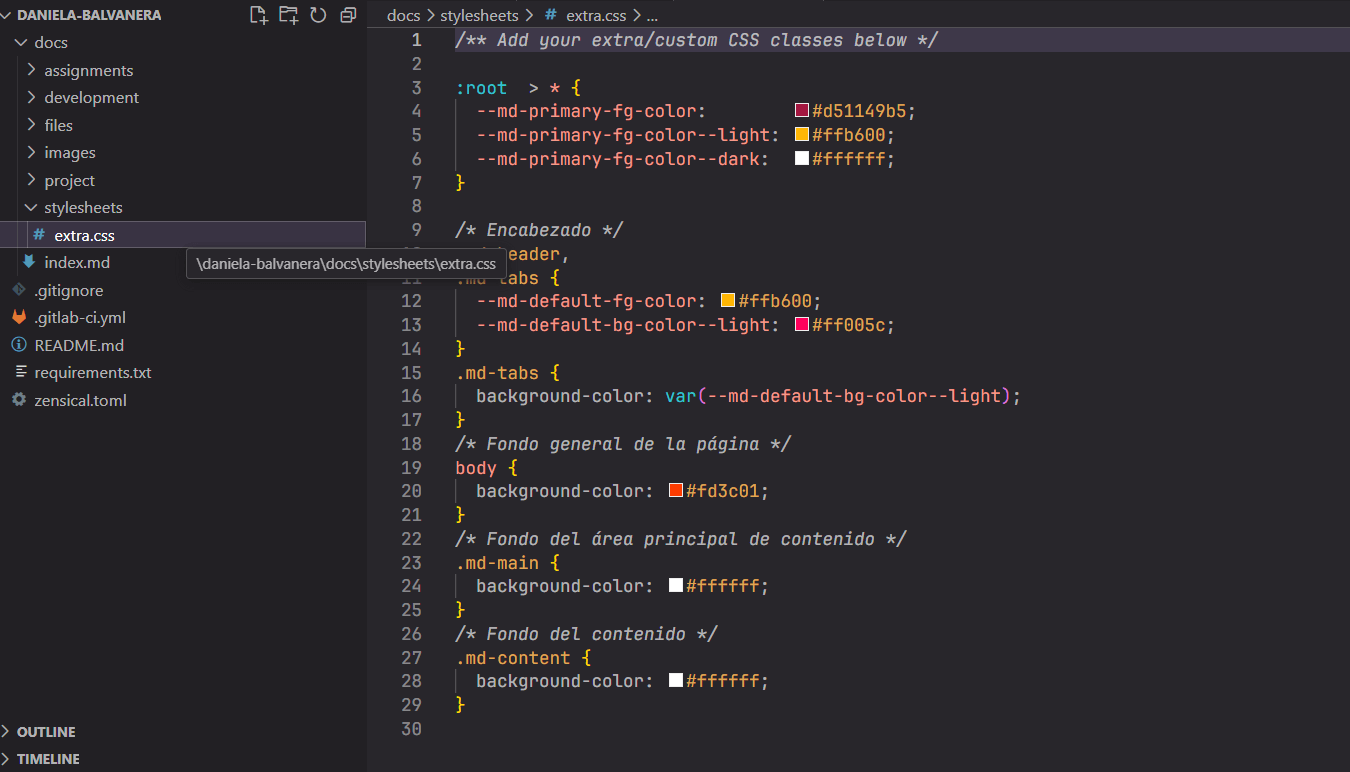
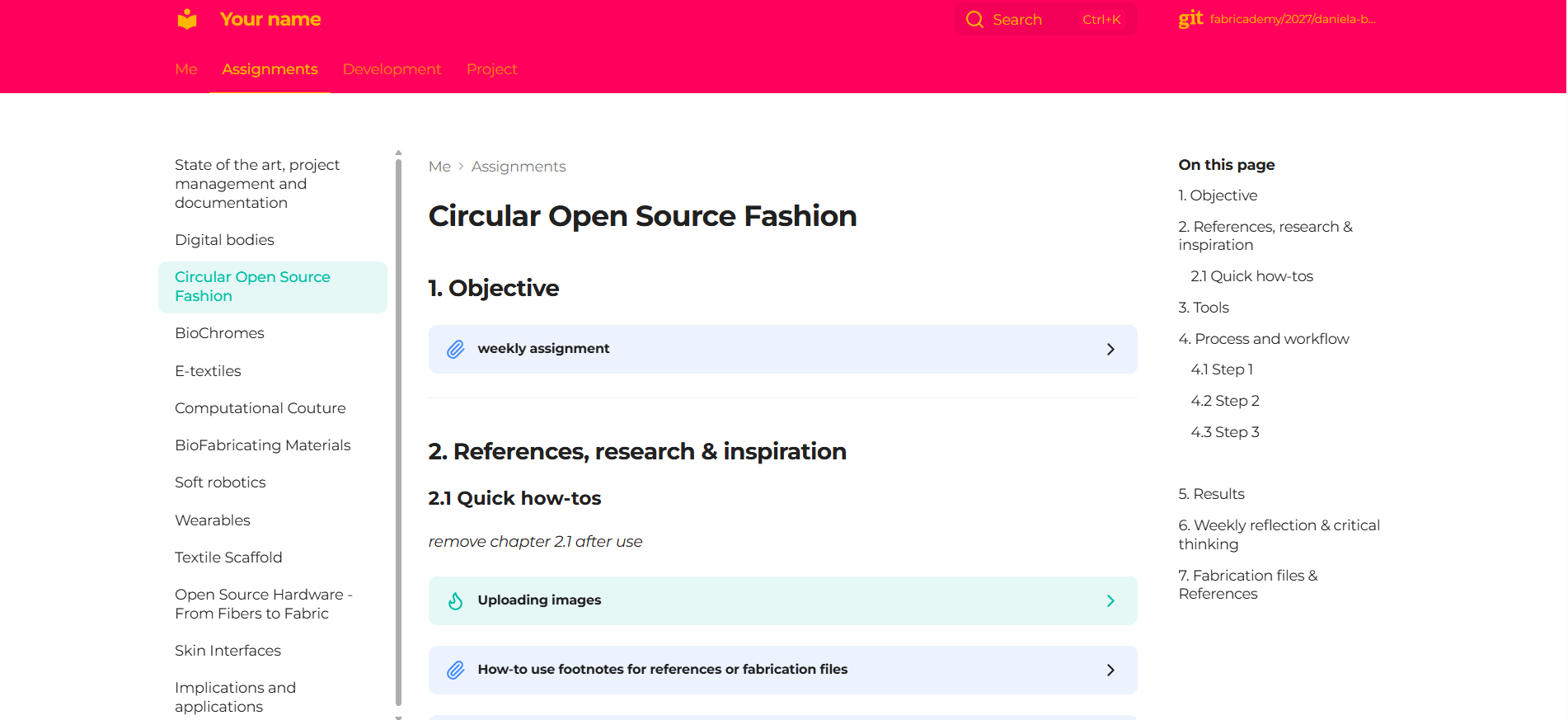
To change the background go to extra.css and there you find the different sections of colors, to change the background, header, tabs, etc. You can select any color and choose the combinations you want as shown in the picture.
Click to see closer
Click to see closer
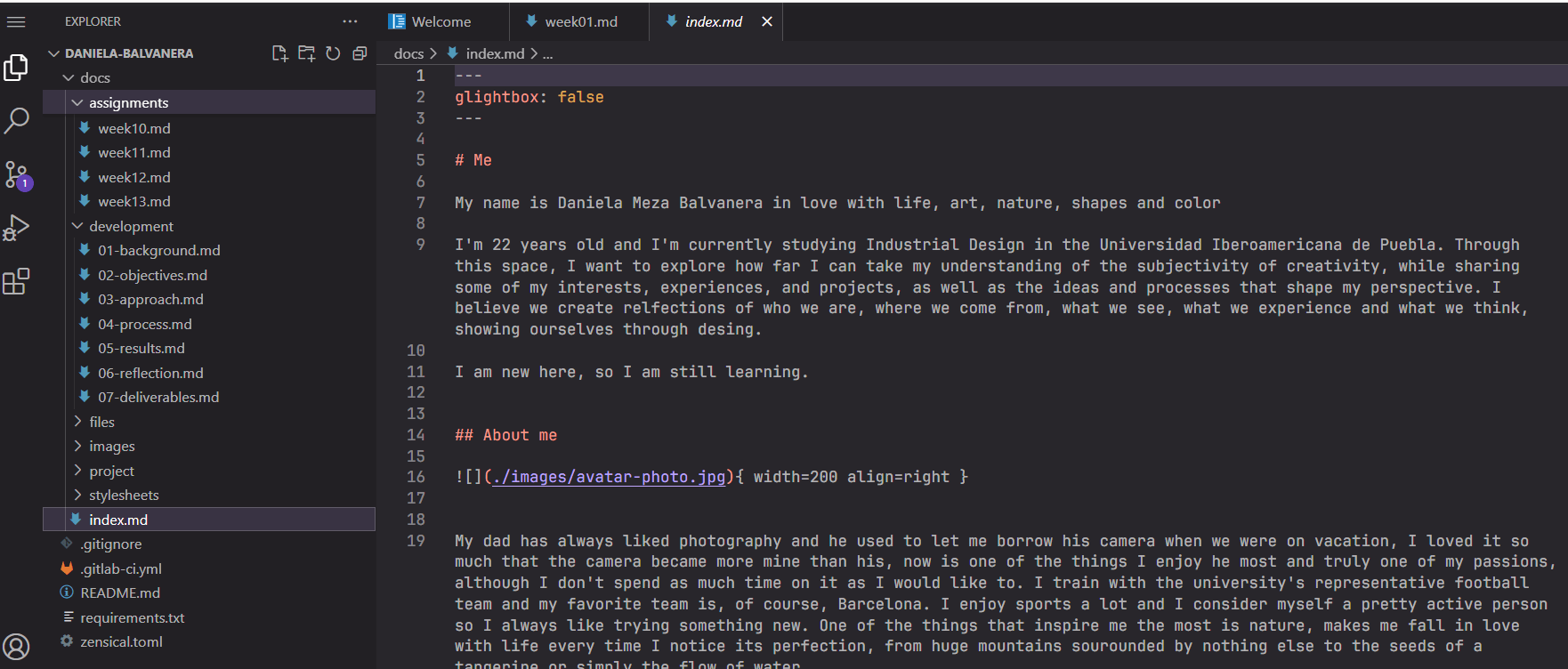
In the index.md is where I started experimenting with Markdown to add my personal information and projects.
Resize, optimize and compress / zip images, videos and files
Compressing images
I used Tinypdf, is super simple you only need to upload the pictures you want to resize and click on dowload images. If the don't compress much as I want I just do it again so they are smaller. The advantage with this website is that you can use it freely and you can compress different images at the same time.
Compressing pdf
I used Ilovepdf, where basically you just select the pdf to compress and download it, pretty similar as tinypdf. Is pretty fast and simple.
...
tip
* Keep it simple and organized
Weekly reflection & critical thinking
During this week I learnt how to document and use the website. Is the first time I ever code something like this. To be honest at first it took me a little bit to understannd everything without beeing overwhelmed with the markdown and gitlab, once I got to understand it was so much eaasier and there are still things I can keep learning and trying. I would start watching a video of how to use markdown and gitlab to have a clear idea of how it works and how to use it instead of trying to understand it by myself. What I learn in this activity will help we during the whole project to document every week and I know Ikeep learning while I do it.