State of the art, project management and documentation
Welcome to my digital logbook. On these pages I will be documenting my entire learning process, including experimentation, trials, errors and satisfactory results, patience and above all, good humor.
1. Objective
weekly assignment
-
Learn the process and tools used to document course work.
-
Acquire the necessary skills to publish projects, documentation and share the results of each assignment.
-
Acquire the necessary skills to resize, optimize and compress / zip images, videos and files.
2. References, research & inspiration
Throughout my life, I've always enjoyed researching processes, finishes, solving problems, and expressing my feelings. Thanks to my journey, I found Art and Design to be my nurturing force, allowing me to create, investigate, and express myself.
Living in Ayacucho has also given me the artistic abilities to inspire me to keep going and never give up.
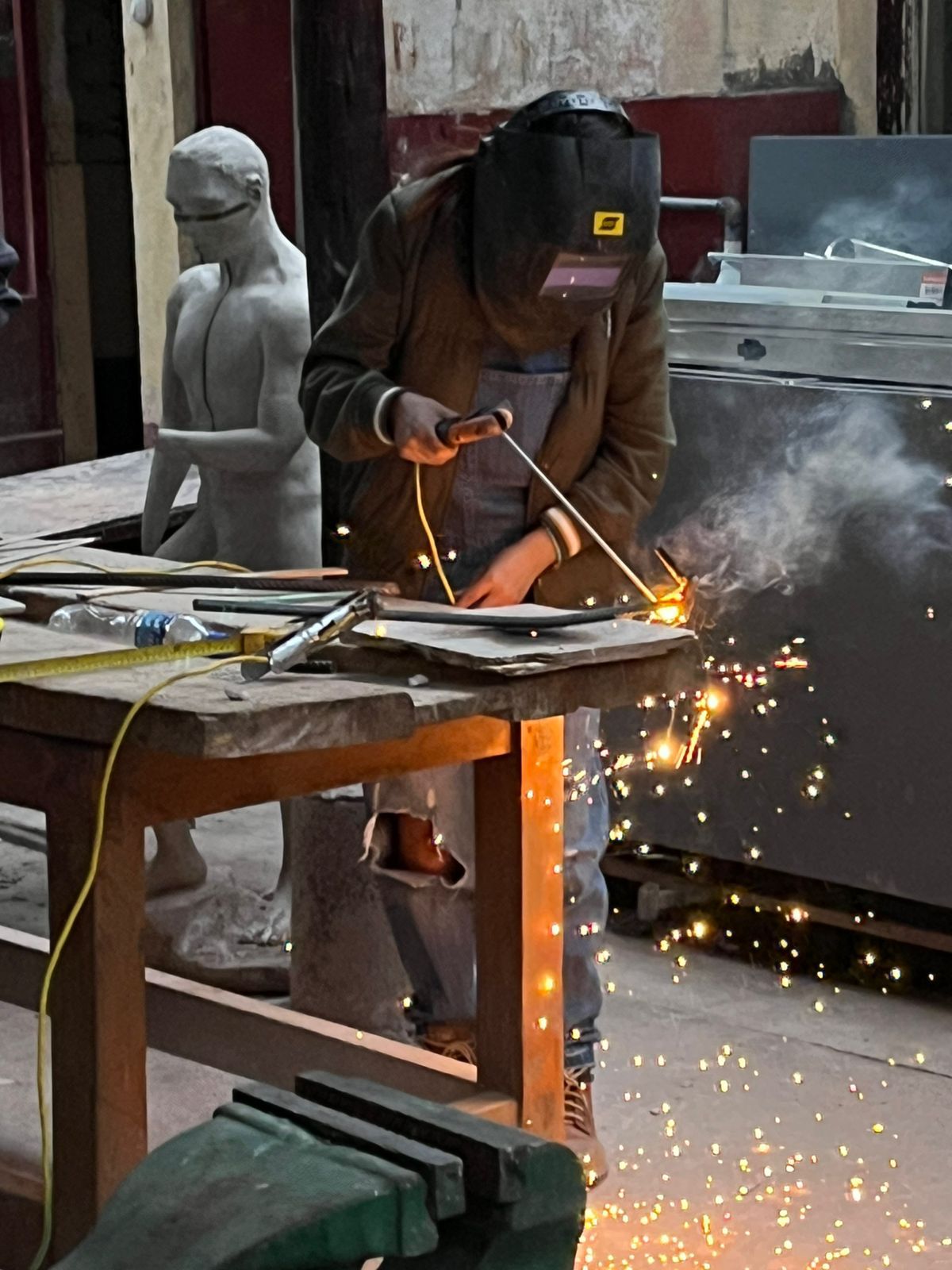 In this image you can see my process of welding a structure for sculptures.
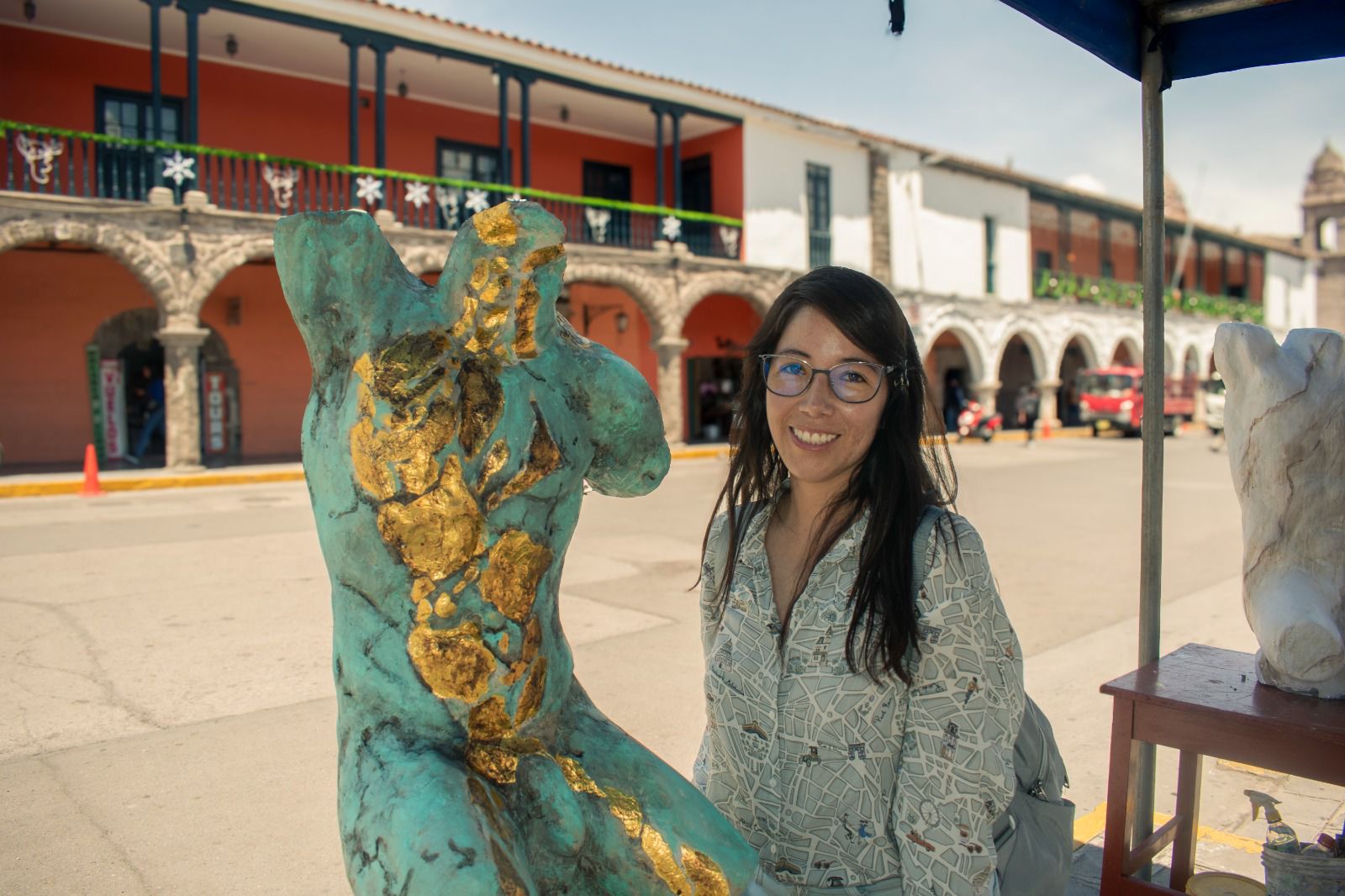 This is my first male torso, made in Ayacucho-Peru at the ESFAP Felipe Guaman Poma de Ayala.
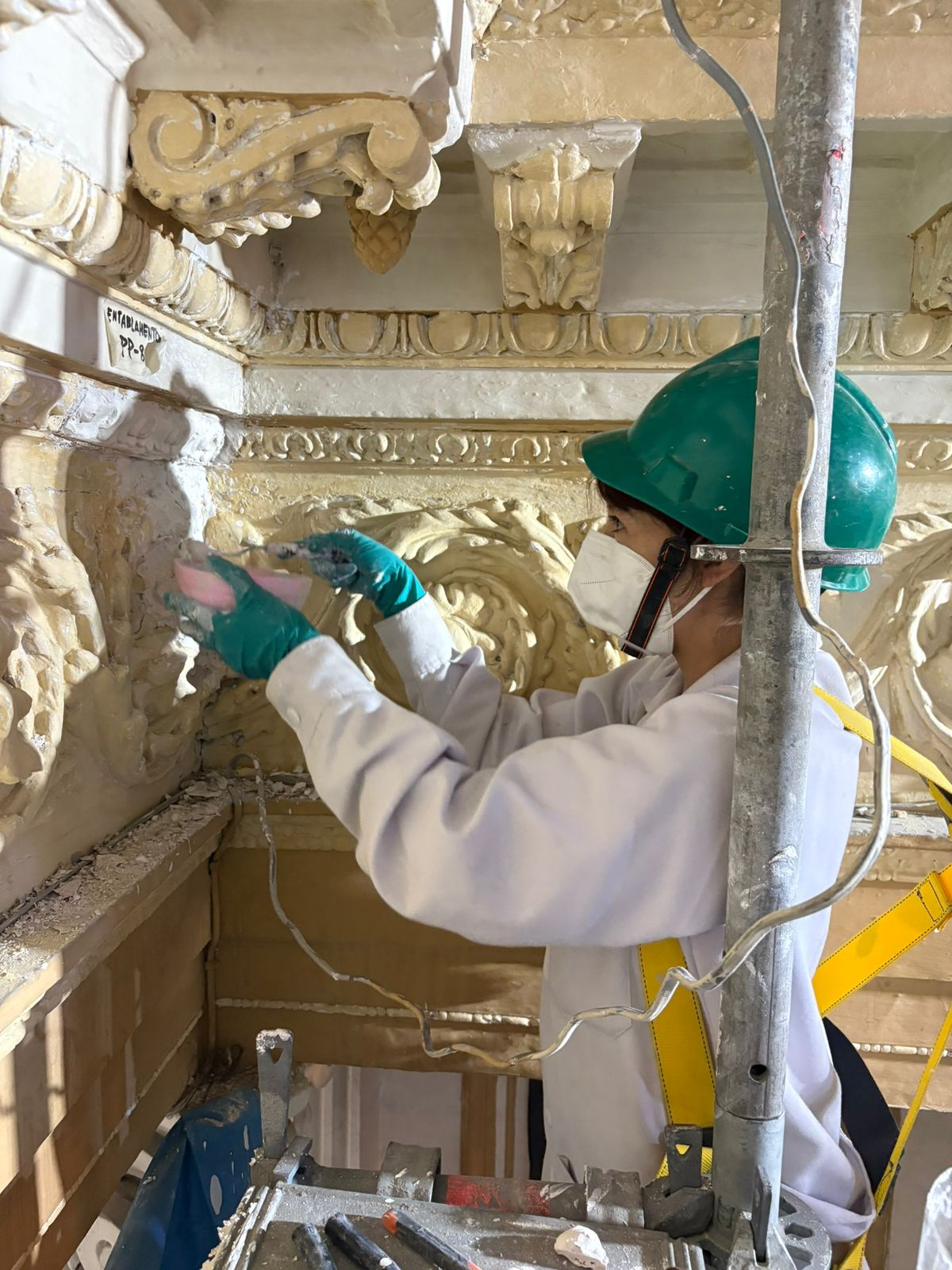 Making the volumetric reintegration of the moldings in the Congress of the Republic.
"Lorem ipsum dolor sit amet 2, consectetur adipiscing elit, sed do eiusmod tempor incididunt ut labore et dolore magna aliqua. Ut enim ad minim veniam, quis nostrud exercitation ullamco laboris nisi ut aliquip ex ea commodo consequat. Duis aute irure dolor in reprehenderit in voluptate velit esse cillum dolore eu fugiat nulla pariatur. Excepteur sint occaecat cupidatat non proident, sunt in culpa qui officia deserunt mollit anim id est laborum. Lorem ipsum dolor sit amet, consectetur adipiscing elit, sed do eiusmod tempor incididunt ut labore et dolore magna aliqua."
Caption for the left image
Caption for the right image
-
Download references Links to online reference files, PDF, booklets
-
or embed your own PDF as:
- Video references: Vimeo (only when not yours)
- Video references: Youtube (only when not yours)
3. Tools
- [Gitlab](http://gitlab.fabcloud.org/)
- [Gitbash](https://git-scm.com/install/windows)
- [Visual Studio Code](https://code.visualstudio.com/)
- [Chatgpt](https://chatgpt.com/)/consultant
- [PowerPoint]/Canva-Block notes and design the organization of the images
4. Process and workflow
"Lorem ipsum dolor sit amet, consectetur adipiscing elit, sed do eiusmod tempor incididunt ut labore et dolore magna aliqua. "
4.1 Step 1
This tutorial 1 .. Lorem ipsum dolor sit amet, consectetur adipiscing elit, sed do eiusmod tempor incididunt ut labore et dolore magna aliqua. "
4.2 Step 2
"Lorem ipsum dolor sit amet, consectetur adipiscing elit, sed do eiusmod tempor incididunt ut labore et dolore magna aliqua. "
4.3 Step 3
...
5. Results
Results & documentation
- Don’t forget to document the outcome including:
- Final result
- Photos from different stages
- Videos of movement or interaction, show how a material moves, something was assembled or the interaction
- Include measurements or a reference object to give a sense of scale
- Describe the (material) properties of what you made
- Comparison between attempts, if you did multiple experiments or generated multiple files before fabricating / deploying. You can use a table as shown in week 4
6. Weekly reflection & critical thinking
- What did I learn? What did I personally find interesting or surprised me?
- What would I do differently? If something "failed" do I know how else to tackle it now?"
- How does this connect to my final project or my learning trajectory?
- What are implications and possible applications, think also from the ethical or environmental aspect, how it could connect to your practice and project?
NuEval — final step
Go to NuEval and fill in the checklist, when not complete notify your instructor.
7. References
-
Reference: Author; Title; Source; year ↩
-
File: Laser cut sheets ↩