State of the art, project management and documentation
Inspiration
In the following GitHub link, you can find the proposal I submitted to join Fabricademy through the scholarship gifted by Zain Zinc and CPF Makerspace.
The story begins with my teenage years, when I used to use a Spirograph to decorate my notebooks. I remember being fascinated by how a simple set of geometric movements could produce endlessly intricate patterns.
Now, I want to revive that memory and bring it into my current practice, reusing the Spirograph as a nostalgic object, and a way of generating units and larger design elements through fabric, and much more.
How I made the website?
here is a documentation on how I learned to edit the student fabricademy template locally and through the web:
I used this website to learn Markdown basics

The session with Claudia and Julian was really helpful so I kept repeating the recordings Claudia's and Julian's.
Some communications were made through mattermost channel, and we had a lot of links so I opted to have a pinned bookmarks list on my browser:
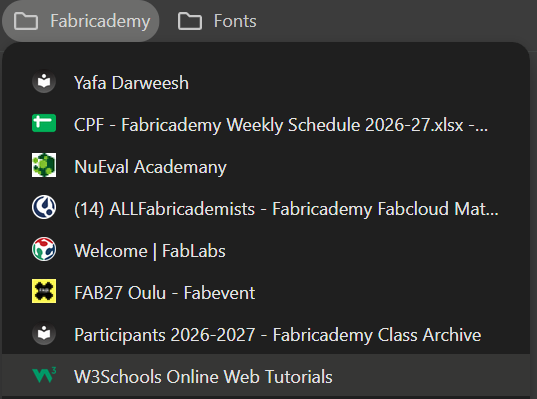
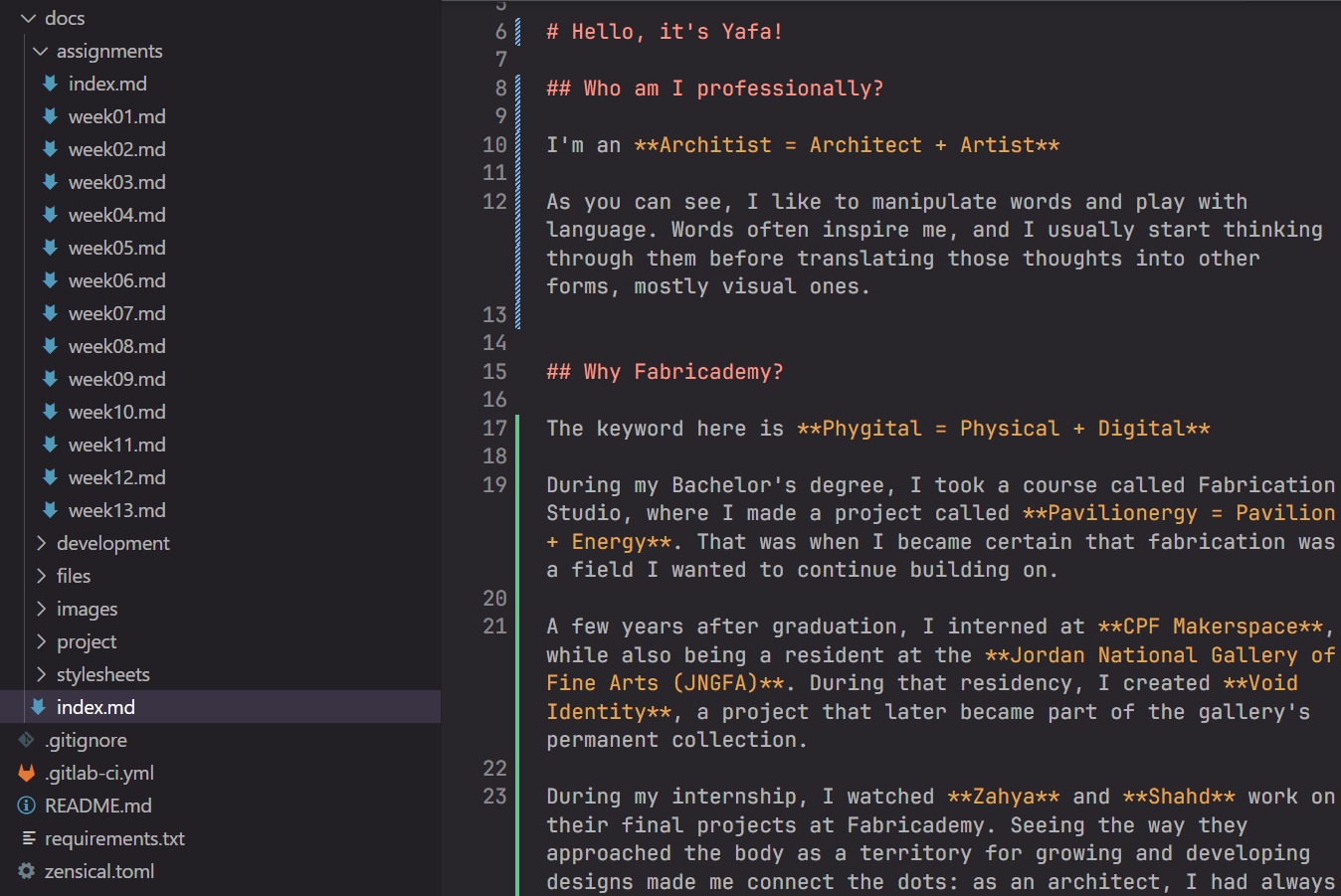
For the documentation, First I started editing using web IDE,
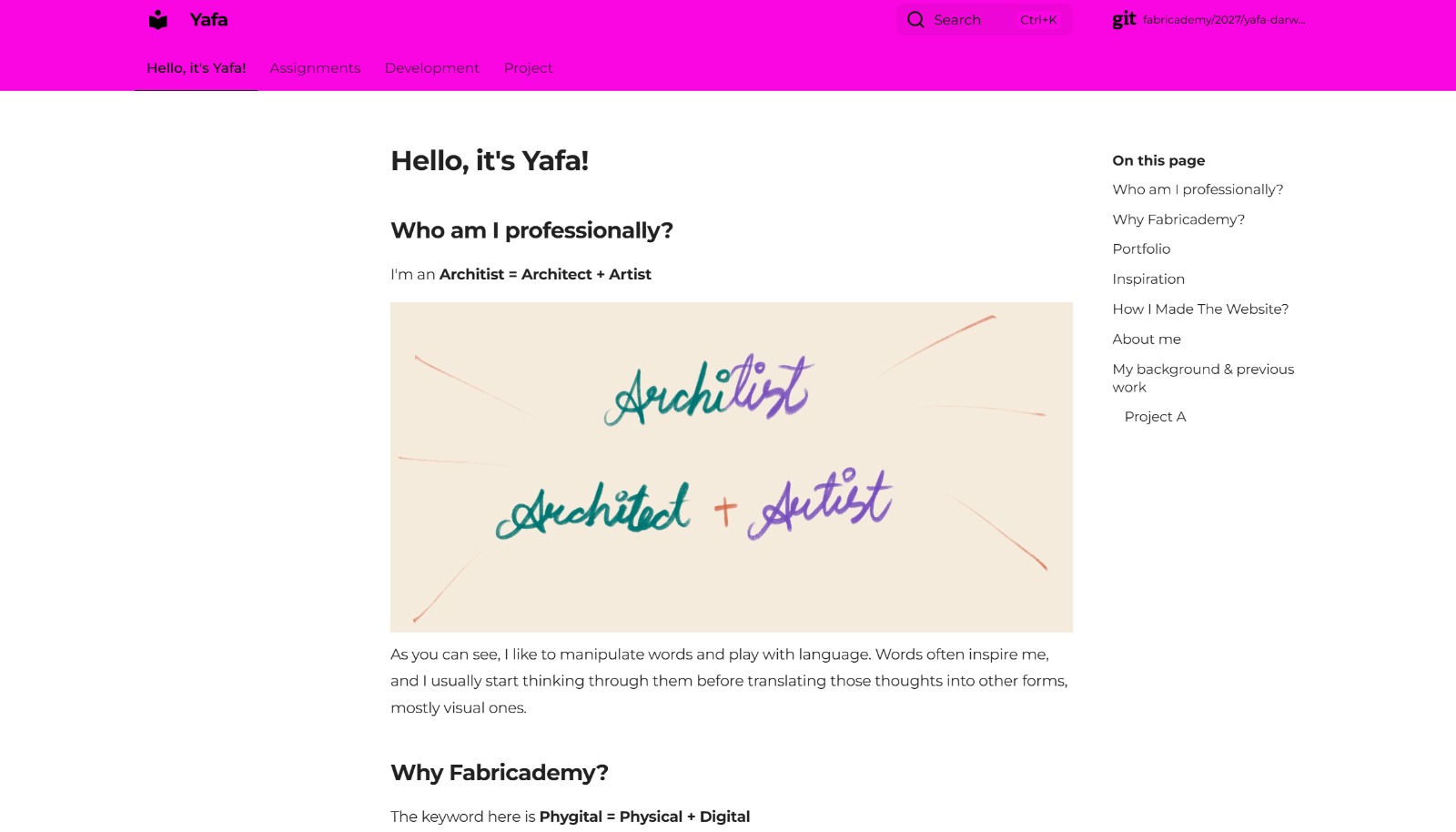
I started the writing first to see what mood I want the story to look like, I was inspired by how much love Ola did put to her story, so I started with writing, and my hand-writing on the first page:
Little by little I decided to add the background, tried multiple colors and afterwards I decided to go with them altogether, so I kept trying and troublshooting, this was one of the problems I had:
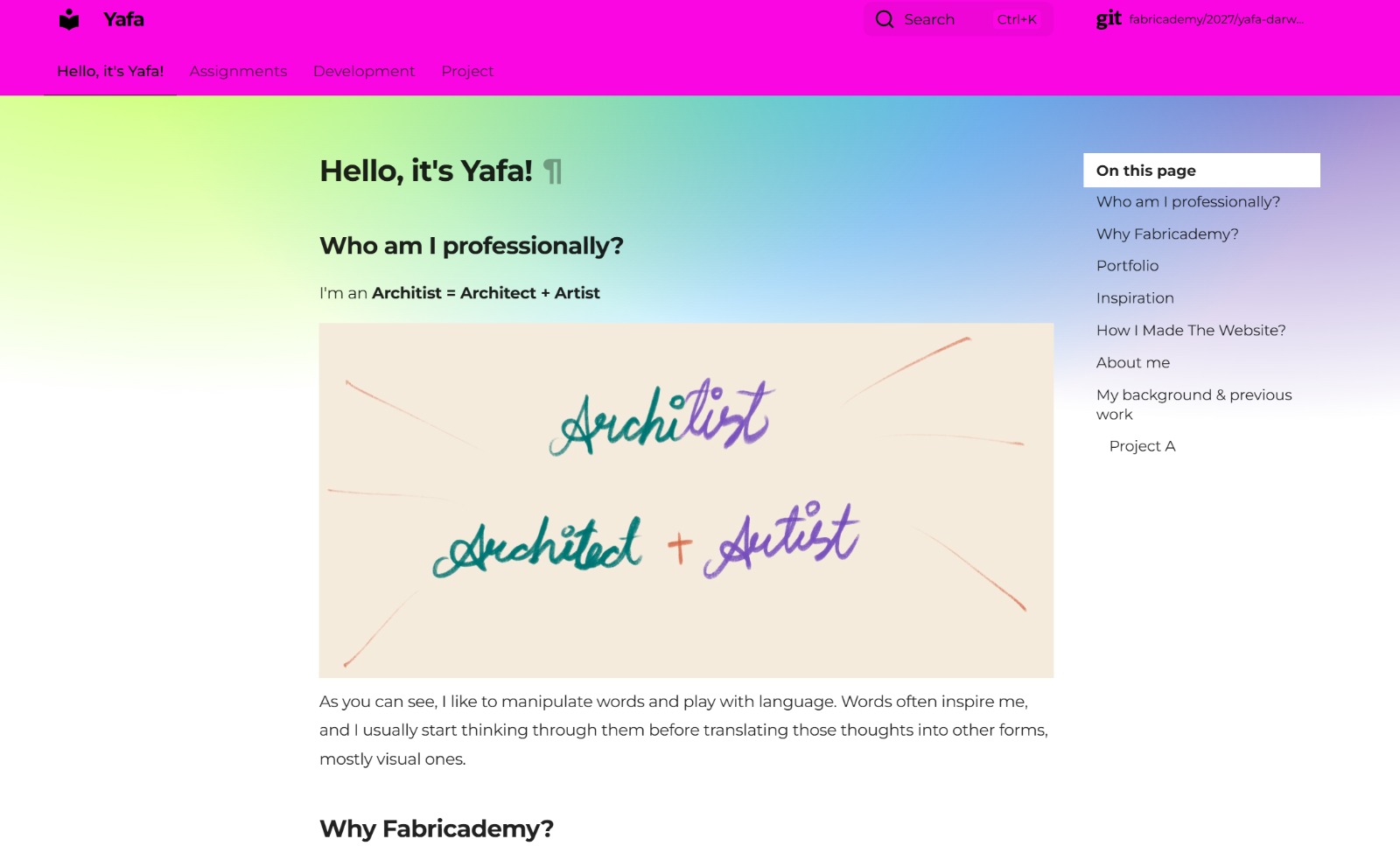
then this is how I ended up doing it, inspired by electricity and energitic vibe, I used CSS as interface design:
View the code
/* =========================================
FABRICADEMY THEME
========================================= */
:root > * {
    --md-primary-fg-color: #4cb1cd;
    --md-primary-fg-color--light: #009485;
    --md-primary-fg-color--dark: #ff0000;
}


/* =========================================
YAFA ELECTRIC PALETTE
========================================= */

:root {
    --yafa-lime: #B8FF3D;
    --yafa-blue: #20BFFF;
    --yafa-fuchsia: #FF00D4;
    --yafa-violet: #6C4AB6;
}


/* =========================================
HEADER + NAVIGATION
Transparent — shows the top gradient
========================================= */

.md-header,
.md-tabs {
    --md-default-fg-color: #000000;
    --md-default-bg-color--light: transparent;

    background: transparent !important;
    background-color: transparent !important;
}


/* =========================================
MAIN PAGE
Electric gradient from the top
fading into white
========================================= */

body {
    background:
        radial-gradient(
            circle at 10% 0%,
            var(--yafa-lime) 0%,
            transparent 35%
        ),
        radial-gradient(
            circle at 35% 0%,
            var(--yafa-blue) 0%,
            transparent 40%
        ),
        radial-gradient(
            circle at 60% 0%,
            var(--yafa-fuchsia) 0%,
            transparent 40%
        ),
        radial-gradient(
            circle at 90% 0%,
            var(--yafa-violet) 0%,
            transparent 40%
        ),
        #FFFFFF;

    background-repeat: no-repeat;
    background-size: 100% 700px;
}


/* =========================================
CONTENT
========================================= */

.md-main,
.md-content,
.md-content__inner {
    background: transparent !important;


And for the photos radius, this is how I edited:

/* =========================================
IMAGES
========================================= */

img {
    border-radius: 25px;
}
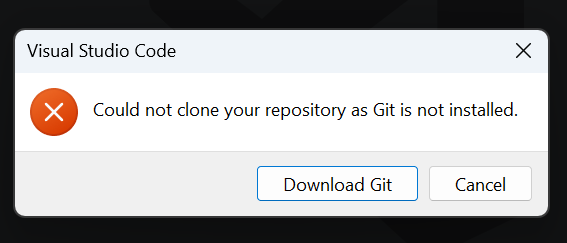
Claudia and Murad helped me do the process locally using visual studio code and git bash, I had some problems while the VSC loading but after I learned to push changes using git bash it felt really good to control technology, and not let the interfaces control you!
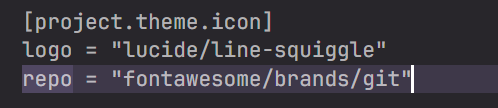
I had fun choosing the font and icon, in addition to editing the assignments page
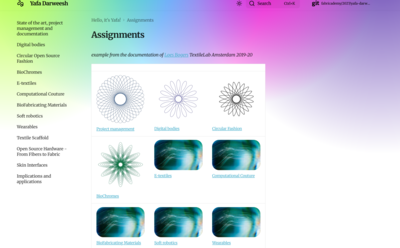
View the code
<div class="grid cards" markdown>
- [](./week01/)
**Project Management**
- [](./week02/)
**Digital Bodies**
- [](./week03/)
**Circular Fashion**
- [](./week04/)
**BioChromes**
- [](./week05/)
**E-Textiles**
- [](./week06/)
**Computational Couture**
- [](./week07/)
**BioFabricating Materials**
- [](./week08/)
**Soft Robotics**
- [](./week09/)
**Wearables**
- [](./week10/)
**Textile Scaffold**
- [](./week11/)
**Open Source Hardware**
- [](./week12/)
**Skin Interfaces**
</div>
To Enhance
I wanna add multiple fonts and move things around the page!
References
- https://lucide.dev/
- https://class.textile-academy.org/2025/ola-muhanna/
-
Tools:
a. Canva: editing images b. I love pdf: portfolio compress c. I love image: Images resize in pixels d. Web IDE & Visual Studio Code: local web editing e. GitBash: Push edits to website f. Mattermost: Communications g. Nueval: Task submition and checklist h. Procreate: Hand-writing on iPad