E-Textiles
01. From Electronics to E-Textiles
Around the same time, I was teaching an electronics studio at Ruwwad, a local NGO in Amman, where I worked with adolescents on exploring electronics and Arduino through a design-thinking approach.
The idea was to learn by making: experimenting with components, testing ideas, solving problems, and learning through trial and error. Teaching Arduino became a learning experience for me, too. While guiding the adolescents through the process, I was also strengthening my own understanding of electronics and programming.
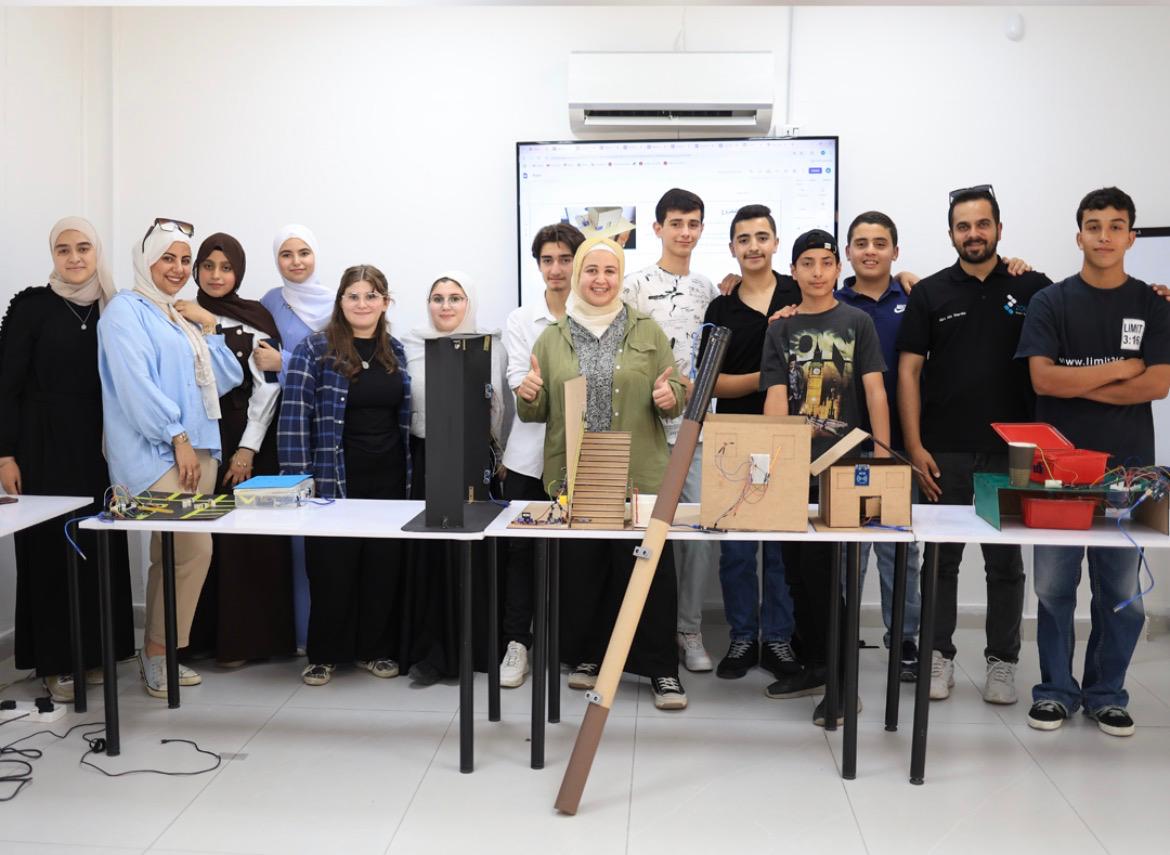

This experience got me thinking about how I could bring electronics into my own creative practice, beyond circuits and devices.
E-textiles felt like a natural continuation: combining electronics with textiles and weaving to make materials more interactive and alive. It's also another way to explore the phygital, bringing the physical and digital together through making and experimentation.
02. Research, References & Inspiration
2.1 Global Lecture with Liza Stark
We started the week with a global lecture by Liza Stark, which introduced us to the world of e-textiles and the different ways electronics can become part of textile practices.
After the lecture, I went through Liza's presentation and explored more of her work. I also looked into Computational Craft, a course at Parsons School of Design taught by Liza that explores the intersection of craft, textiles, and computation.
2.2 Inspirations
Two references that caught my attention were Sensor Knitting by Liza Stark1 and this video on YouTube2.

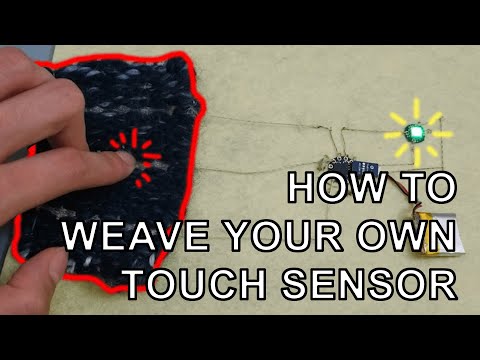
These references got me thinking about how textile techniques can become more than just materials or surfaces. They can sense, respond, and interact with us, opening up new possibilities for combining craft and technology.
Why e-textiles?
What interests me is the possibility of combining familiar, tactile materials with electronics and digital behavior. Rather than treating technology as something separate from the textile, I want to explore how the two can become part of the same experience.
This connects to my interest in phygital experiences, where physical materials and digital technologies meet.
03. Tools & Materials
Tools and materials used
Electronics
- Seeed Studio XIAO microcontroller
- LEDs in multiple colors
- Copper
- Conductive thread and conductive fabric
- Electronic components and circuit connections
Software
Textile materials
- An existing woven piece from the Touch Weaving Residency
- Additional weaving materials
Components and tools are documented as the experiments develop.
04. Process & Workflow
4.1 Understanding the Basics
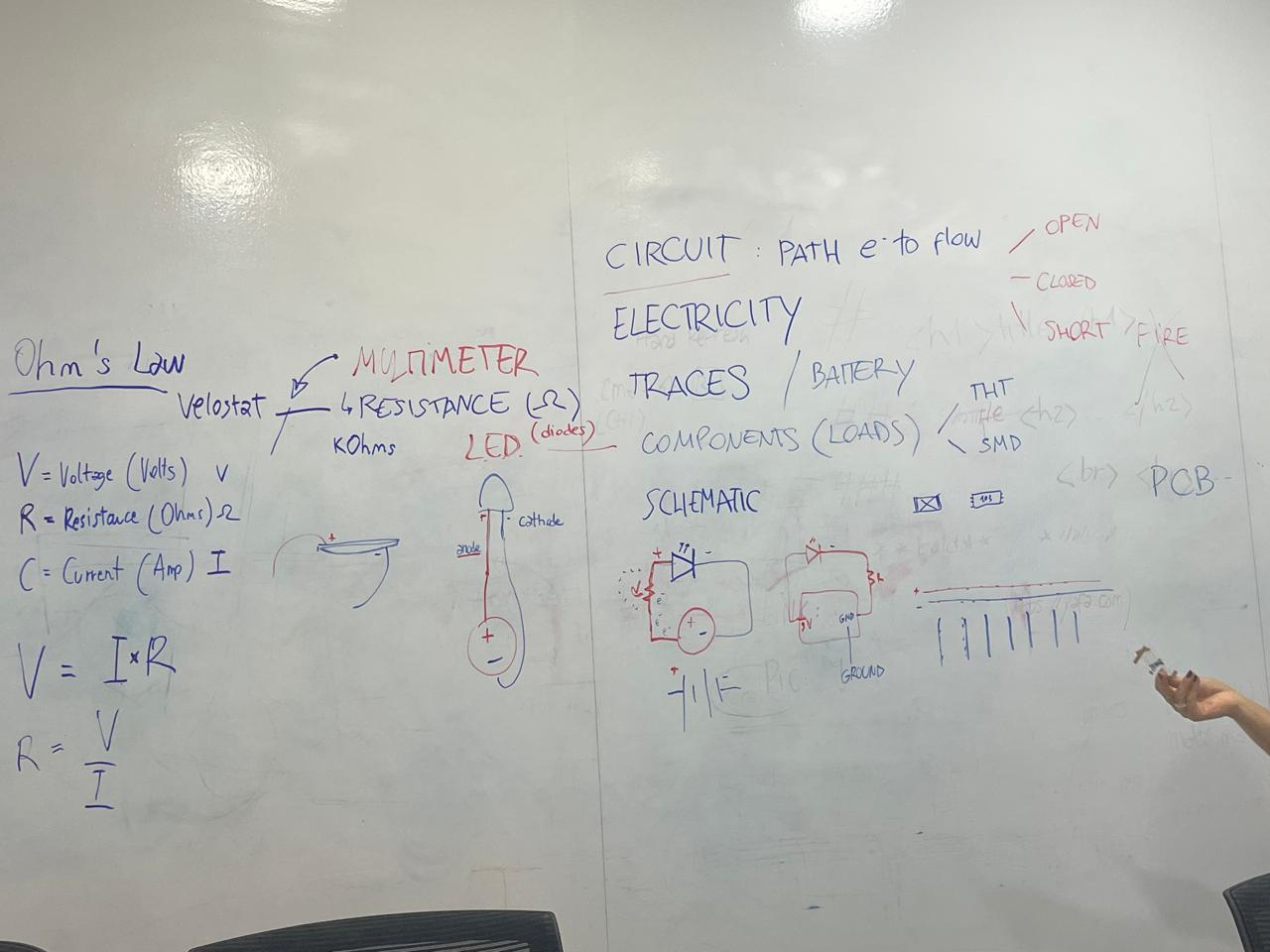
Back in the local session, we started with the fundamentals of electricity. We went through Ohm's law, basic electronic components, and how electrical circuits work.
Although I had already been exploring electronics through teaching and making, revisiting these fundamentals helped me connect the technical side to the possibilities offered by e-textiles.
4.2 Conductive Materials & Microcontrollers
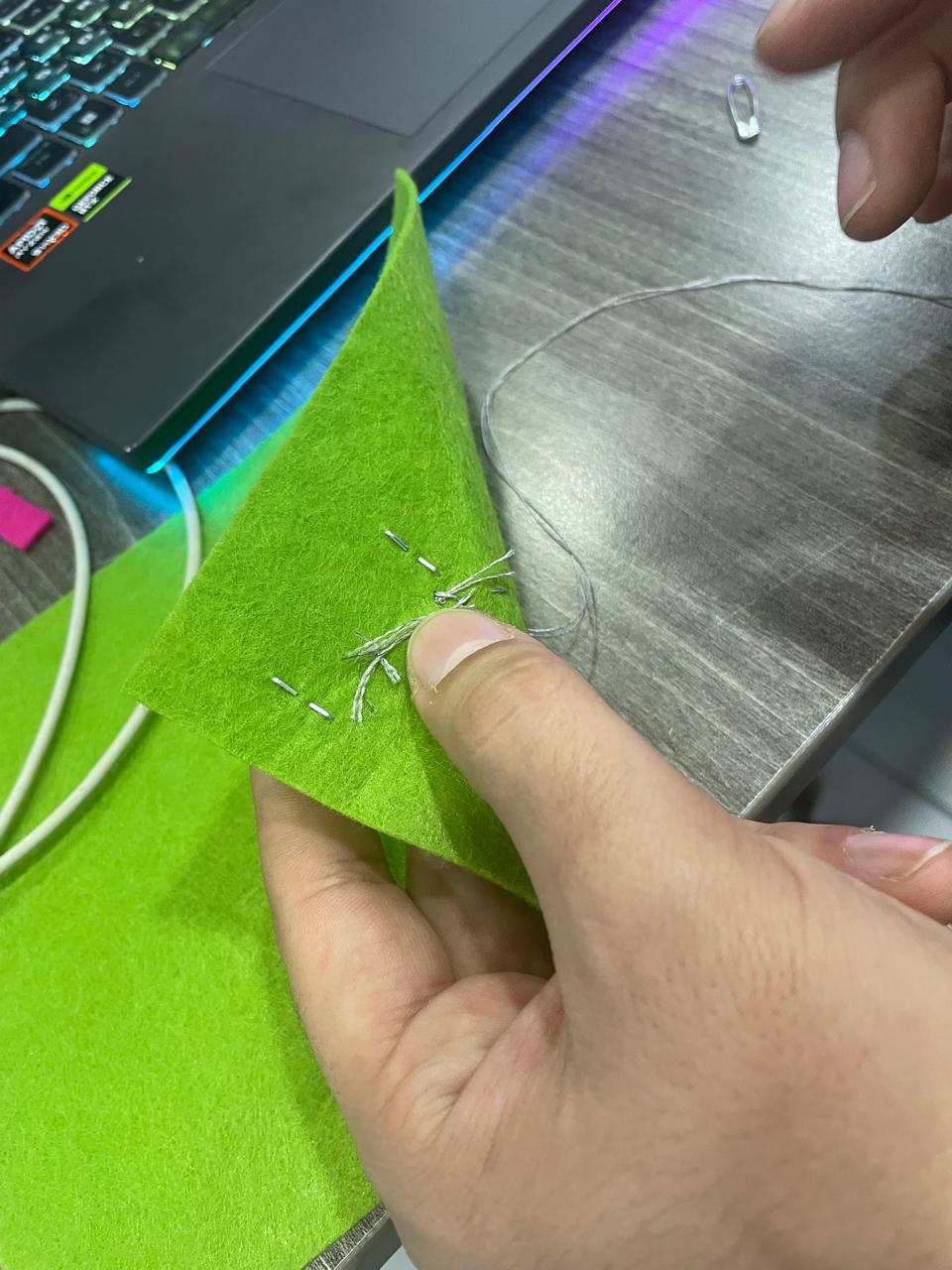
For the hands-on workshop, we started exploring conductive materials, including conductive thread and conductive fabric. We then moved on to microelectronics, using the Seeed Studio XIAO and programming it through the Arduino IDE.
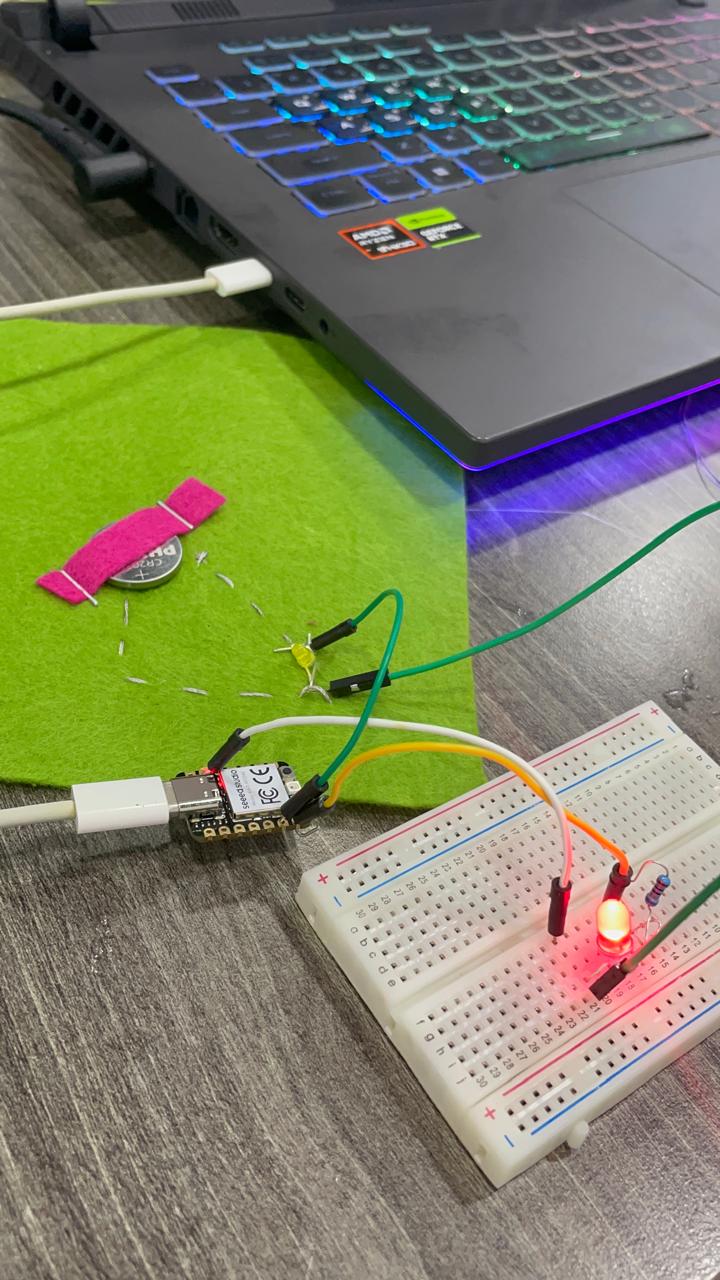
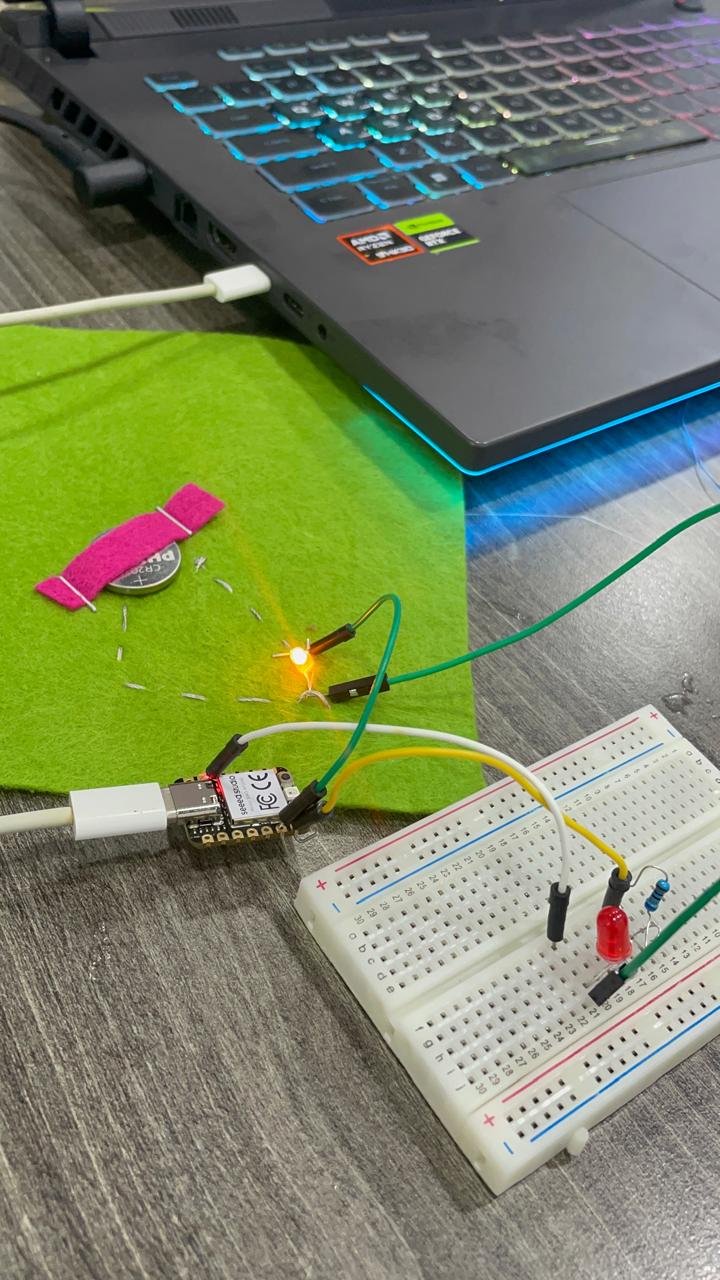
4.3 Experimenting with Pressure-Responsive Lighting
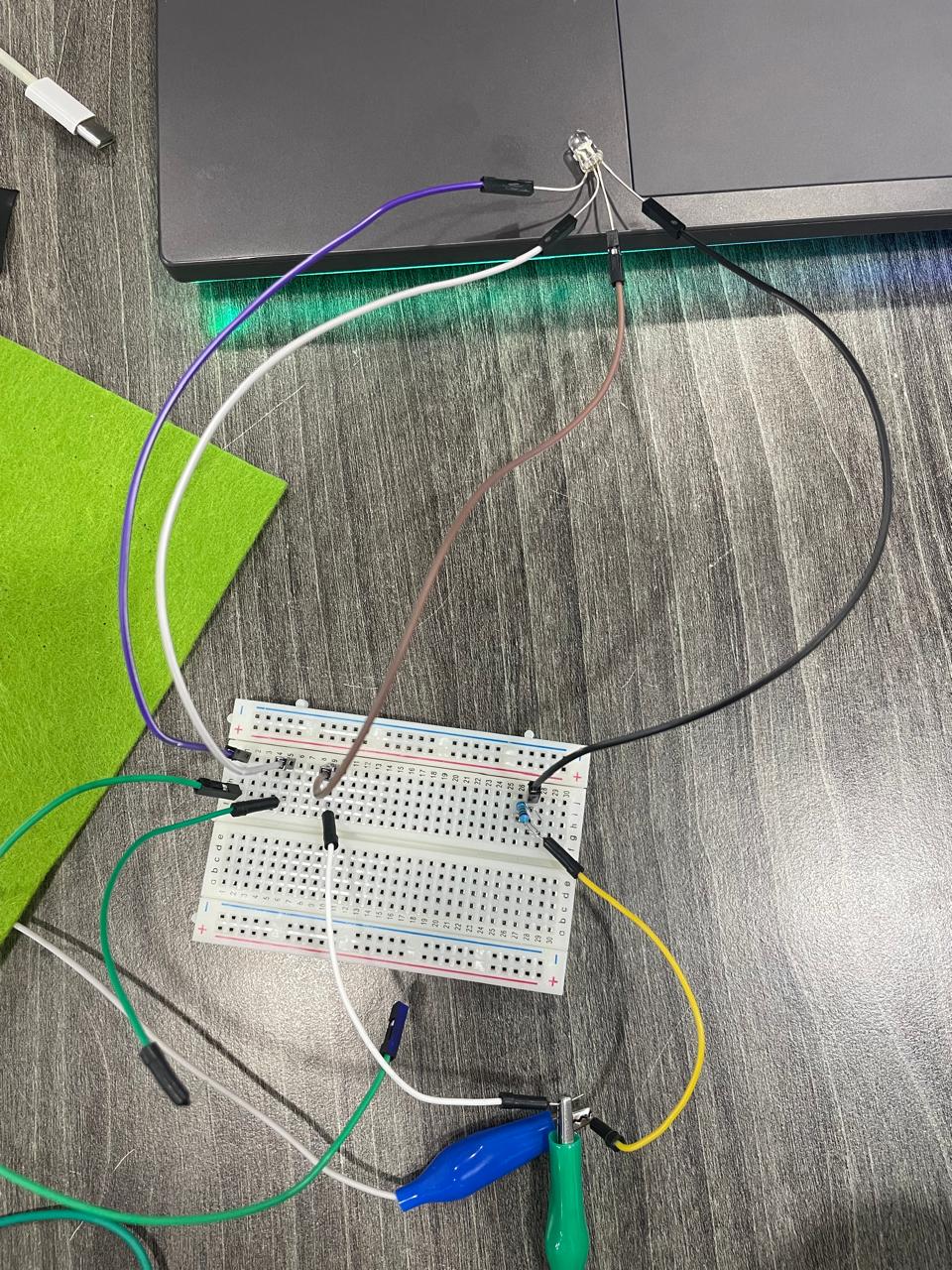
One of our experiments involved using pressure to control the intensity of light. I worked with multiple-colored LEDs and explored how their brightness changed as pressure was applied and released.
It was interesting to see how a simple physical action could change the behavior of the electronics. This connected materials, sensors, programming, and interaction, giving us a first look at how we could make a textile respond to touch.


4.4 Returning to Weaving
For my own project, I wanted to build on something I was already exploring: weaving.
Weaving is often associated with traditional crafts, handmade objects, and cultural heritage. I find it interesting to introduce electronics into this context because it creates a meeting point between something familiar and something unexpected.
What happens when a woven textile can also light up or respond to interaction?
Rather than starting from scratch, I decided to revisit an old weaving piece I had started during the Touch Weaving Residency with Amman Design Week3, facilitated by Ishraq Zraikat.
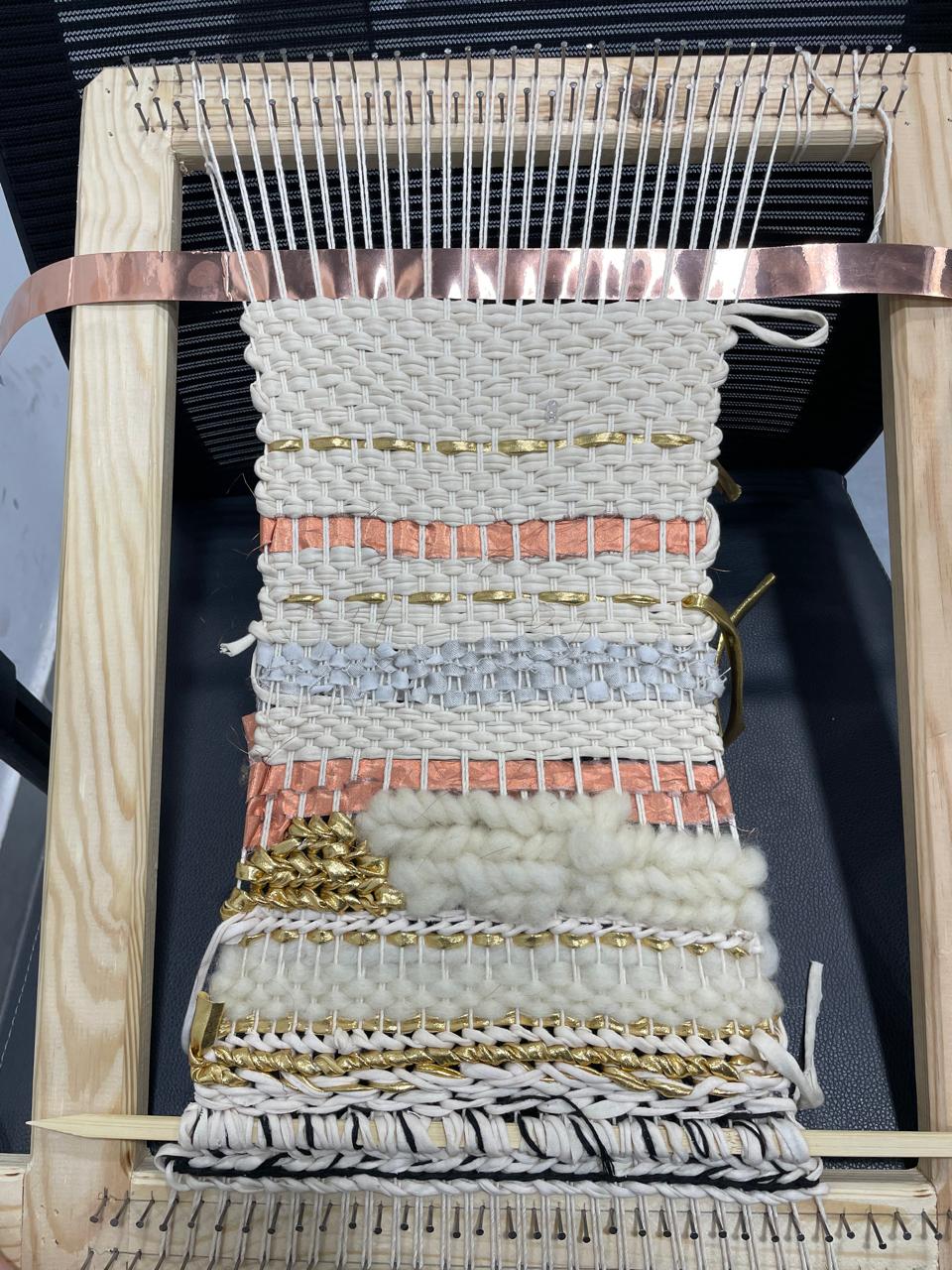
4.5 Continuing the Weaving
I continued weaving and developing the piece, thinking about how I could introduce electronic components without losing the character of the textile itself.
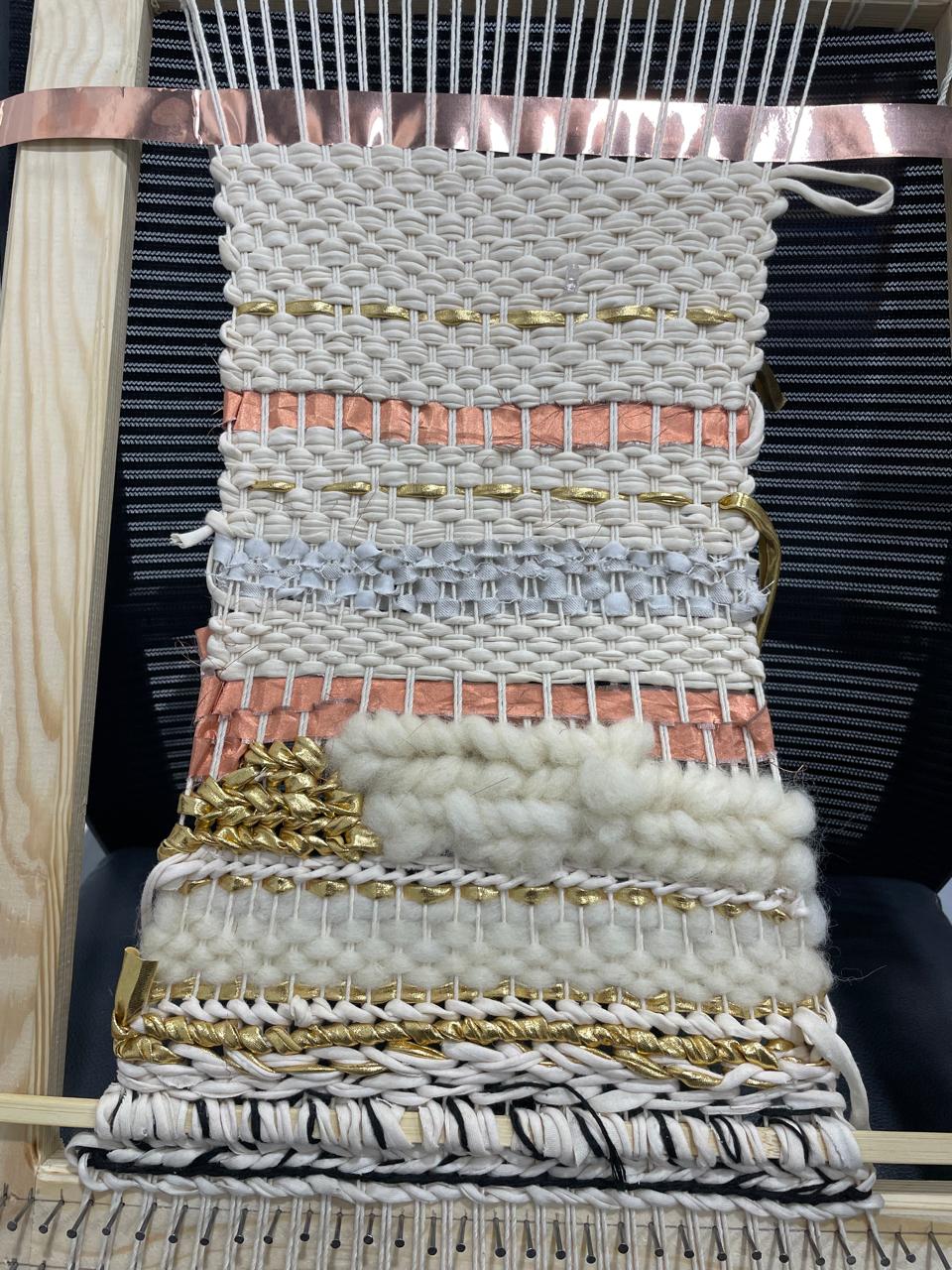
4.6 Introducing Copper and LEDs
Once I had continued working on the textile, I started introducing copper and LEDs into the weaving. I wanted to see how these materials could sit alongside the threads and become part of the textile, rather than simply being attached to it afterward.

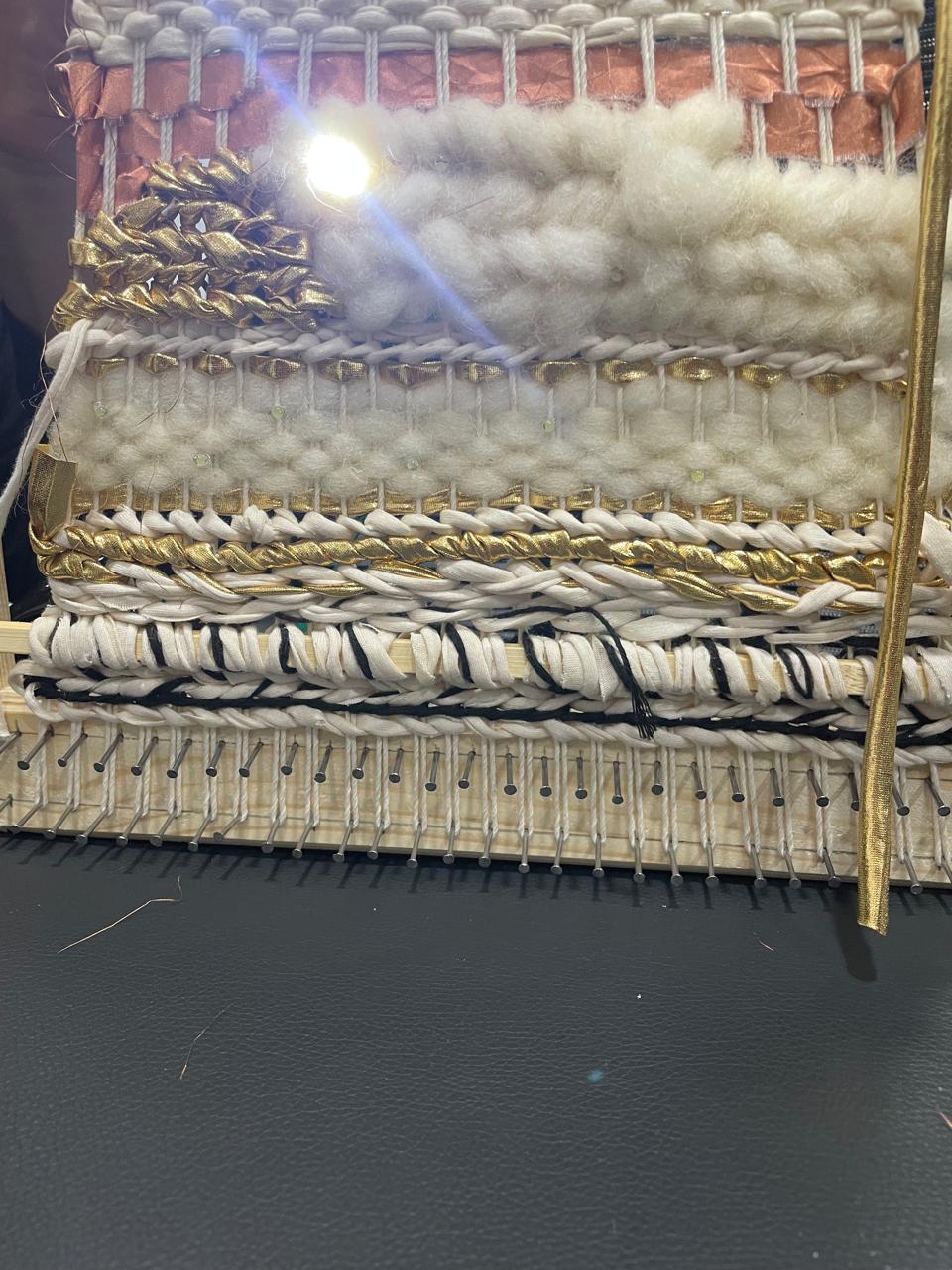
From there, I started experimenting with the placement and connections of the electronic components, testing different ways to integrate the LEDs into the textile and make them light up.


4.7 Connecting the XIAO to Arduino IDE
The next step was to connect the textile experiment to a microcontroller and control the LEDs through code.
I used the Seeed Studio XIAO and the Arduino IDE to set up the connection between the physical components and the software. This allowed me to move from experimenting with the placement of copper and LEDs to exploring how their behavior could be controlled through programming.


This brought me back to some of the concepts I had been exploring while teaching electronics at Ruwwad, but now I was applying them to my own textile work.
05. Troubleshooting & Problem-Solving
Working with electronics is often a process of testing, checking connections, and figuring out where things go wrong. During the LED setup, I checked the hardware connections and adjusted the code to use the correct output pin.
Issue: LED output was not working as expected
What I checked:
- The physical hardware connections.
- The LED output pin in the code.
- The cable and microcontroller setup.
What helped:
I changed the LED output configuration to use pin D6 and added pinMode(D6, OUTPUT); to the setup. I also tested with Mohammad's cable and microcontroller to compare the hardware setup.
After checking the connections and updating the output configuration, the setup worked.
What I learned:
Troubleshooting is part of the process. Instead of assuming the problem is in the code or the hardware, it helps to check each part separately and test one change at a time.
06. Code
The following is the relevant line used to configure pin D6 as an output. It is a snippet from the troubleshooting process, not the complete Arduino sketch.
This configures D6 as an output so it can be used to control an electronic component, such as an LED, according to the rest of the program.
What to include when uploading the full code
- Save the complete Arduino sketch as an
.inofile. - Add a short explanation of what the code does.
- Reference the file here and include it in the fabrication files section.
- If you have multiple versions, document what changed between them.
07. Results & Documentation
At this stage, the project brought together three elements I wanted to explore: weaving, electronics, and interaction.
The experiments allowed me to start integrating copper and LEDs into an existing textile and explore how a familiar craft technique could take on another layer through electronics.
What I achieved
- Continued an existing woven textile rather than starting from scratch.
- Experimented with copper and LEDs as part of the textile.
- Explored pressure-responsive lighting during the workshop.
- Connected the Seeed Studio XIAO to the Arduino IDE.
- Practiced troubleshooting hardware connections and output configuration.
What still needs documenting
- A video showing the LEDs working in the textile.
- A close-up of the final connections.
- The complete Arduino sketch.
- Measurements of the woven piece.
- A final photo of the textile with the electronics working.
08. Reflection
This week connected two parts of my practice: teaching electronics through design thinking and exploring electronics through my own artistic work.
I am especially interested in how weaving can move beyond being a static surface and become something that responds, lights up, and invites interaction. Combining traditional textile techniques with electronics opens up possibilities I want to keep exploring through my phygital practice.
09. Fabrication Files & References
Fabrication files
- Arduino sketch (
.ino) - Circuit diagram
- Additional design or fabrication files
References
-
Liza Stark, Sensor Knitting. Project page. ↩
-
Amman Design Week, Touch: Experimental Weaving Residency. ↩