State of the art, project management and documentation
1. Objective
Learn how to build a documentation website, from uploading the documents to coding it.
2. Inspiration
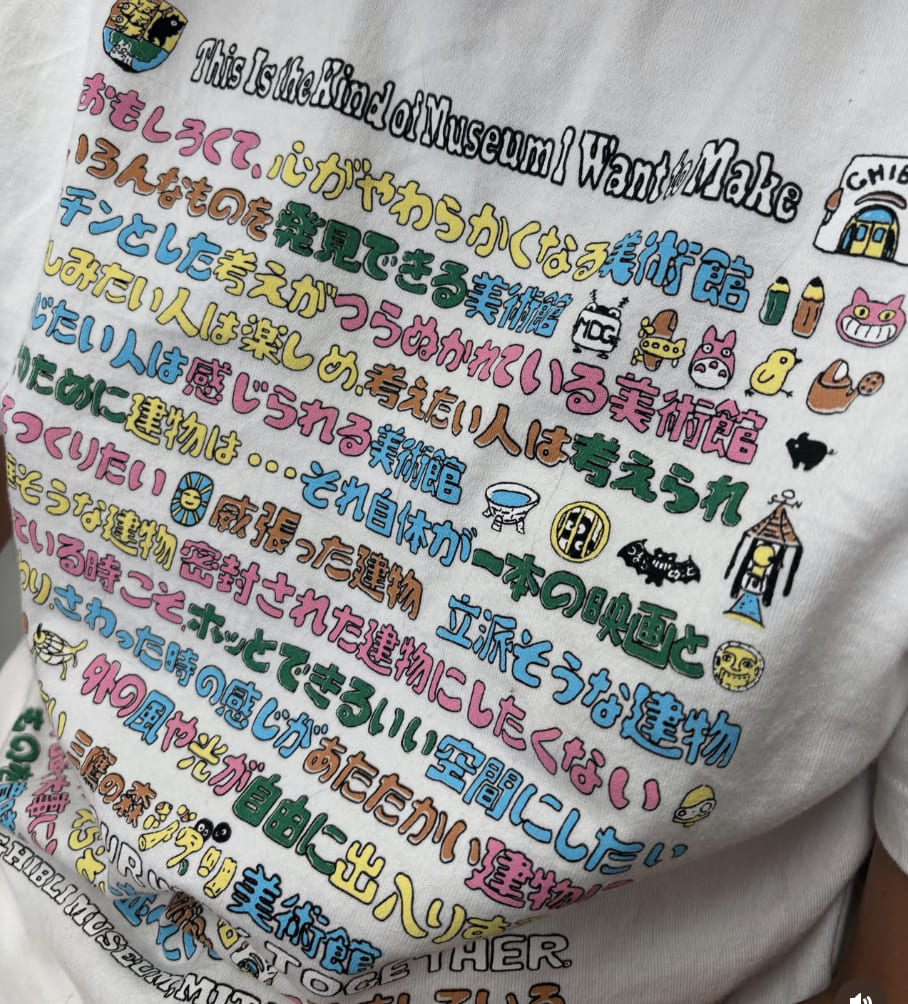
My first reference for my website was a shirt I got at studio ghibli museum, I like the letters style so I took it as inspiration and drew them for my titles.
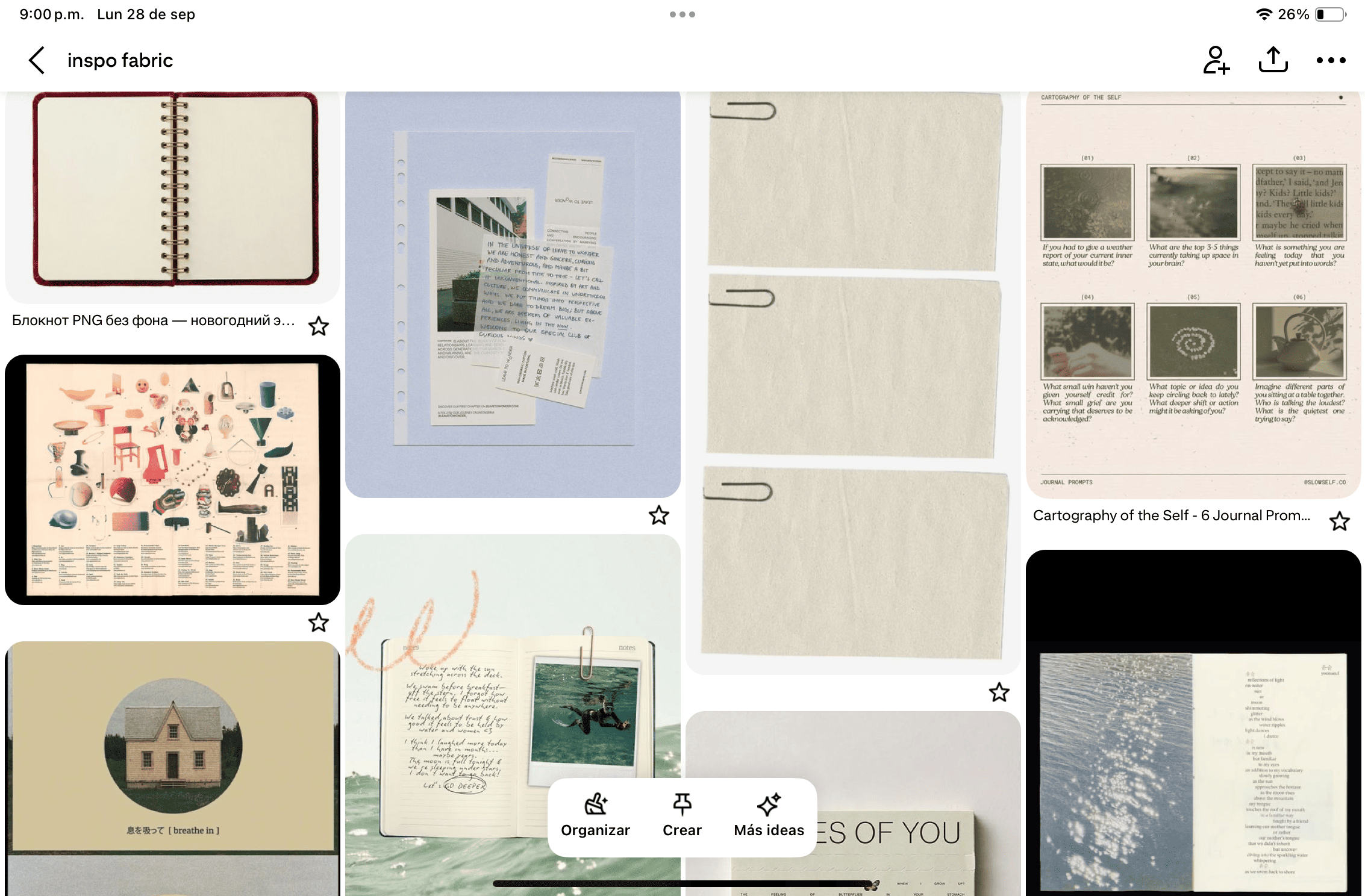
I also really like working with anallogical techniques, that's why I started looking for this kind of resources on pinterest, where I made a moodboard.
3. Tools
List the tools you used
4. Process and workflow
I first watched the tutorials provided here, red the codes and started asking claude to explain me what everything meant to understand the structure of it and figuring out how to do stuff.
I started doing a sketch of how I wanted the website to be arranged
Then I drew my typography using Procreate

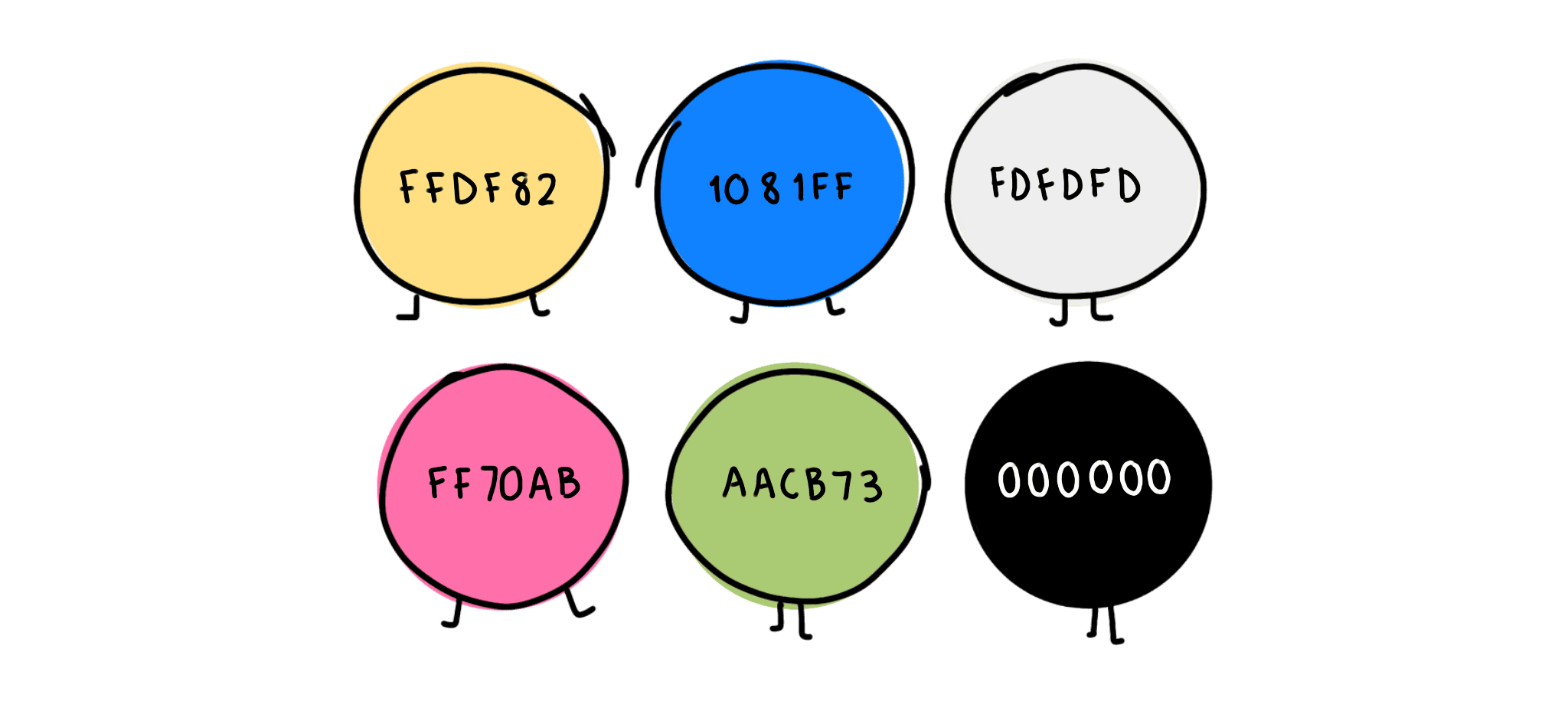
I chose the color palette
When we watched the first presentations I found some inspiration in my classmates websites, specifically
Erien's - who had an image for her background, so after comparing her code with mine and with the help of Claude I found out how to set an image as my background, the code I ended up using in the CSS is:
This opened possibilities for me so I started exploring how to set images as backgrounds for specific things, this is the code I got:
6. Reflection
After doing this assignment I could refresh a bit of what I knew about coding, made me remember how I really enjoy learning through experimentation. There were a lot of steps I could have probably done different, more efficient maybe. Either way I really liked experimenting with this, trying codes and seeing what they gave me, I know everything I learned will make this journey way easier each time.