State of the art, project management and documentation
1. research & inspiration
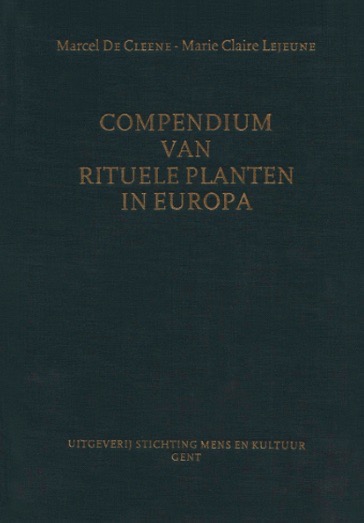
I love diving into archive.org. It's amazing source of info open to all. I use it to do a lot of plant research, for example this publication is one I always come back to:
It shows all the local names of plants before they were standardised in Belgium in 1907. For example the common Dandelion had many different names, loosely translated as: wishing flower, commander of letters, earring flower. I find these different names very poetic and they are a big source of inspiration for me.
You can also find some beautiful images, for example:
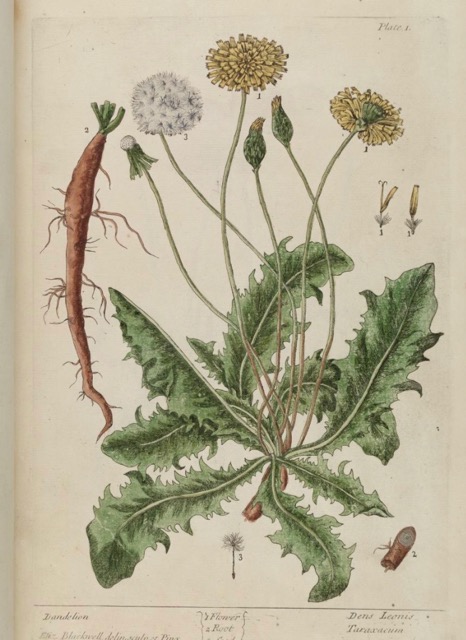
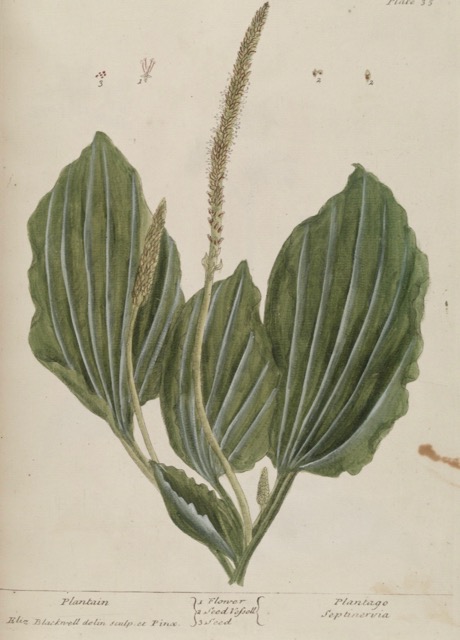
Drawings by Elisabeth Blackwell in the publication A curious herbal containing five hundred cuts, of the most useful plants' ' from 1737
Another source of inspiration is conversation with people. In the work I do woth Renée, our projects are very social and we have a lot of conversations with people from many different backgrounds. This shows different perspectives of living in the city or in rural areas. Through their stories I try to experience the environment in a different way.
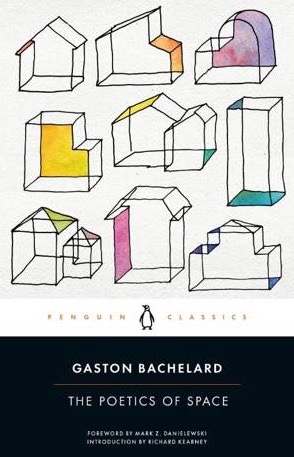
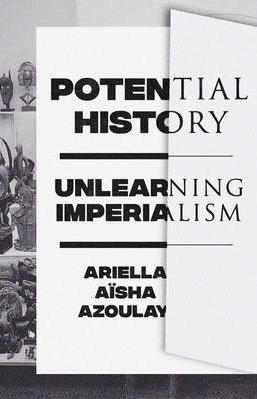
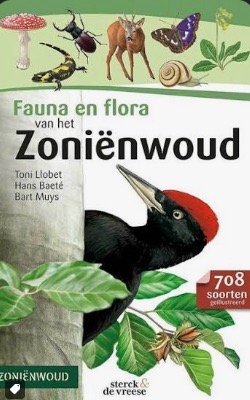
A collection of books that have inspired me over the years:

2. motivation
During the course I am interested in learning more technicological ways of approaching textile and protography, and the combination between both. Because I have learned many textile techniques on my own, I usually only have simple tools at hand (simple tools which go a long way). I am looking forward to discovering a whole new set of tools to work with.
3. website journey
Yesterday I was coming home by train, and the train got stuck in a tunnel for 120 minutes. It was the ideal opportunity to learn some basic code, so I headed to w3Schools to understand some more. I have no experience in coding, but it was a good introduction.
Before adding the content to my website, I wanted to personilize the site. As a logo and favicon I used a drawing of a forget-me-not which I drew for the 'lovegarden' project described earlier. I think it has an interesting symbolic layer and it works as a simple nice logo. Here you can see the original:
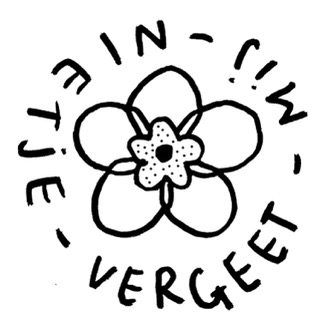
I used Affinity to add some colour and make it transparent:
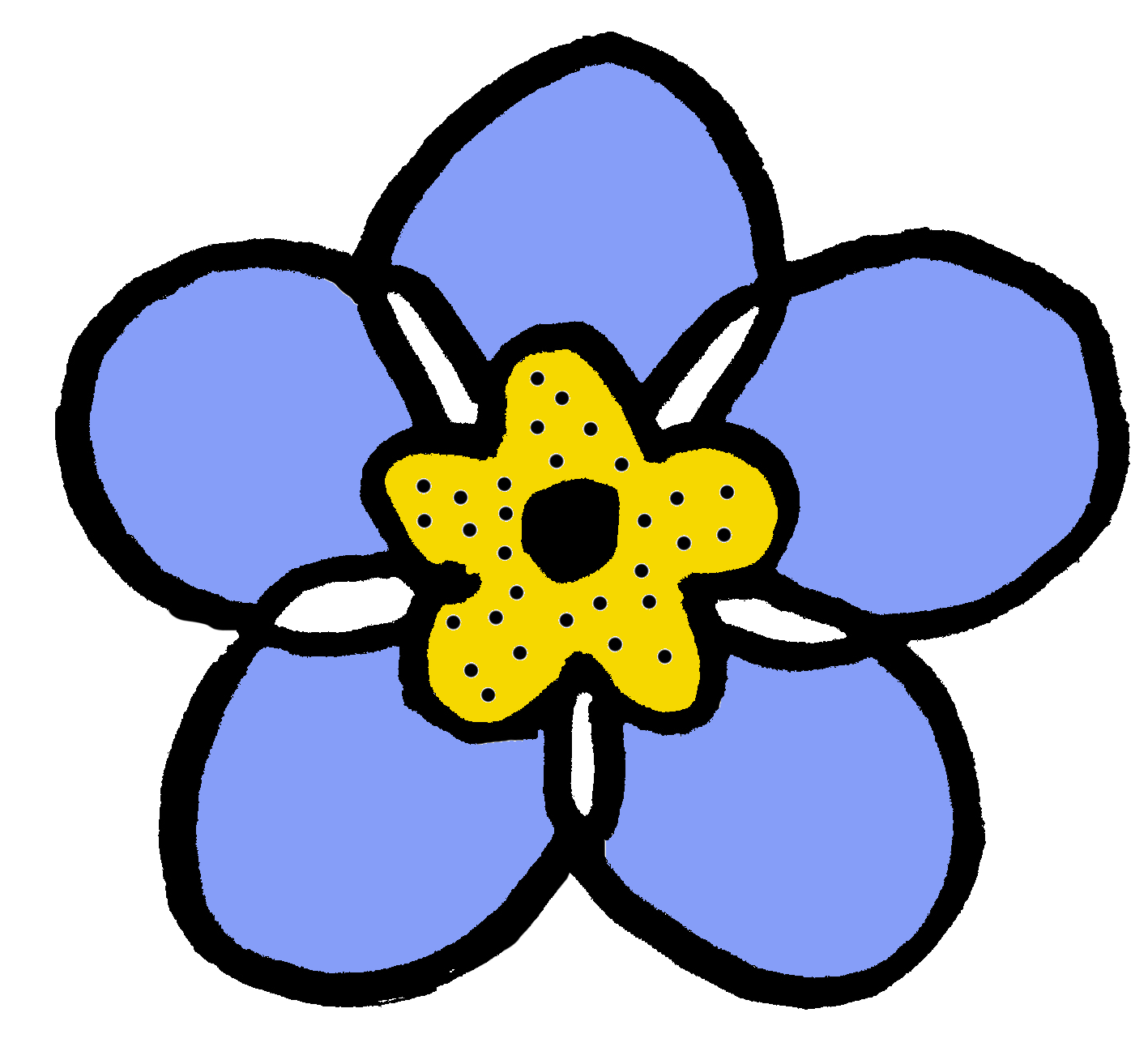
I installed them with the help of the Zensical website explinations.
Inspired by Stéphanie's website I also changed the background to a drawing I made of thyme. This was the code I used in the CSS:
.md-main {
  background-image: url("../images/background.png");
  background-repeat: repeat;
  background-position: top left;
  background-size: 300px auto;
}
{
  --md-primary-fg-color:        #869EF8;
  --md-primary-fg-color--light: #869EF8;
  --md-primary-fg-color--dark:  #869EF8;
}

.md-header, .md-tabs {
  --md-default-fg-color: #000000;
  --md-default-bg-color--light: #F8DF86;
}

.md-tabs {
    background-color: #869EF8;
}
I just changed the colour codes.
3. tools
List the tools you used
- ZED - for writing the code. With the help of Julian's tutorial and also some AI I managed to host my website locally. This made it much more efficient to change the appearance of my website.
- Apple finder for compressing images. right click > actions > convert image (using filesize medium)
- Affinity - to edit the images. It is free but not open source. It is owned by Canva. I recently started using it as an alternative to the monopoly that is adobe. In my experience it is more user friendly than GIMP with a less steep learning curve when coming from photoshop.
- W3 - for understanding how different code works.
4. reflections
It was a good introduction to basic coding. I have had a website for a long time. A few years ago I changed from WIX to Cargo for political reasons. This weekly assignement has made me more confident to explore other options and potentially build it myself. Opening the 'Terminal' on my mac was something that scared me, still kind of does, but it was a good experience. It is interesting to think about a way to host a website with as little environmental impact as possible. But these are thoughts to elaborate on another day.