E-textiles
1. references, research & inspiration
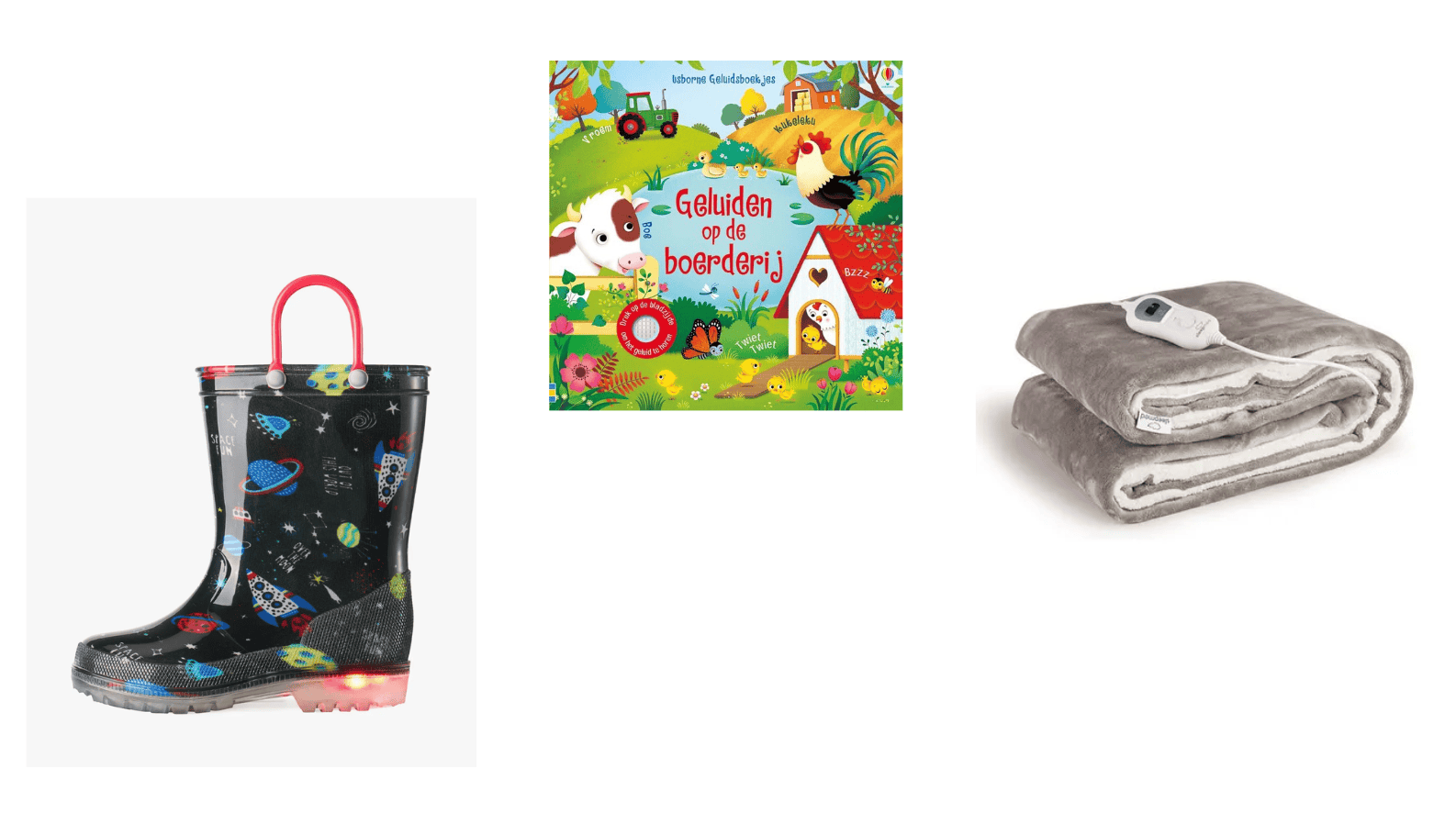
After the inspiring lecture by Liza Stark, I found myself looking at everyday objects in a different way. I started noticing the electronic elements that were already part of my surroundings, especially those that combine technology with play. My son has a few sound books that play different sounds when you press certain buttons, as well as a pair of rain boots with integrated LED lights. These seemingly simple objects made me curious about how electronics can be integrated into everyday products in playful and accessible ways.
I started researching how the lights in his rain boots work, particularly because they don't seem to have a battery. I found out that they might use piezoelectricity, where mechanical pressure is converted into electrical energy. When pressure is applied to a piezoelectric material, it generates an electrical charge that can potentially be used to power small electronic components, such as LEDs. In the case of the boots, the pressure created by walking could be involved in generating the energy for the lights, although I haven't confirmed the exact mechanism used in these particular boots, as it is impossible without breaking them.
During my research, I came across this DIY generator shoes project, which explores how the energy generated by walking can be harvested and used to charge batteries. I found this interesting because it demonstrates how everyday movements can become a source of energy. It also made me think about how much potential there is to integrate technology into textiles in ways that are both functional and playful.
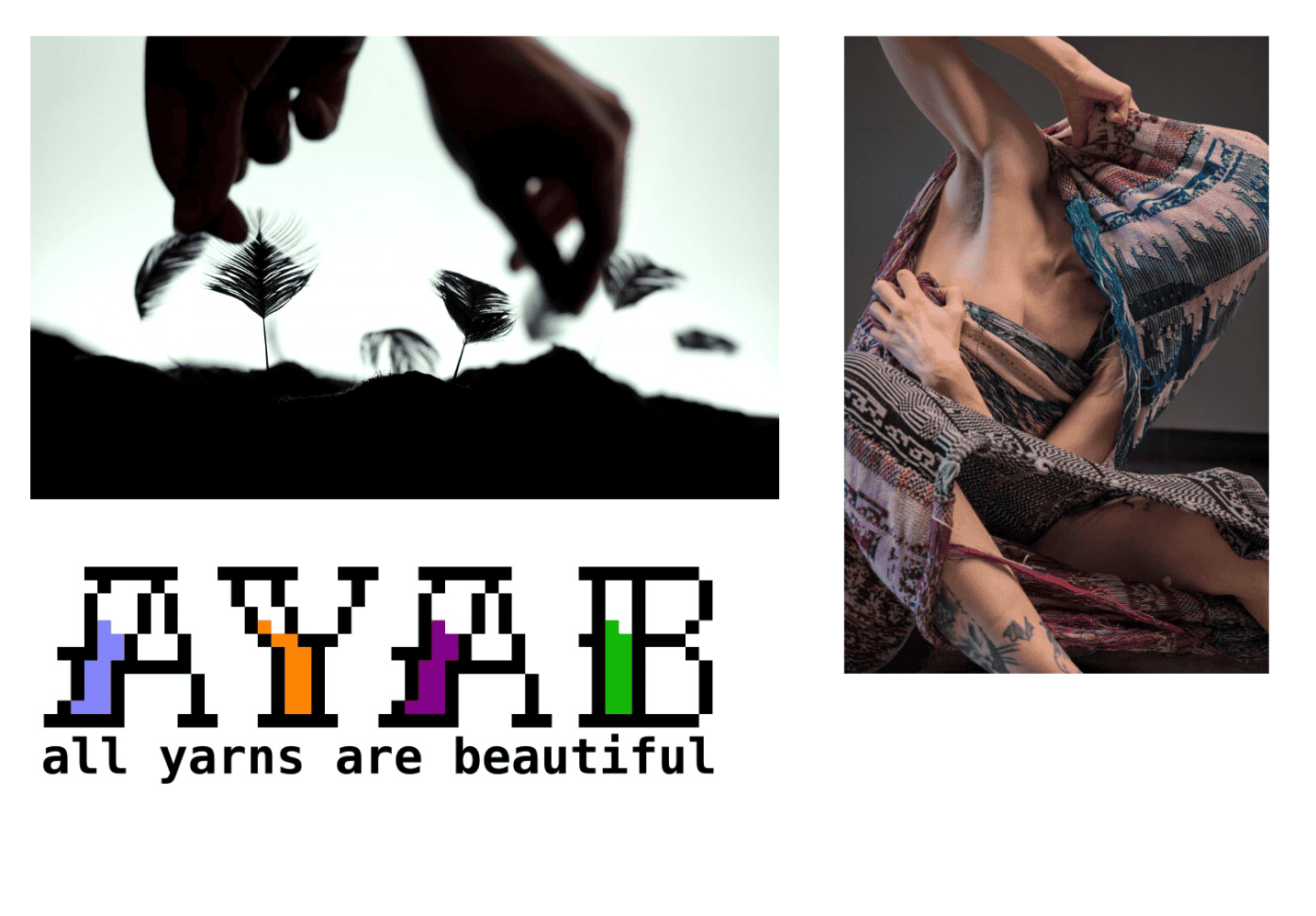
I was also inspired by Audrey Briot's Stymphalian Birds project, as well as the work of Rebekka Jochem, whom I coincidentally met a few weeks ago. I am also in the process of hacking my knitting machine with AYAB. This also uses an arduino.
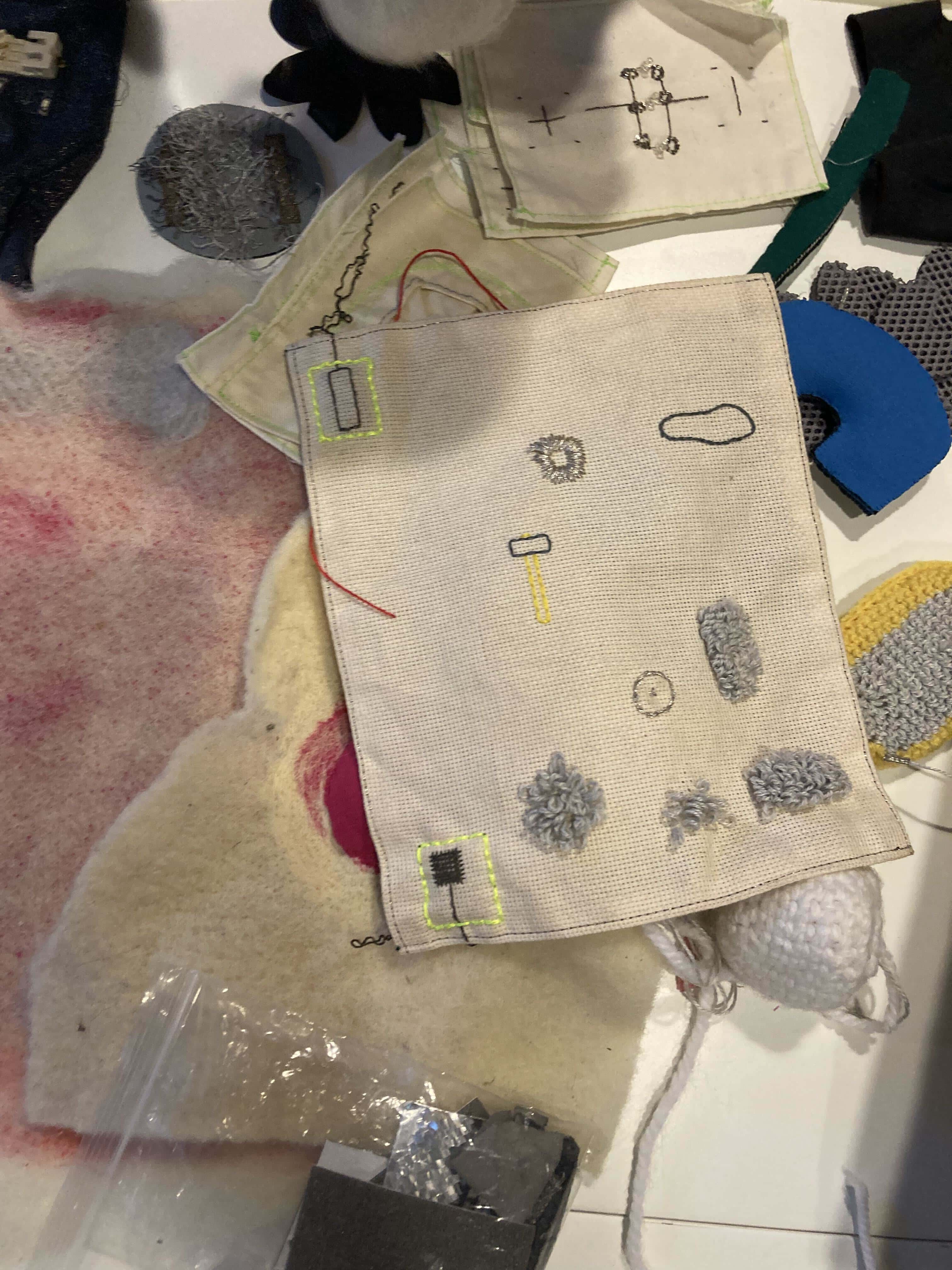
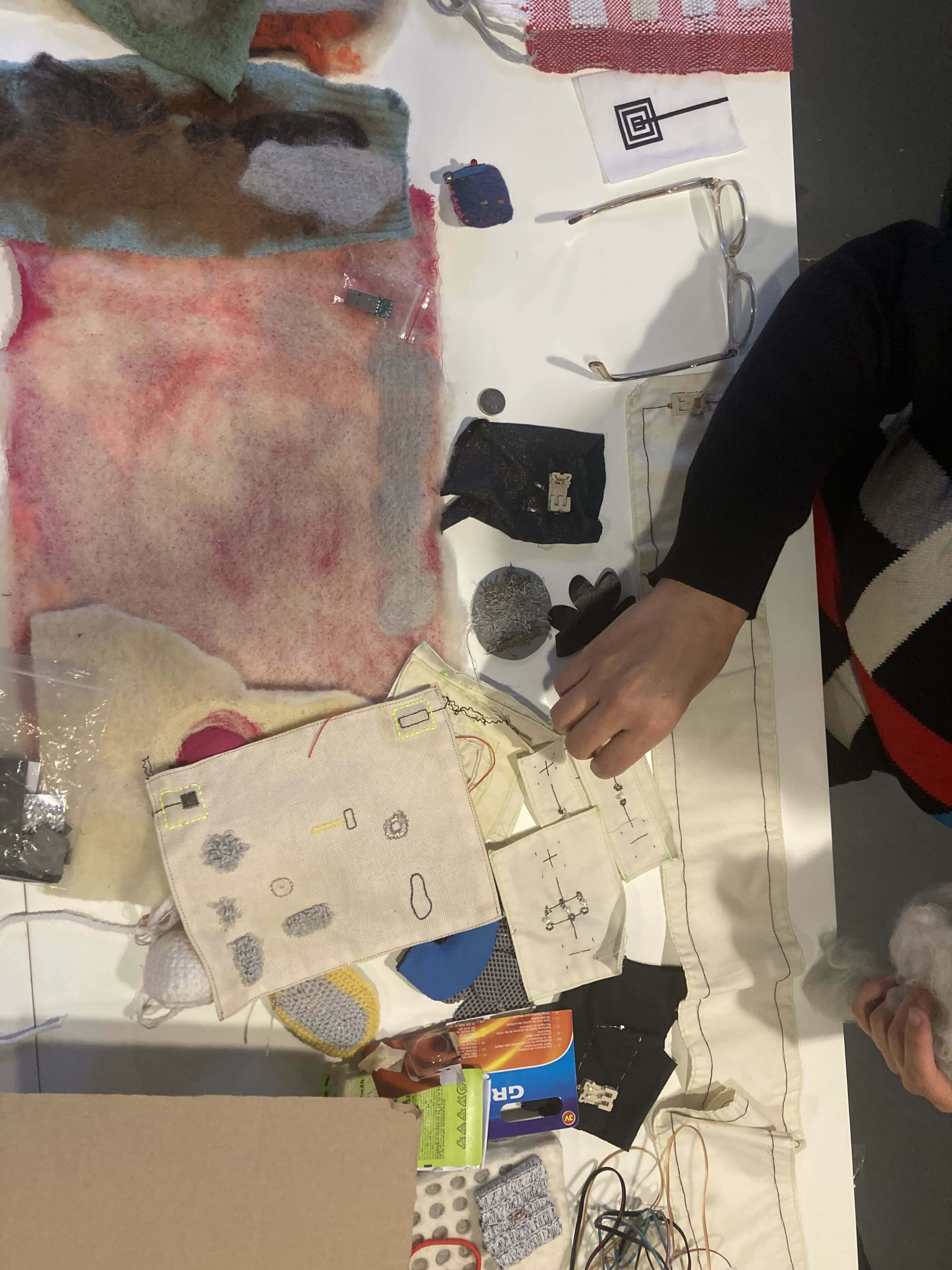
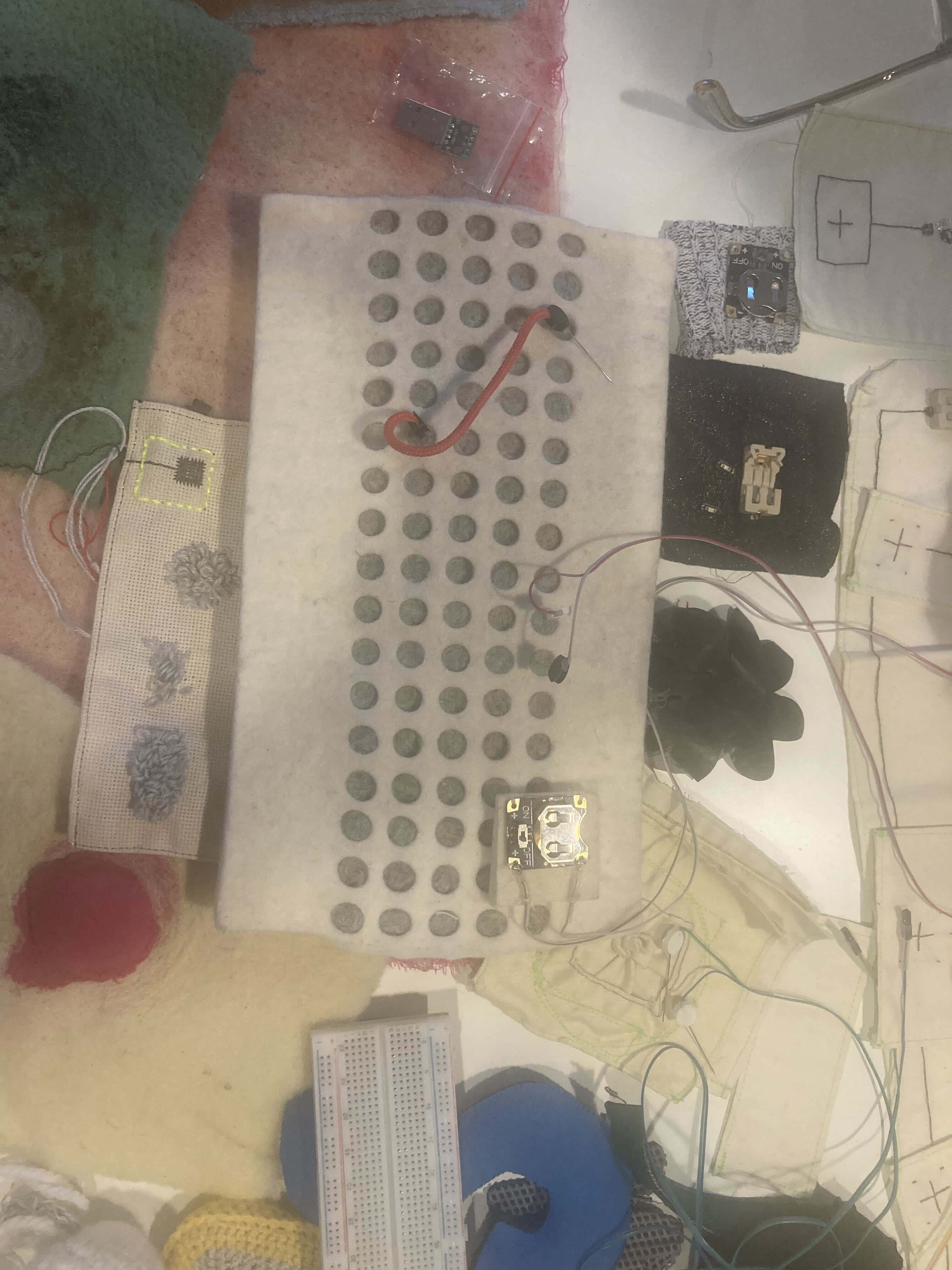
We also got an amazing workshop e-textiles by Wendy Van Wynsberghe. She showed us lots of different possibilities of e-textiles, for example a felted breadboard. Photographs by Rebeca.
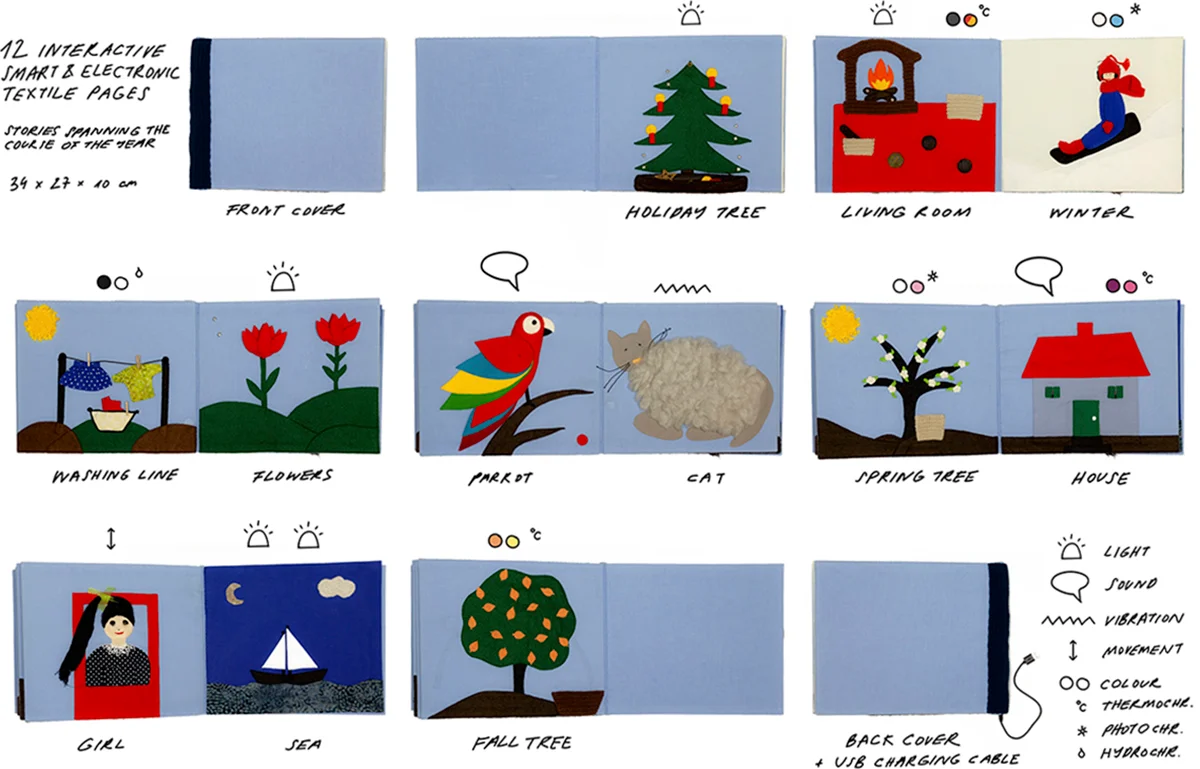
When I explained my idea to Wendy, she showed me Irene Posch's Crafting Stories project, which explores how electronics and textiles can be combined to create interactive books. She reimagines a handmade textile book from her childhood by adding electronic elements that respond to touch and movement, creating sounds, lights and other playful interactions.
2. bird playmat
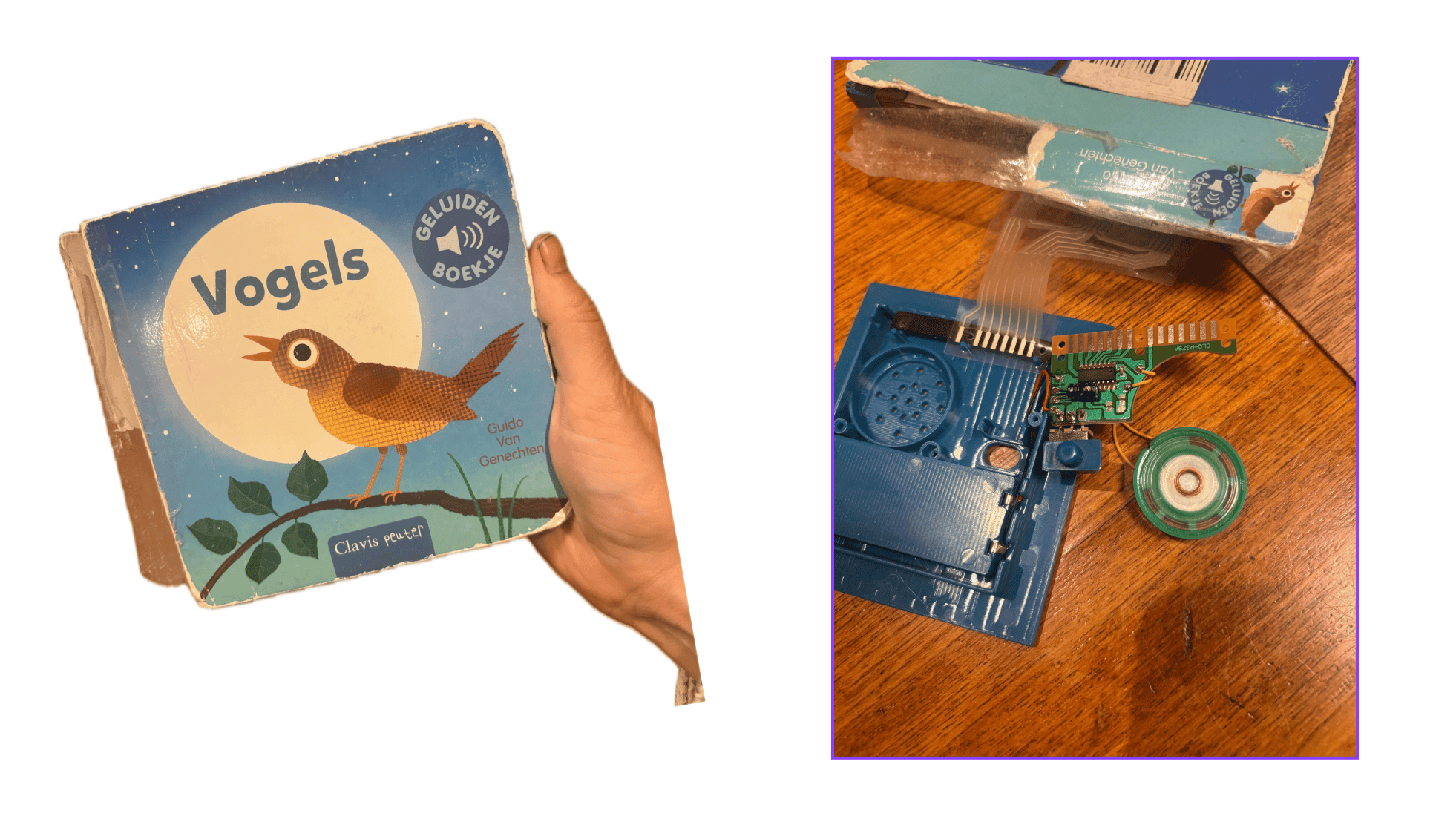
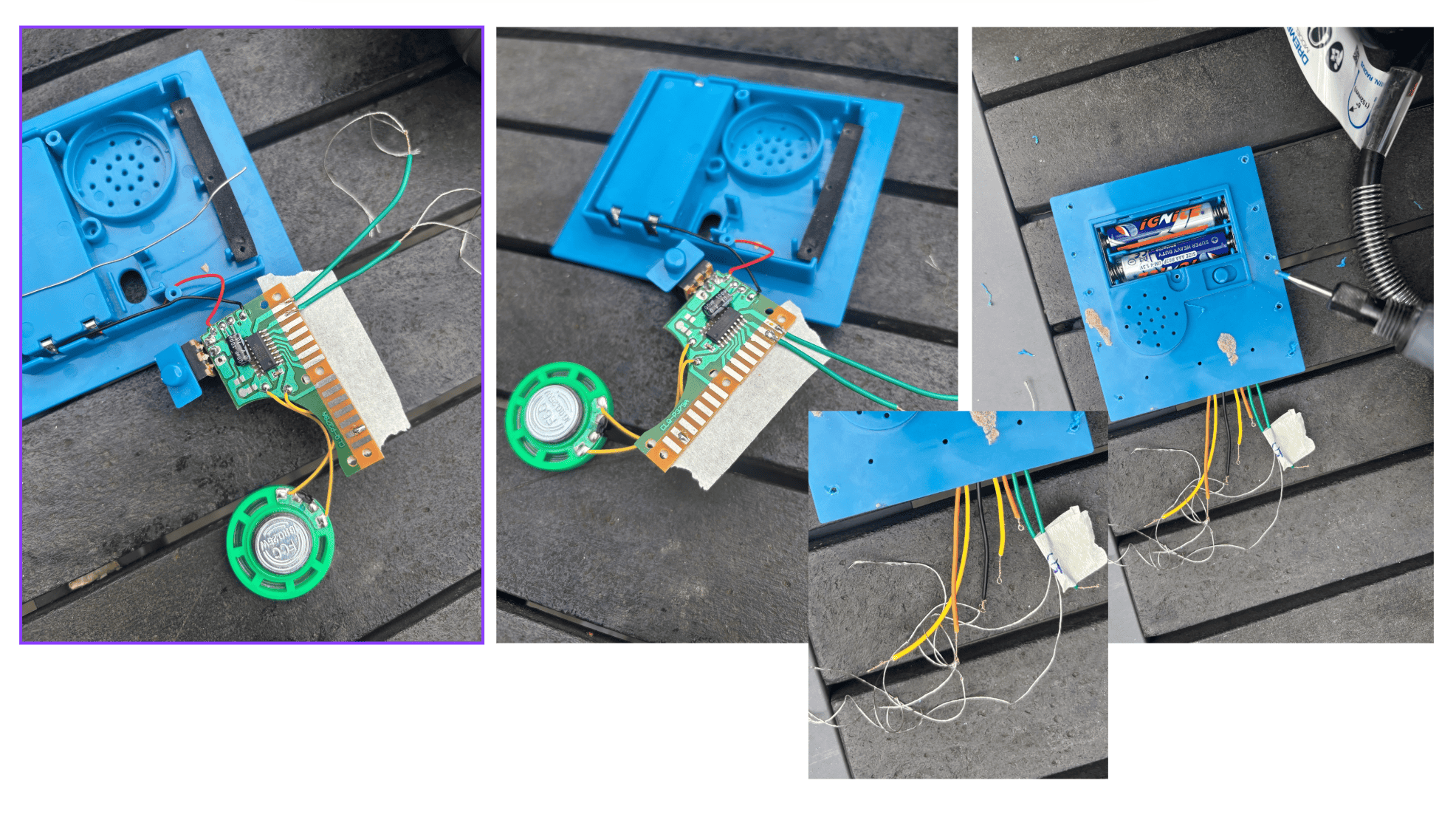
Before starting the Fabricademy course, I was already playing with the idea of creating a touch installation using the bird sounds from a sound book belonging to my son. I liked the idea of ‘hacking’ technology that already exists. I decided to take the book apart to see how the technology worked. I was pleasantly surprised to discover that the electronics were relatively simple. The small circuit board, which I think of as the book's 'computer', was connected to the buttons through a series of wires. Once I separated the electronic components from the book itself, I realised that I could reuse the existing technology and build a completely different interface around it. This became an interesting exercise in understanding how an everyday object works and how its components can be repurposed. Rather than building an electronic system from scratch, I could focus on adapting the existing circuit to a textile surface.
I came up with the following plan:
2.1 six digital buttons
I wanted to create six touch-sensitive areas, each corresponding to a different bird sound. For this, I used the 'sandwich' technique introduced by Liza Stark. The idea is to create a pressure-sensitive connection using layers of conductive and non-conductive materials. When the layers are pressed together, they make contact and complete the circuit, triggering the sound. I used two small pieces of conductive textiles and in the middle I added some neoprene which I put holes in with a holepuncher.
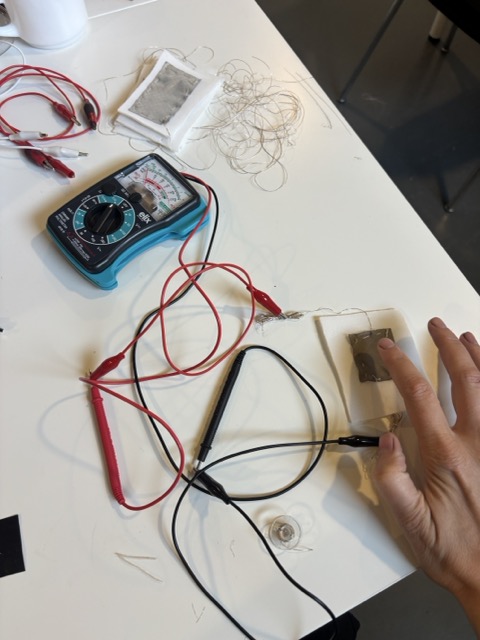
You can find a tutorial on how to make these buttons here
2.2 placing the buttons
I positioned the buttons across the textile and connected each one to the circuit board using two wires. One connection went to ground, and the other to the corresponding input on the book's circuit. This allowed me to reuse the original sound-playing mechanism while replacing the physical buttons with textile-based ones.
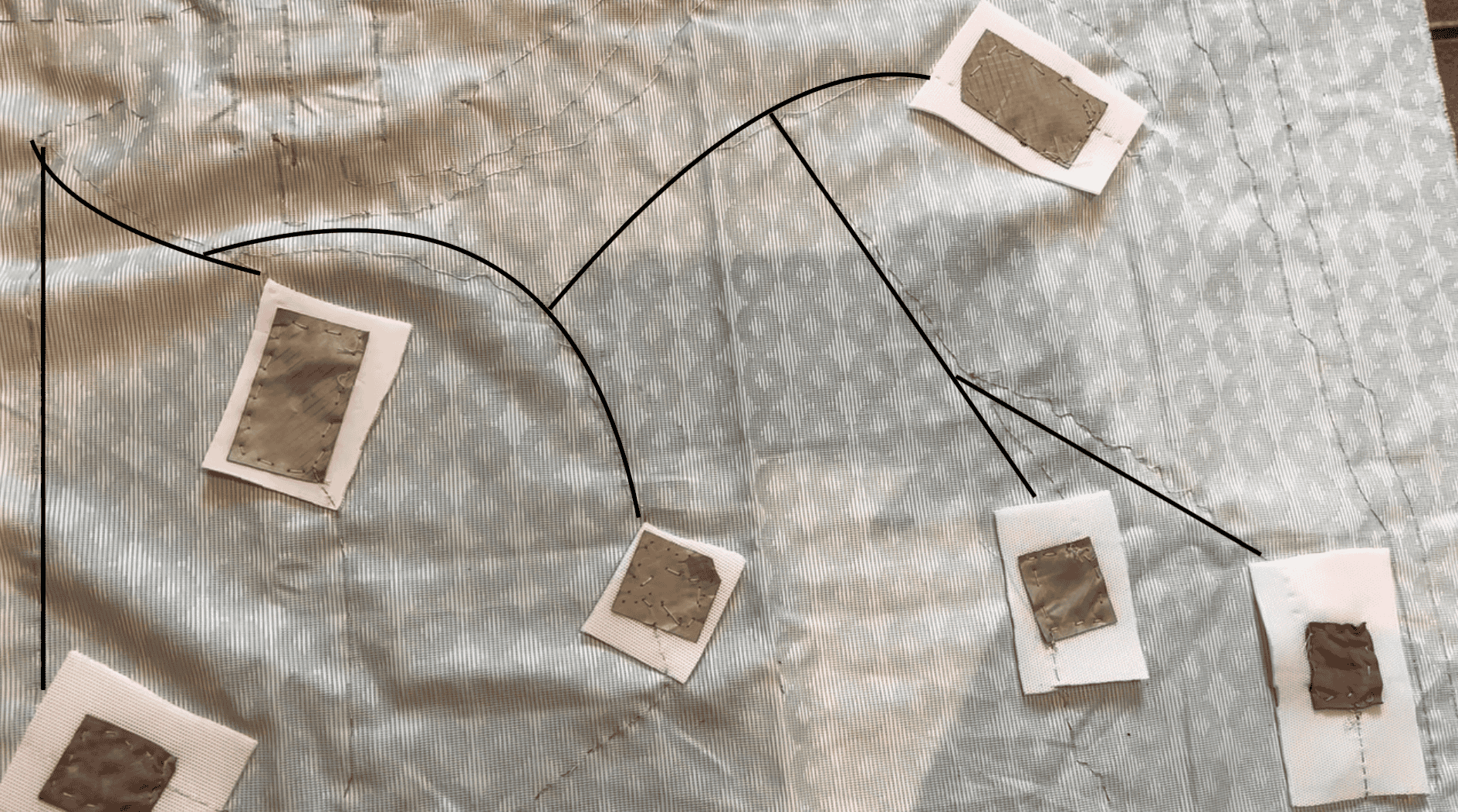
I found it quite handy that I could bundle all the ground wires into one wire, otherwise it would have been quite a puzzle to sew everything into place.
2.3 hard -> soft
It took a while to figure this part out. Mainly because my soldering skills are not great, but also because the connections have to be durable and flexible at the same time. I soldered wires onto the circuit board and created small loops at the other ends of the wires. I then knotted the conductive thread through these loops to establish the connection.
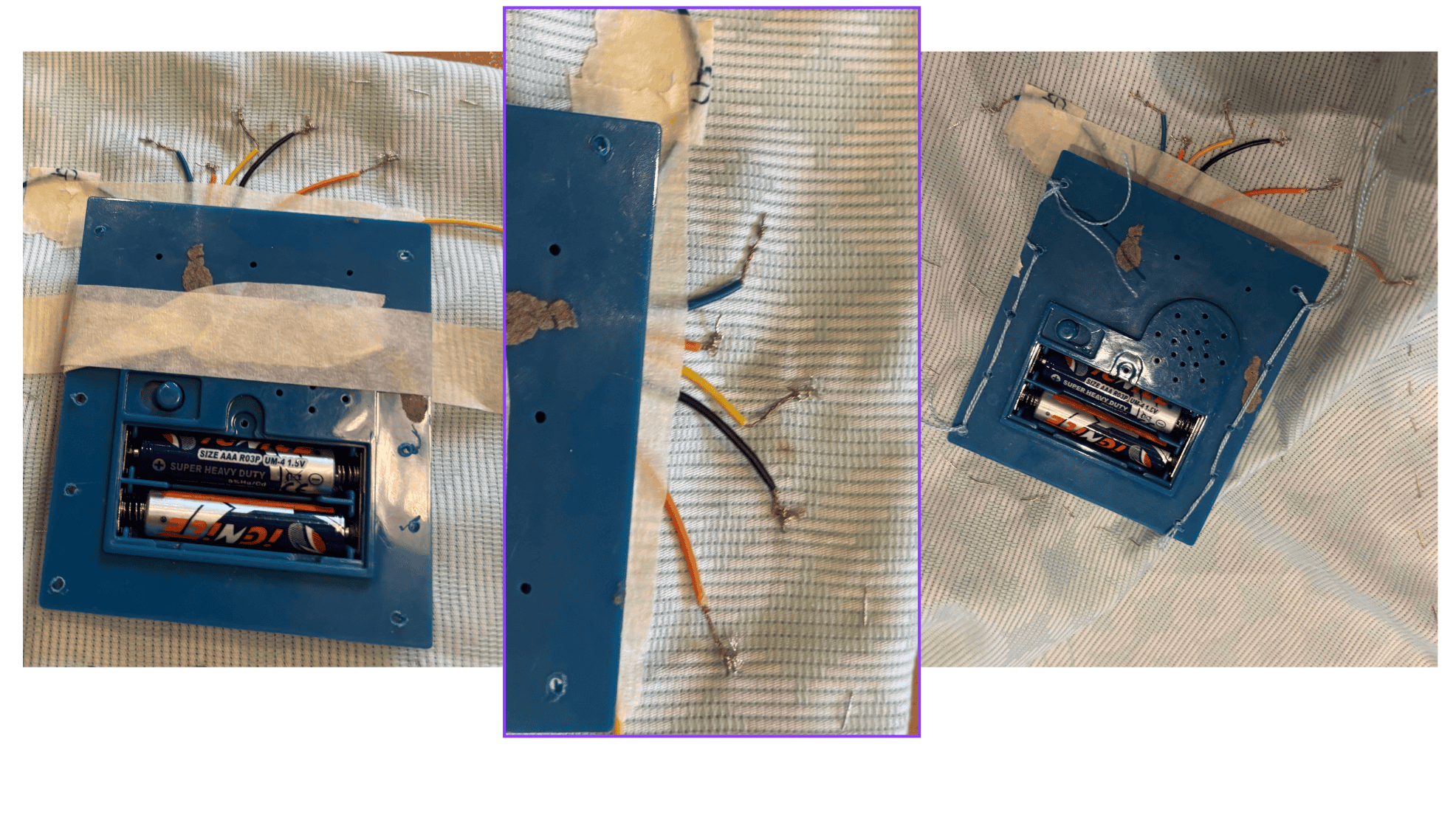
I was able to reuse the plastic housing from the original sound book. Using a Dremel, I made a few holes in the housing so that I could stitch it securely onto the textile. This allowed me to keep the electronic components accessible while integrating them into the overall design.
2.4 embroidery

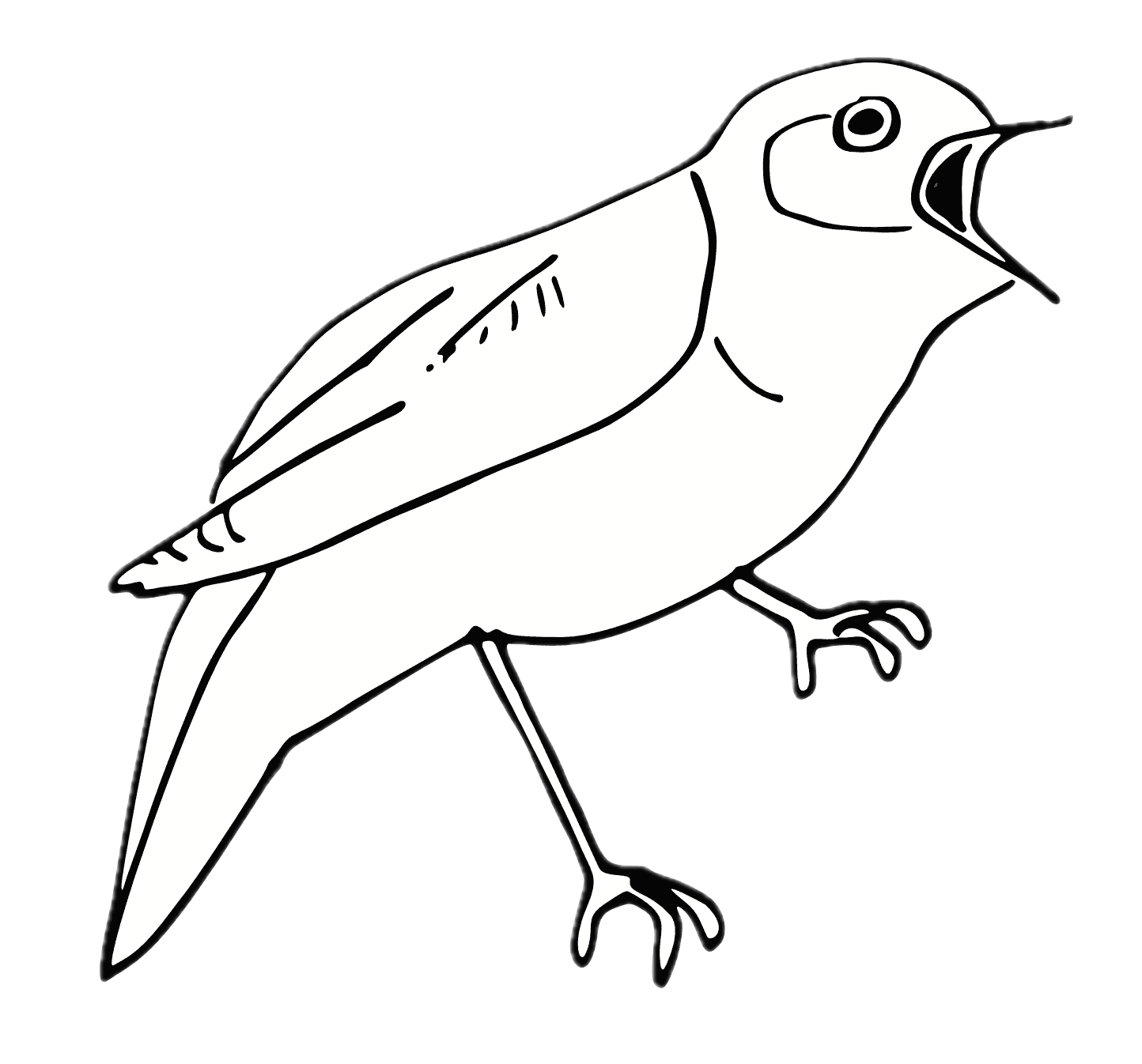
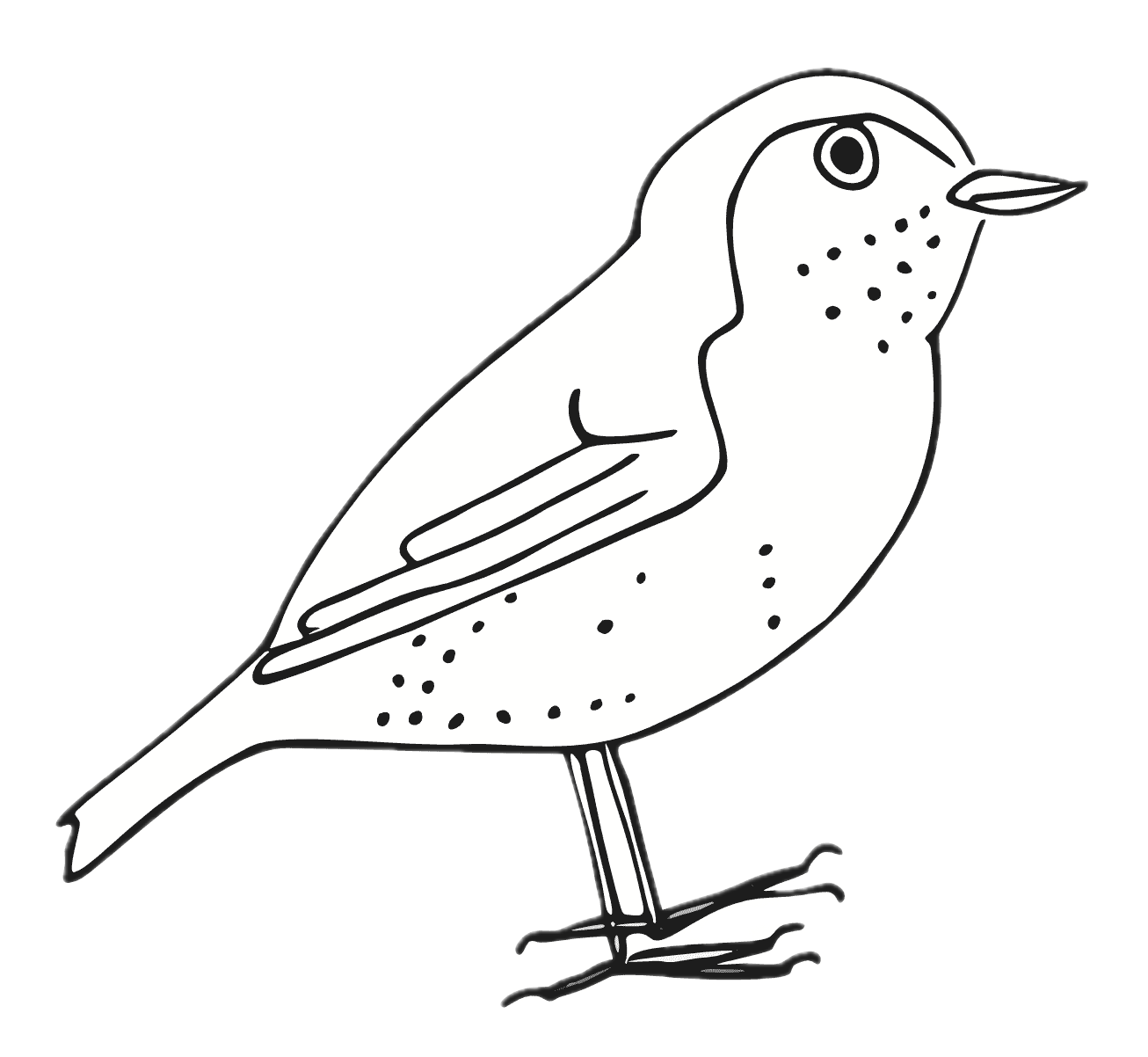
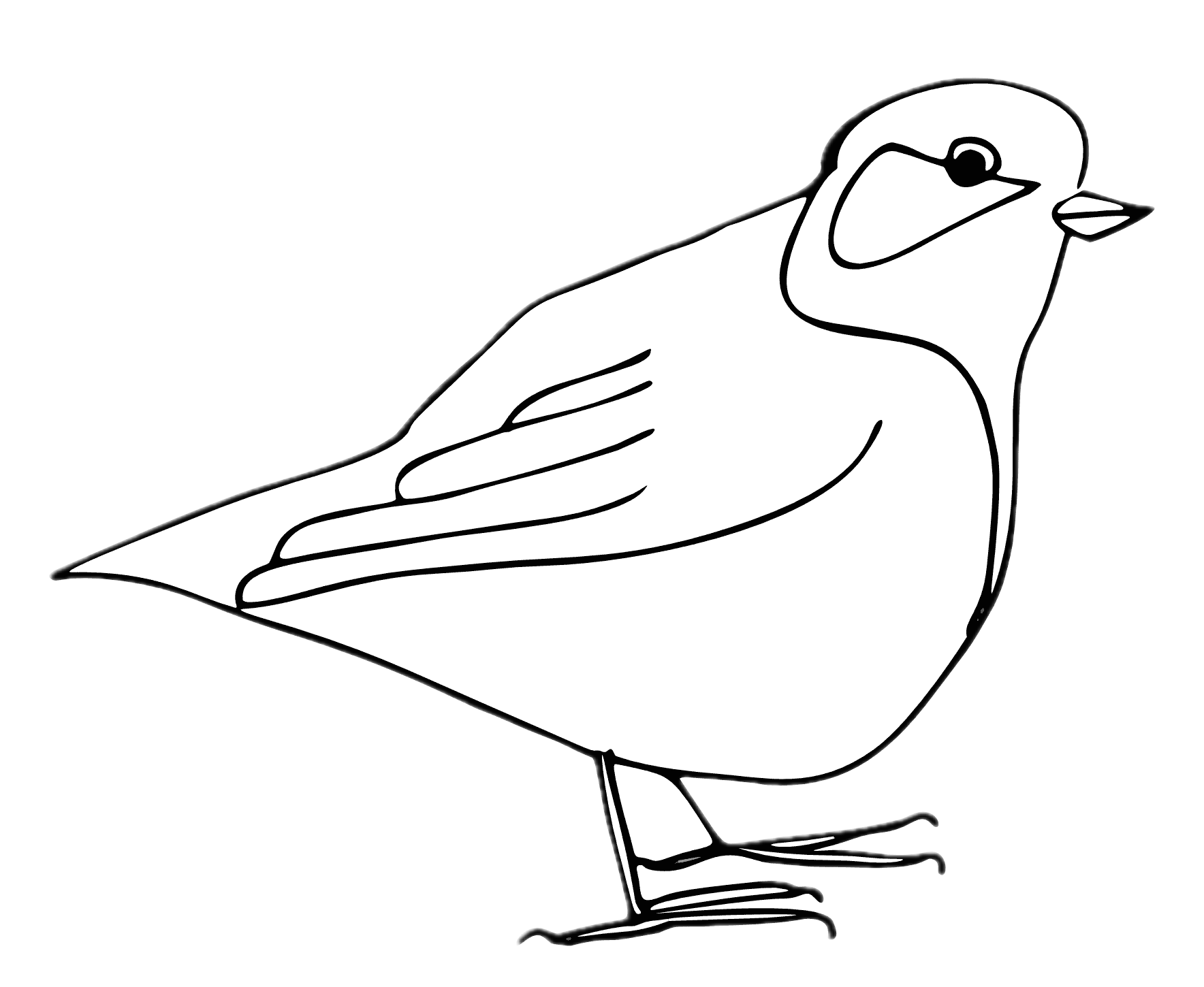

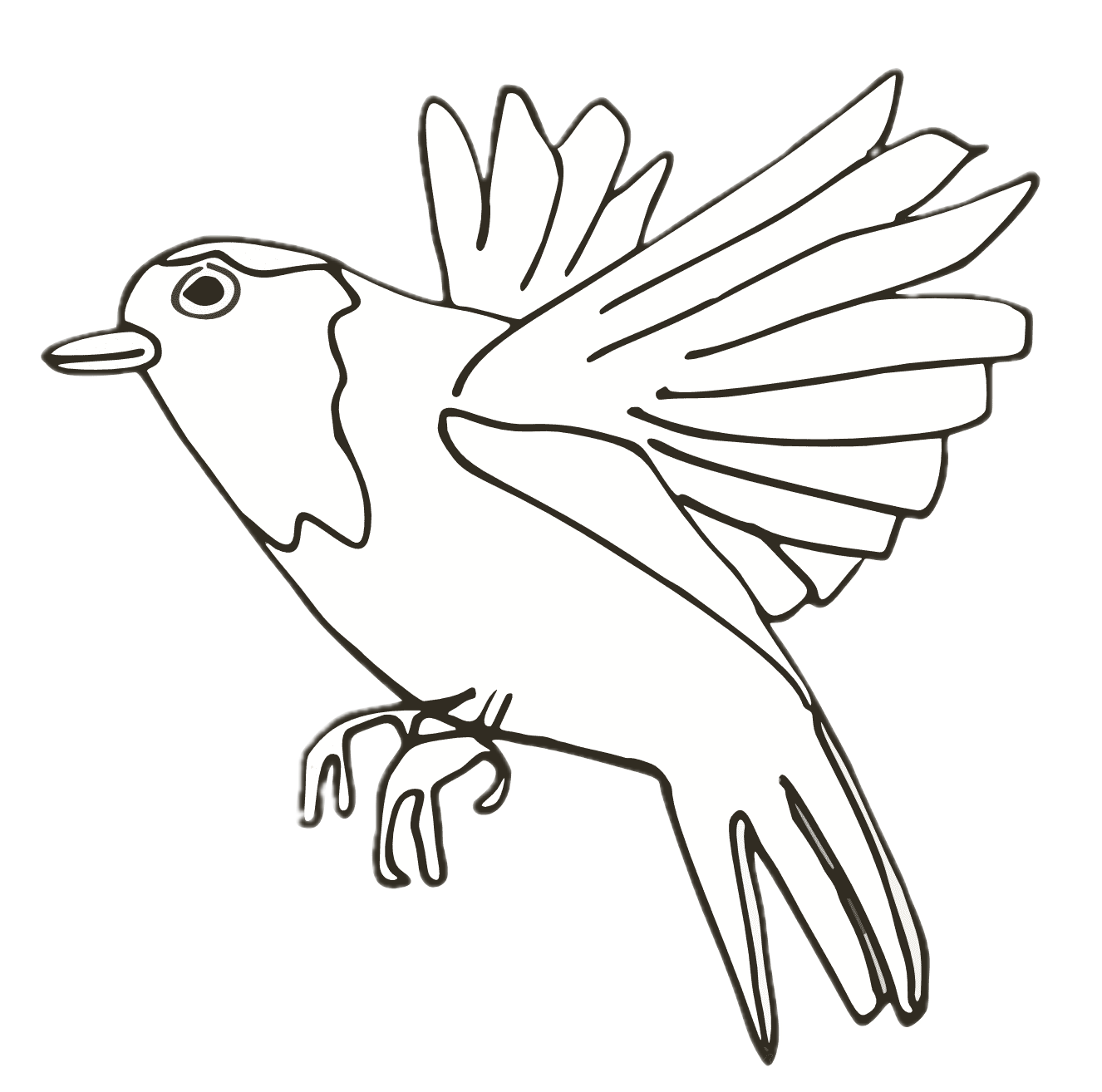
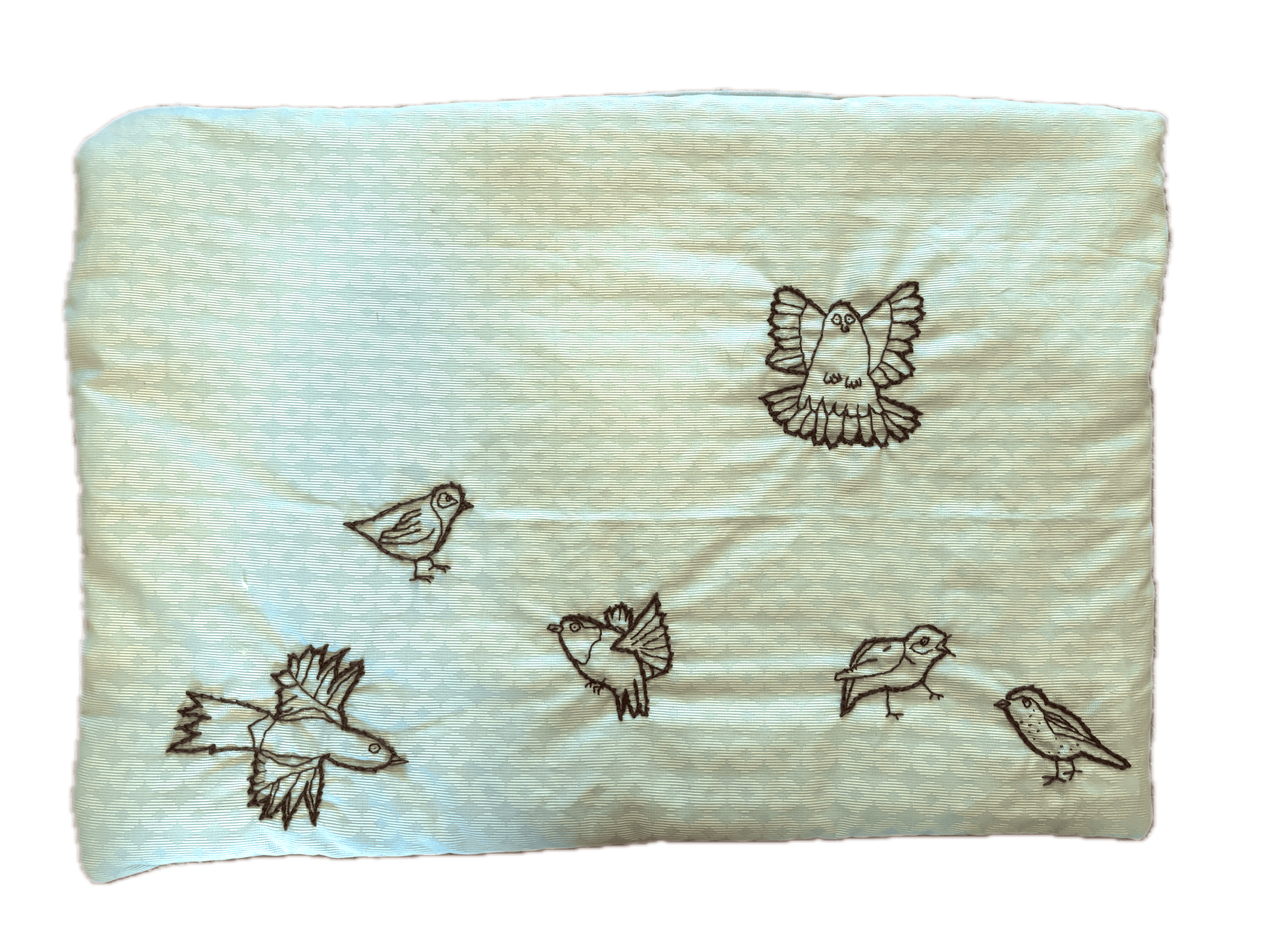
For the top layer of the playmat, I wanted each button to be represented by a bird. I drew the birds by hand and then used Affinity to transform the illustrations into single-line drawings.
My original plan was to embroider the designs digitally. Inez from the lab introduced us to Ink/Stitch, which I found amazing because it opens up so many possibilities for translating digital drawings into embroidery. Unfortunately, the embroidery machine wasn't working at the time, so I had to change my plan and embroider the birds by hand instead.
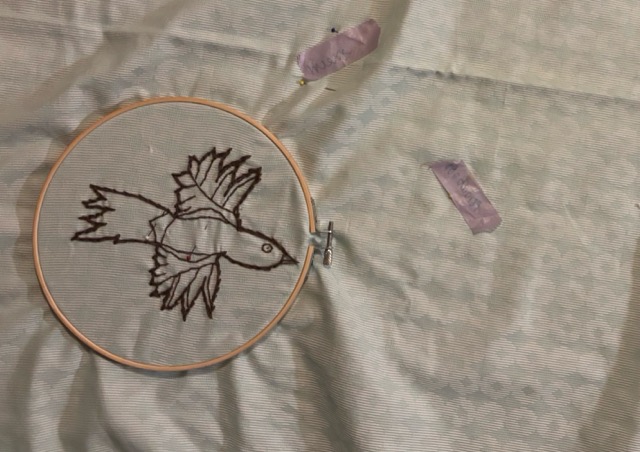
Although this wasn't what I had initially intended, I enjoyed the process of working by hand. And I find the analogue craft an interesting combination with the digital sounds.
2.5 assembly
Once all the individual elements were ready, I sewed the different layers together. This brought everything into one object: the embroidered birds on the surface, the textile buttons underneath, and the original electronics connected to the different touch points. And voilà! It worked. :)
3. analogue buttons
After making the bird playmat, I wanted to explore another type of interaction. All the buttons on the playmat were digital in the sense that they triggered a specific action: pressing a button either completed the circuit or didn't. Together with Rebeca and Stephanie, I experimented with an analogue button connected to an Arduino. We connected the button and recorded some values to see how the input changed when we interacted with it.
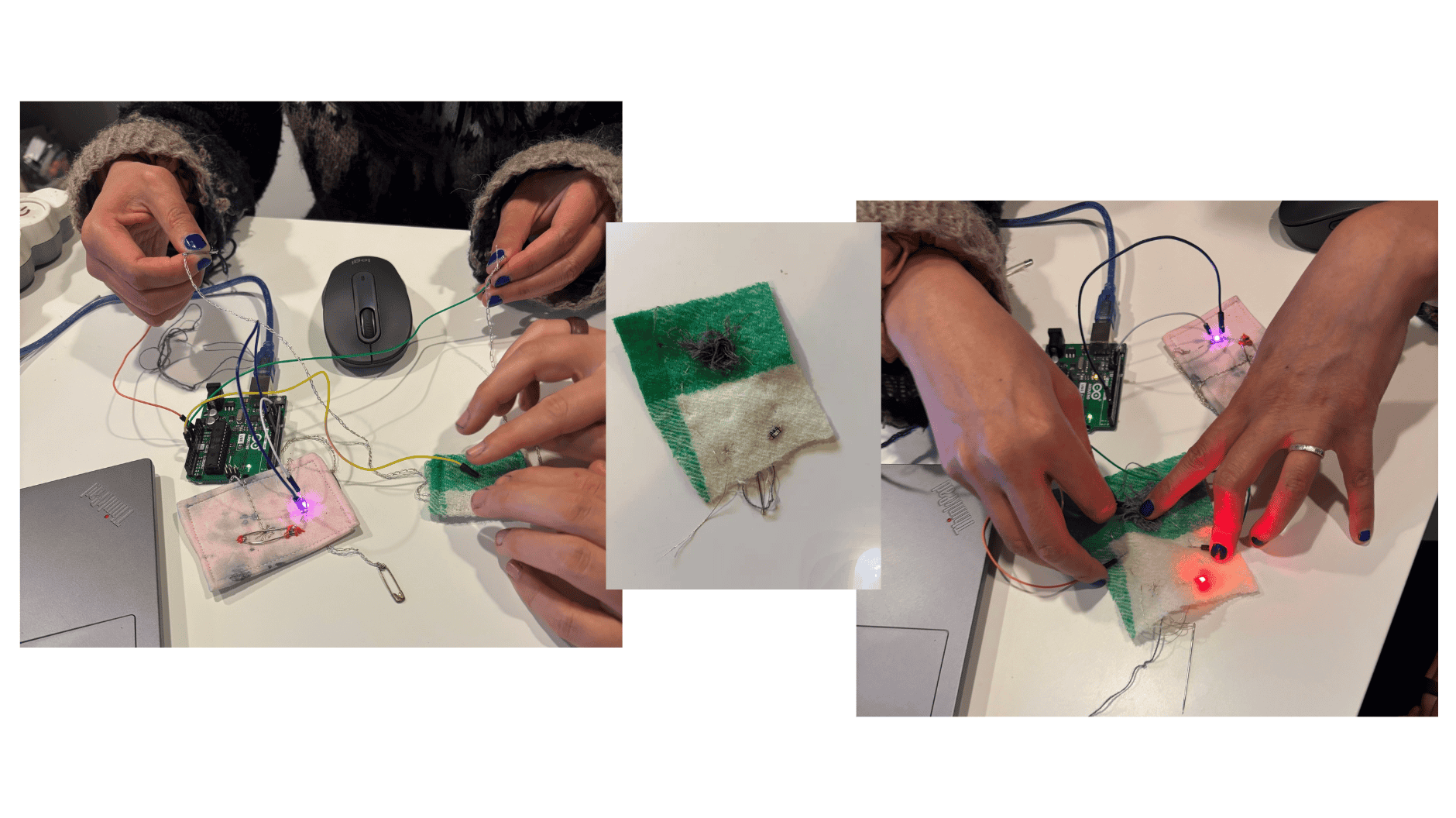
This was an interesting contrast with the bird playmat. Instead of simply triggering a sound, the analogue button allowed us to see changes in the input readings. Depending on how a sensor is constructed, it may also respond to different amounts of pressure or other changes in the material.
We had some trouble with the code, because the values were strangely inverted. In the end we found a code in the Arduino library. This code records the minimum and maximum sensor readings during the first five seconds, then maps subsequent readings to a range of 0–255.:
/*
  Calibration
  Demonstrates one technique for calibrating sensor input. The sensor readings
  during the first five seconds of the sketch execution define the minimum and
  maximum of expected values attached to the sensor pin.
  The sensor minimum and maximum initial values may seem backwards. Initially,
  you set the minimum high and listen for anything lower, saving it as the new
  minimum. Likewise, you set the maximum low and listen for anything higher as
  the new maximum.
  The circuit:
  - analog sensor (potentiometer will do) attached to analog input 0
  - LED attached from digital pin 9 to ground through 220 ohm resistor
  created 29 Oct 2008
  by David A Mellis
  modified 30 Aug 2011
  by Tom Igoe
  modified 07 Apr 2017
  by Zachary J. Fields
  This example code is in the public domain.
  https://docs.arduino.cc/built-in-examples/analog/Calibration/
*/
// These constants won't change:
const int sensorPin = A0;  // pin that the sensor is attached to
const int ledPin = 9;      // pin that the LED is attached to
// variables:
int sensorValue = 0;   // the sensor value
int sensorMin = 1023;  // minimum sensor value
int sensorMax = 0;     // maximum sensor value
void setup() {
  // turn on LED to signal the start of the calibration period:
  Serial.begin(9600);
  pinMode(13, OUTPUT);
  digitalWrite(13, HIGH);
  // calibrate during the first five seconds
  while (millis() < 5000) {
    sensorValue = analogRead(sensorPin);
    // record the maximum sensor value
    if (sensorValue > sensorMax) {
      sensorMax = sensorValue;
    }
    // record the minimum sensor value
    if (sensorValue < sensorMin) {
      sensorMin = sensorValue;
    }
  }
  // signal the end of the calibration period
  digitalWrite(13, LOW);
}
void loop() {
  // read the sensor:
  sensorValue = analogRead(sensorPin);
  // in case the sensor value is outside the range seen during calibration
  sensorValue = constrain(sensorValue, sensorMin, sensorMax);
  // apply the calibration to the sensor reading
  sensorValue = map(sensorValue, sensorMin, sensorMax, 0, 255);
  // fade the LED using the calibrated value:
  Serial.println(sensorValue);
  analogWrite(ledPin, sensorValue);
}
4. thoughts and reflections
Exploring e-textiles has opened up a whole new world of possibilities for me. Through the bird playmat, I started to understand how relatively simple electronic components can be integrated into a soft, tactile object.
Although the process was time-consuming, I was surprised by how accessible the project turned out to be. Once I understood how the original sound book worked, I could break the process down into smaller steps and gradually build the new object. I didn't need to understand everything from the beginning; experimenting, taking things apart, and testing the connections helped me learn along the way.
It gave me a new perspective on e-objects around me. All the potential things waiting to be hacked :) I'm looking forward to the wearables week, where we will explore these possibilities further.