E-textiles
Work for this Week
References, research & inspiration
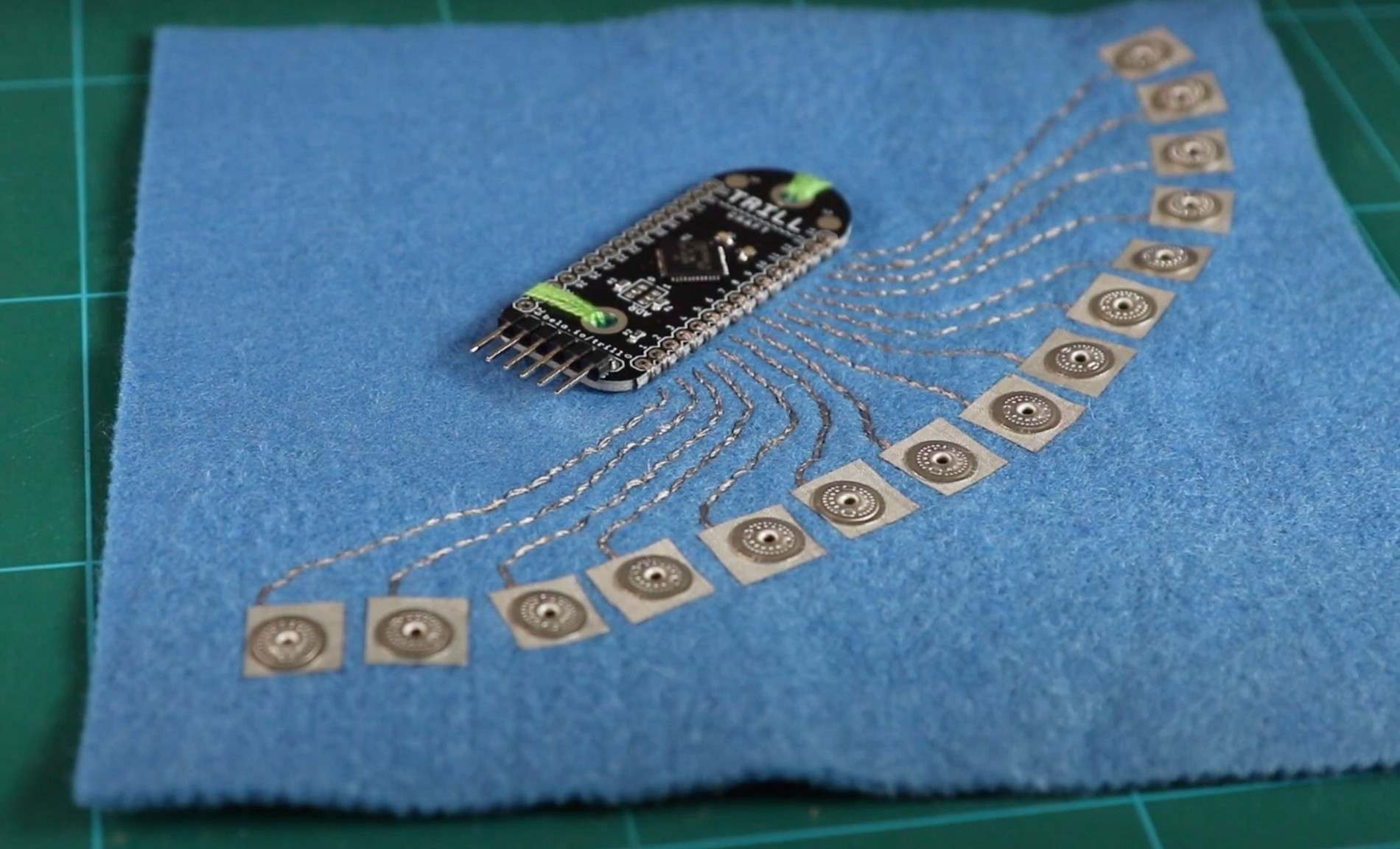
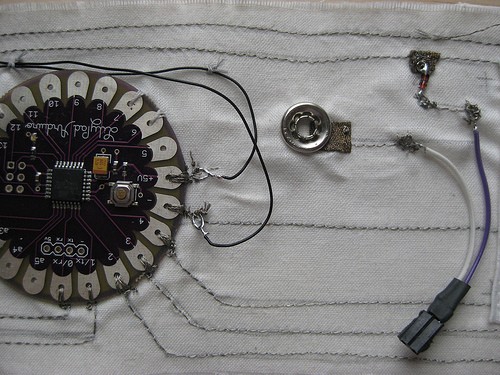
Although I had some previous experience working with electronic components, what interested me most about this assignment was combining electronics with textiles. I find e-textiles a fun and fascinating area because they bring together two different fields in creative ways. I watched a few videos and explored different e-textile projects online to get some inspiration. I came across this interesting website by KOBAKANT, which shares many creative e-textile projects, experiments, and ideas. Exploring their work gave me a few ideas and inspired me to think about how I could combine fabric and electronics to create something interactive and interesting.
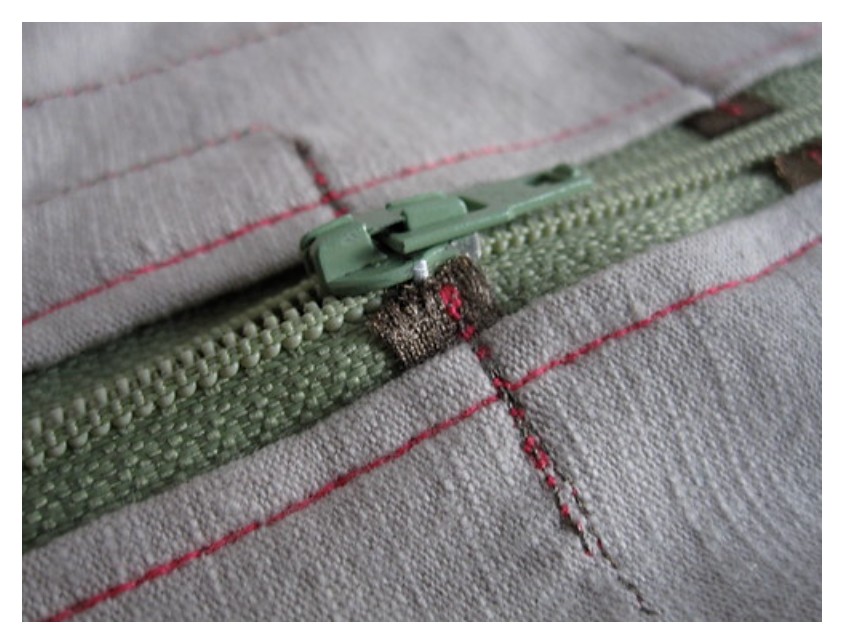
Zipper Switch
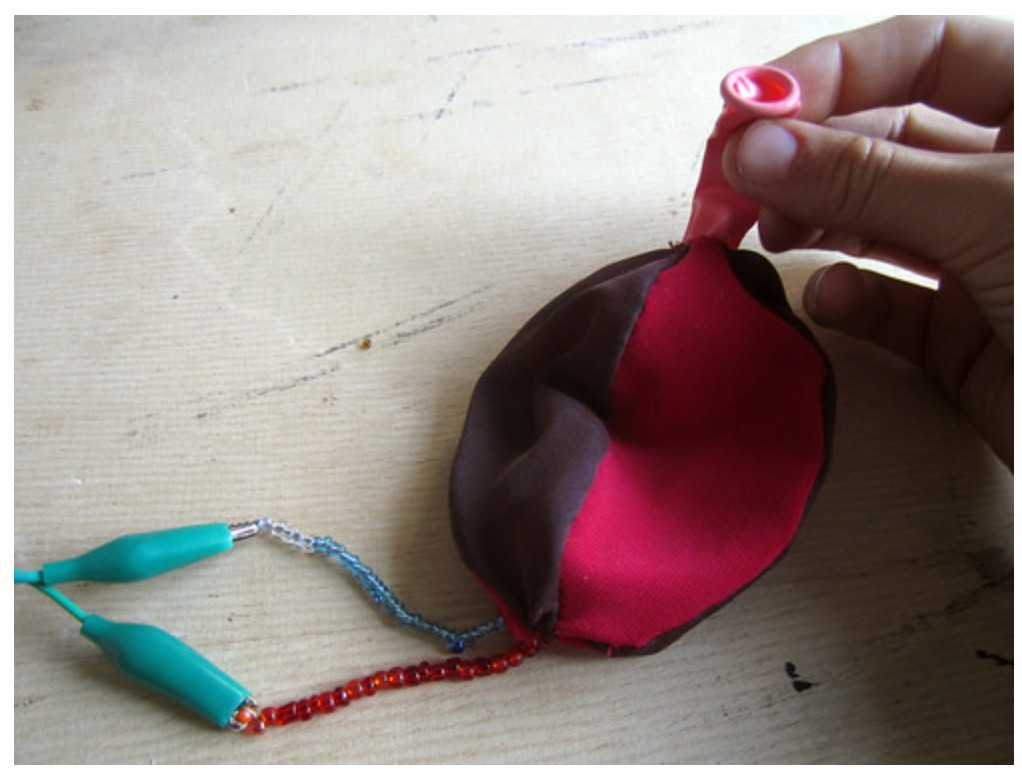
Ballon sensor
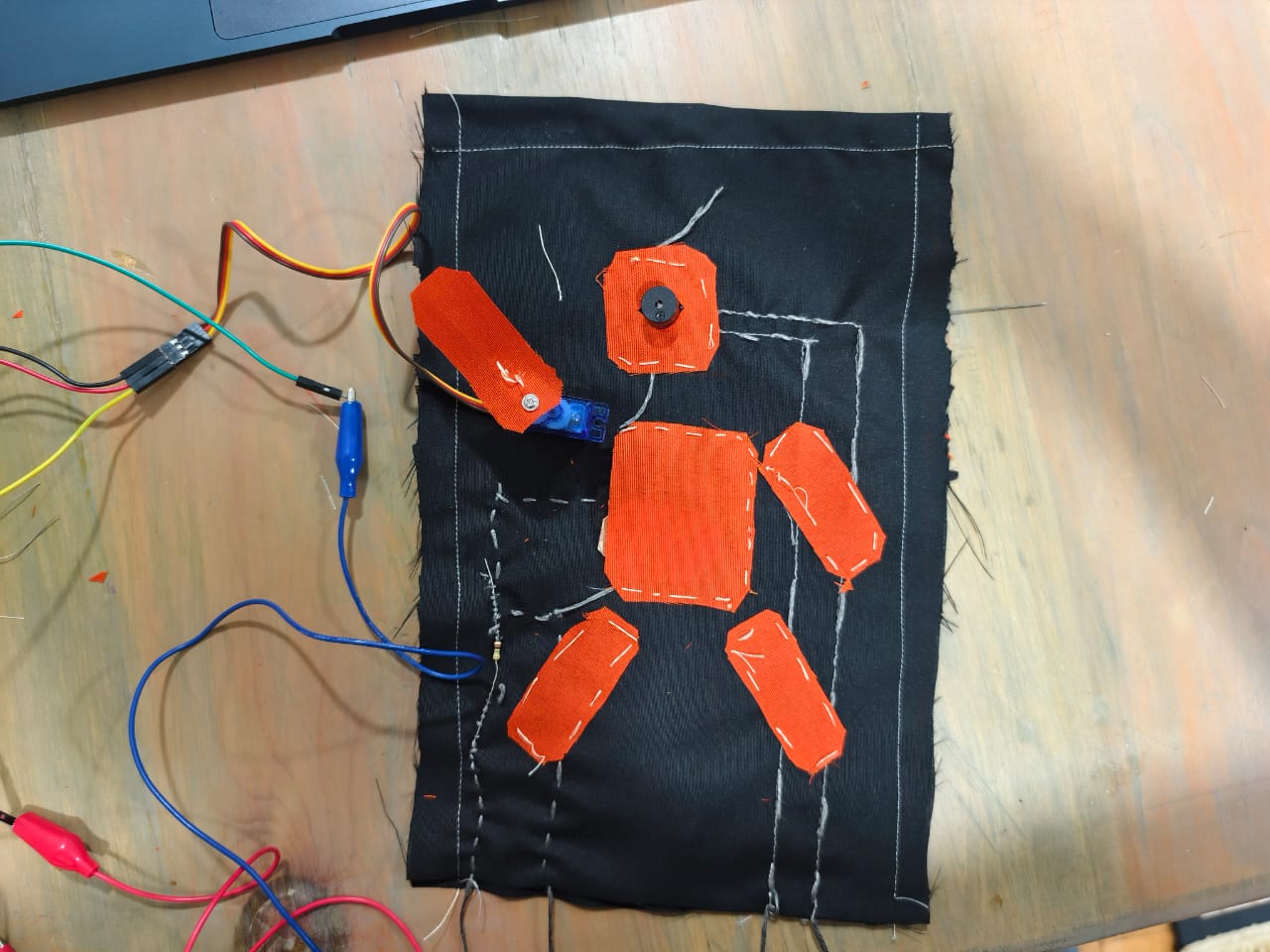
I like the WALL-E movie, so I decided to take inspiration from the character's hand movements when greeting someone and saying hello. Instead of making WALL-E exactly as it appears in the movie, I created my own version in a human-like form. My idea was to combine textiles and electronics to make the fabric character interactive, using a servo motor to move its hand as if it were waving hello.

3. Tools
- [Arduino UNO](http://class.textile-academy.org)
- [Arduino IDE](http://class.textile-academy.org)
- [sewing machine](https://www.singer.com)
4. Process and workflow
Step 1 Collecting Materials and Planning My Work
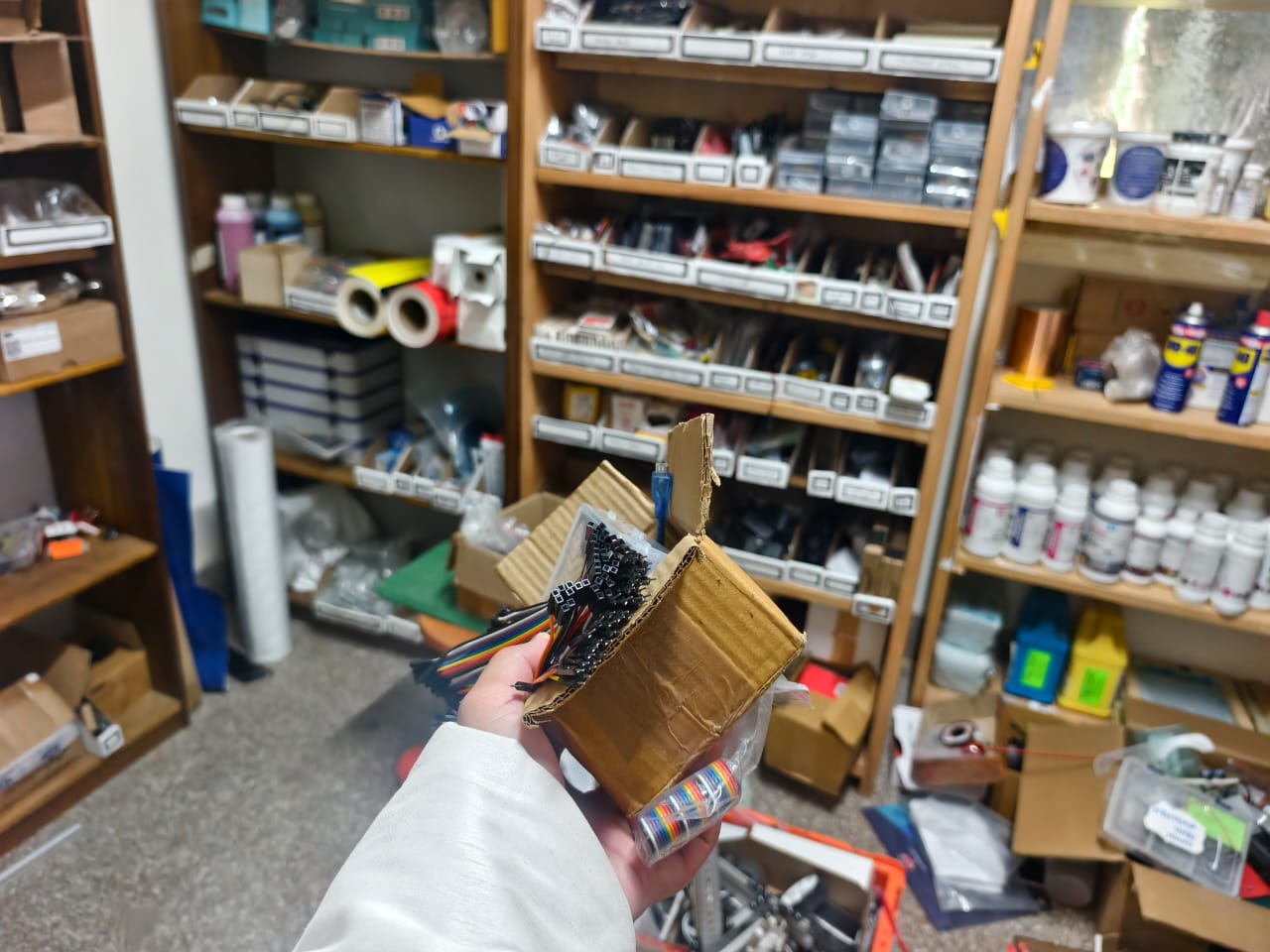
My first task was to collect the necessary materials for this week's assignment. First, I divided my work into two parts: learning how to use the sewing machine and learning how to connect electronic components with conductive thread.
I visited our FabLab to collect the electronic components with the help of Anith, the lab assistant. With his help, I was able to identify the components I needed quite easily.After that, I went to the textile room, where the textile teacher, Dechen Pelden, suggested that I use a portable sewing machine because it would be easier to carry and work with. Since this was my first time using a sewing machine, I did not realise that I would need several additional items, such as a bobbin, sewing foot controller, and sewing thread. As a result, I had to return to the textile room several times to collect the materials I had forgotten.
Looking back, I realised that I could have saved time by asking someone familiar with sewing machines to help me prepare all the necessary materials at once. This experience taught me the importance of planning ahead and checking my materials before starting a project.
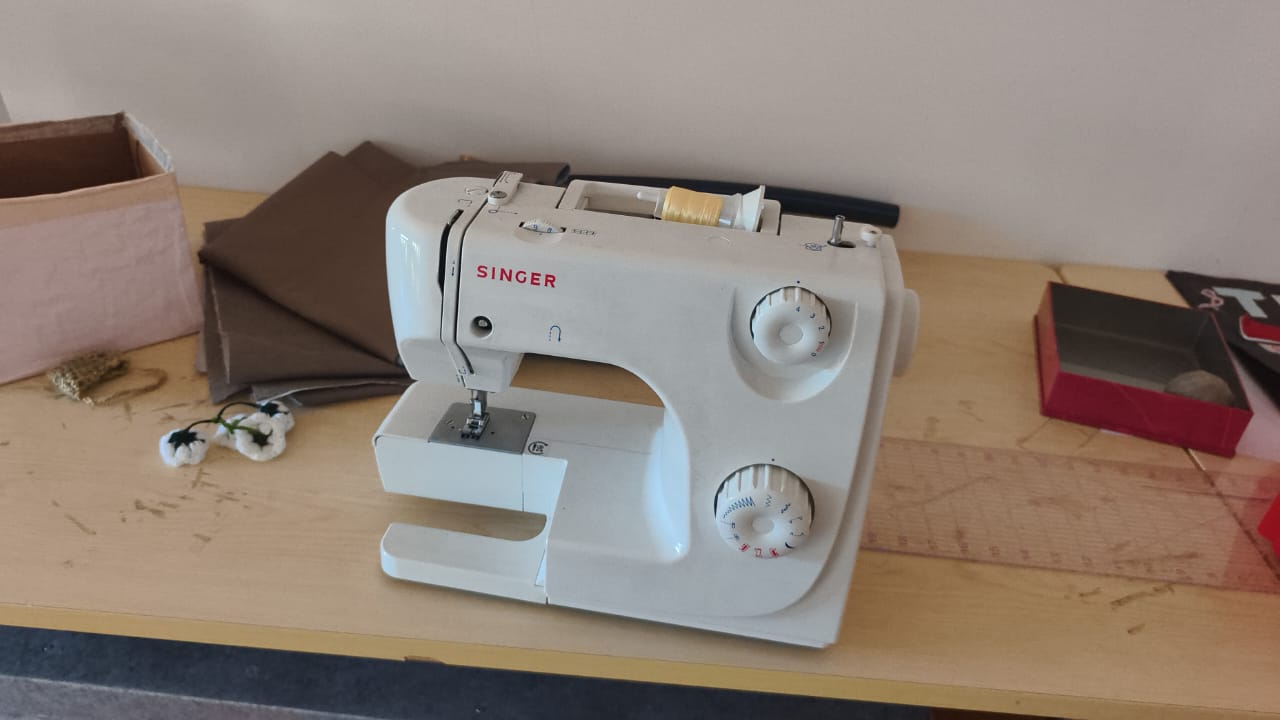
Step 2 Learning to Use the Sewing Machine
Before working with the electronic components, I decided to learn how to use the sewing machine properly. Initially, I watched tutorial videos on YouTube, but I found them difficult to follow and was not fully confident about operating the machine.
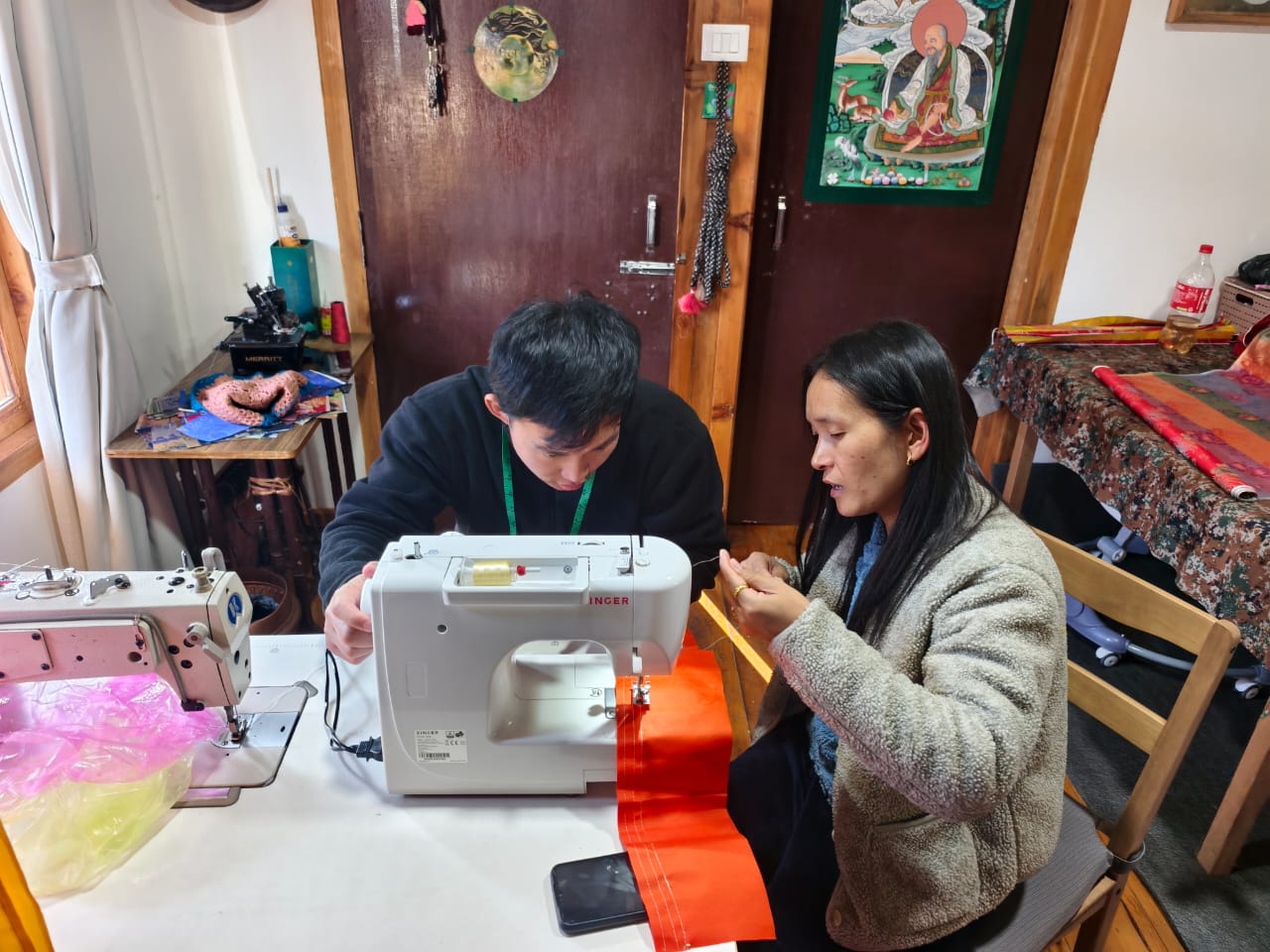
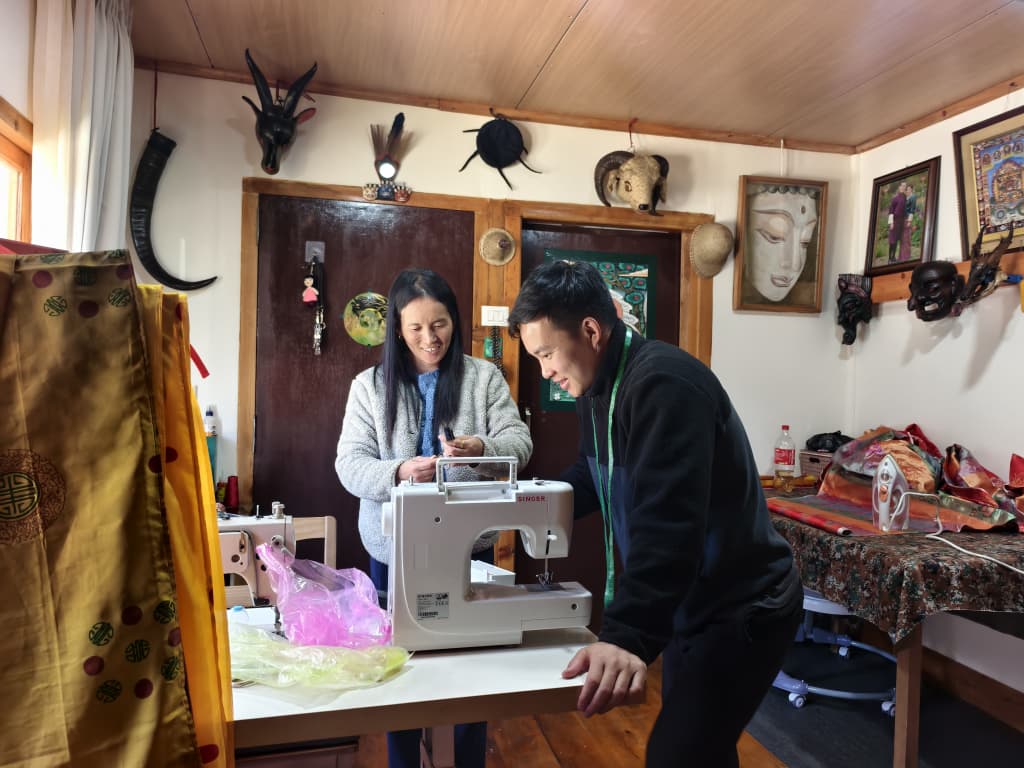
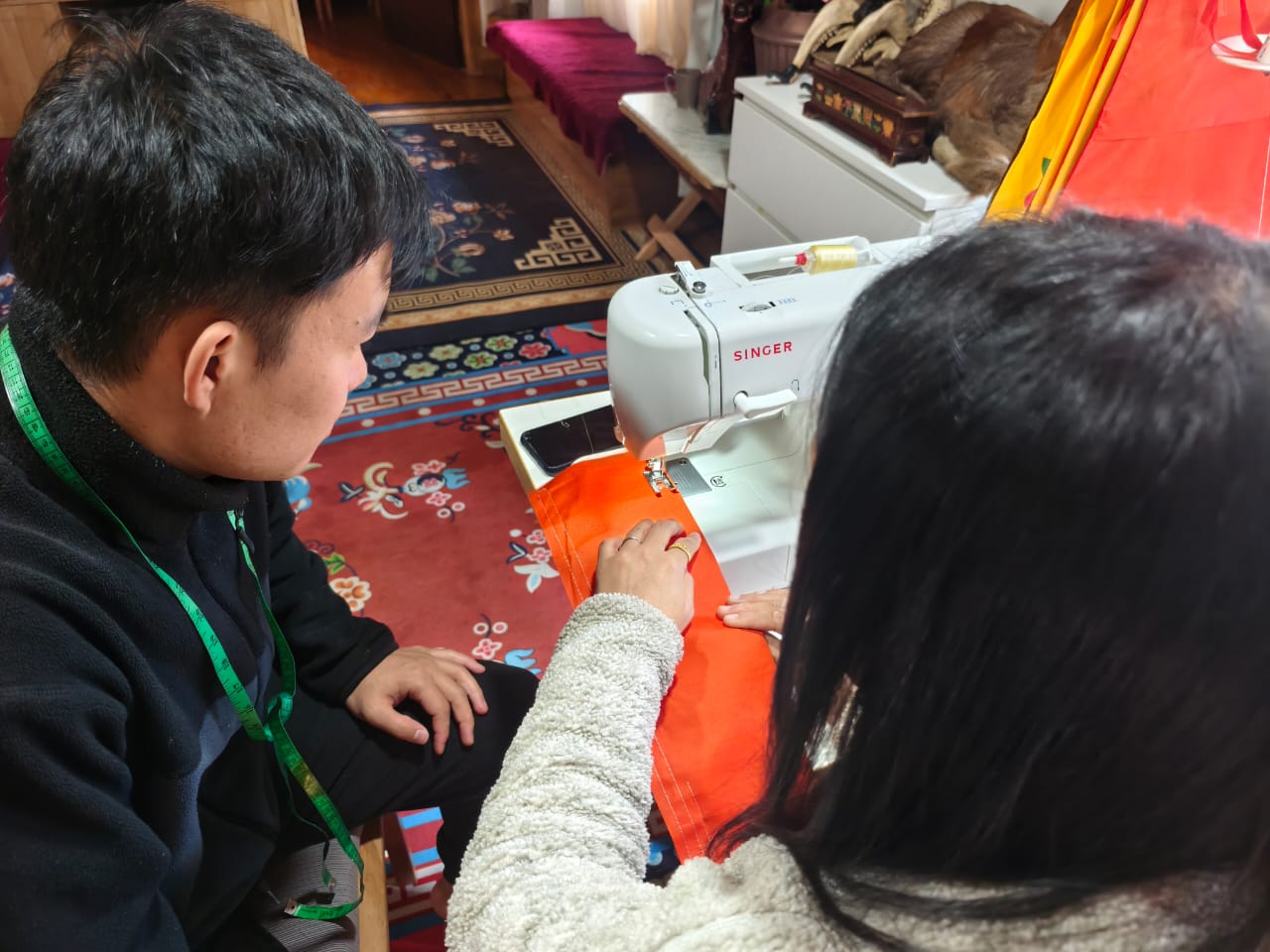
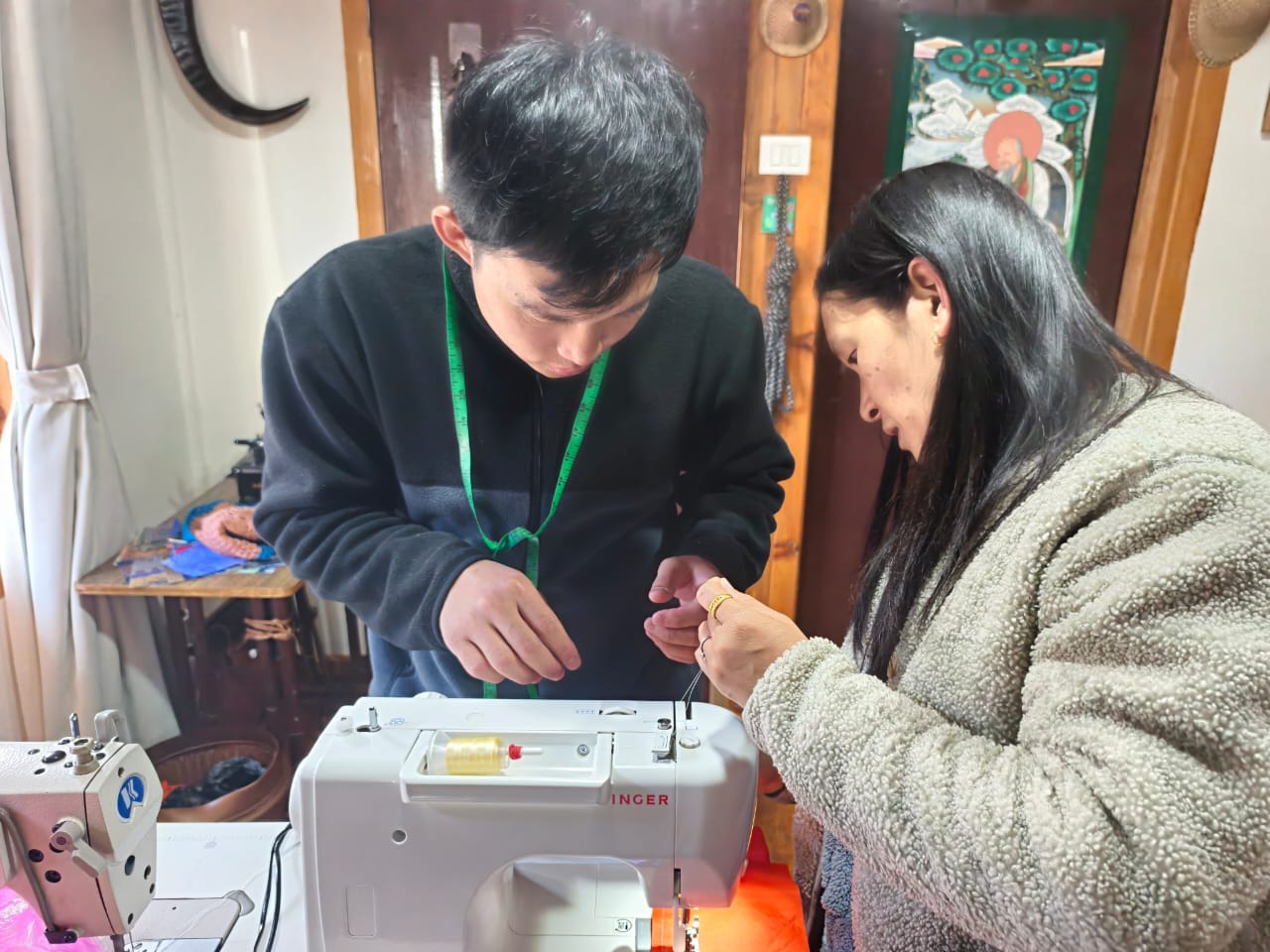
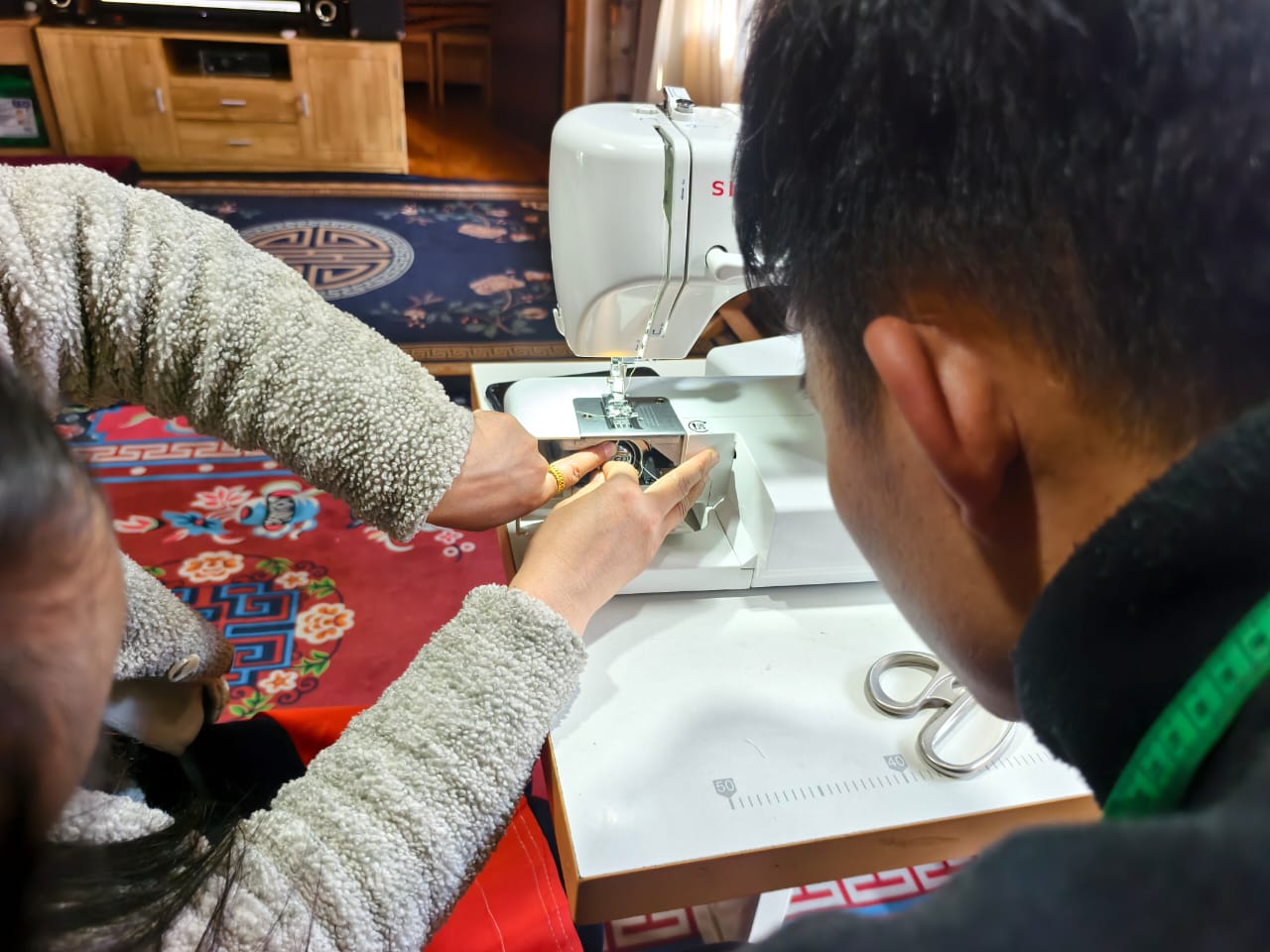
Then I had another idea. I thought, why not learn directly from someone who already has experience? One of my colleagues' wives is very skilled in tailoring, so I decided to visit her and ask for help. She kindly agreed to teach me how to use the sewing machine.
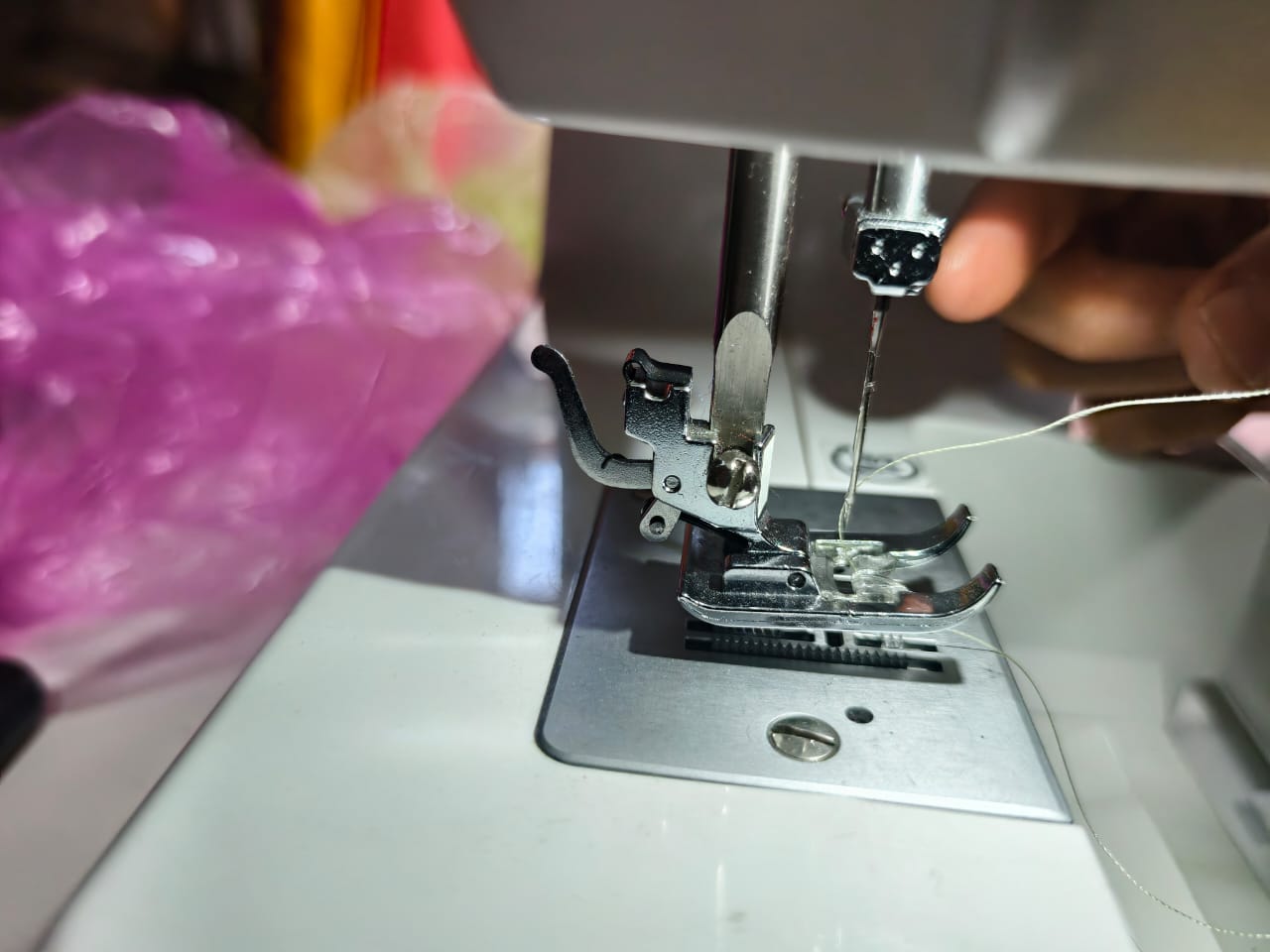
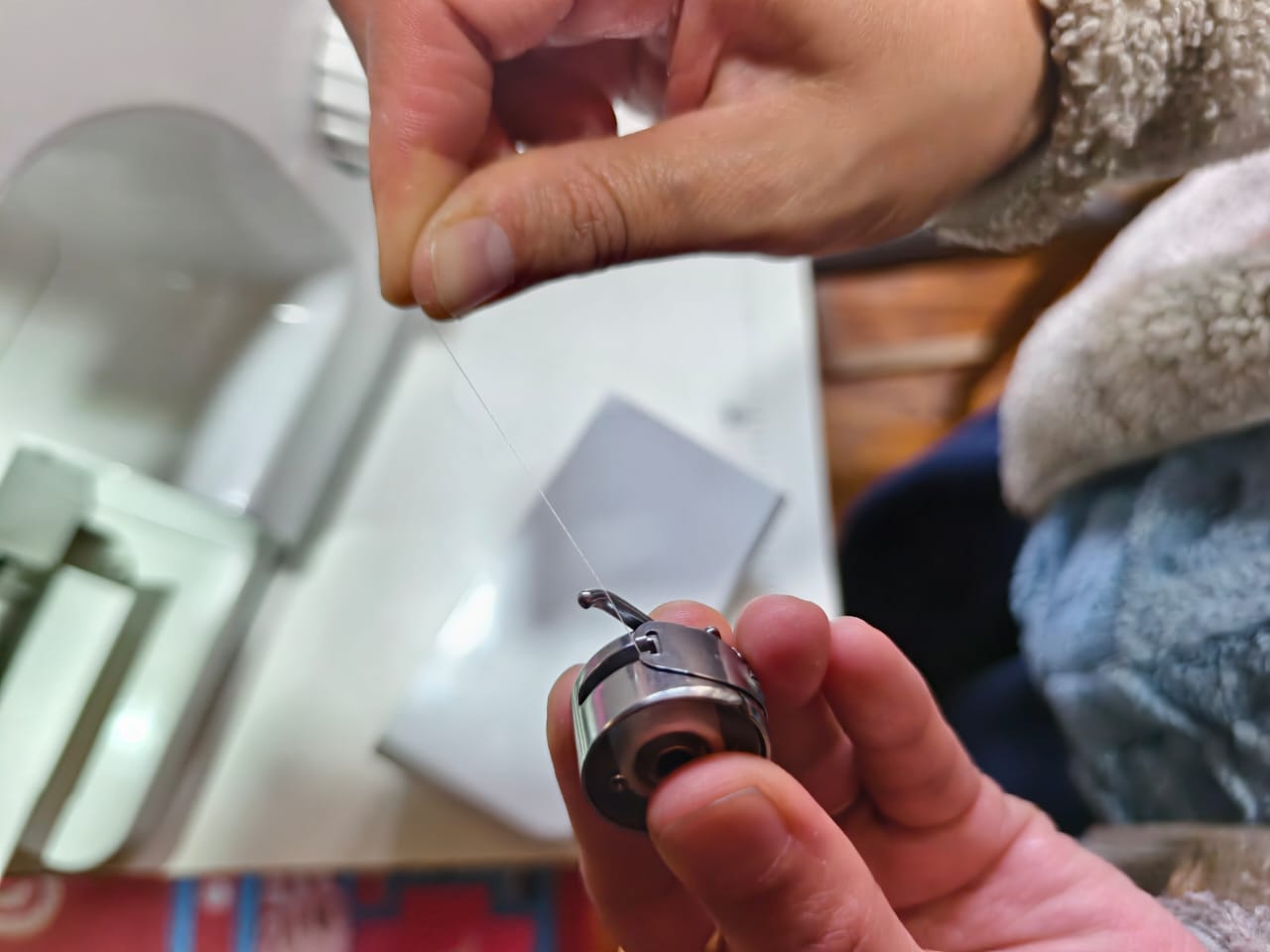
Learning directly from her was much more interesting and effective than watching videos alone. She helped me understand how the machine works and how to operate it. I also realised that learning from someone with practical experience can save time and make it easier to understand unfamiliar tools.
Step 3 Testing Conductive Thread
Before this assignment, I had never used conductive thread. I was familiar with connecting electronic components using ordinary wires, but the idea of using thread to conduct electricity was new to me. I was curious to find out whether it would actually work.
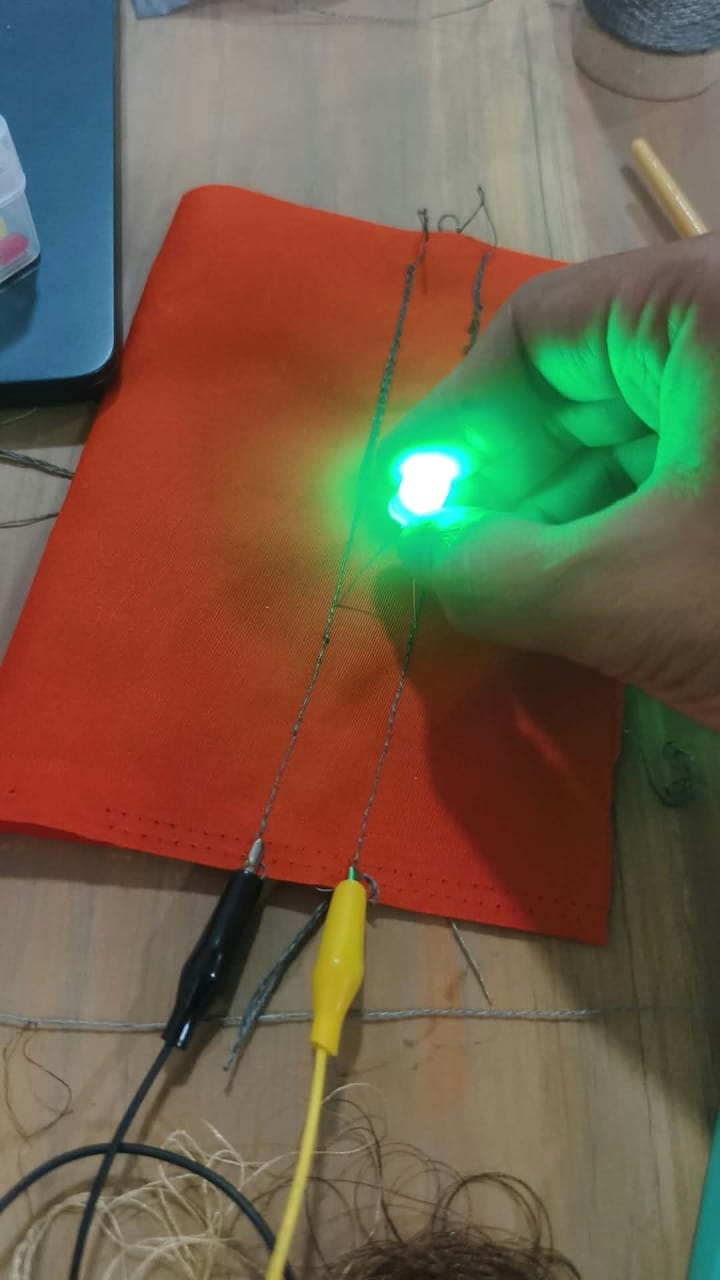
Before building any sensors, I decided to conduct a simple experiment. I sewed the conductive thread onto a piece of fabric and connected it to an LED to check whether electricity could flow through it.
And yes, it worked! I was surprised and excited to see the LED light up through the connection I had made using conductive thread. This simple experiment gave me the confidence to continue exploring how electronics could be integrated into fabric.
...
Step 4 Exploring Electronic Components and Designing the Circuit
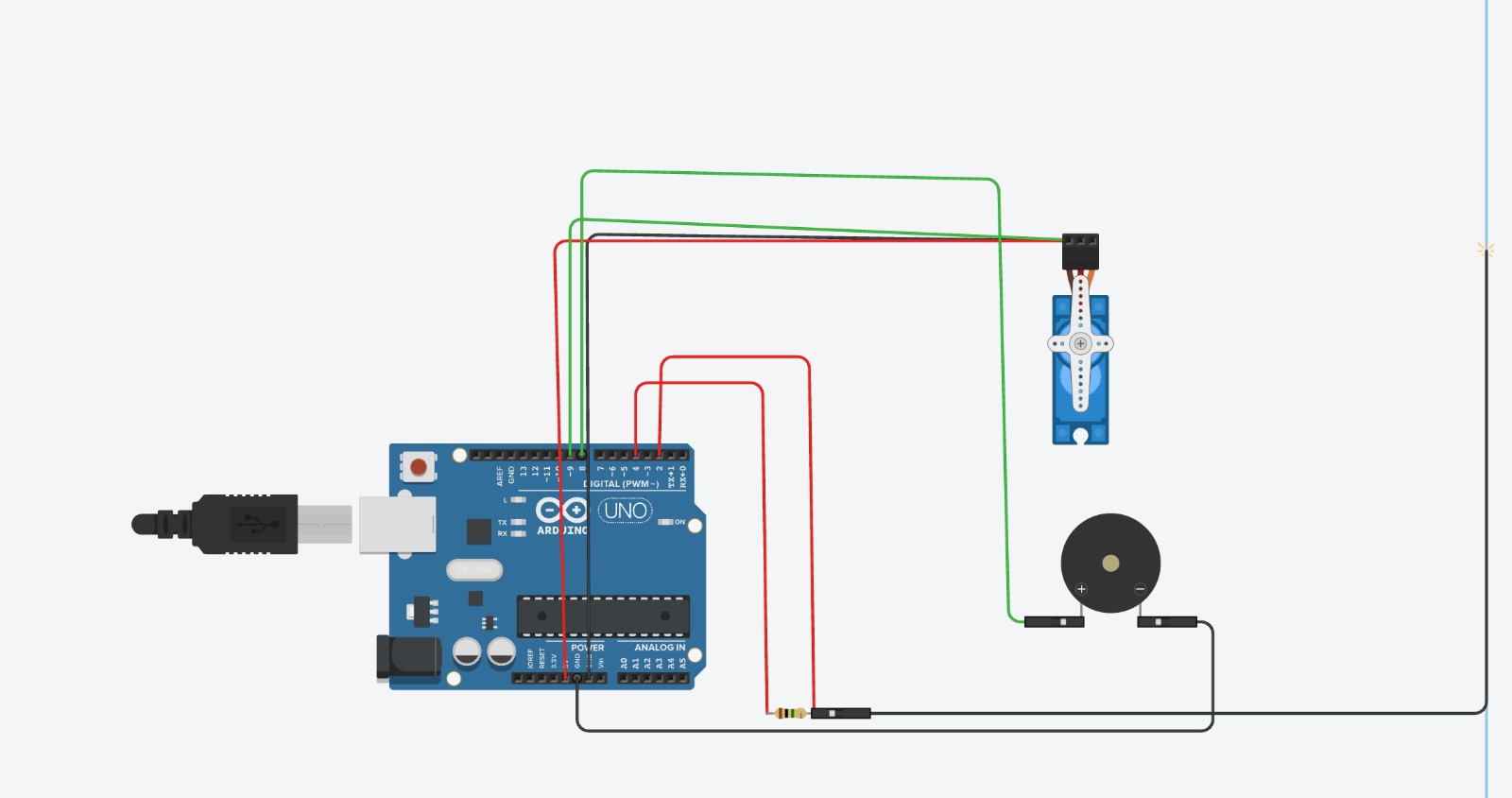
After learning the basics of sewing and testing the conductive thread, I was ready to work with the electronic components. This week's assignment required me to create both a digital sensor and an analogue sensor.
I found digital sensors easier to understand because their outputs can represent two states: ON and OFF. However, I was less confident about analogue sensing and how to interpret its readings.
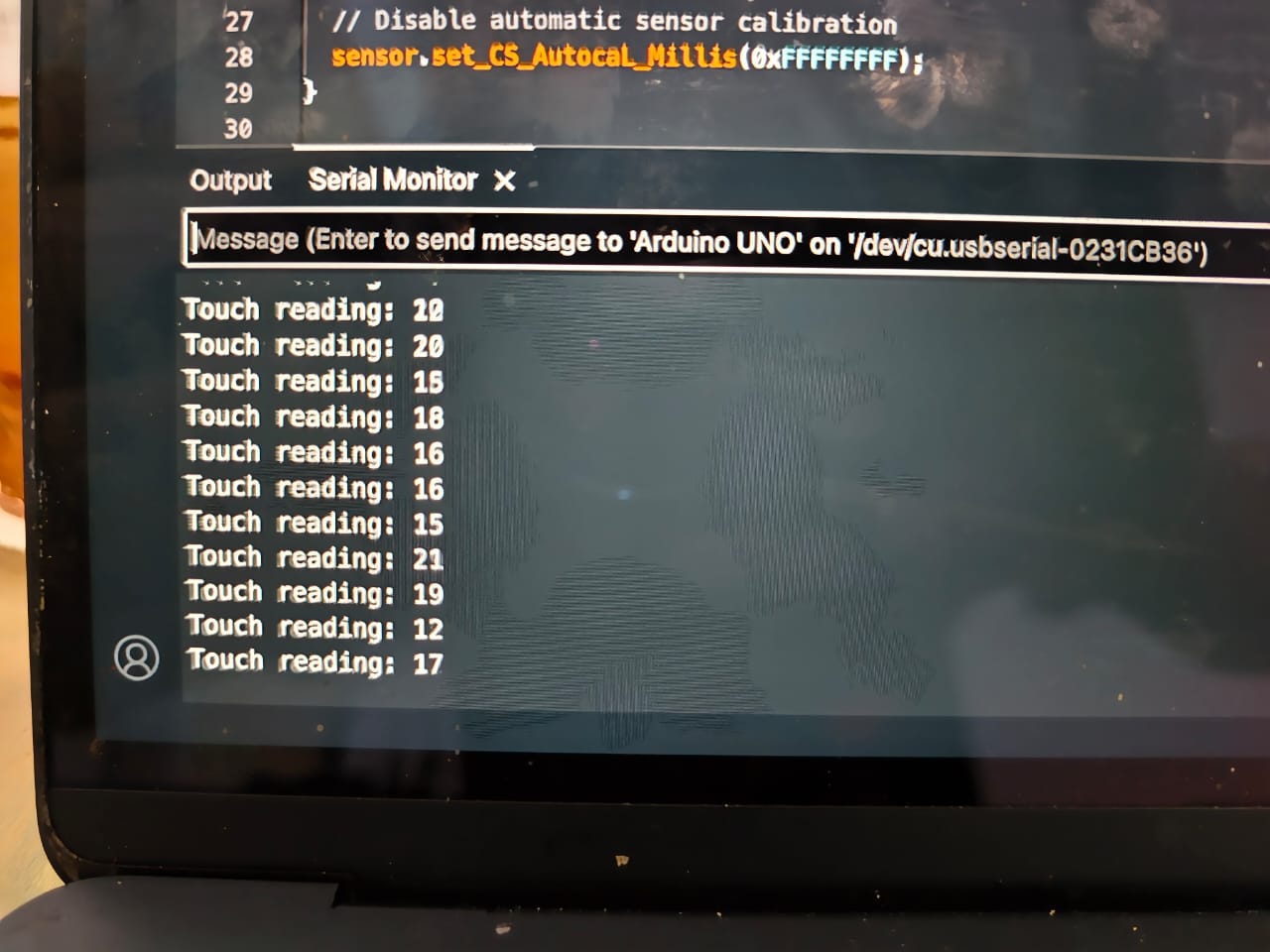
I asked Rico for guidance, and he suggested using an available material, such as copper, to explore capacitive sensing. Following his suggestion, I used a copper tape pad as the sensing surface and connected it to an Arduino Uno to observe the readings in the Serial Monitor.
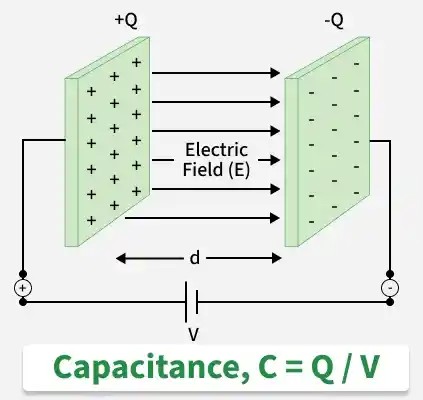
What is capacitance?
Capacitance is the ability of an object to store an electric charge. In simple terms, a capacitive sensor detects changes in capacitance caused by something nearby or touching its surface. When I touched the copper pad, the sensor reading changed, allowing the Arduino to detect my touch.
I wanted to make the project more interesting than simply displaying sensor readings. Since I like the character WALL-E, I decided to create a fabric-based version of the character that could respond when someone touched it.
My idea was to place a buzzer on WALL-E's head and use a servo motor to move its head. Whenever the sensor reading crossed a threshold of 50, the buzzer would make a sound and the servo motor would rotate to 90 degrees, making WALL-E appear to greet someone.
Circuit design and troubleshooting
During the initial experiments, I tried different resistor values. I first used a 1-ohm resistor, but the sensor readings did not respond as expected. I realised that the resistance was too low for my capacitive sensing circuit to produce useful readings. Therefore, I gradually increased the resistance and eventually switched to a 1-megaohm (1 MΩ) resistor. With this resistor, the microcontroller was able to detect changes in capacitance more effectively, and I could observe changes in the sensor readings when touching the copper pad. This experiment helped me understand the importance of choosing a suitable resistor value when building a capacitive sensor.
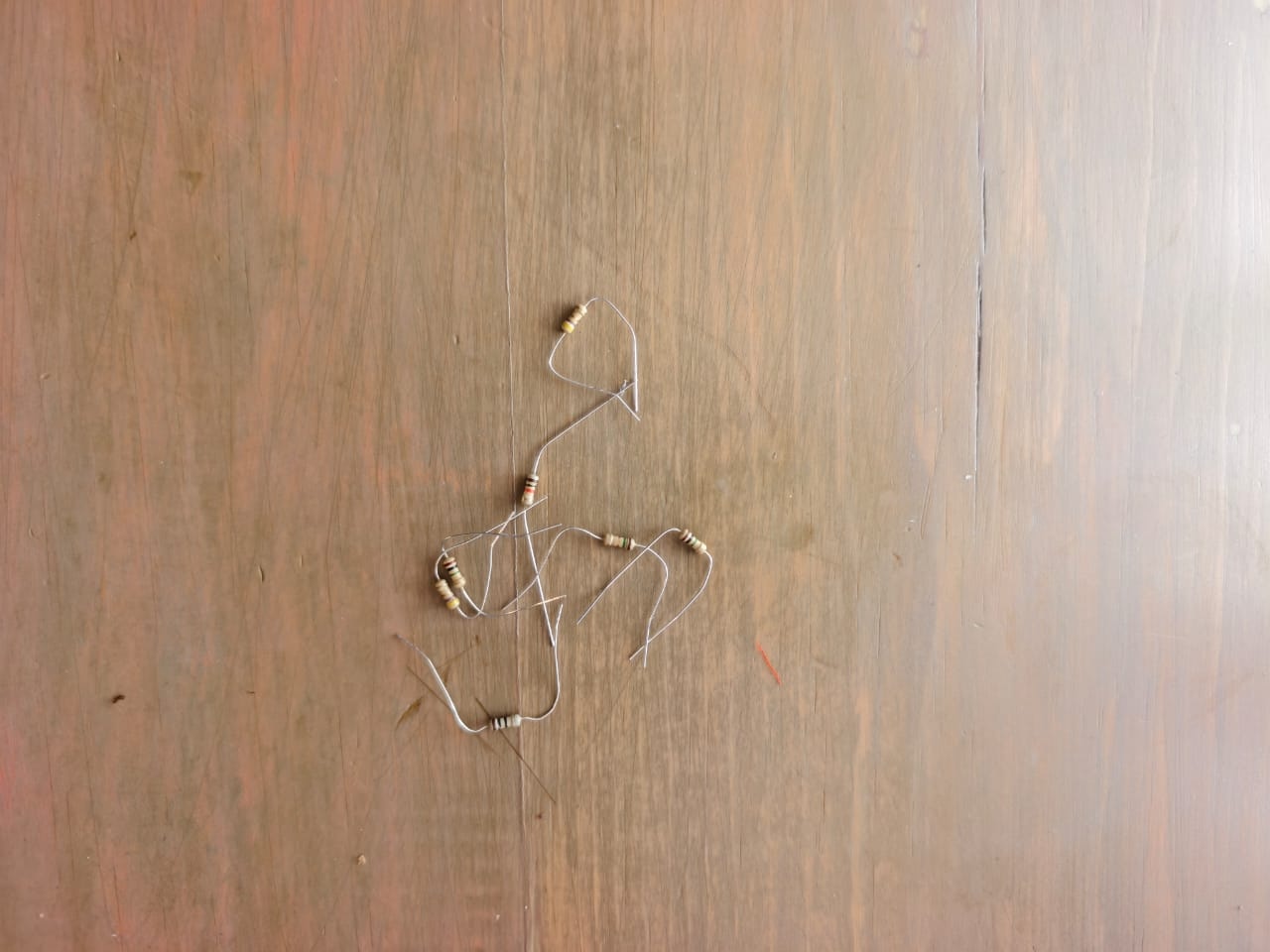
This was an important learning experience because I realised that choosing suitable electronic components is essential for building a working sensor. I also learned that it is necessary to test the circuit and observe the readings before integrating everything into the fabric.
Step 5
Once I was satisfied with the basic circuit, I started sewing the conductive thread onto the fabric to create the connections between the electronic components.
This step was more difficult than I expected. Conductive thread was not as soft and easy to handle as ordinary sewing thread, which made it challenging for the sewing machine to sew properly. The machine kept breaking the thread, and after several attempts, it started behaving strangely.
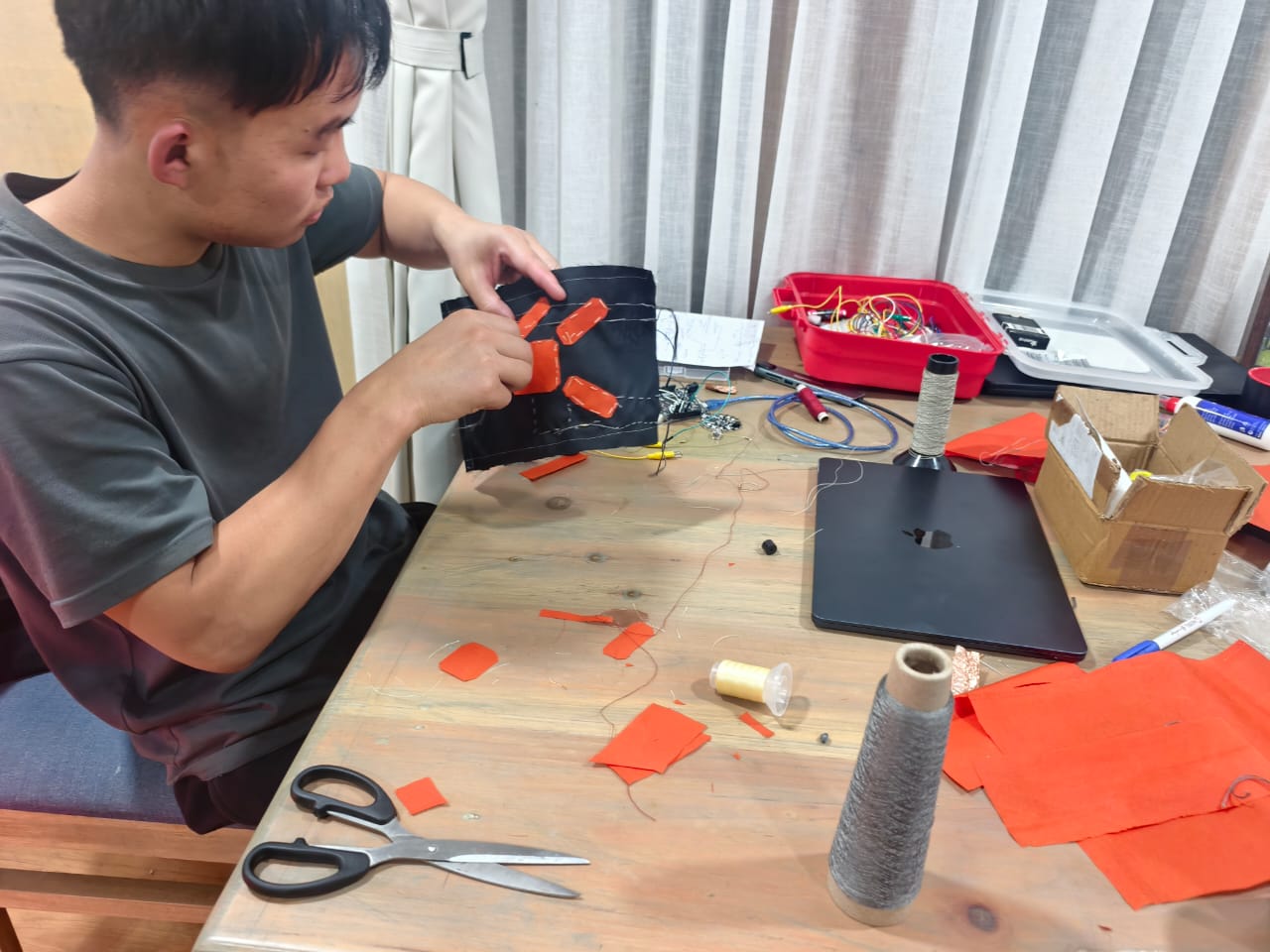
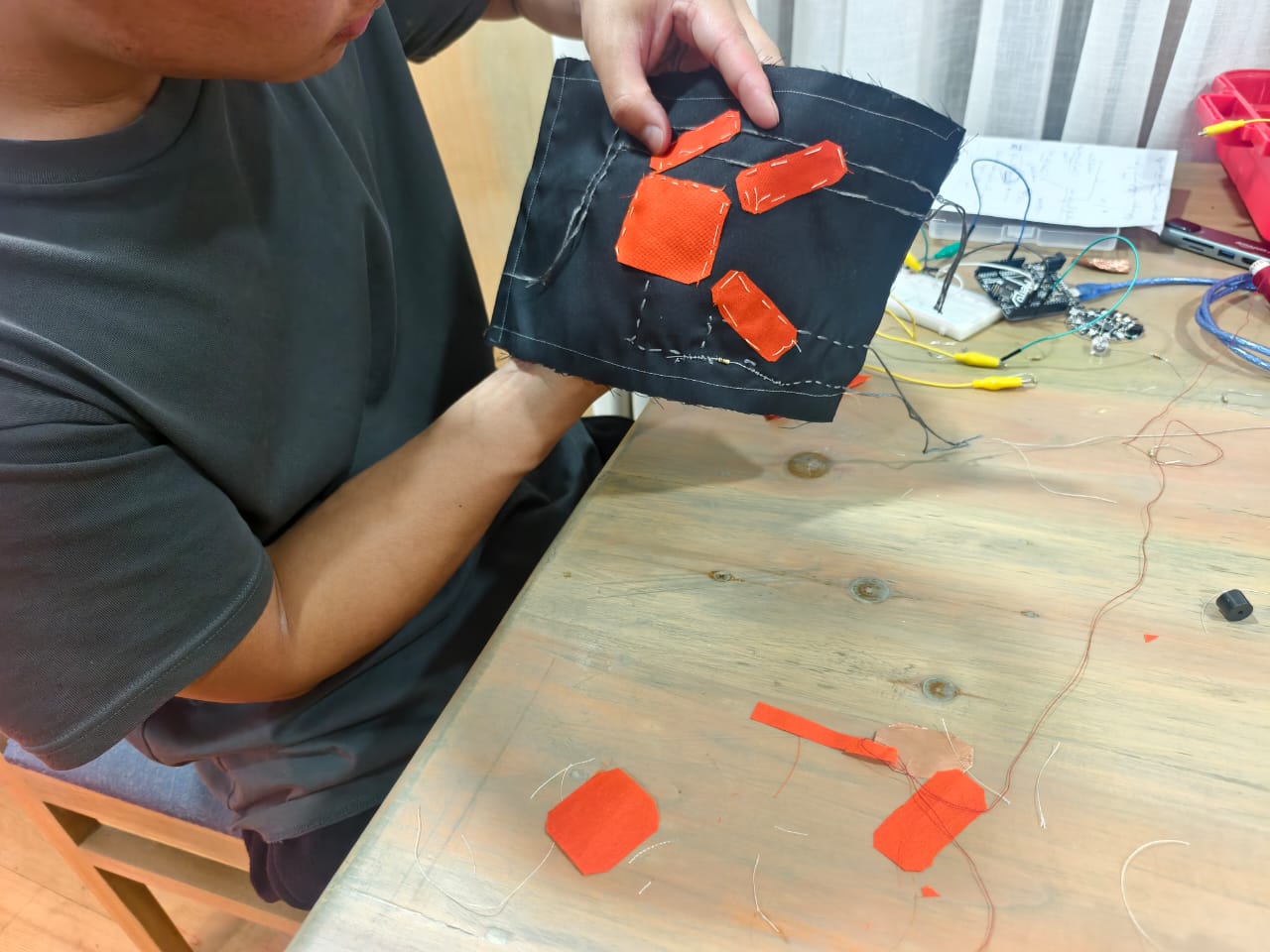
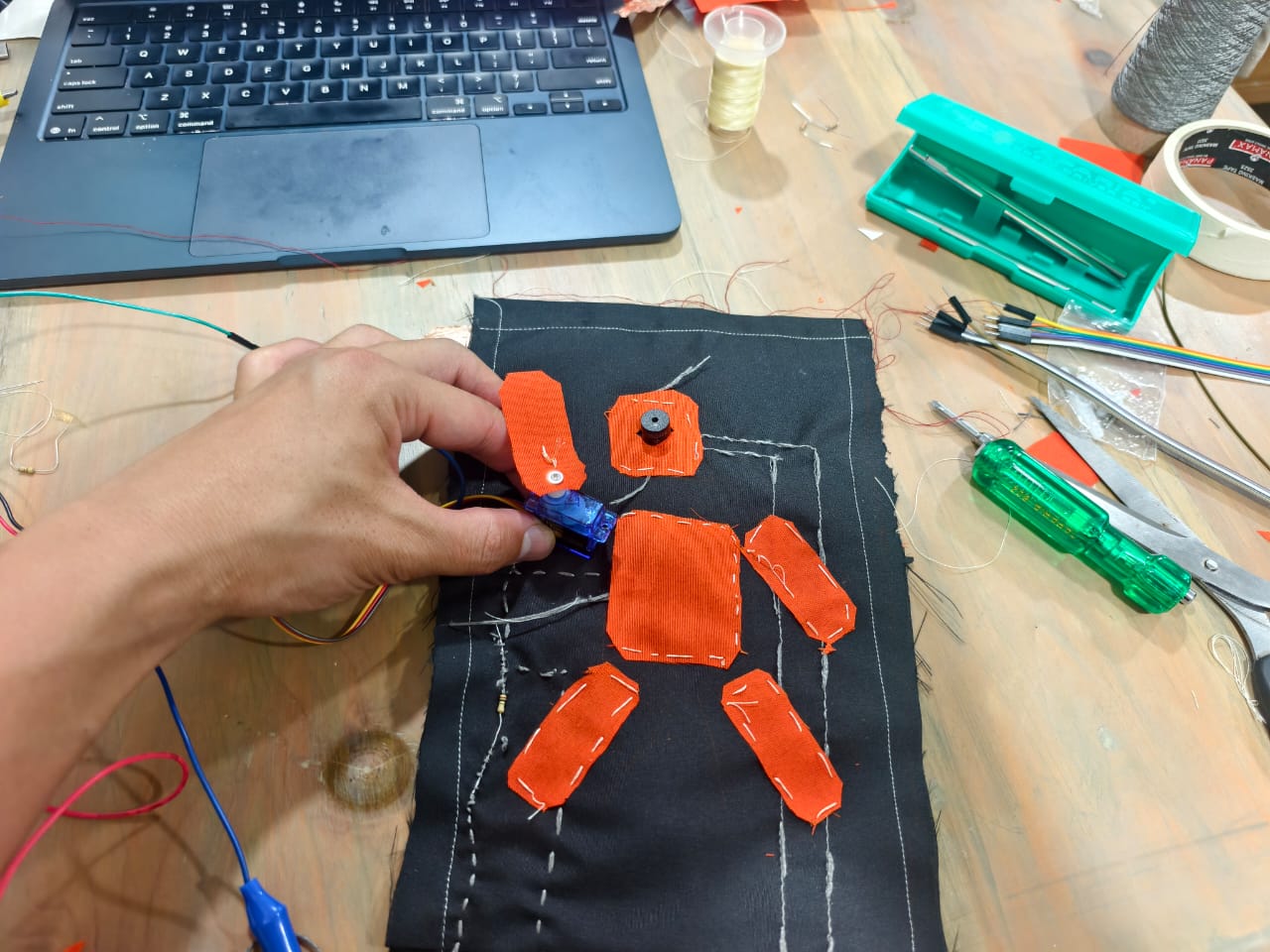
At first, I was worried because I could not understand what was happening. After checking the machine, I suspected that there was an electrical problem with its foot controller. I tried to fix it, but I could not get it working again.as it has isseu with cicuit of the foot controller
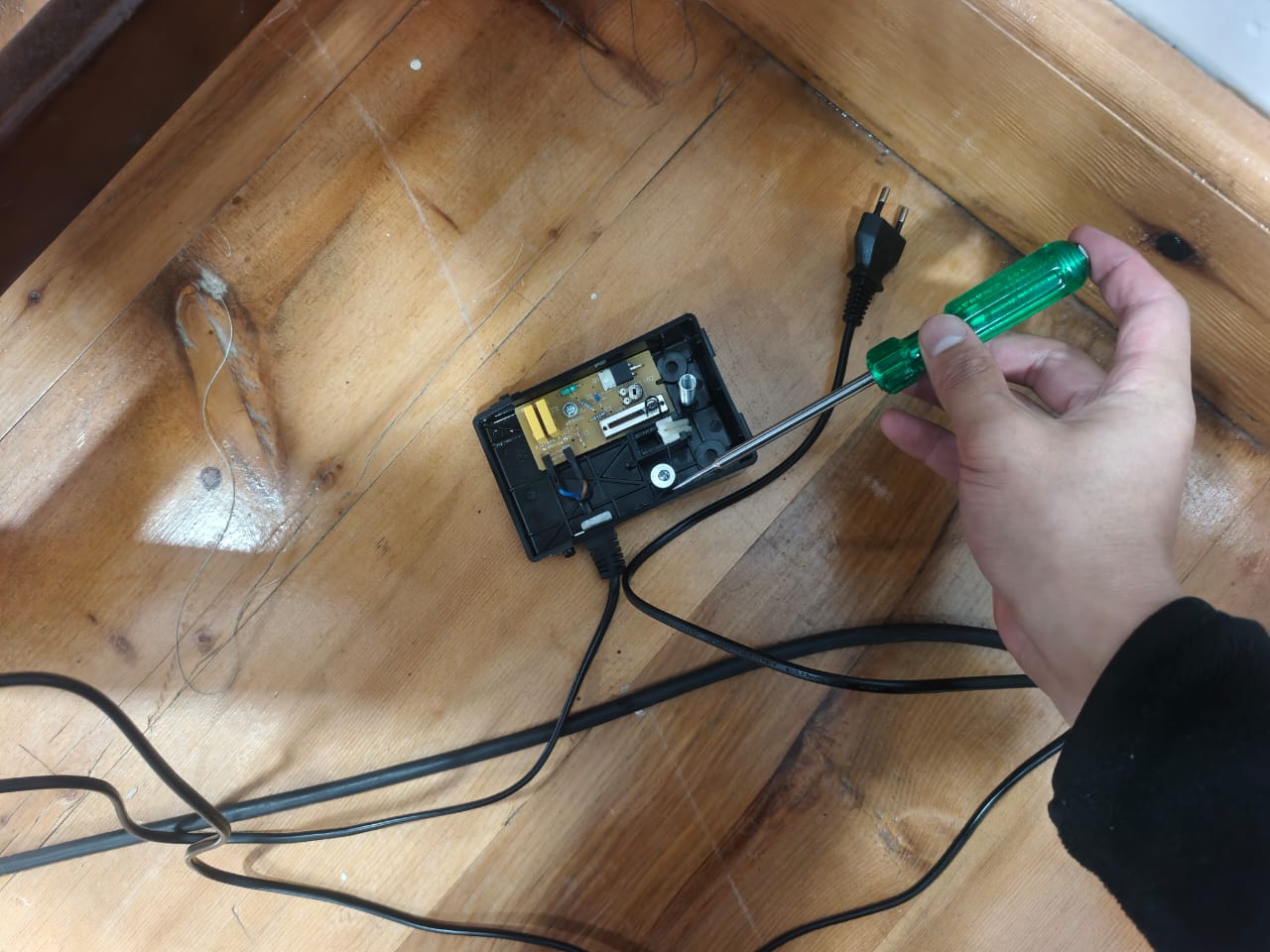
Eventually, I decided to continue by sewing the conductive thread by hand and making the circuit directly on the fabric. Although this took more effort, it allowed me to continue with my project instead of giving up.
This experience taught me that working with conductive textiles requires patience and flexibility. Sometimes, the tools we plan to use do not work as expected, and we need to find another way to achieve our goal.
Step 6
After completing the conductive thread connections on the fabric, I positioned the electronic components in their respective places. I connected the copper sensing pad, buzzer, and servo motor to the Arduino Uno and uploaded the program.
Finally, it worked!
When I touched the copper pad, the sensor reading increased. Once the reading crossed the threshold of 50, the buzzer started making a sound and the servo motor moved to 90 degrees. Seeing the fabric circuit respond to my touch was a very satisfying moment.
What began as an idea to combine textiles and electronics had finally become a working prototype. I was especially happy because I had faced several challenges along the way, including learning to use a sewing machine, testing conductive thread, experimenting with resistor values, and troubleshooting the machine.
Code for Analog signal
Use the three backticks to separate code.
#include <CapacitiveSensor.h>
#include <Servo.h>

CapacitiveSensor sensor = CapacitiveSensor(4, 2);

const int buzzer = 8;
const long threshold = 50;


void setup() {
 Serial.begin(9600);
 pinMode(buzzer, OUTPUT);
}
void loop() {
 long reading = sensor.capacitiveSensor(30);


 Serial.println(reading);


 if (reading > threshold) {
   tone(buzzer, 1000);  // Buzzer sounds
 } else {
   noTone(buzzer);      // Buzzer stops
 }
 delay(1000);
}

Servo wallE;


void setup() {
 wallE.attach(9);
}


void loop() {
 wallE.write(0);
 delay(1000);


 wallE.write(90);
 delay(1000);


 wallE.write(180);
 delay(1000);
}

#include <CapacitiveSensor.h>
#include <Servo.h>
CapacitiveSensor sensor = CapacitiveSensor(4, 2);
const int buzzer = 8;
const long threshold = 50;
void setup() {
Serial.begin(9600);
pinMode(buzzer, OUTPUT);
}
void loop() {
long reading = sensor.capacitiveSensor(30);
Serial.println(reading);
if (reading > threshold) {
tone(buzzer, 1000); // Buzzer sounds
} else {
noTone(buzzer); // Buzzer stops
}
delay(1000);
}
Servo wallE;
void setup() {
wallE.attach(9);
}
void loop() {
wallE.write(0);
delay(1000);
wallE.write(90);
delay(1000);
wallE.write(180);
delay(1000);
}
Part 2: Digital Circuit
Using my previous circuit as a starting point, I decided to modify it to create a digital touch sensor using two copper plates. I made some changes to both the circuit connections and the Arduino code to make the sensor work as a digital input. When the two copper plates are connected by touch, the circuit detects the input and triggers the programmed response.
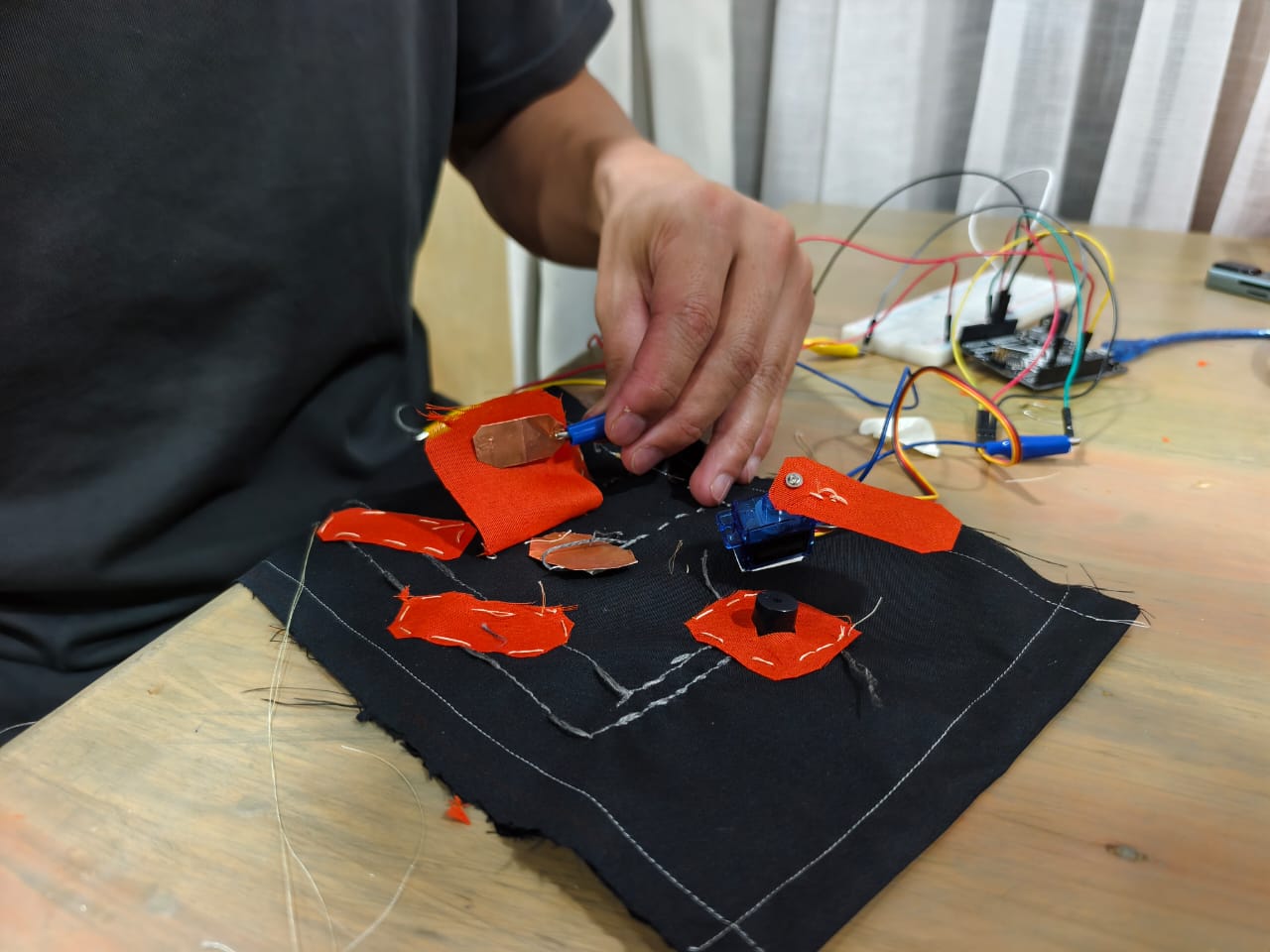
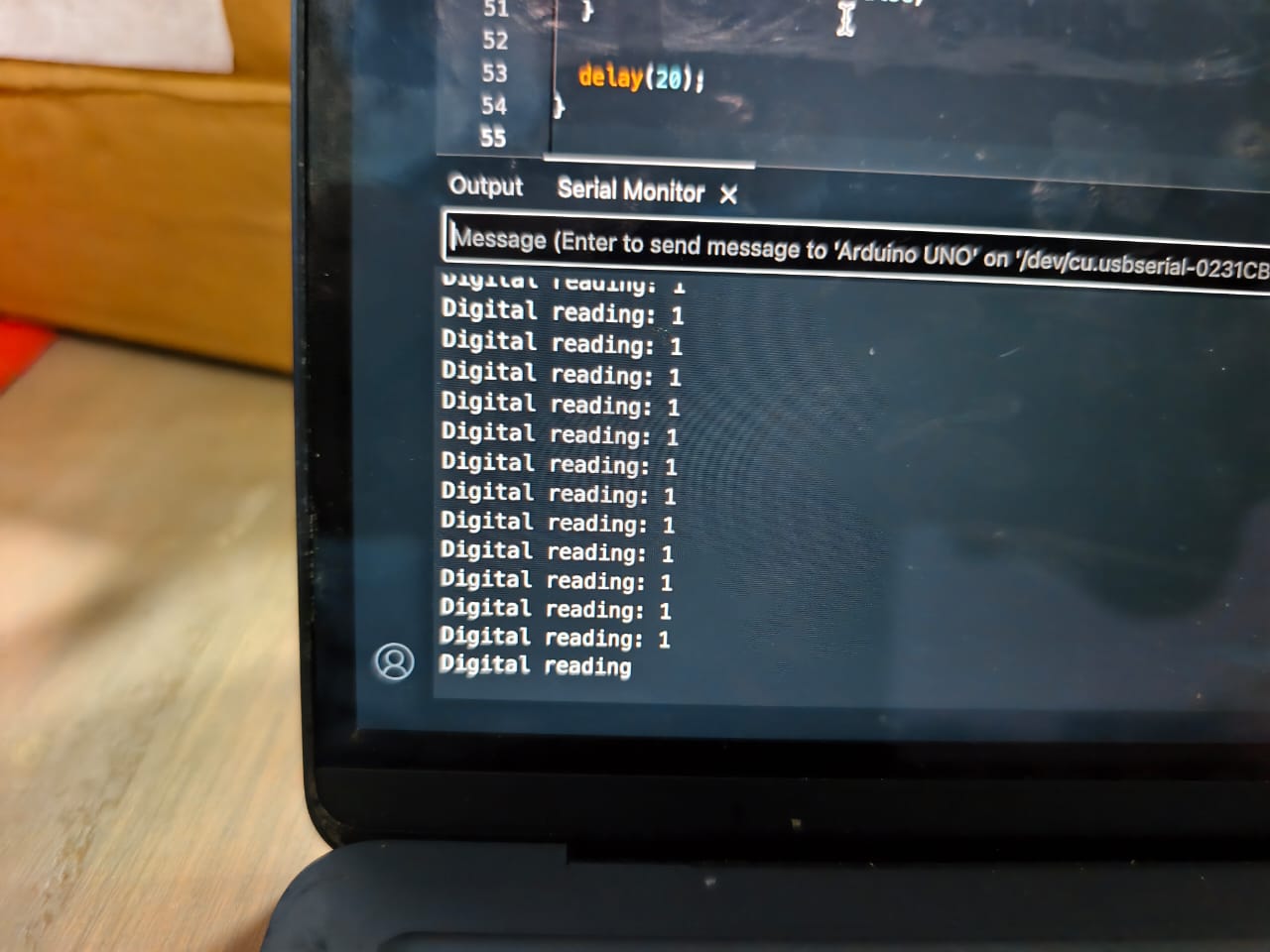
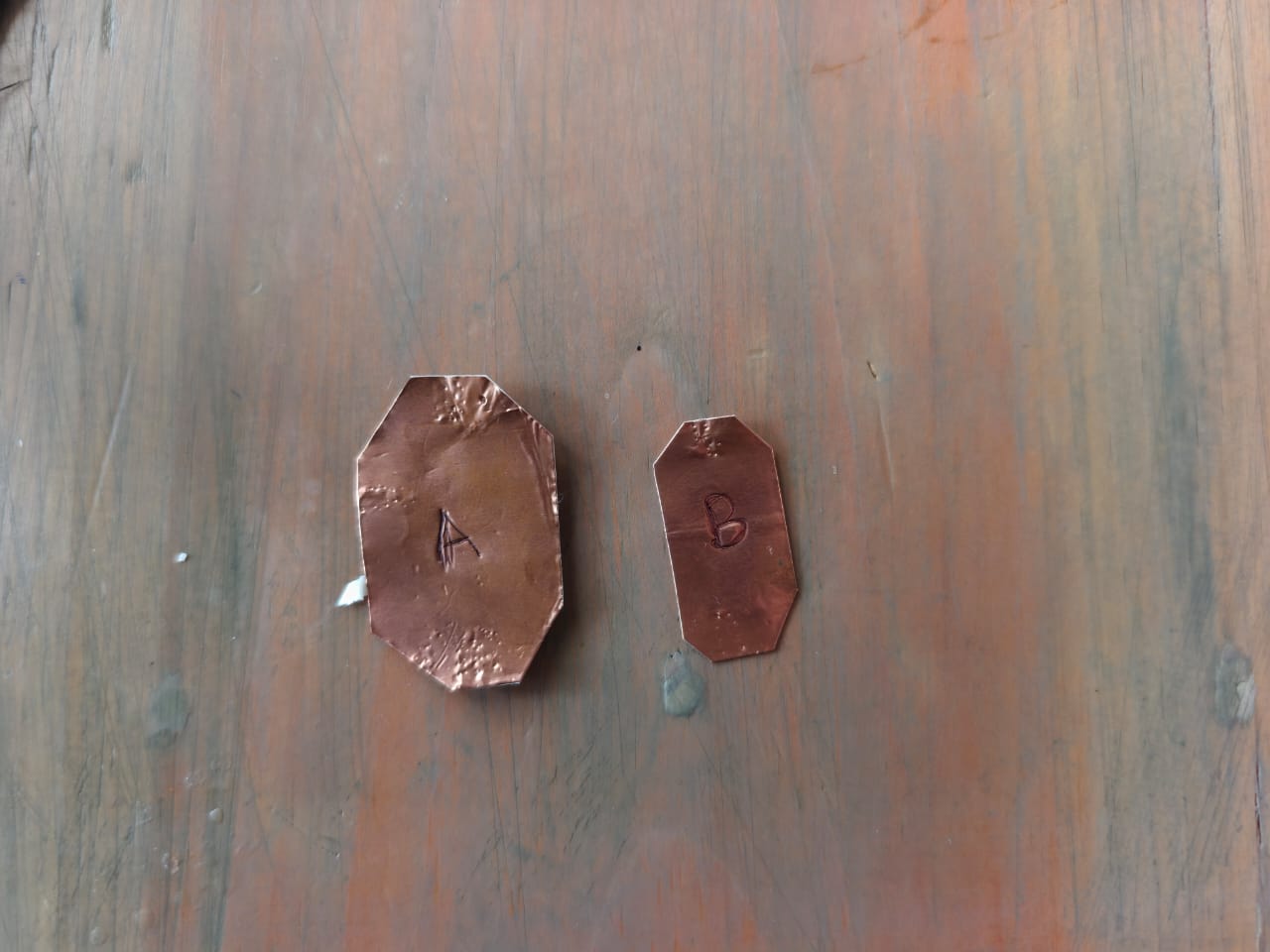
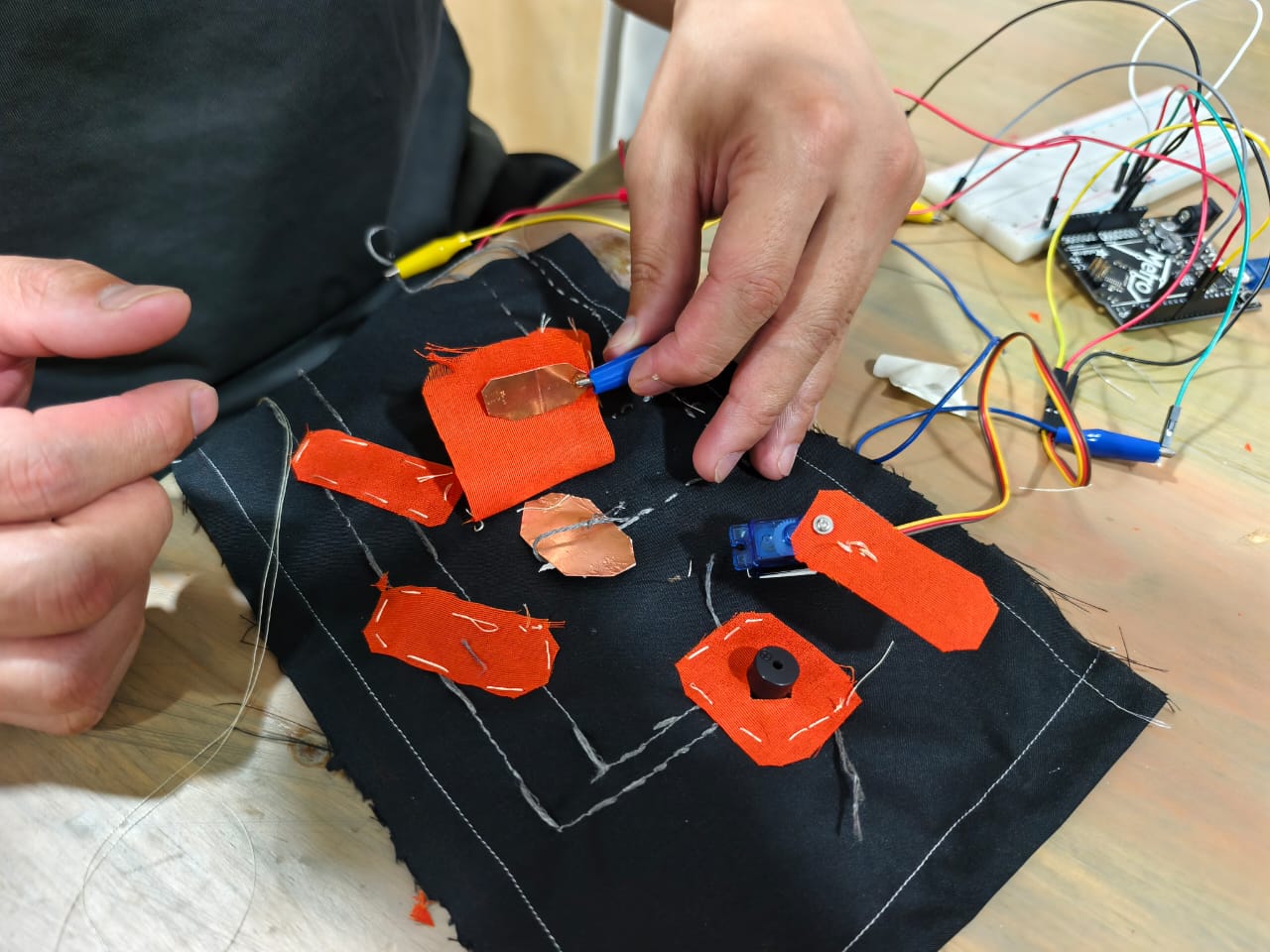
Code for Digital sensors
Use the three backticks to separate code.
#include <Servo.h>

const int touchPin = 2;
const int buzzer = 8;
const int servoPin = 9;

Servo wallE;

bool alreadyTriggered = false;

void setup() {
  Serial.begin(9600);

  pinMode(touchPin, INPUT);
  pinMode(buzzer, OUTPUT);

  wallE.attach(servoPin);
  wallE.write(0);
}

void loop() {
  int touchState = digitalRead(touchPin);

  Serial.print("Digital reading: ");
  Serial.println(touchState);

  // When both copper plates are touched
  if (touchState == HIGH && !alreadyTriggered) {
    alreadyTriggered = true;

    // Buzzer and servo start together
    tone(buzzer, 1000);

    // Move the servo back and forth twice
    for (int i = 0; i < 2; i++) {
      wallE.write(90);
      delay(500);

      wallE.write(0);
      delay(500);
    }

    // Stop buzzer after two movements
    noTone(buzzer);
  }

  // Reset when the touch is released
  if (touchState == LOW) {
    alreadyTriggered = false;
  }

  delay(20);
}

#include <Servo.h>

const int touchPin = 2;
const int buzzer = 8;
const int servoPin = 9;

Servo wallE;

bool alreadyTriggered = false;

void setup() {
  Serial.begin(9600);

  pinMode(touchPin, INPUT);
  pinMode(buzzer, OUTPUT);

  wallE.attach(servoPin);
  wallE.write(0);
}

void loop() {
  int touchState = digitalRead(touchPin);

  Serial.print("Digital reading: ");
  Serial.println(touchState);

  // When both copper plates are touched
  if (touchState == HIGH && !alreadyTriggered) {
    alreadyTriggered = true;

    // Buzzer and servo start together
    tone(buzzer, 1000);

    // Move the servo back and forth twice
    for (int i = 0; i < 2; i++) {
      wallE.write(90);
      delay(500);

      wallE.write(0);
      delay(500);
    }

    // Stop buzzer after two movements
    noTone(buzzer);
  }

  // Reset when the touch is released
  if (touchState == LOW) {
    alreadyTriggered = false;
  }

  delay(20);
}
Weekly Reflection & Critical Thinking
- The most enjoyable part of this assignment was how it broadened my perspective on textiles. Combining electronics with fabric opened up new possibilities for me and made me curious about what else I could create using e-textiles.
- I learned how to use a sewing machine, which was a completely new skill for me. It was exciting to learn something practical and apply it to my project.
- I realised that I wasted quite a lot of time trying to figure everything out on my own, especially when collecting materials and learning to use the sewing machine. Next time, I would ask someone with experience for guidance earlier. This would help me save time, avoid unnecessary mistakes, and learn more effectively.
Fabrication files & References
-
Reference: Sara; E-textitle; fabricademy.io; 2021 ↩
-
Reference: Mina's;E-textitle; fabricademy.io; 2024 ↩