Circular Open Source Fashion
1. Objective
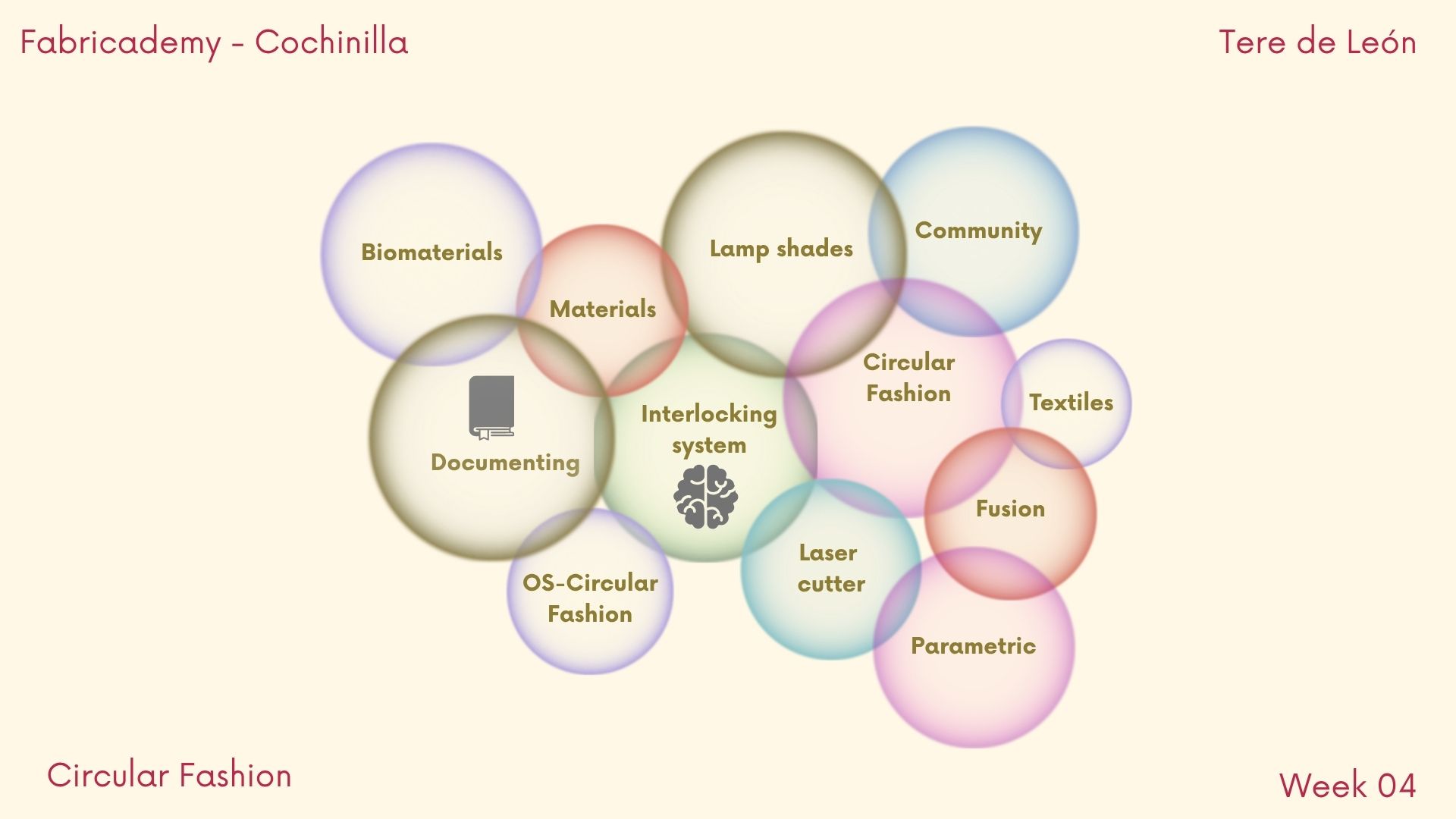
I am starting my weeks with a mind map trying to organize all the information I got that "comprises" the week challenge trying to get a system that will make my process easier.
2. References, research & inspiration
I decided that for this practice I was going to work on a design and construction idea for lamp shades, to start with an ideation process that will help me with my personal project.
Trying to set up a work flow process I will use the design thinking framework:
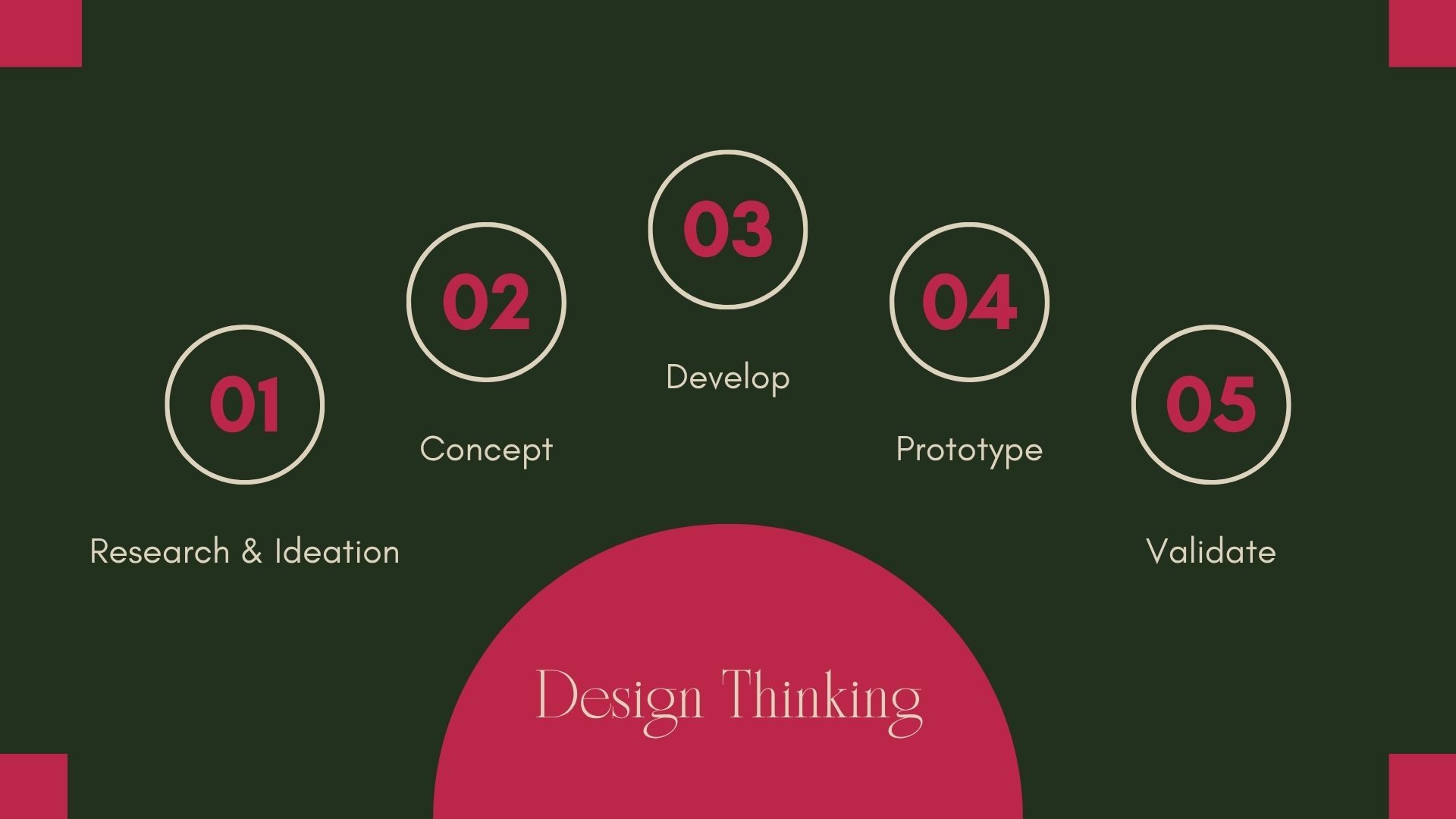
[Figma.com](https://www.figma.com/resource-library/what-is-design-thinking/) "What is design thinking?
So ... some inspiration related to lamps, art, circular economy, and of course interlocking systems:
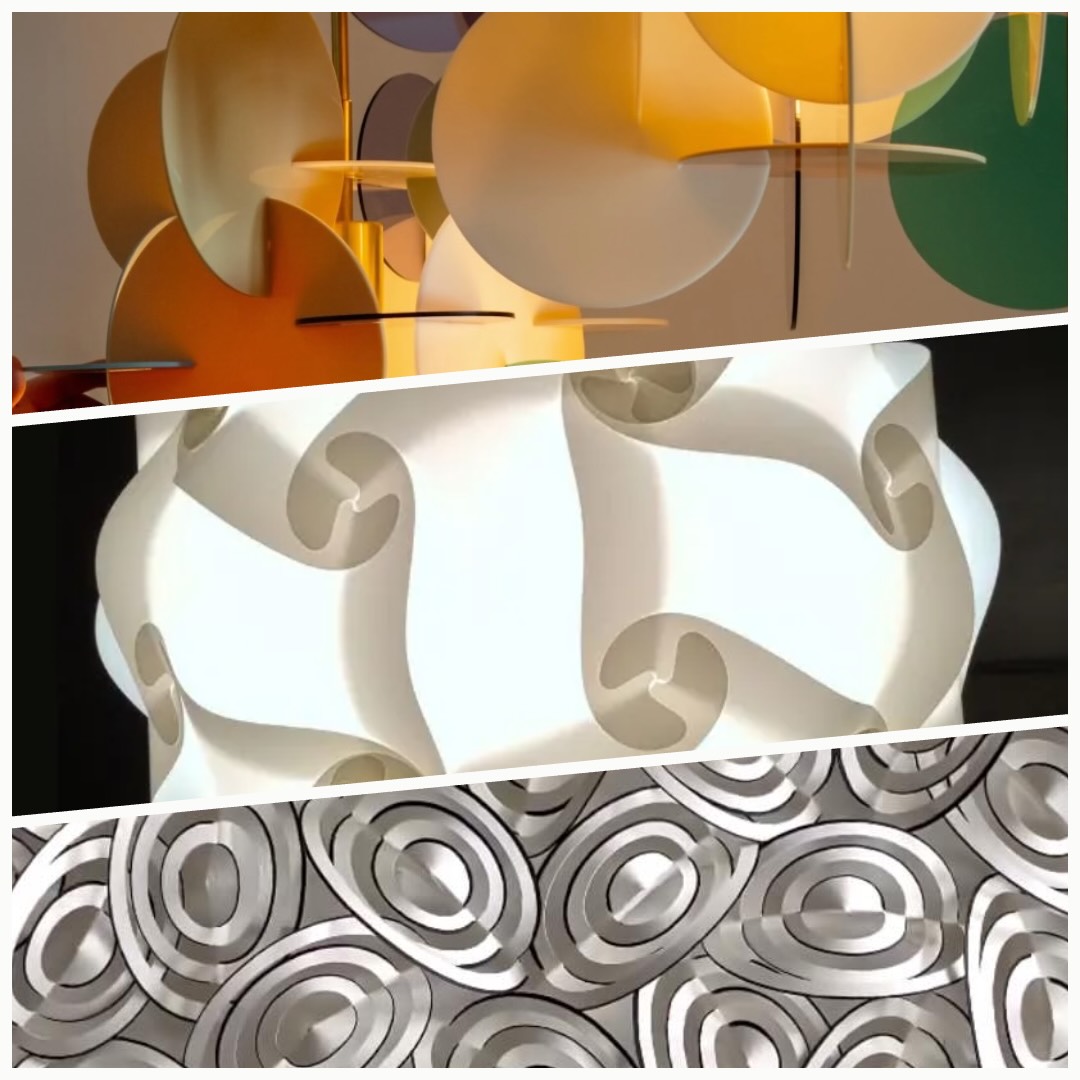
(1) Vibeke Fonnesberg Schmidt handbuilds exclusive one-off lamps in plexiglass and brass with reminiscences of 1960s Italian design, French Art Nouveau and German Bauhaus modernism2. (2) The IQ Light (Interlocking Quadrilaterals), celebrates its 50th anniversary this year, having been invented by Danish designer Holger Strøm during his residency at the Kilkenny Design Workshops 1. (3) Maria Kerrn Jesperper: Paperartist, arts and objects in paper. Simple folded shapes. Based north of Copenhagen in Denmark. (4) Interlocking system: Laura Cipriani, Fabricademy 2018 4.
A big higlight and inspiration for this weeks assignment was Tessellations, I have never seen known patterns as a mathematical precise repetition, and I decided to try it myself. I will show a video about my creation.
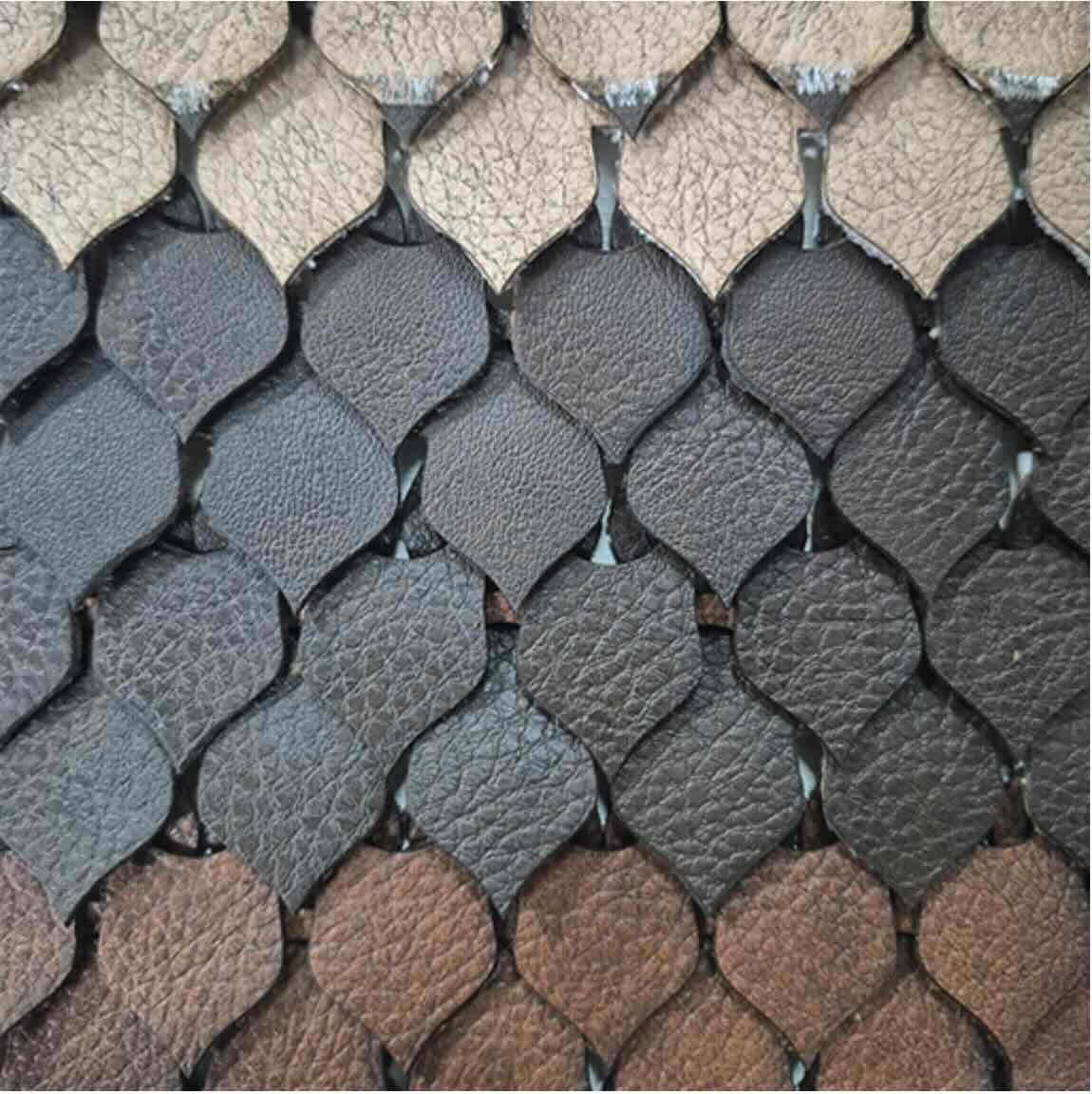
I also visited several pages of other Fabricademy students looking at their works and found one that really attracted my attention:
Magali Uwimana´s Dragon scales:
2.1 Tutorials
I watched Claudia Simonelli´s Fusion 360 Basics Tutorial, but I have to also look in YouTube for more tutorials related to: tessallation symmetries, and, since I was never able to download Fusion 360, I watched: Inkscape for laser cutting, How to cut a hole in Inkscape, How to trace images to create a vector using Inkscape, How to make a tessallation in inkscape.
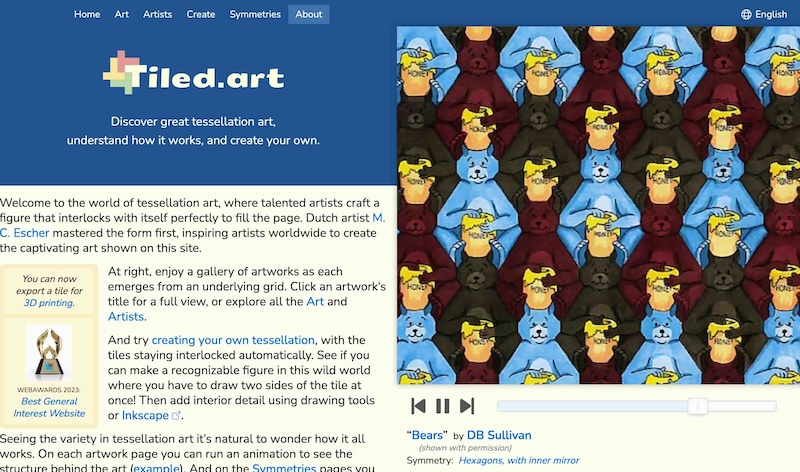
I discovered a great site for creating your own tessallations: Tiled Art by Rick Mohr.
3. Tools
- Inkscape: 2D modelling with vector shapes
- SmartCarve 4.3: Laser Cutter
- Tiled.art: Creating my own Tessallation
4. Process and workflow
- I conceptualized my project as a (18 cm diameter) 56.5 X 20 cms. cylinder lampshade.
- I wanted to use some old material that I have, no buying anything, so I found a nice leather cutted piece I bought like 3 years ago when I was trying to fix a leather bag of my own.
- I did want to add the community component, which was nicely included by working together with my Fabricademy classmates and learning from each other :)
- I had tu study a lot about how a Tessallation works and how to create my own. The site tiled art helped tons.
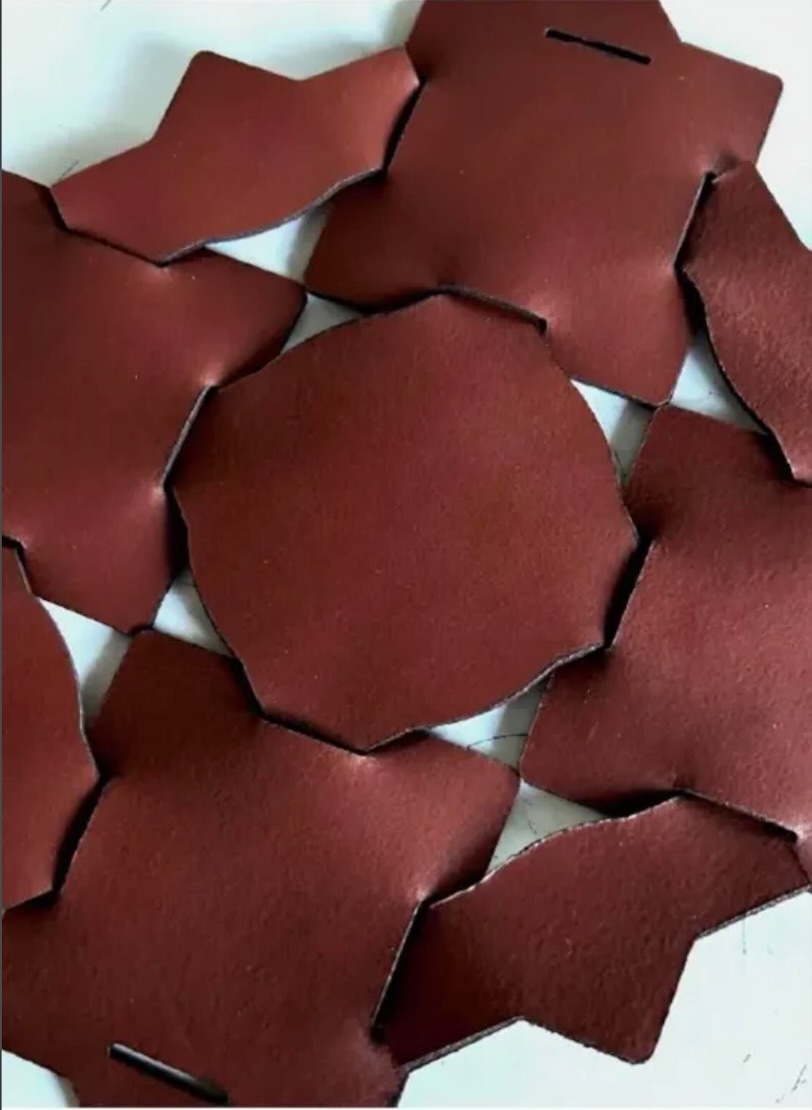
- I struggled a lot thinking about a viable interlocking system; I actually printed and built Magali Uwimana´s Dragon scales, so that I could get a feeling of how it was constructed.
- Here an image that completed my inspiration process:
- I am very happy with my results.
4.1 Step 1
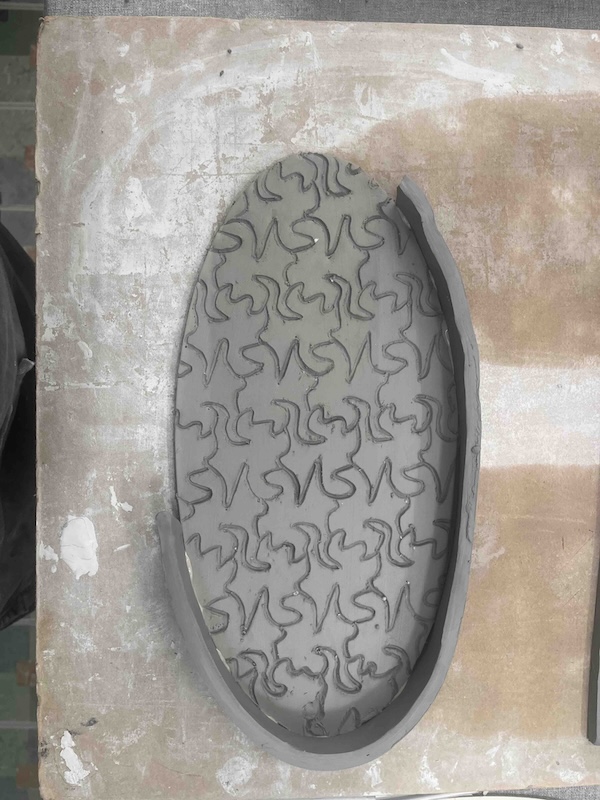
I created my Tessallation project, I was nicely surprised with my hummingbirds (colibrí in Spanish), very special tiny daily visitors in our house in Cholula. I printed it out and tried it on my Saturday´s ceramic project :)
4.2 Step 2
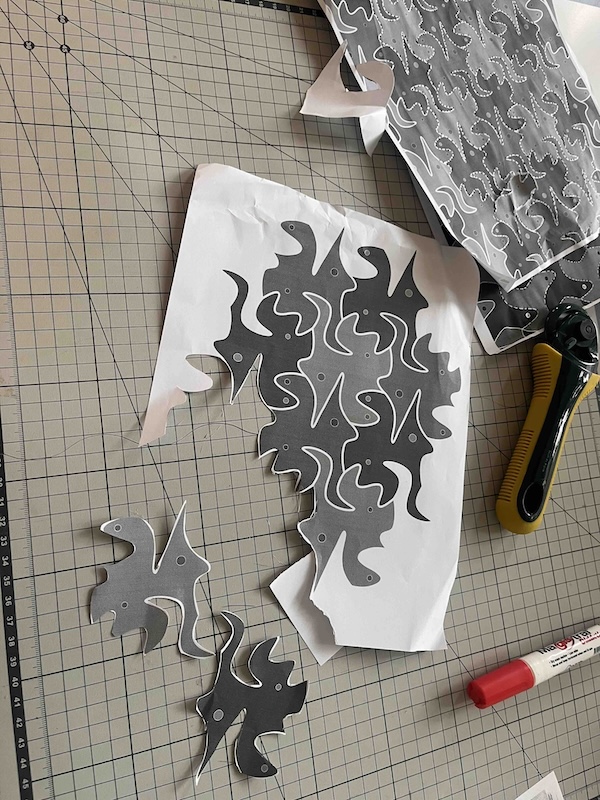
I printed and cutted some hummingbirds from my tessallation project.
4.3 Step 3
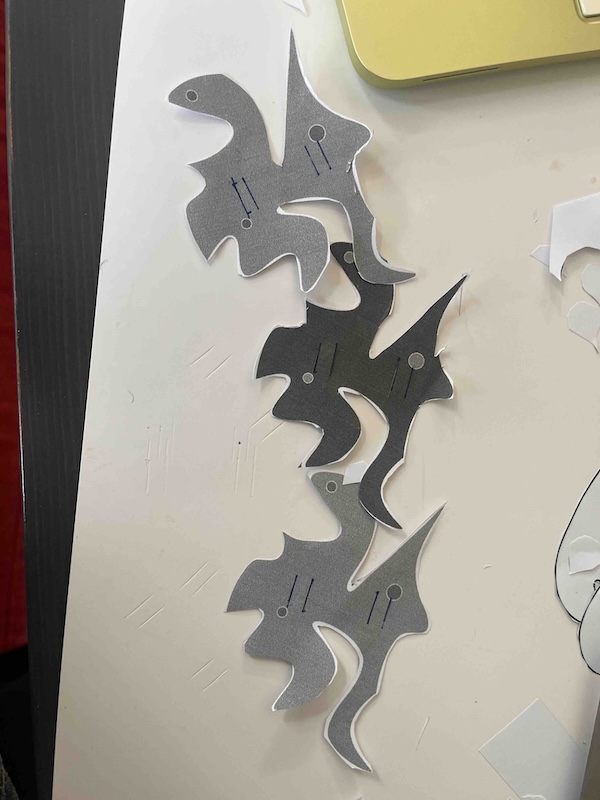
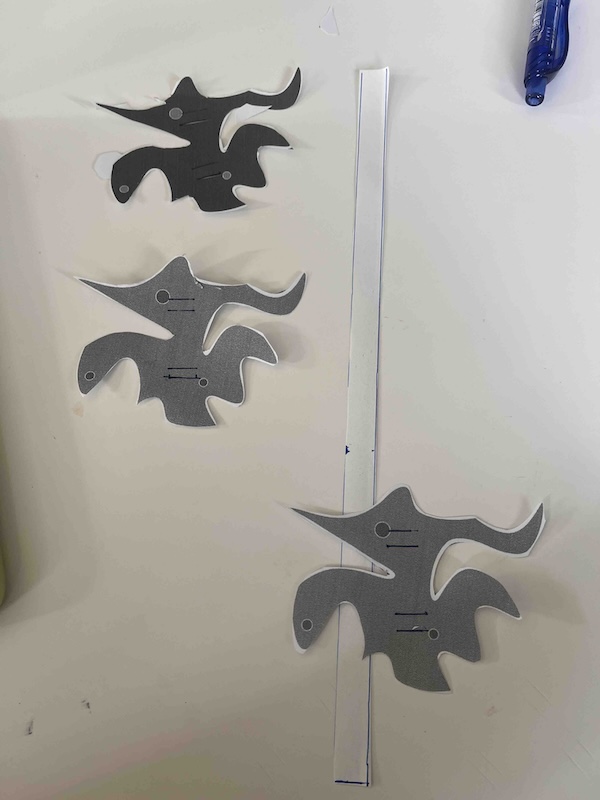
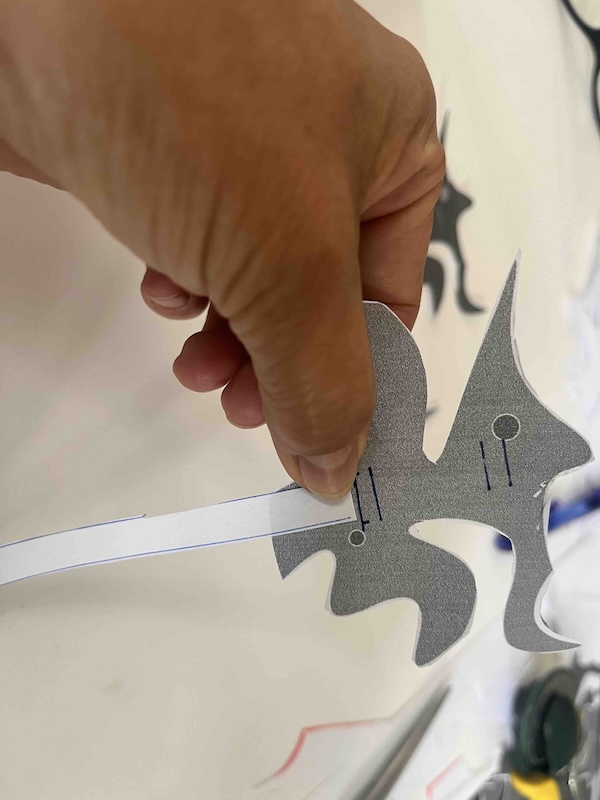
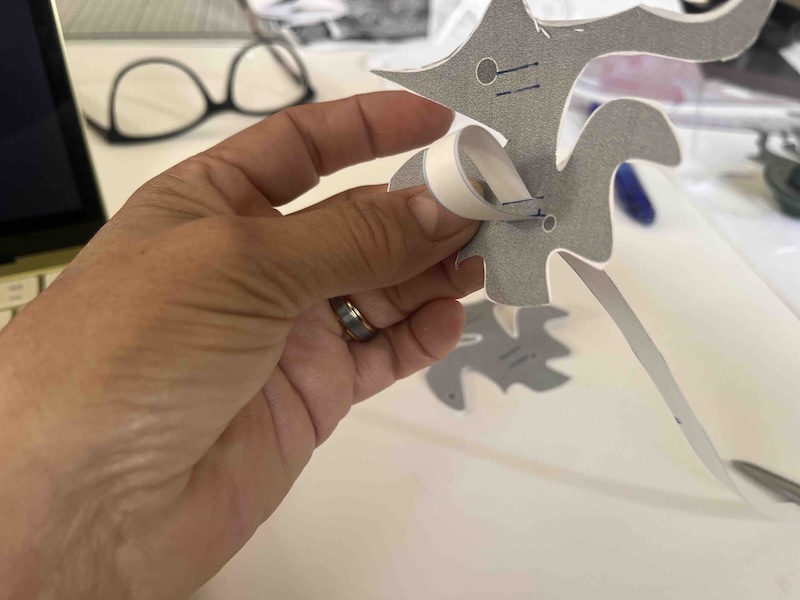
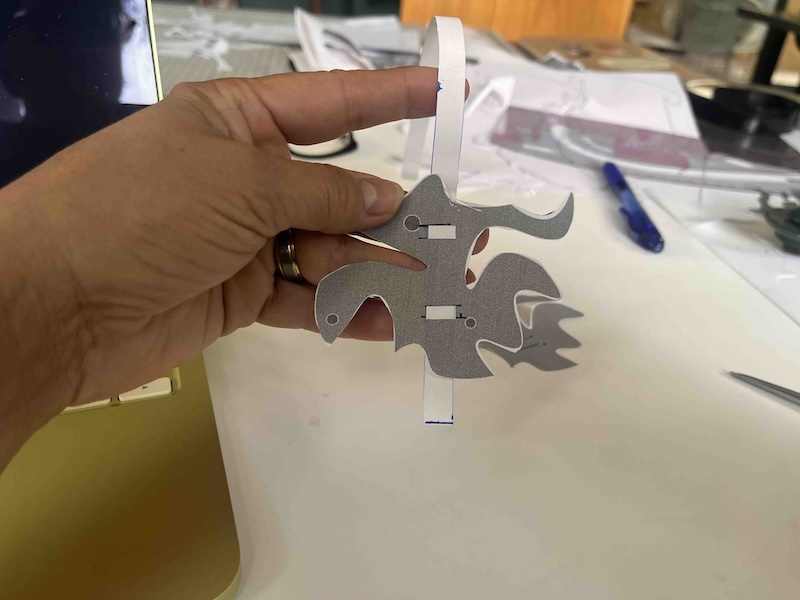
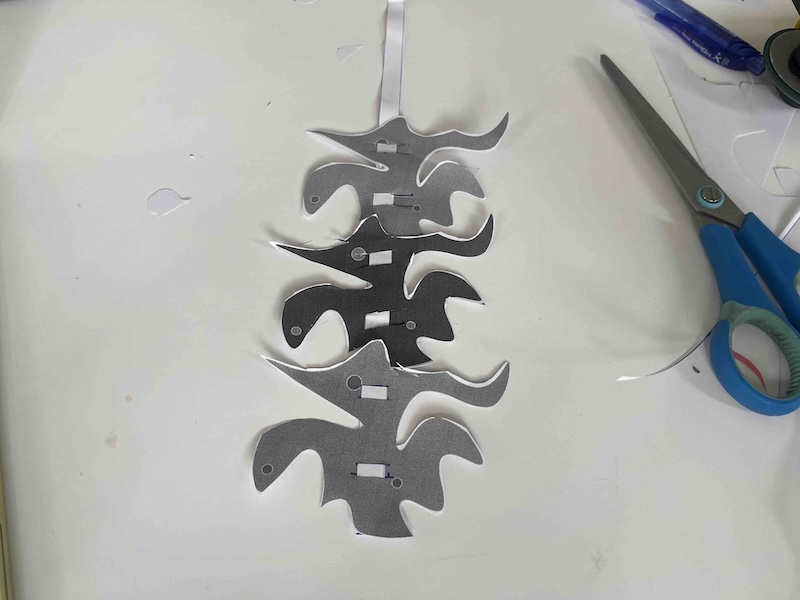
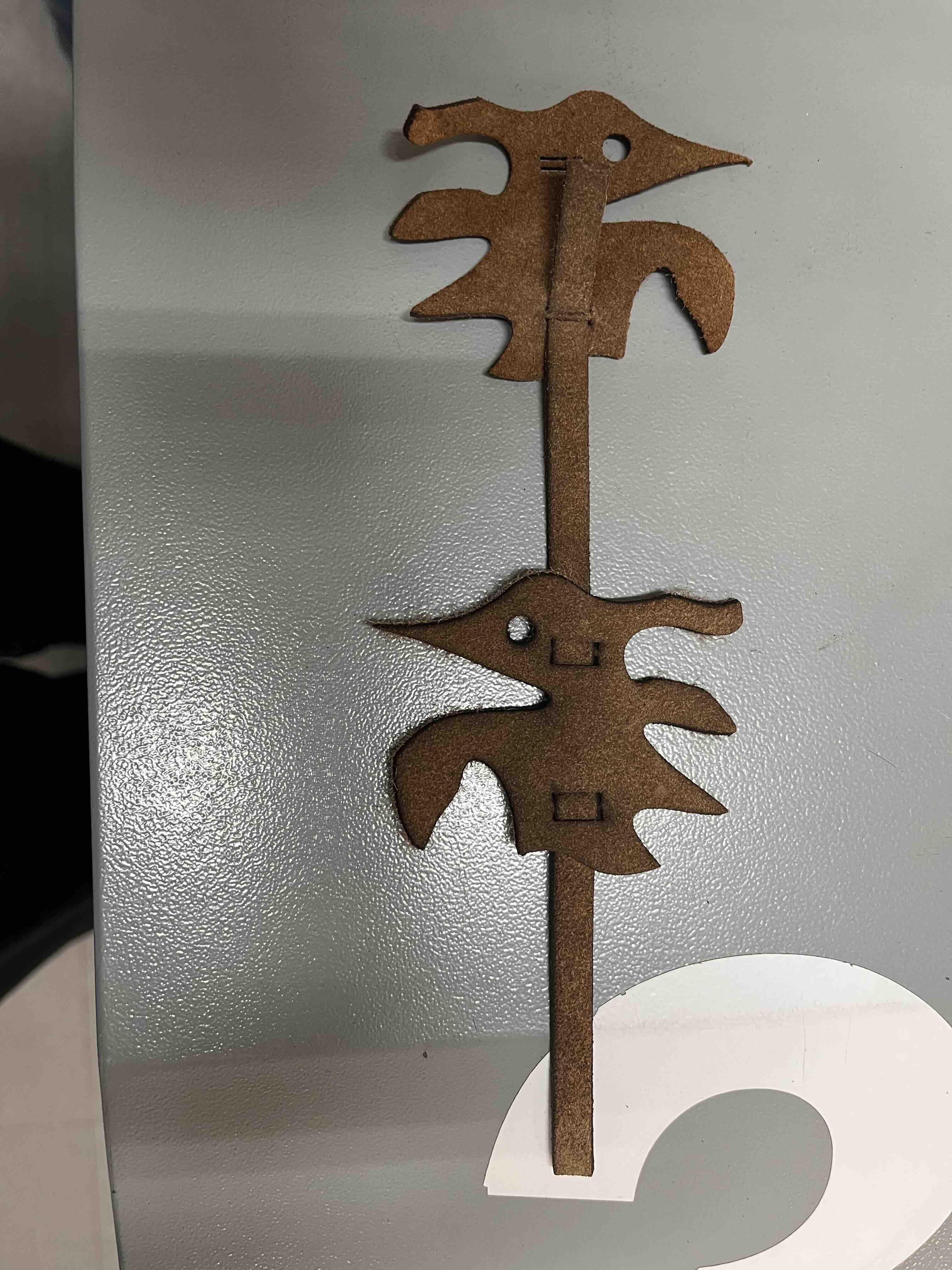
I designed and tested my own interlocking system for my hummingbirds. I chose to make four holes (female) in each hummingbird to interlace a band (male) from the same leather material. I wanted the band to go behind the hummingbirds so that it would not cover them. I tried it in paper and worked beautifully.
4.4 Step 4
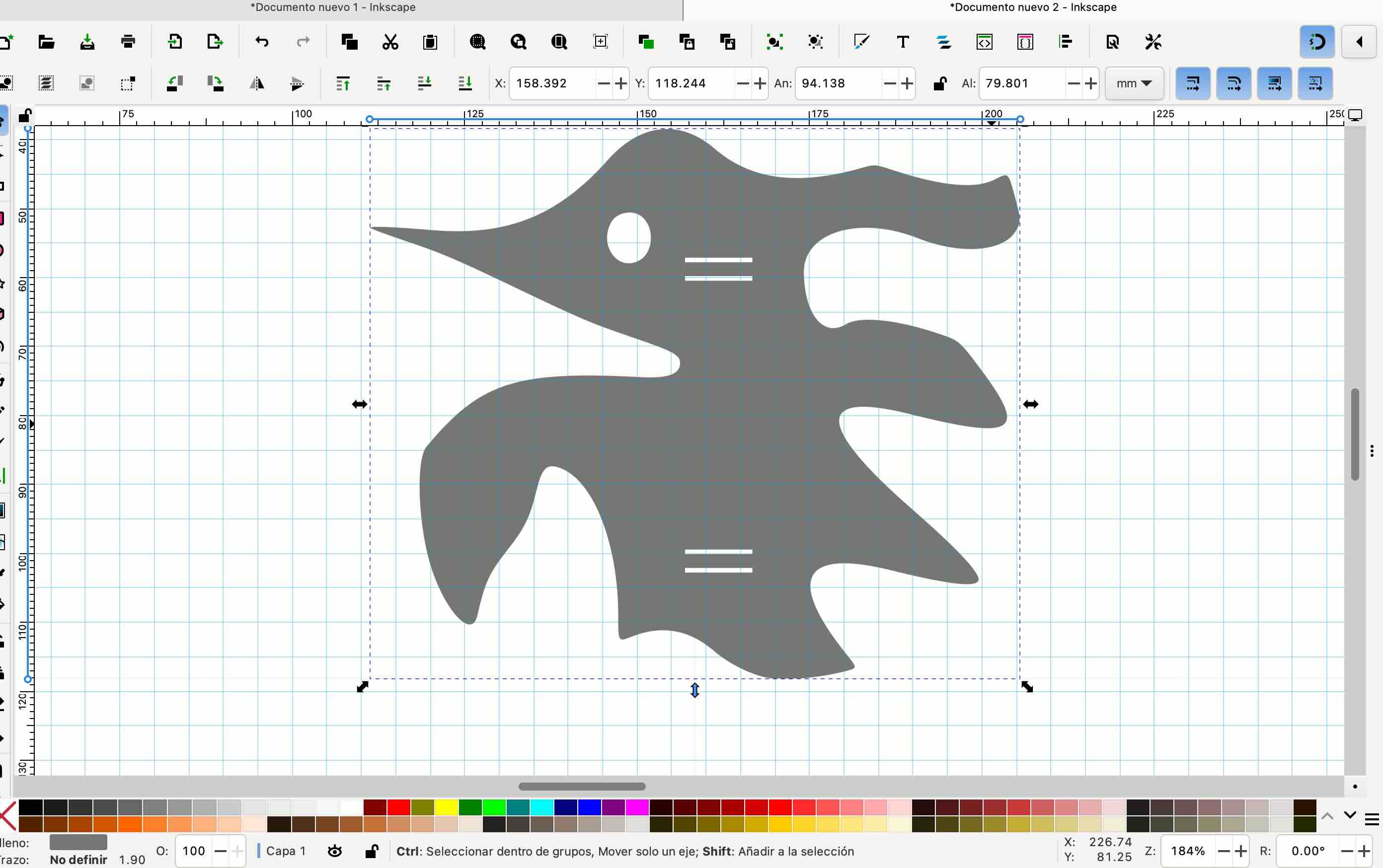
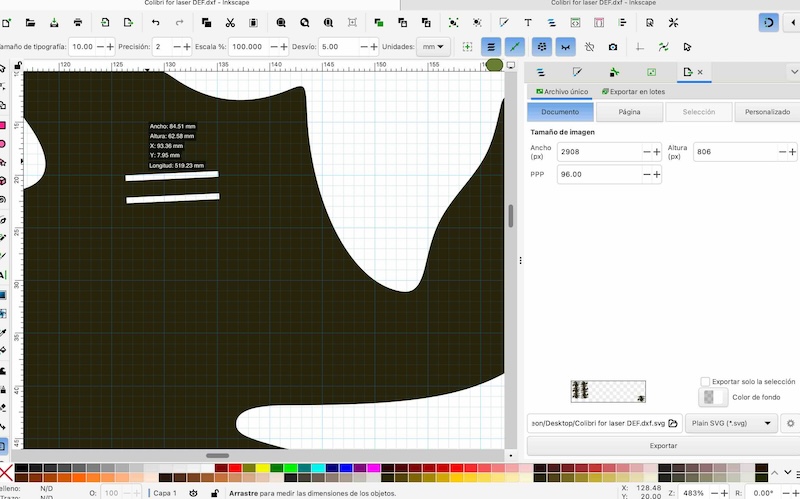
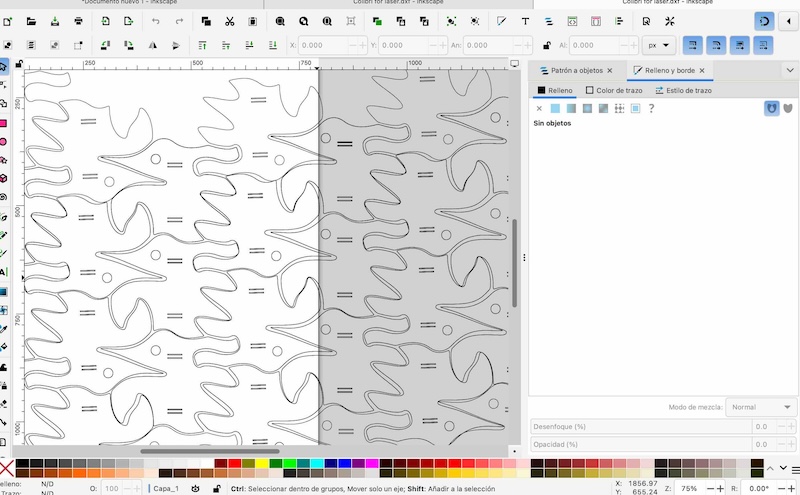
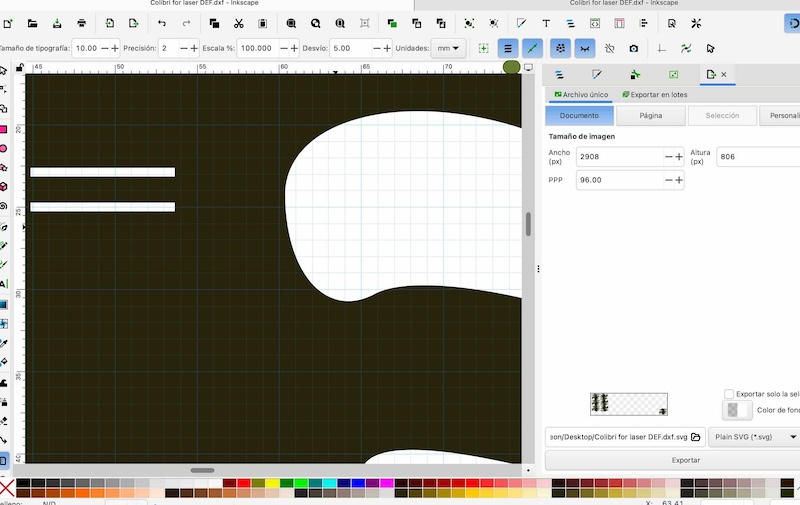
Now the challenge was to import the key hummingbird tile from my tessallation project into Inkscape. Eventhough it is possible to export it as an .svg, I found it impossible to edit it appropiately in Inkscape in order to make the eye and the female holes. So, even when I imported the .svg file, I had to create a vectorized bit map in Inkscape. After several YouTube tutorials I managed to have the hummingbird the correct size (84.6 X 63.3 mm) with the proper holes (100 X .80 mm). Later I found that the female holes where not wide enough to allow the leather band to go through, so, thanks to Raúl, I edited the size in SmartCarve to make them 2mm each with also 2mm in between them. 2mm is the width of the leather piece I used.

4.5 Step 5
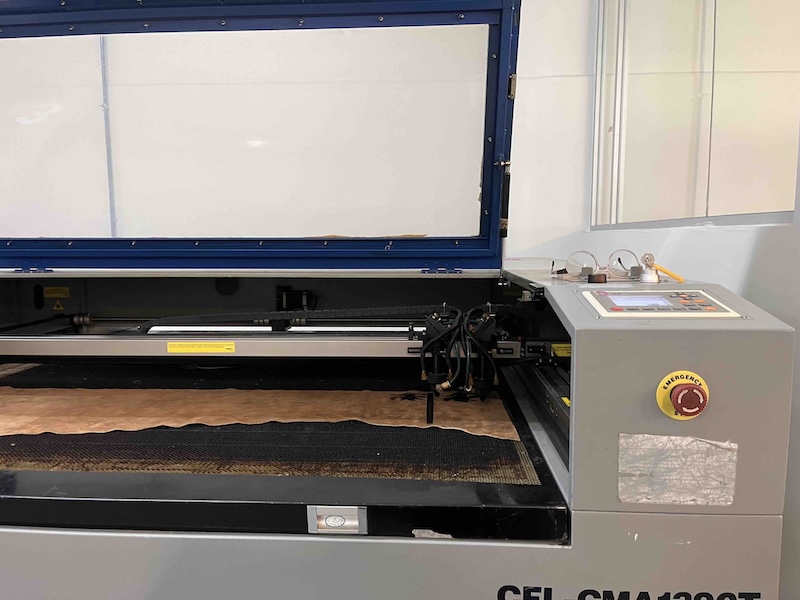
Once exported the .dxf file from Inkscape, I did some tests for the parameters I would use for cutting. I started with:
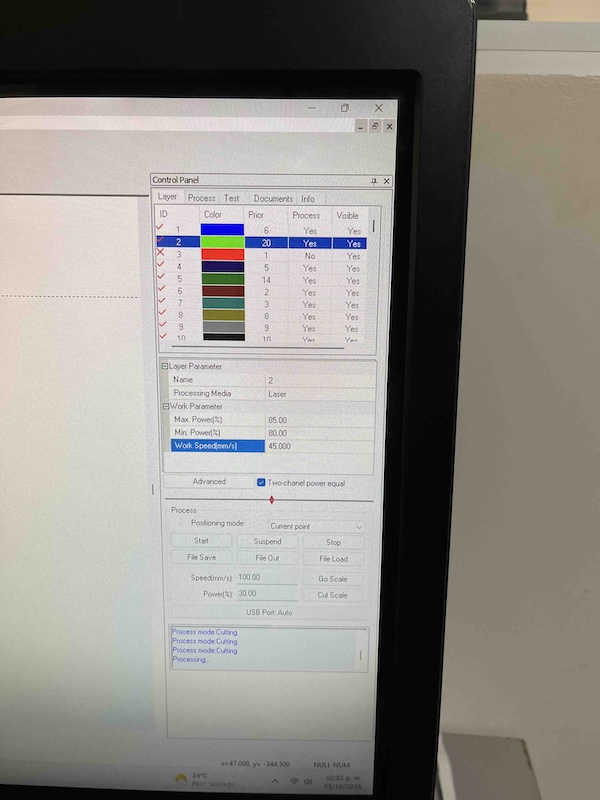
Max power: 85 Min power: 80 Speed: 45
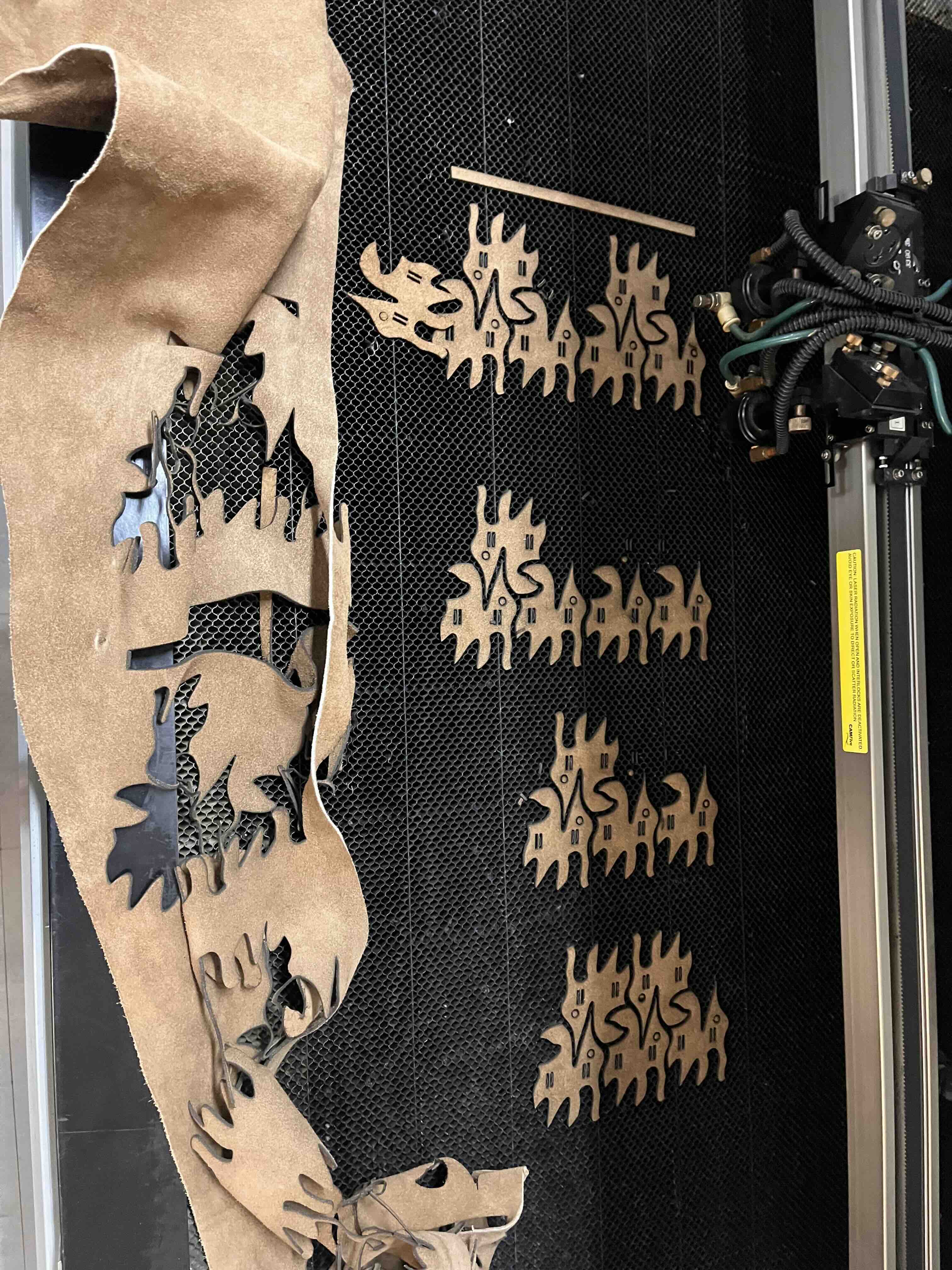
But it did not work, the laser did not cut through and I struggled separating the trial cutted piece.
I changed them to:
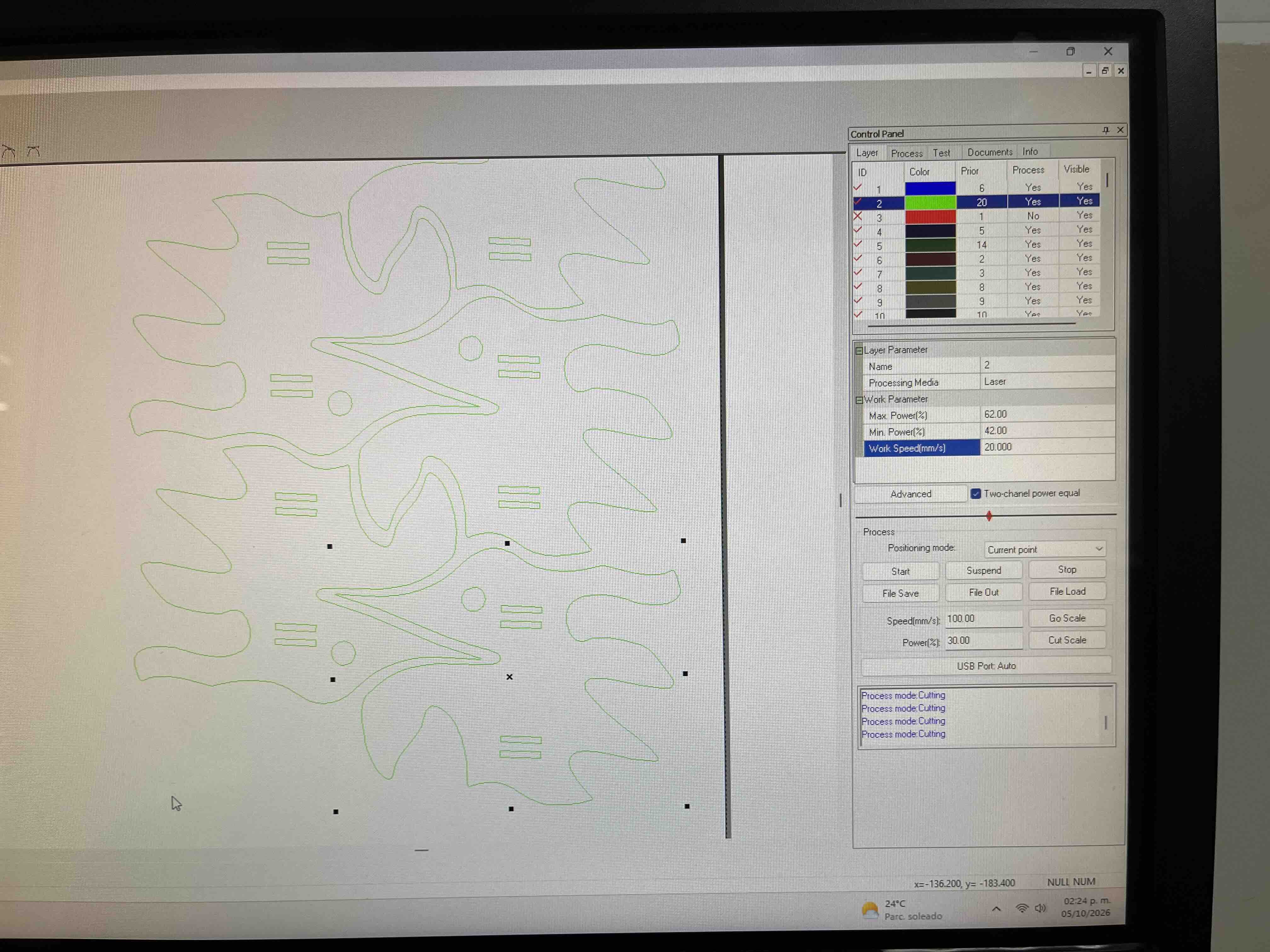
Max power: 62 Min power: 42 Speed: 20
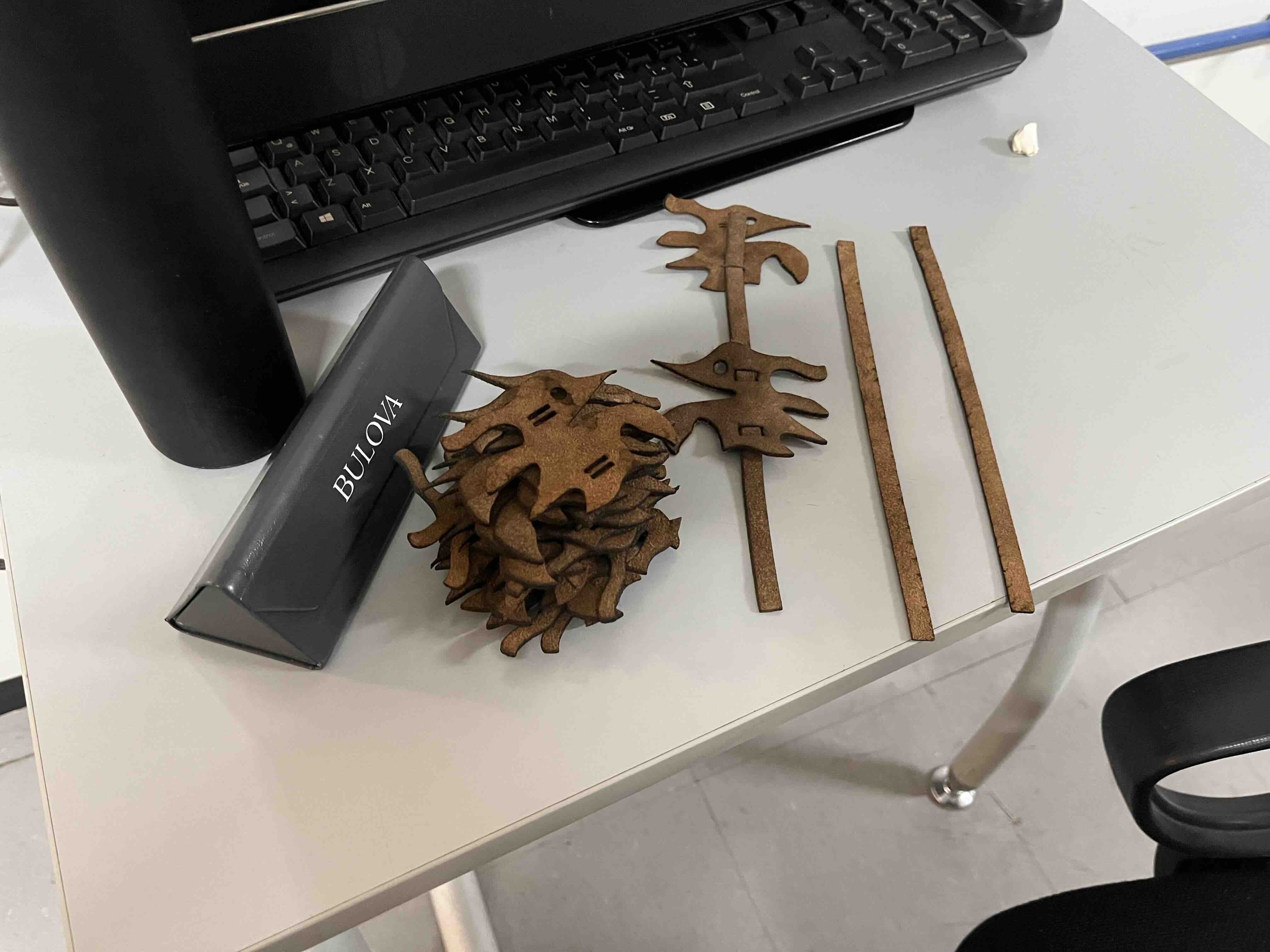
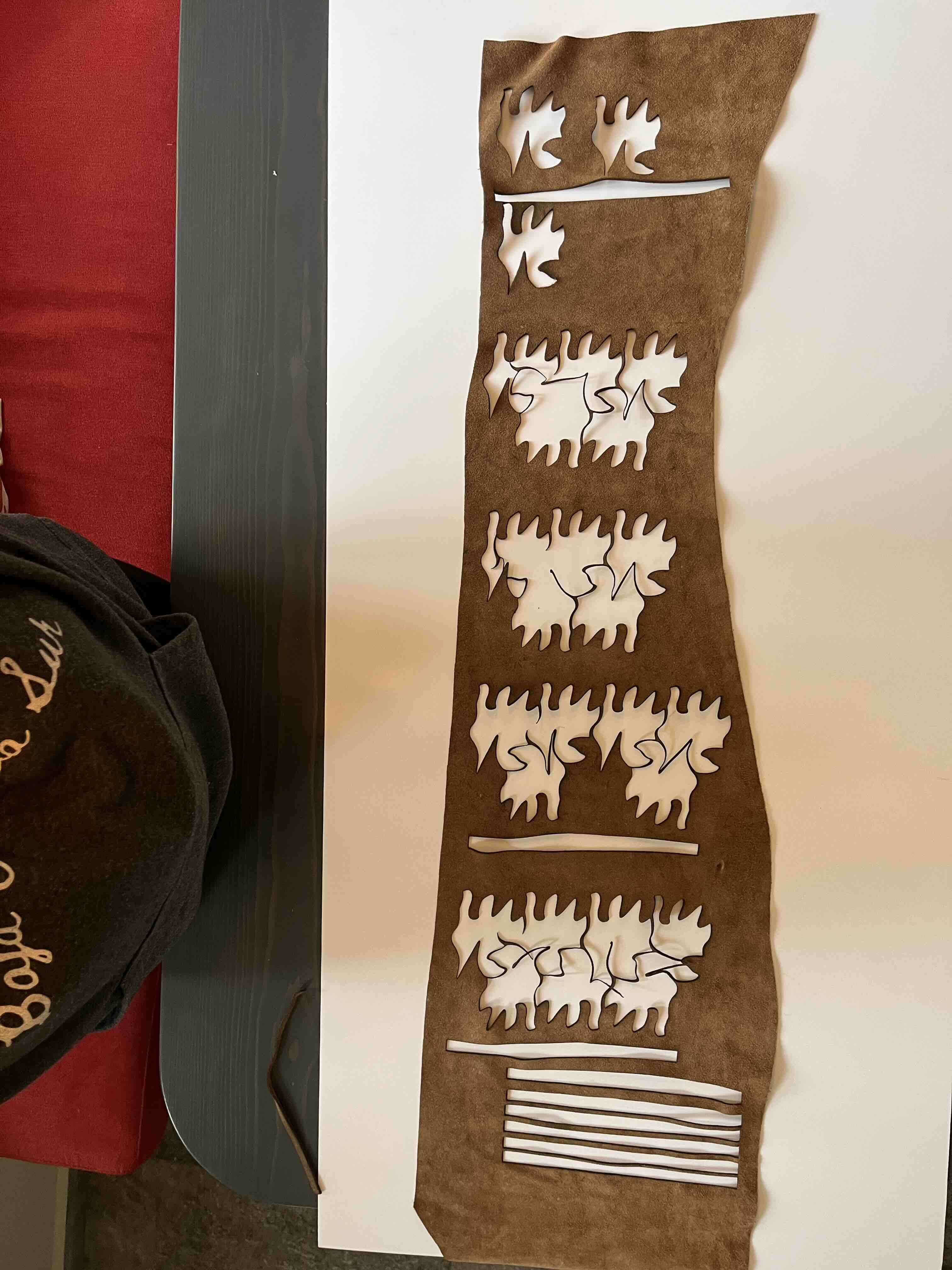
It worked very nice. I kept this parameters and cutted all the pieces: 25 hummingbirds and 8 bands.
5. Results
I made all the inserts and built my Hummingbird Tessallation. I looks very beautiful; next: mount it on a lampshade phrame.
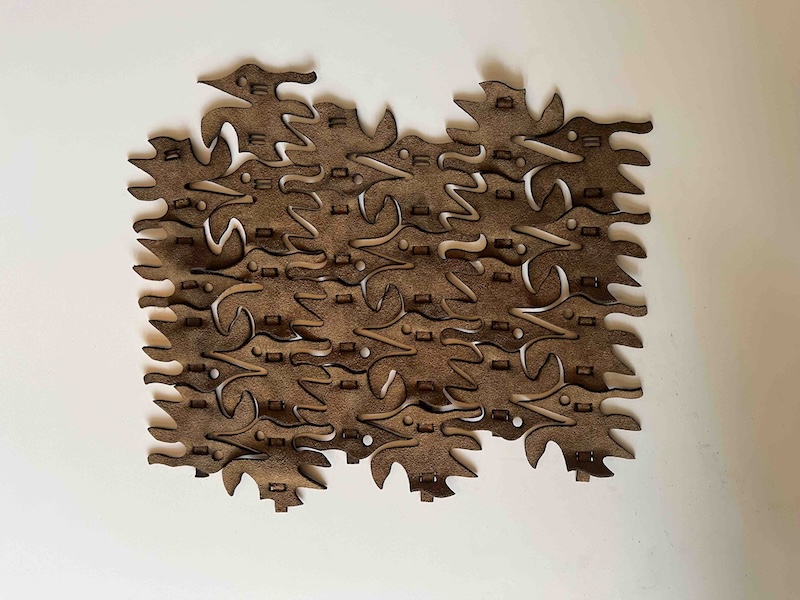
Adding some volume:
6. Weekly reflection & critical thinking
- This was a very challenging activity; my personal 3D brain software is very poor, so I had a hard time thinking about a physical piece that could be built as a mosaic and worse, finding an interlocking mechanism to put them together.
- Tiledart.com was a blessing. All the tutorials and the artists list works that they have really help me.
- I was rejecting my interlocking mechanism thinking it is very simple, but... it looks beautiful and it works amazing.
- Again, I learned that I have to trust myself more and to TRUST the process.
- This exercise inspired me to try more experiments that could work in my final LAMP project.
- Burnt leather really stinks :)
- I can definately look for the way to have zero material wasted:
7. Fabrication files & References
Files:
[^5] Tessellation file .tess
[^6] Hummingbird .png
[^7] Hummingbird .png 2
[^8] .DXF cutting file
[^9] .SVG file


