E-textiles
1. Objective
2. References, research & inspiration
2.1 Some basics of electronics to me
The main concepts I learned and the basics for my understanding and being able to work with electronics are:
- Power source: A device or system that supplies electrical energy to a circuit, such as a battery, solar cell, or DC power supply.
- LEDs (Light-Emitting Diodes): Semiconductor components that emit light when an electric current flows through them in the forward direction.
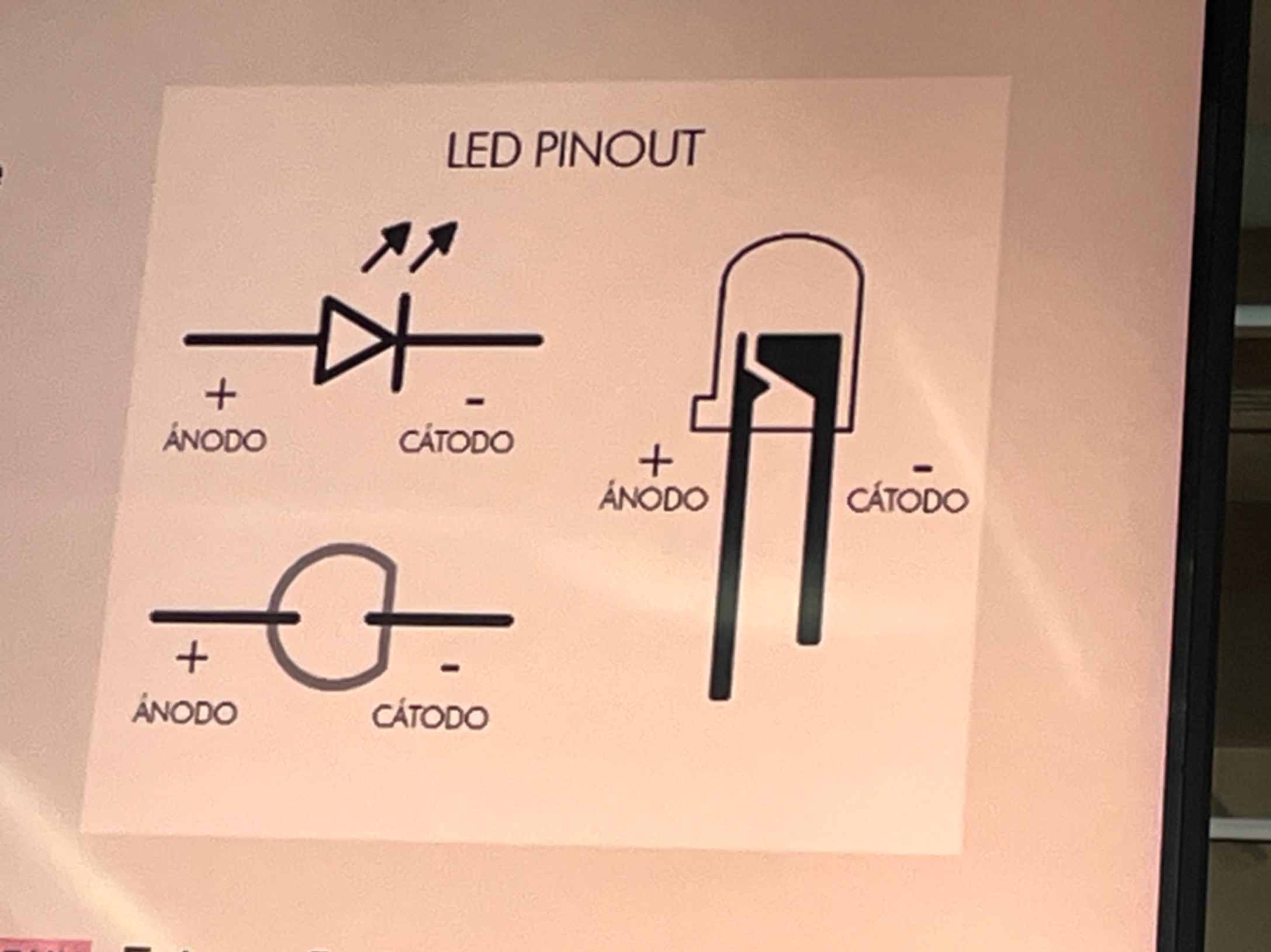
- Anode / Cathode: The anode and cathode are the two terminals of a diode or LED, with conventional current entering through the anode and leaving through the cathode during forward conduction.
- Circuit design: The process of planning and connecting electronic components to create a system that performs a specific electrical function.
- Resistance: The property of a material or component that opposes the flow of electric current, measured in ohms (Ω).
- Multimeter: electronic measuring instrument used to measure electrical quantities such as voltage, current, and resistance.
- Voltage: The electric potential difference between two points, measured in volts (V), that represents energy transferred per unit of electric charge.
- Ohms (Ω): The standard unit of electrical resistance, where one ohm equals one volt per ampere.
- Current: The rate at which electric charge flows through a conductor or circuit, measured in amperes (A).
Understanding voltage, current, and resistance These three quantities are related through Ohm's Law, one of the fundamental principles of electronics.
I = \frac{V}{R}
- Analog: A type of signal that varies continuously over a range of values, such as the changing voltage produced by some sensors.
- Digital: A type of signal or information represented by discrete values, typically binary states of 0 and 1 in electronic systems.
- Breadboard: A reusable prototyping board that allows electronic components to be connected and tested without soldering.
- Jumpers: Short electrical wires used to connect components, breadboard rows, or microcontroller pins during circuit prototyping.
- Tester: A device used to check electrical conditions, such as continuity, voltage presence, or the functionality of electronic components.
- Sketch: In Arduino programming, a sketch is a program written in Arduino-compatible code that defines how a microcontroller operates.
- Velostat pressure sensor: A pressure-sensitive sensor made with conductive Velostat film whose electrical resistance changes when pressure is applied.
- Electrical connections: Conductive links between electronic components that allow electrical signals or current to travel through a circuit.
- Arduino microcontroller and IDE: An Arduino microcontroller is a programmable electronic device that controls inputs and outputs, while the Arduino Integrated Development Environment (IDE) is software used to write, compile, and upload programs to compatible board
2.2 Inspiration
As I mentioned before, my purpose for being in Fabricademy is to design and produce and inspiring and beautiful lamp. I love to think I will be able to do something like this 1:

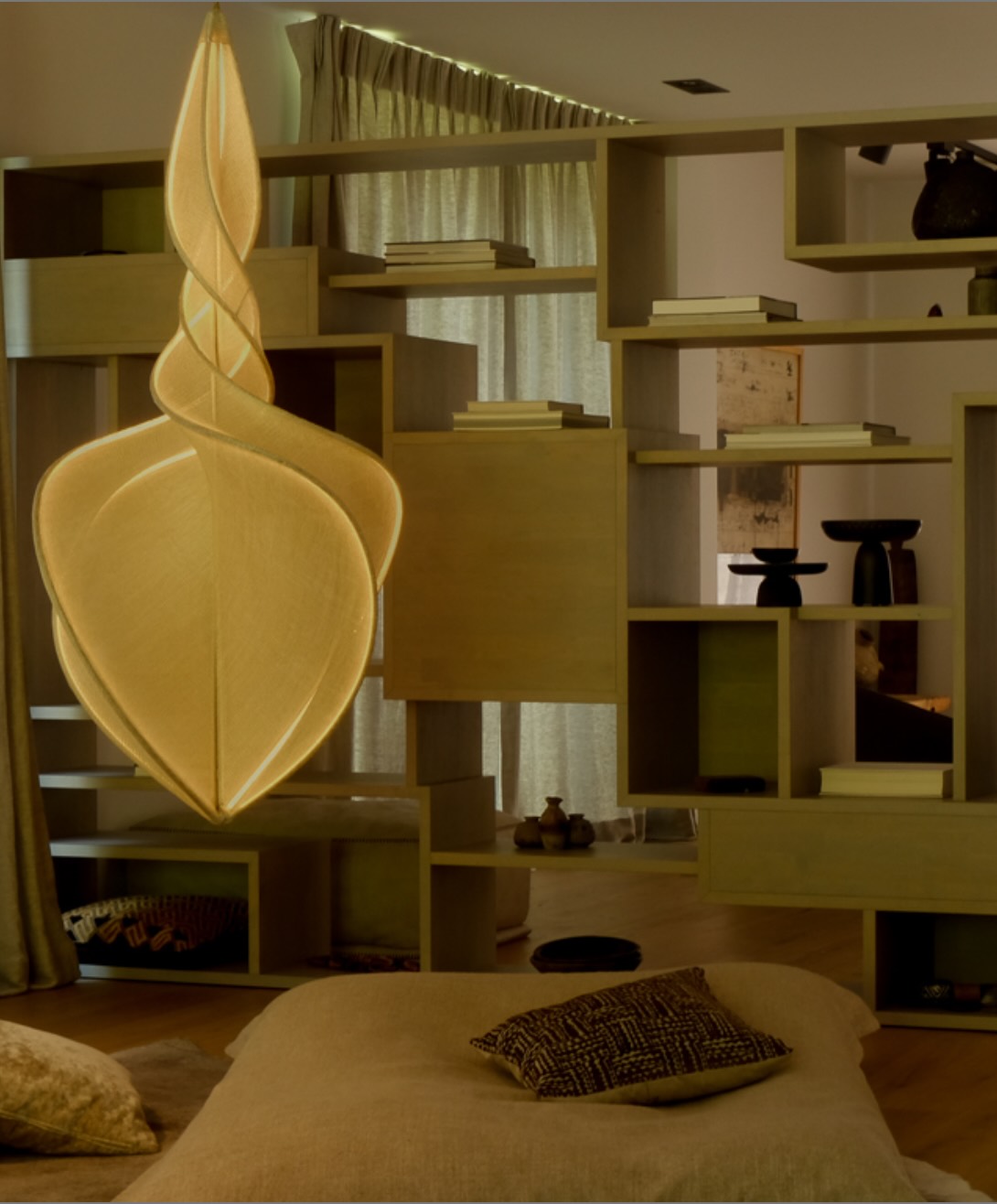
Explanation of fabric and light 2
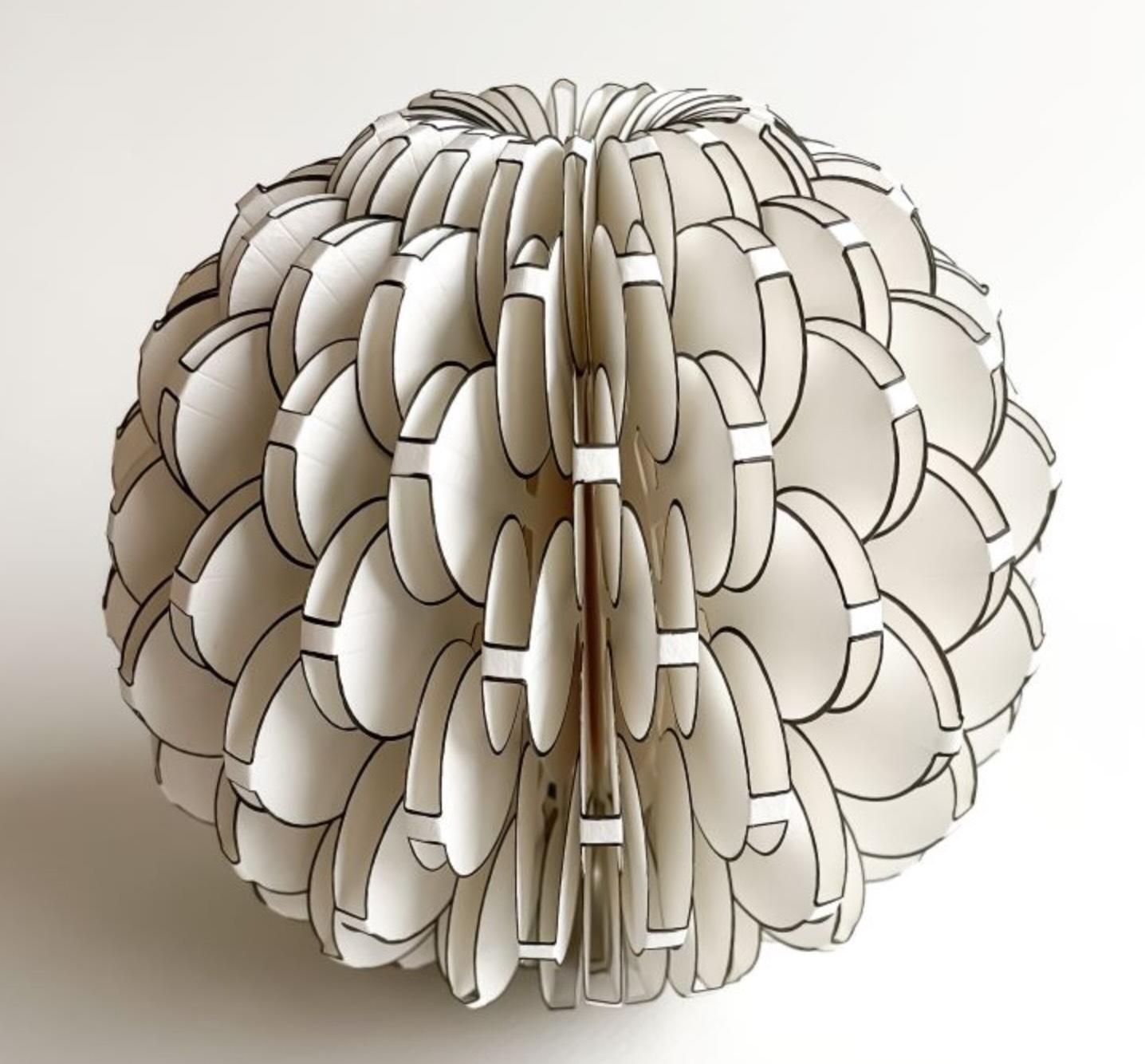
Another amazing image of what inspires me, from Maria Kerrn 3. The image shows no light, but that is what opens possibilites for me:
3. Tools
Tinkercad
Sunfounder
Arduino UNO
Image converter in Mac
JPEG Compressor
4. Process and workflow
I need to accept that this week has been a huge challenge for several reasons:
- This is my first time dealing with electronics and I am very insecure about what I´m doing. If something is not working, I immediately think it is because of me and not about bad connections (also about me).
- I had to work on real DESIGN logic: what goes first ... the purpose / end use of something? the sketch/drawing? the circuit? the LED?
- Electronics is messy and in my messy brain everything gets confusing: cables, copper tape, small dimensions, more cables, everything moves around.
- I had a FULL family week. My kids (in their 30´s) who do not live with us came to visit and I had to set up my priorities (Family).
- It is our wedding anniversary and we had planned a trip to Puerto Vallarta (as of TODAY), so I´m trying to catch up with my "lost" week here at the beach facing not being able to work on the lab.
- I am plannig to recovering time/progress when we come back.
4.1 In the LAB - Coworking
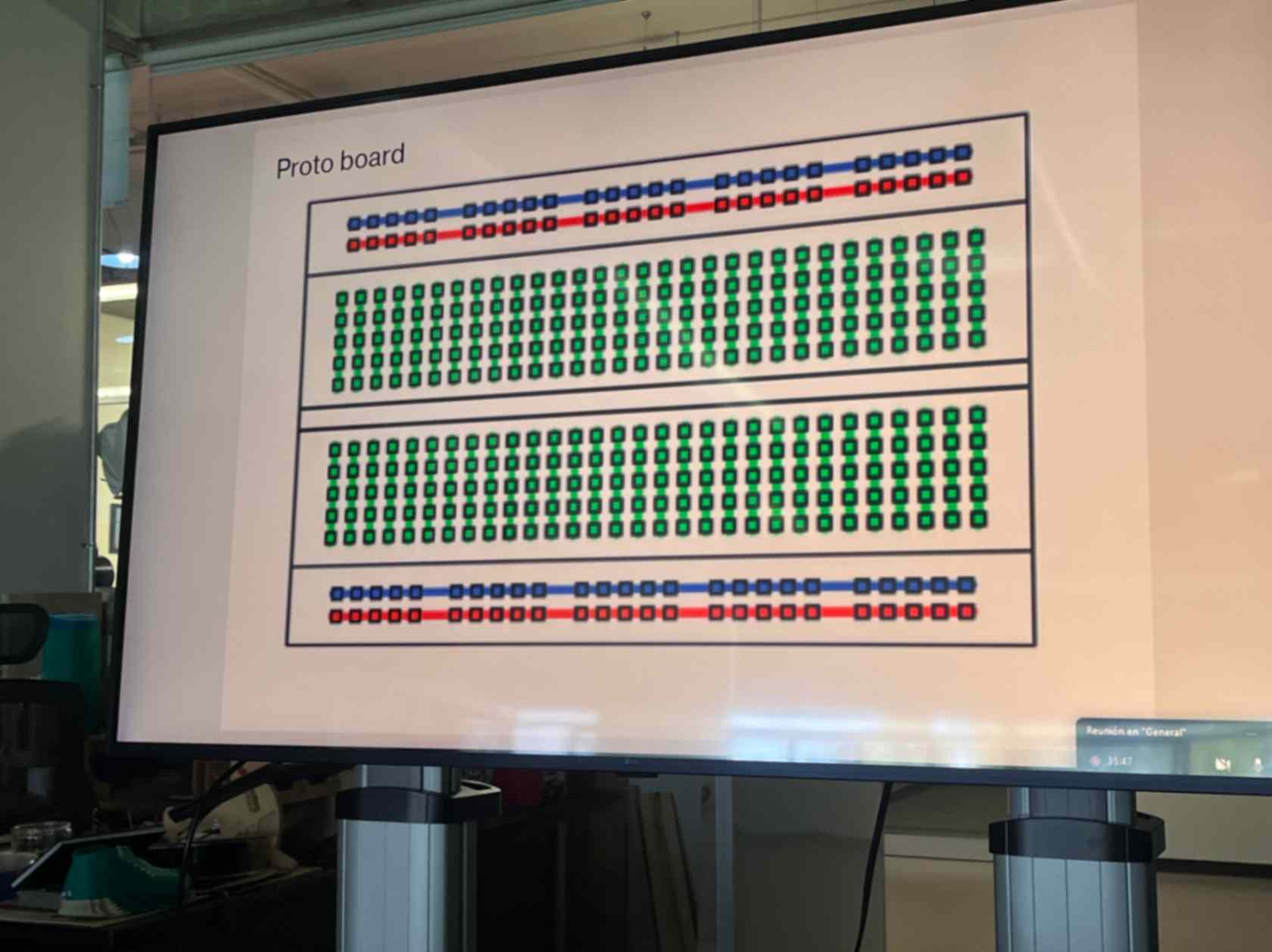
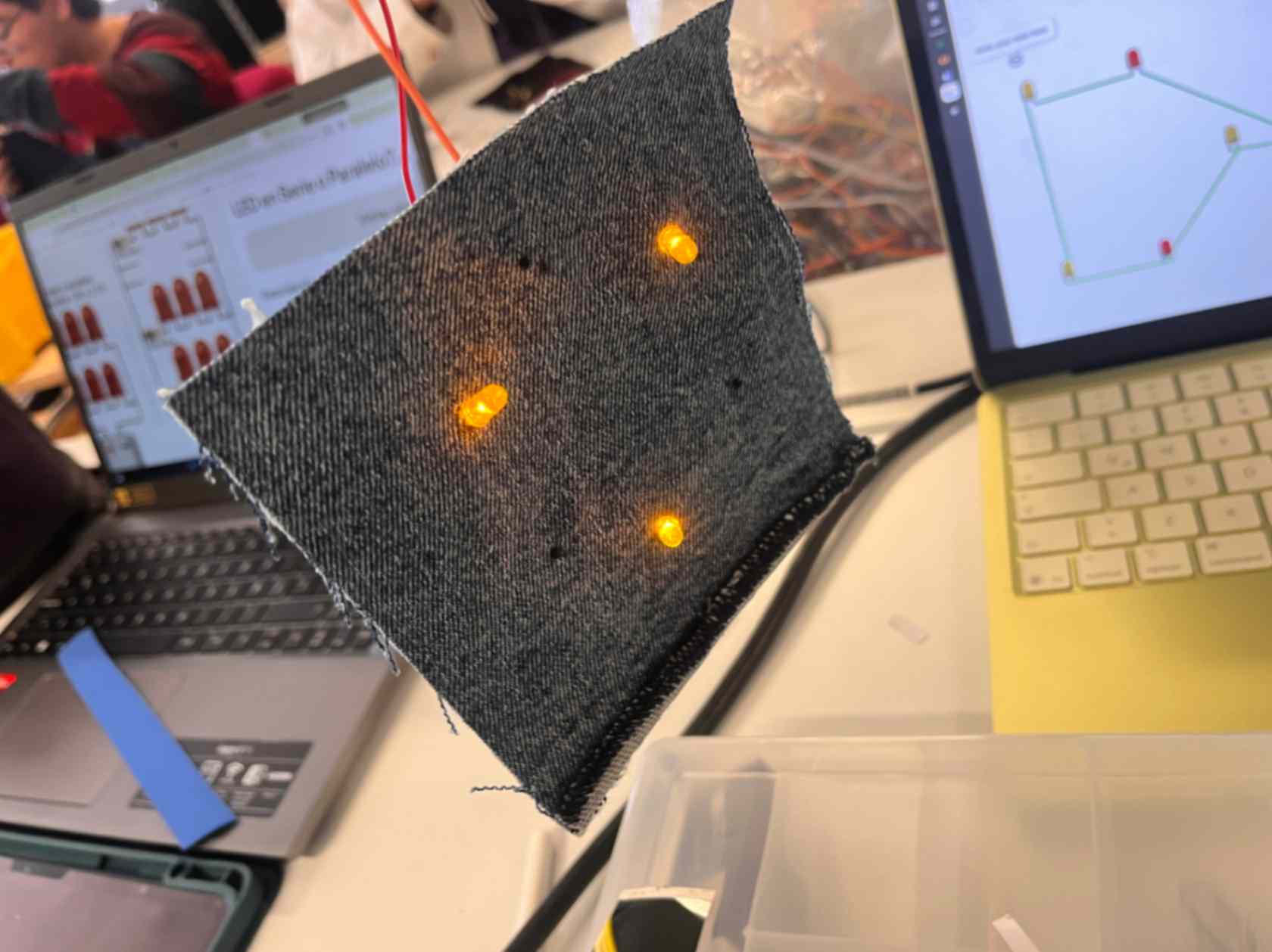
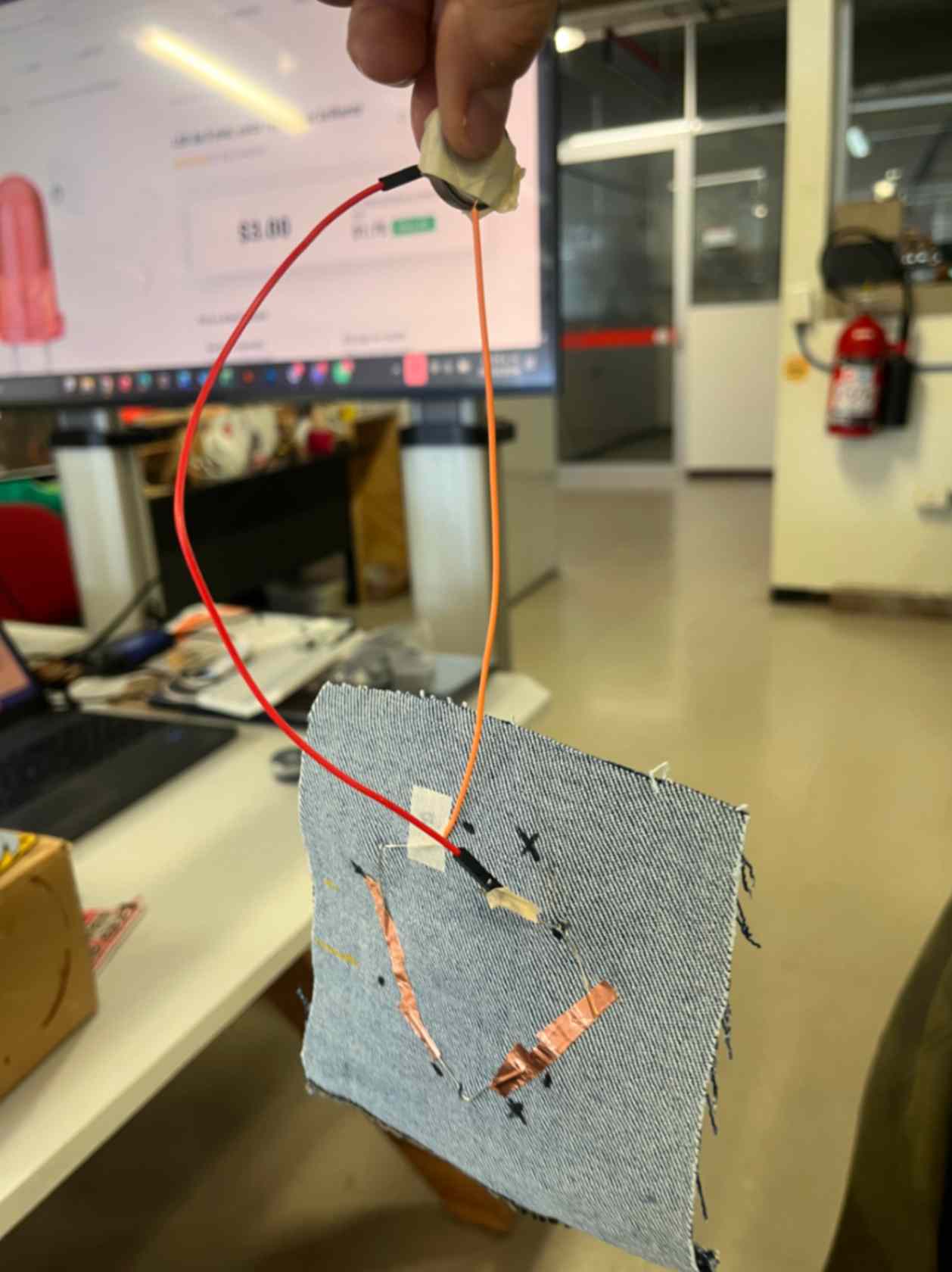
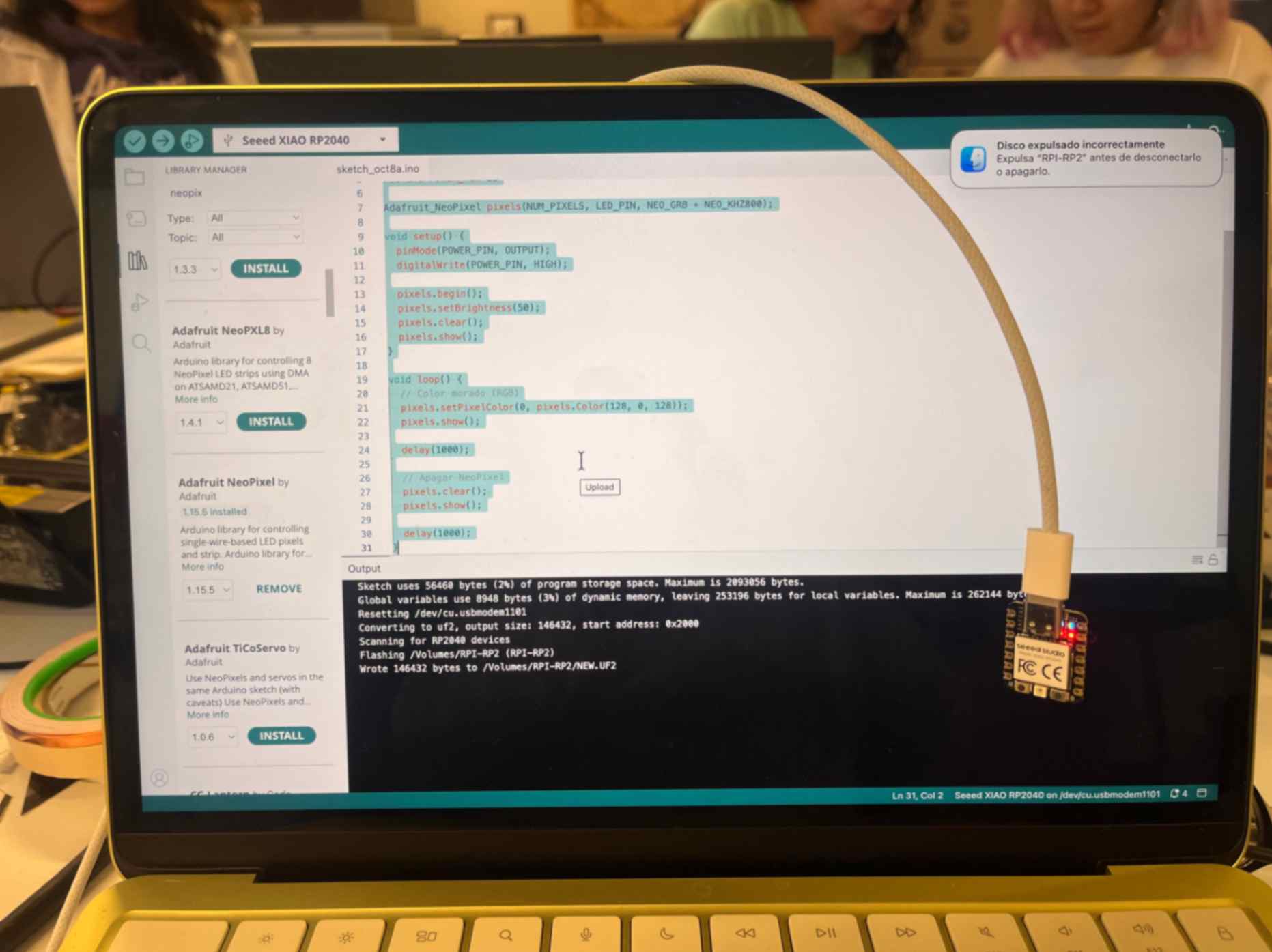
My first Arduino analog code:
4.2 Being corageous
4.3 Real me:
I got a complete Arduino pack as a Wedding Anniversary gift from my husband and it made me VERY HAPPY :)
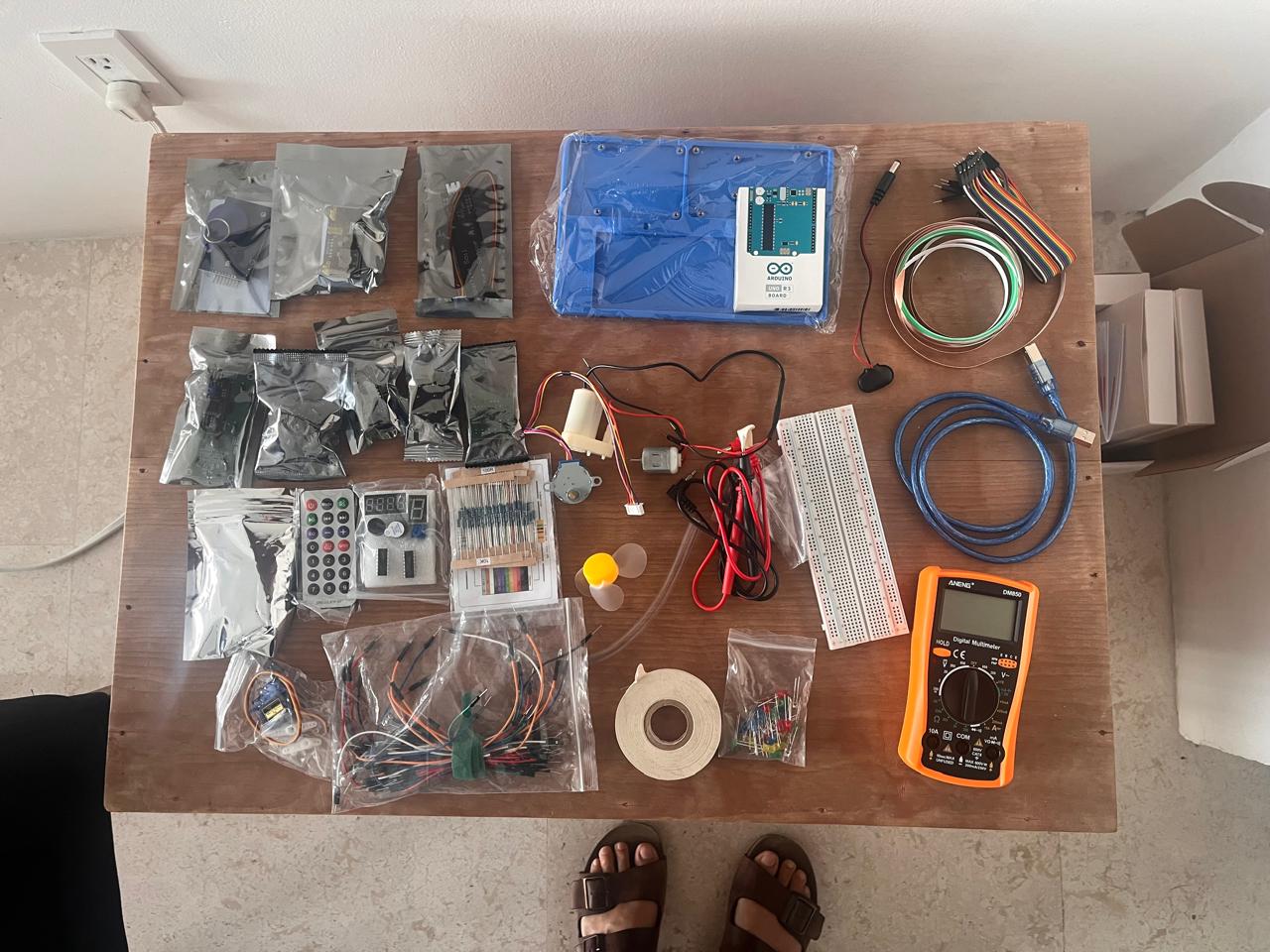
So, with still limited resource by not being in the lab, this is what I got:
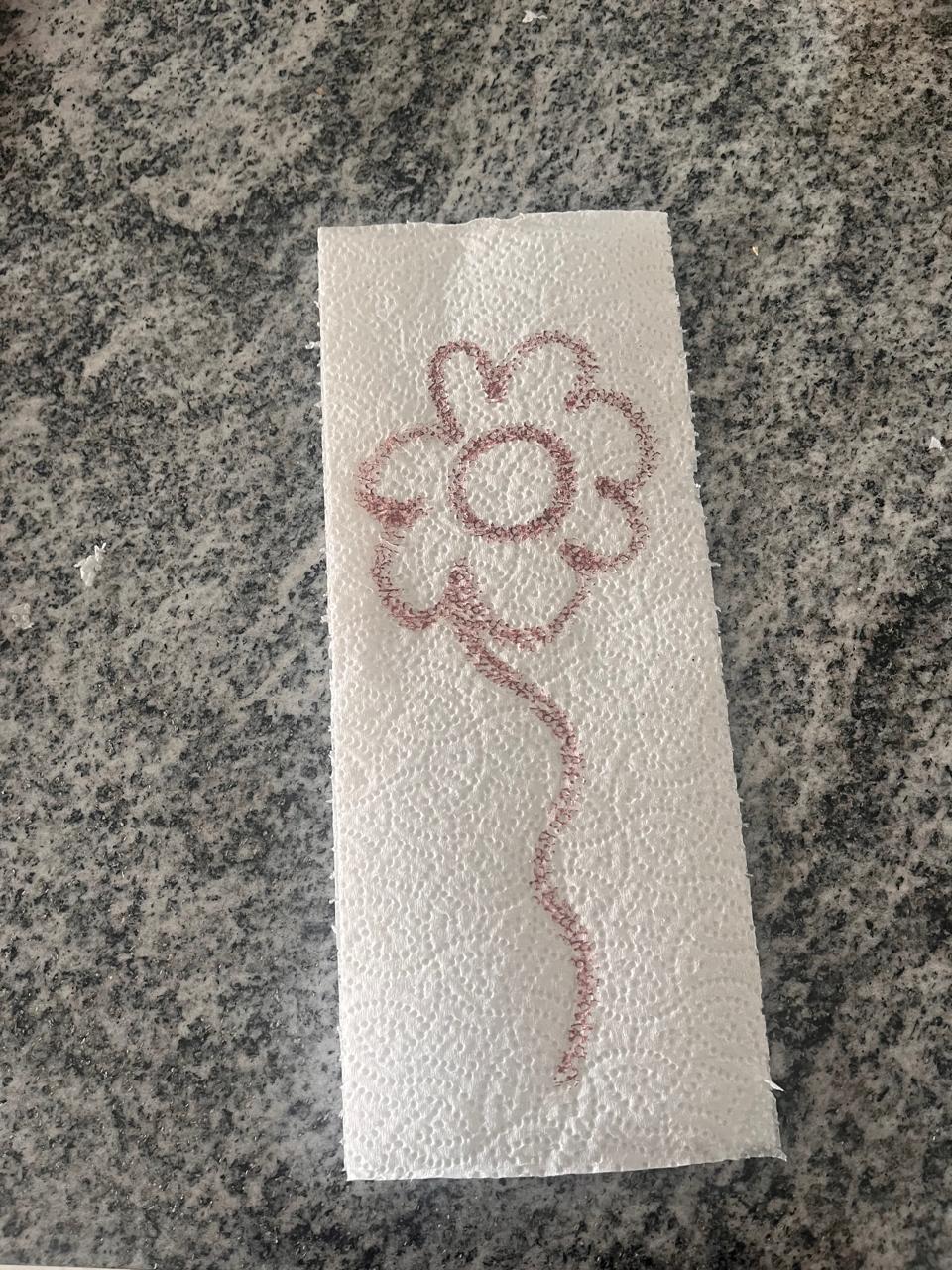
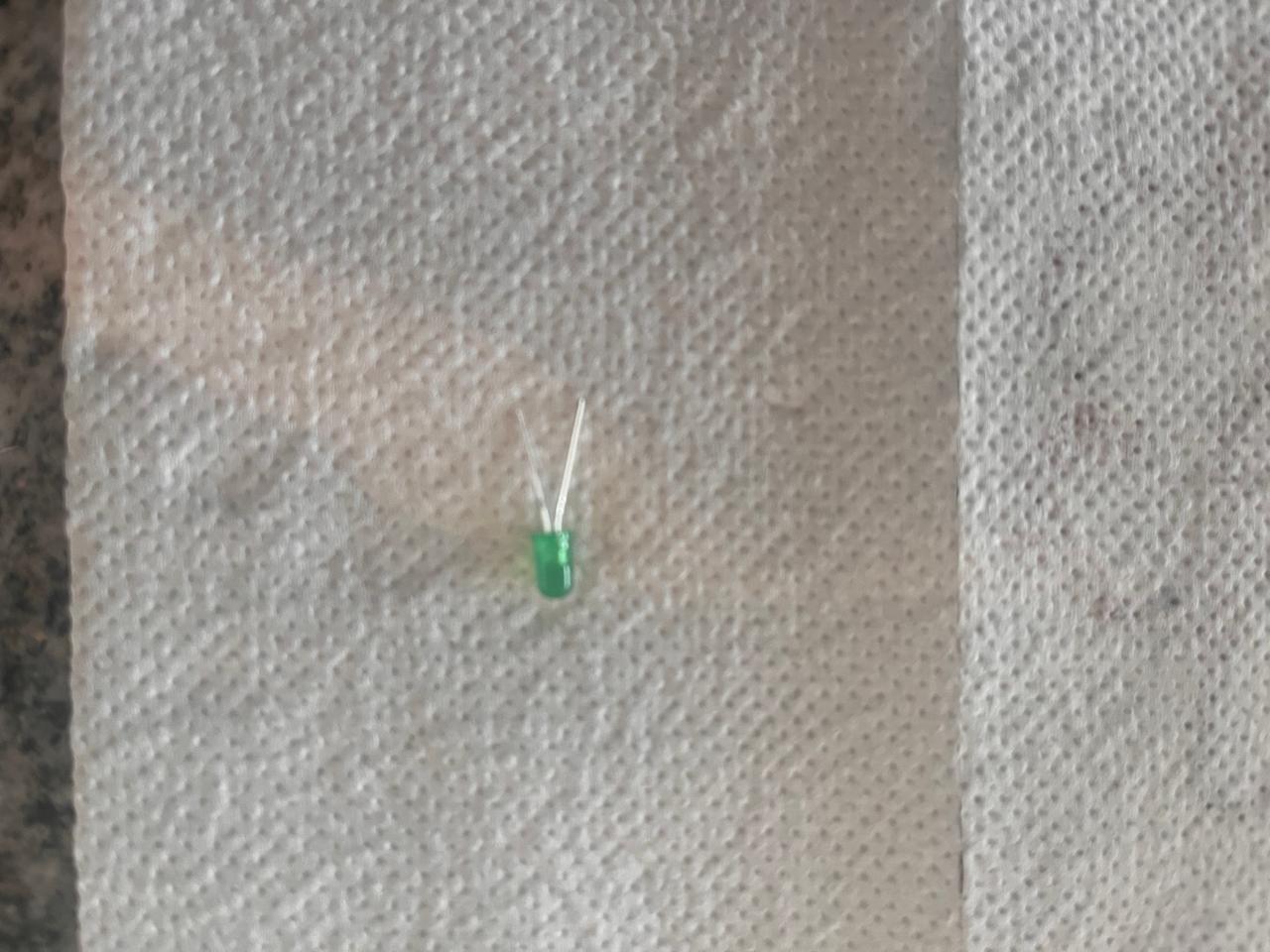
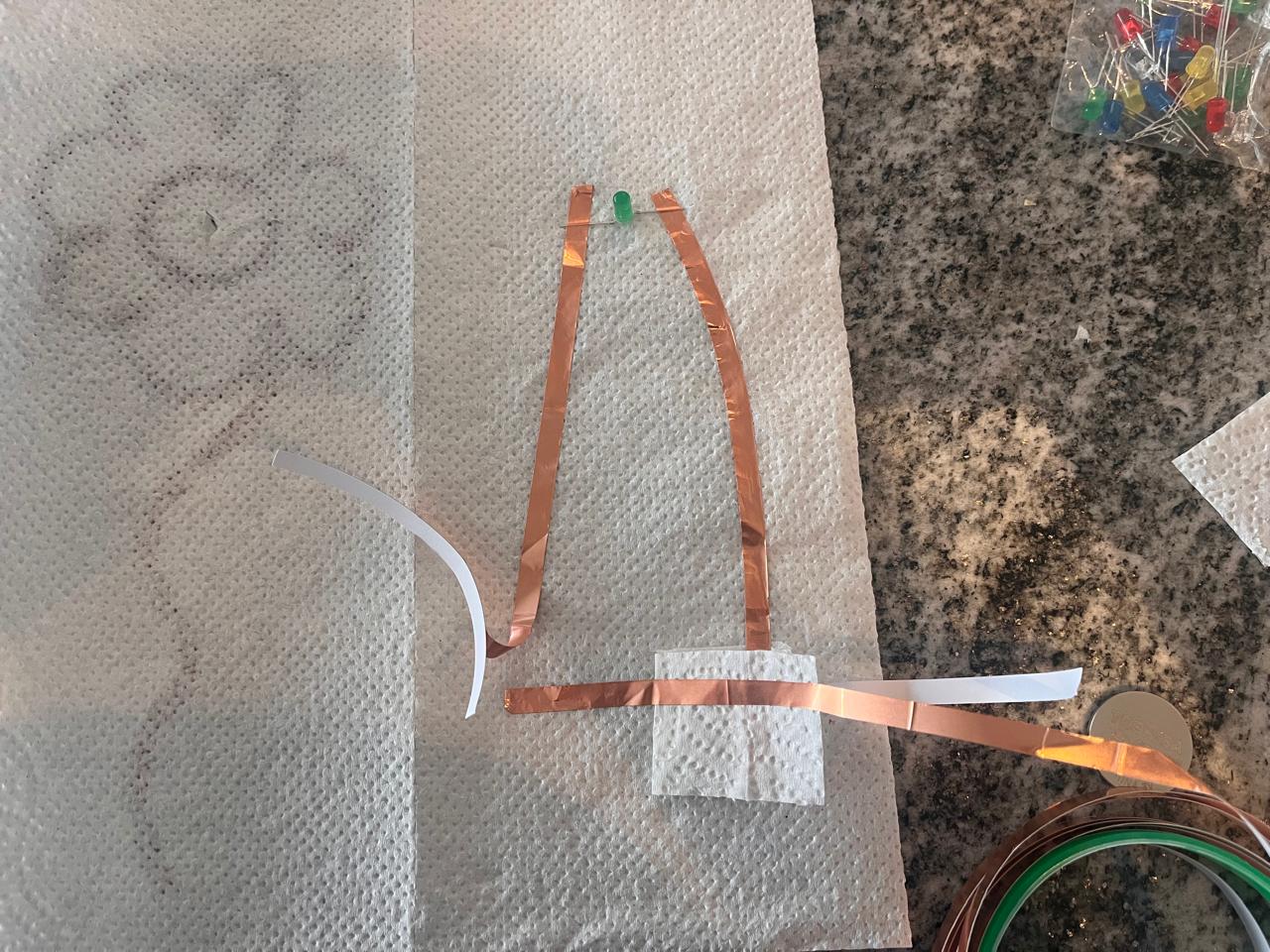
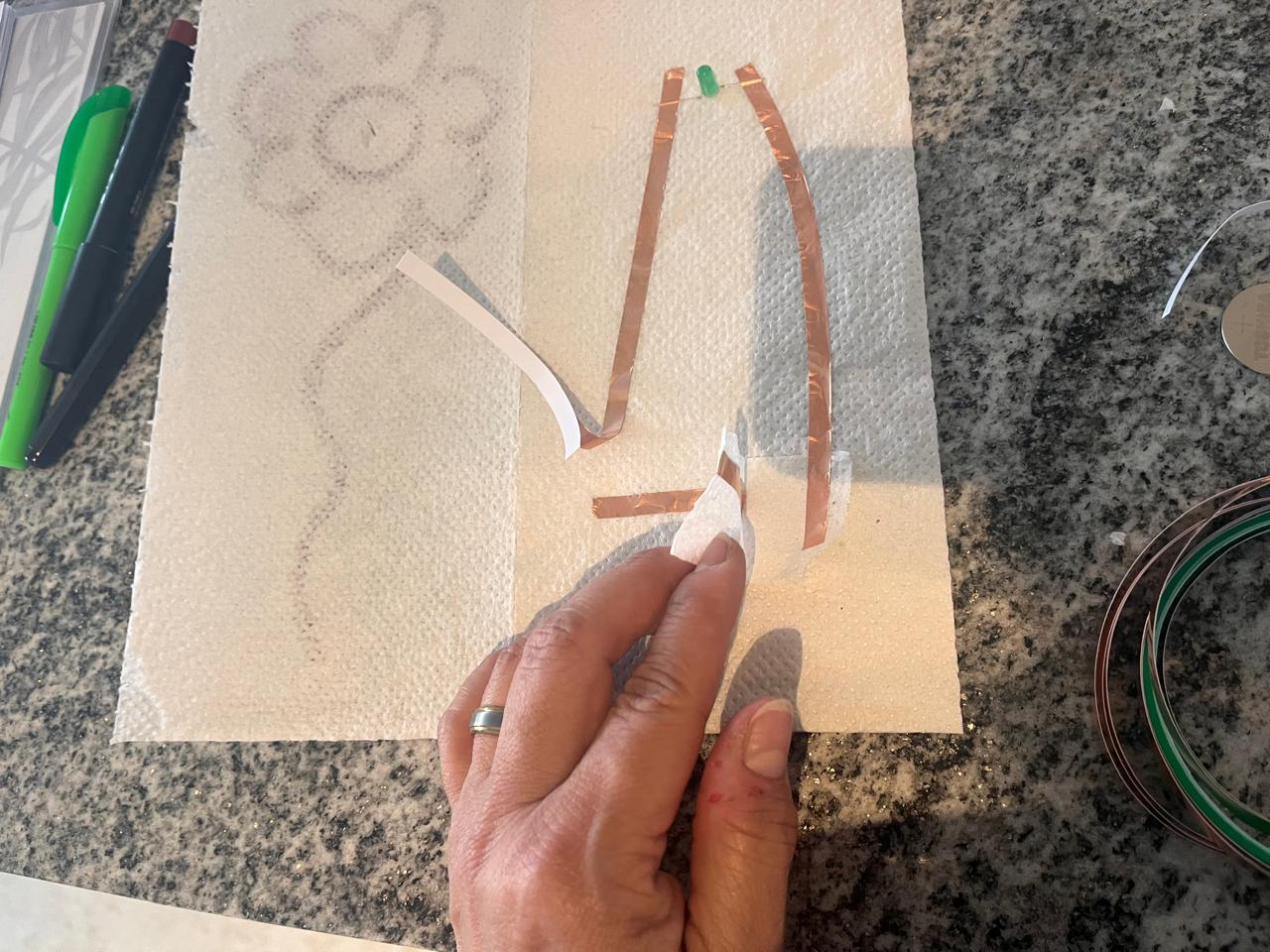
So, I found out I did not need a pressure sensor to make this work. Connecting the two copper tapes together was enough to create the full circuit. Of course this is a digital circuit.
4.4 Trying a new level
I struggle thinking on what to do because I discovered I am worried about the functionality and aesthetics. I start with a concept in my mind and when I start working on the mechanical part, the jammers, tape, resistors for me they are noisy and look bad. So I don´t know how to integrate both parts together: concept + mechanics.
So I decided for the following method of working:
- Deciding on a concept of a product.
- Sketching it out.
- Describing how it should work.
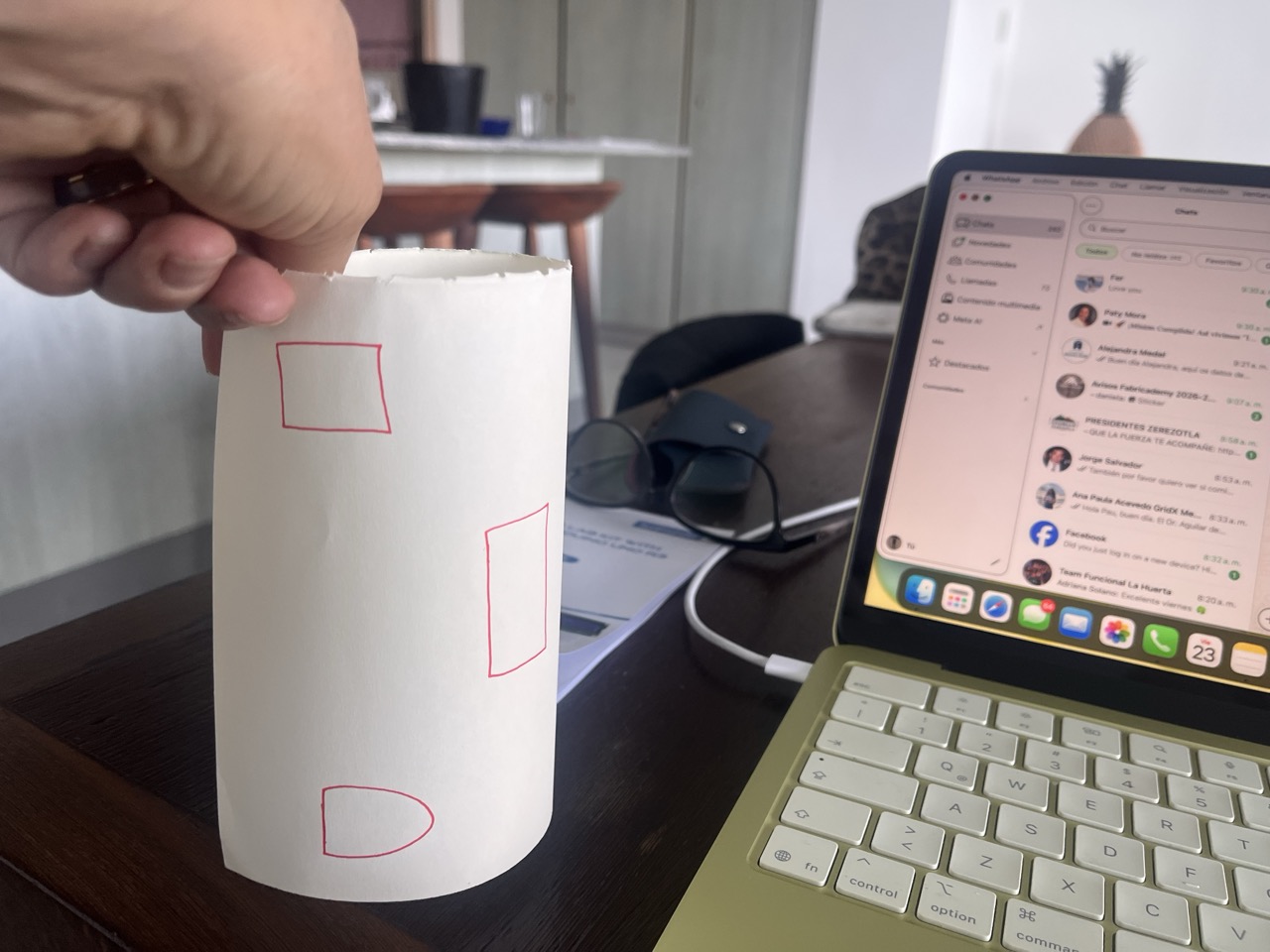
- Think flat and then conceptualizing it´s 3D shape.
- Desing the circuit(s): serial? parallel? to the breadboard? which input mechanism? what will the source be? Can it be inside? Does it have to go outside? How do I hide the cables?
- Trying it out.
- Do not change idea.
- Test it.
So here are the visuals of my process:
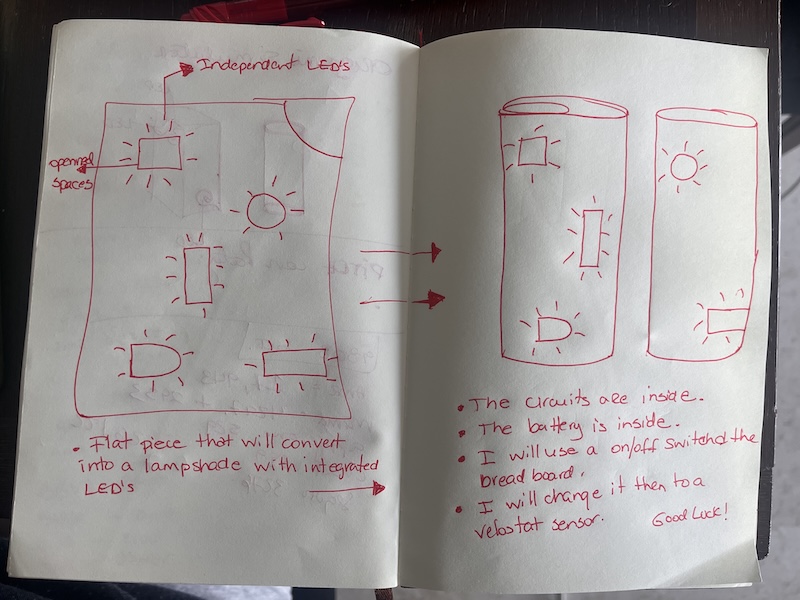
4.5 Step 1. Concept of the lamp I want

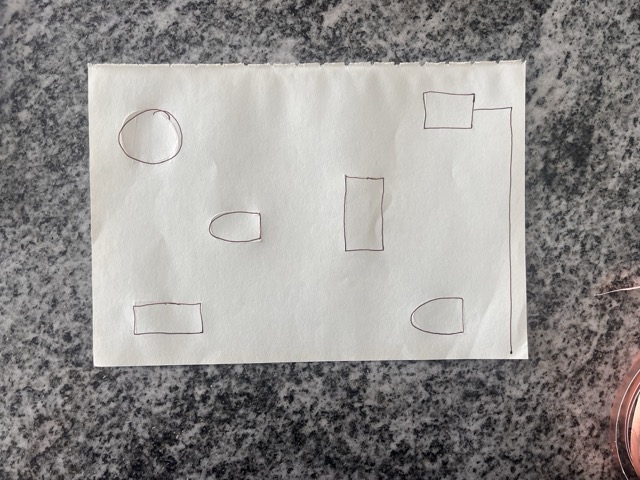
4.6 Step 2. Sketching & How it will work
- The lamp will be circular with LED in each hole. I can cover each hole with a transparent fabric/plastic.
4.7 Step 3.
- Do not change plans, stick to it.
4.8 Step 4. Designing the circuit
- Flip it over
- Draw the circuit: where do I have to put the jammers? in which direction should they run? do I need to connect each hole? Is this a parallel circuit? serial? how am I going to glue the jammers and the resistors?
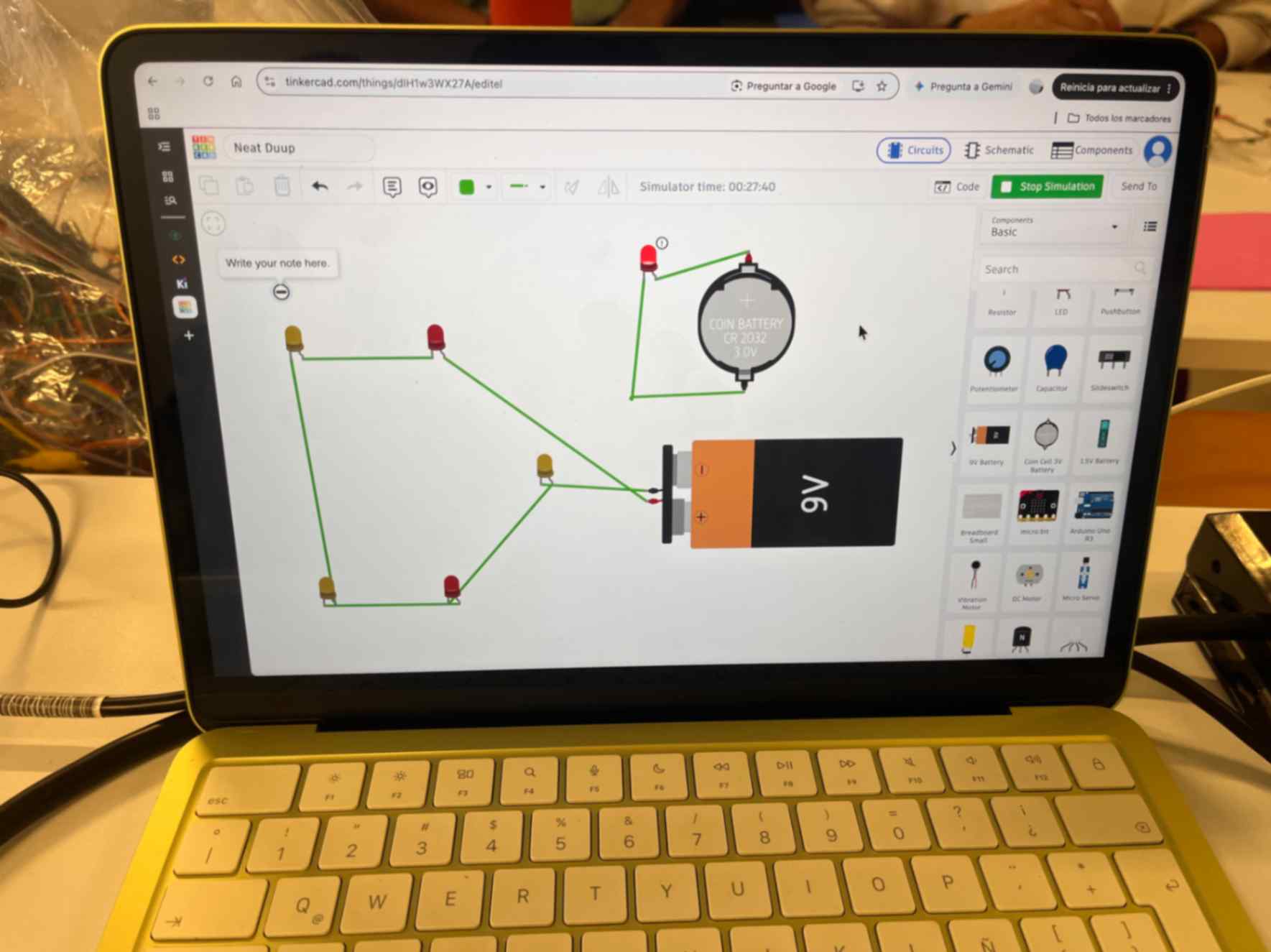
4.9 Step 5. Design the circuit in Tinkercard
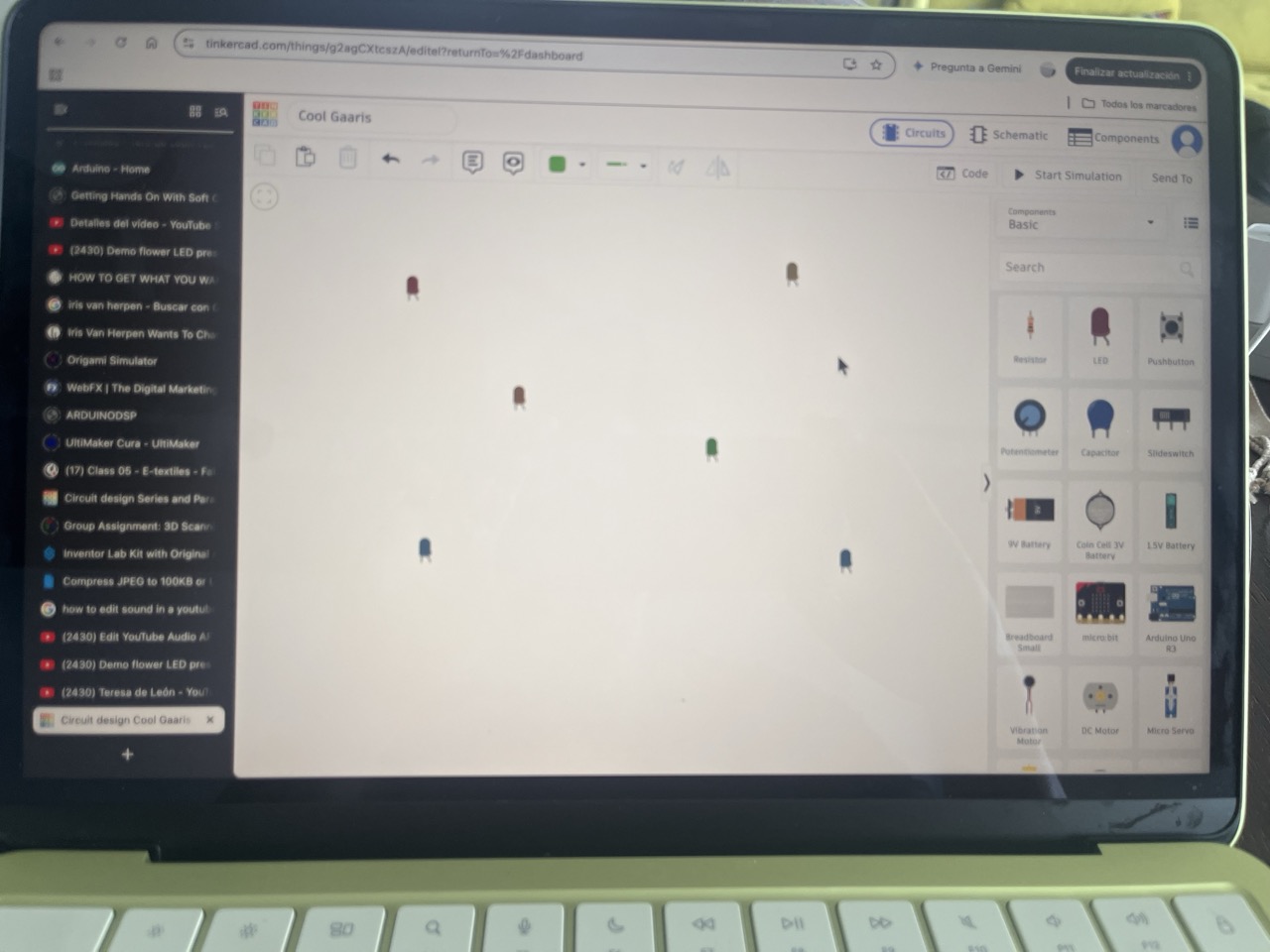
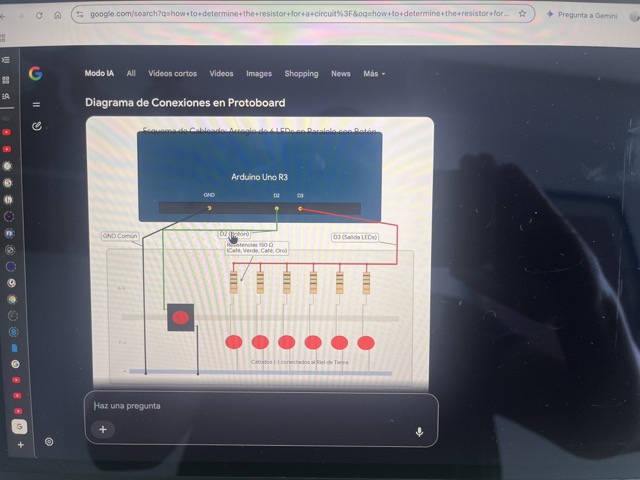
4.10 Step 6. Asking Gemini for a lay out suggestion**

4.11 Step 7. Doing my own layout and simulation in Tinkercard**

MESSY
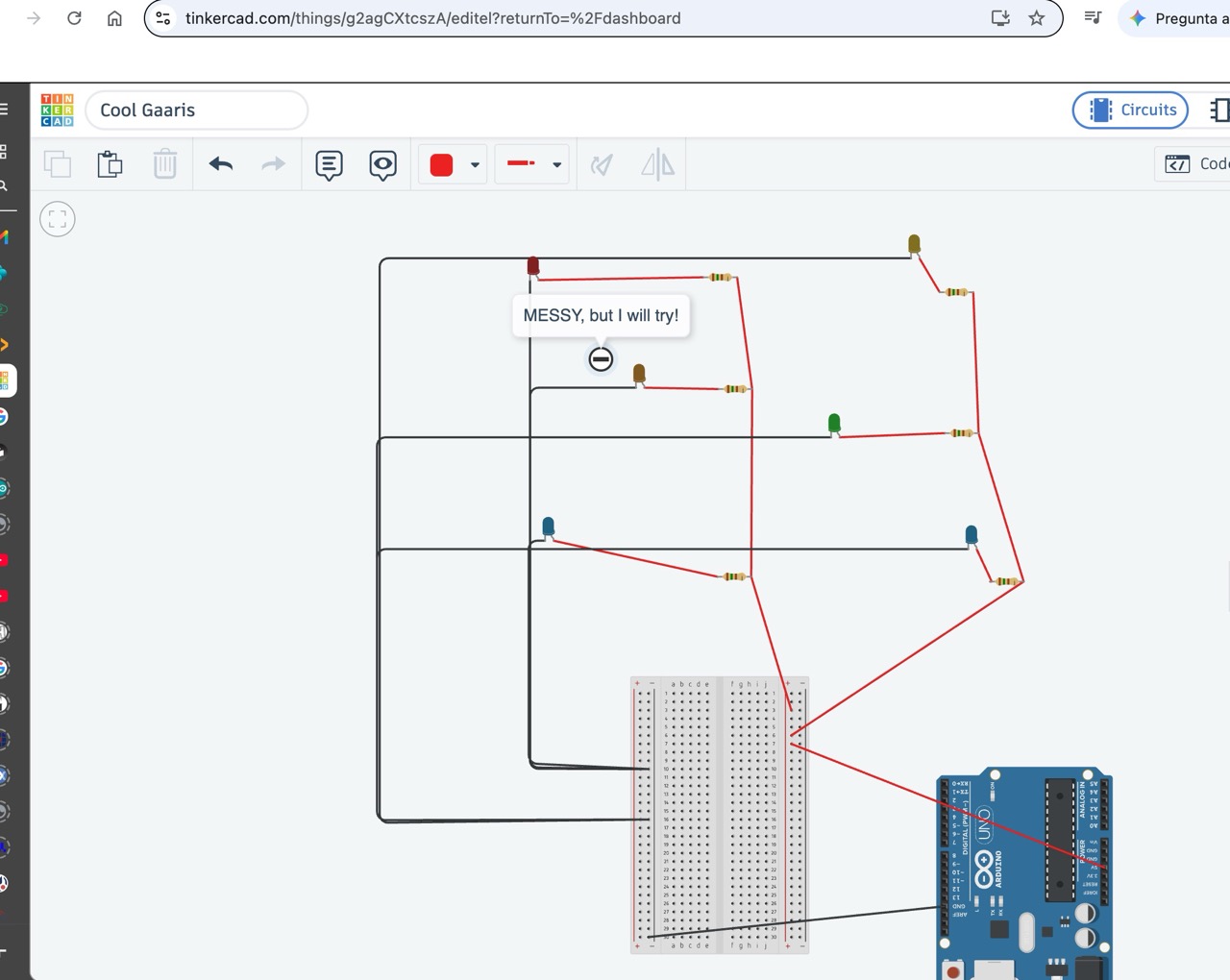
I made several simulations and opted for a resistance of 220 ohms and worked.
5. Construction and Results
With limited resources I used the same piece of paper that I used for sketching. Draw the circuit on the back of it and started pasting the copper tape and the LED´s.
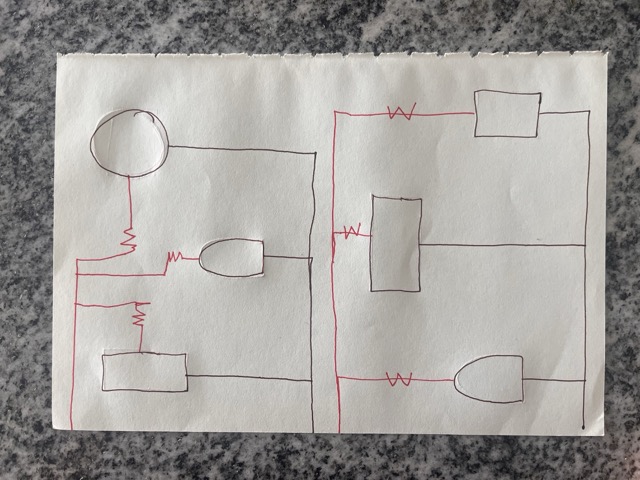
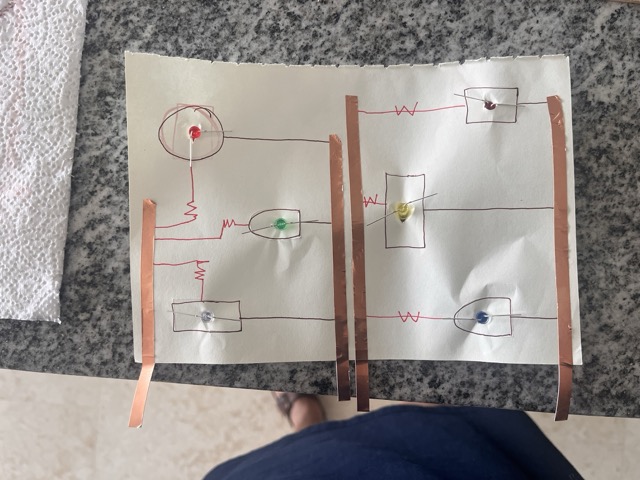
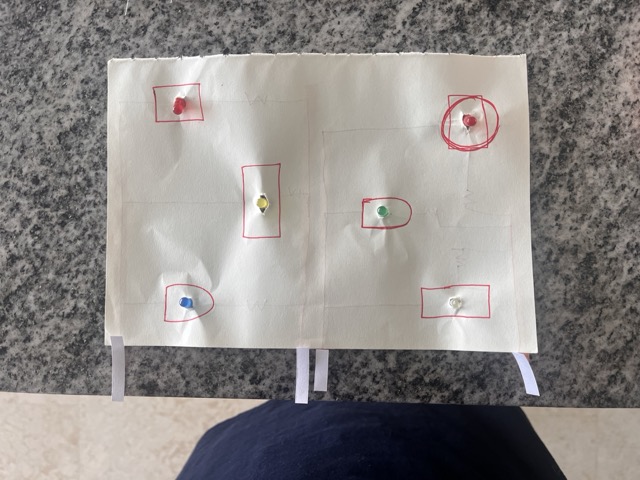
Adding resistors was going to be a great (messy) challenge! So, not having the right tools to do this properly right now, I made a final construction step on the breadboard:
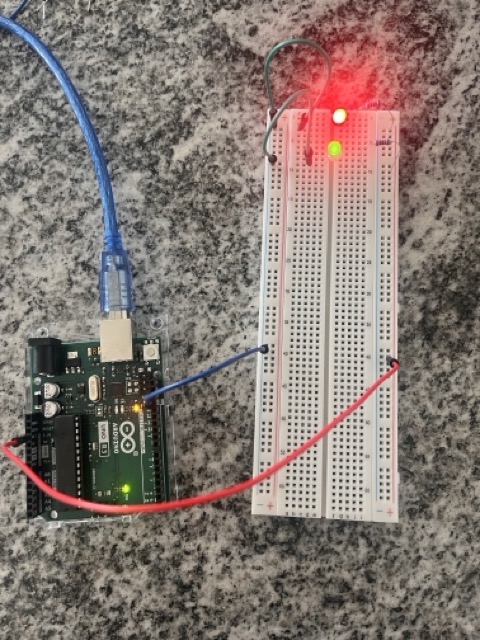
It worked. I will finish my assignment when I get back to the lab where I can use a real (and bigger) piece of fabric and the solder.
6. Code
No coding yet.
Next step: work on an analog programming with the on/off switch and other input sensor from my Andruino pack.
7. Weekly reflection & critical thinking
- I am learning about programming also finding out that there are many resources out there that are very helpful: Tinkercad, AI, YouTube.
- I have a lot to work on my confidence.
- I need to learn how to avoid the "messy" part of the construction: the pieces are too tiny and many cables going back and forth.
- I need to have full time for my assignments. The last and this weeks are full of personal committments.
- I struggle thinking in fashion, I need to focus on utilitary objects like my goal: lights.
7. Fabrication files & References
Sparfun Education
Sparkfun Learn
Sparfun Education
Arduino Official Documentation
Arduino Language Reference