E-textiles
Introduction
This week, we were introduced to e-textiles and the basics of electronics. We explored how circuits work, how to represent them through schematics, and the difference between series and parallel connections. We also worked with Arduino and created an analog sensor using a XIAO microcontroller.
What interests me about this topic is the possibility of connecting physical interaction with light. A textile can become more than a surface: it can act as an input, allowing touch, pressure, or movement to influence an electronic response. This connects to my interest in lighting design and the relationship between an object and the person interacting with it.
Weekly assignment
- Create one digital soft switch.
- Create one analog soft sensor.
- Connect both inputs to a microcontroller and read their values in the Serial Monitor. 4.Use either input to control an LED or mini vibration motor. 5.Optional extension: integrate an input and output into a textile swatch using hard–soft connections.
The analog sensor tutorial is part of my learning process. The following sections distinguish this experiment from the individual samples and tests required for the assignment.
Research, inspiration & Documentation References
Research & inspiration:
Documentation References:
I looked at previous students’ documentation to understand how to communicate the relationship between a textile sample, its circuit, its code, and its response.
Naim Al-Haj Ali E-textiles, 2025: particularly helpful for separating material exploration, construction, multimeter debugging, and analog and digital readings.
Julija Karas E-textiles, 2024: an additional reference for documenting circuit sketches, class experiments, and sensor prototypes.
These pages inform the structure of my documentation. My sample materials, wiring, code, and observations will be documented from my own experiments.
Understanding the basics
What are e-textiles?
E-textiles combine textiles with electrical functionality. Conductive threads or fabrics can form electrical paths, while switches and sensors allow the material to respond to interaction. A microcontroller can read these inputs and control an output such as an LED.
What is a circuit?
A circuit provides a path for electrical current. In a simple powered circuit, current passes through the intended components and returns to the power source.
| Term | Meaning |
|---|---|
| Voltage, V | Electrical potential difference between two points |
| Current, A | Flow of electric charge |
| Resistance, Ω | Opposition to current flow |
| Conductor | Material that allows current to pass |
| Insulator | Material used to keep conductive paths electrically separate |
| Open circuit | An interrupted path |
| Short circuit | An unintended low-resistance path that bypasses the intended circuit |
| GND | The circuit’s reference connection |

Open Cricuit
Closed Cricuit
Series and parallel circuits
In a series circuit, components are connected along one path. The same current passes through them, while the voltage is divided between them.
In a parallel circuit, components form separate branches connected between the same two points. The voltage across each branch is the same, while the total current divides between the branches.
For parallel LED branches, each LED branch needs its own suitable current-limiting resistor. Two LEDs in series require enough supply voltage for their combined forward voltages and the resistor.
Series: one path
Parallel: separate branches
Schematics and construction drawings
A schematic shows electrical connections using symbols. A construction drawing shows the physical arrangement of materials, including layers, stitching, insulation, and connection points. I will include both so the electrical logic and the textile assembly can be understood together.
Tools, materials, and software
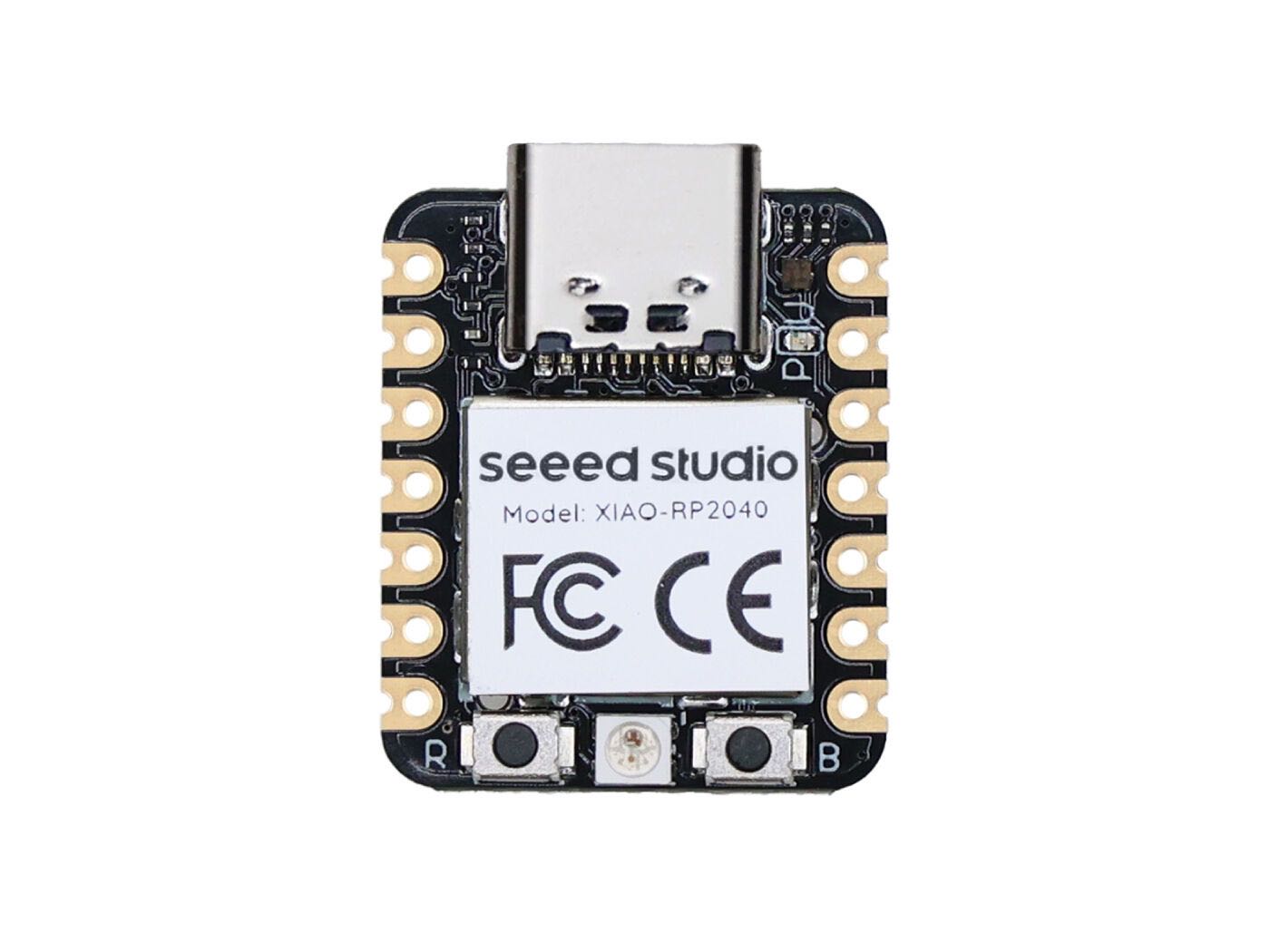
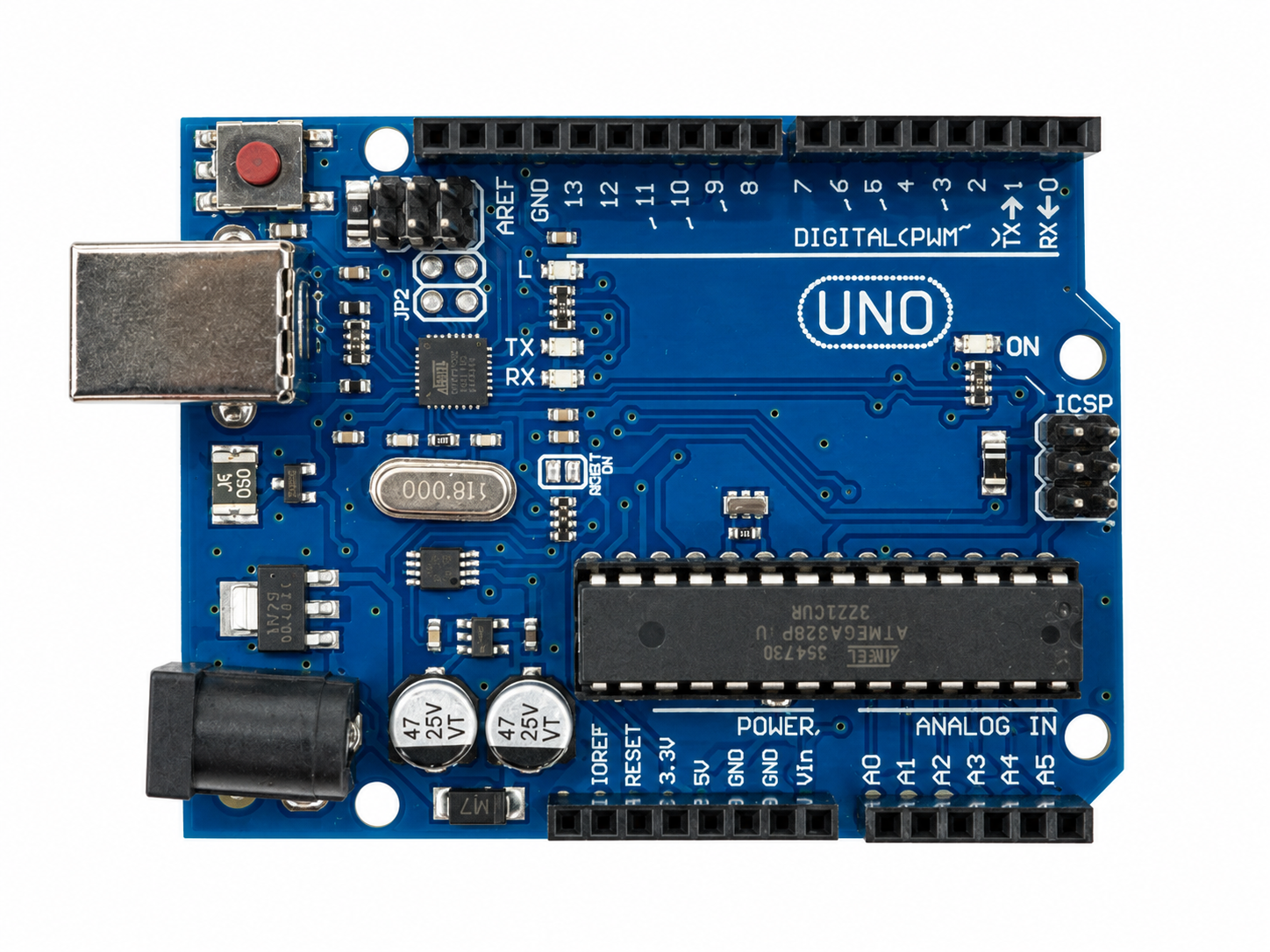
Used during our learning sessions - XIAO microcontroller | Seeed Studio XIAO RP2040. - Arduino board | UNO R3 - Arduino IDE | software for writing and uploading programs. - Materials and components for the analog sensor | list to add.

5.1 Code
Use the three backticks to separate code.
// the setup function runs once when you press reset or power the board
void setup() {
  // initialize digital pin LED_BUILTIN as an output.
  pinMode(LED_BUILTIN, OUTPUT);
}

// the loop function runs over and over again forever
void loop() {
  digitalWrite(LED_BUILTIN, HIGH);   // turn the LED on (HIGH is the voltage level)
  delay(1000);                       // wait for a second
  digitalWrite(LED_BUILTIN, LOW);    // turn the LED off by making the voltage LOW
  delay(1000);                       // wait for a second
}

// the setup function runs once when you press reset or power the board
void setup() {
  // initialize digital pin LED_BUILTIN as an output.
  pinMode(LED_BUILTIN, OUTPUT);
}

// the loop function runs over and over again forever
void loop() {
  digitalWrite(LED_BUILTIN, HIGH);   // turn the LED on (HIGH is the voltage level)
  delay(1000);                       // wait for a second
  digitalWrite(LED_BUILTIN, LOW);    // turn the LED off by making the voltage LOW
  delay(1000);                       // wait for a second
}
6. Weekly reflection & critical thinking
- What did I learn? What did I personally find interesting or surprised me?
- What would I do differently? If something "failed" do I know how else to tackle it now?"
- How does this connect to my final project or my learning trajectory?
- What are implications and possible applications, think also from the ethical or environmental aspect, how it could connect to your practice and project?
NuEval — final step
Go to NuEval and fill in the checklist, when not complete notify your instructor.
7. Fabrication files & References
-
File: Laser cut matrix ↩
-
Reference: Author; Title; Source; year ↩